'Unusual Sign-In' While on VPN? It's Normal
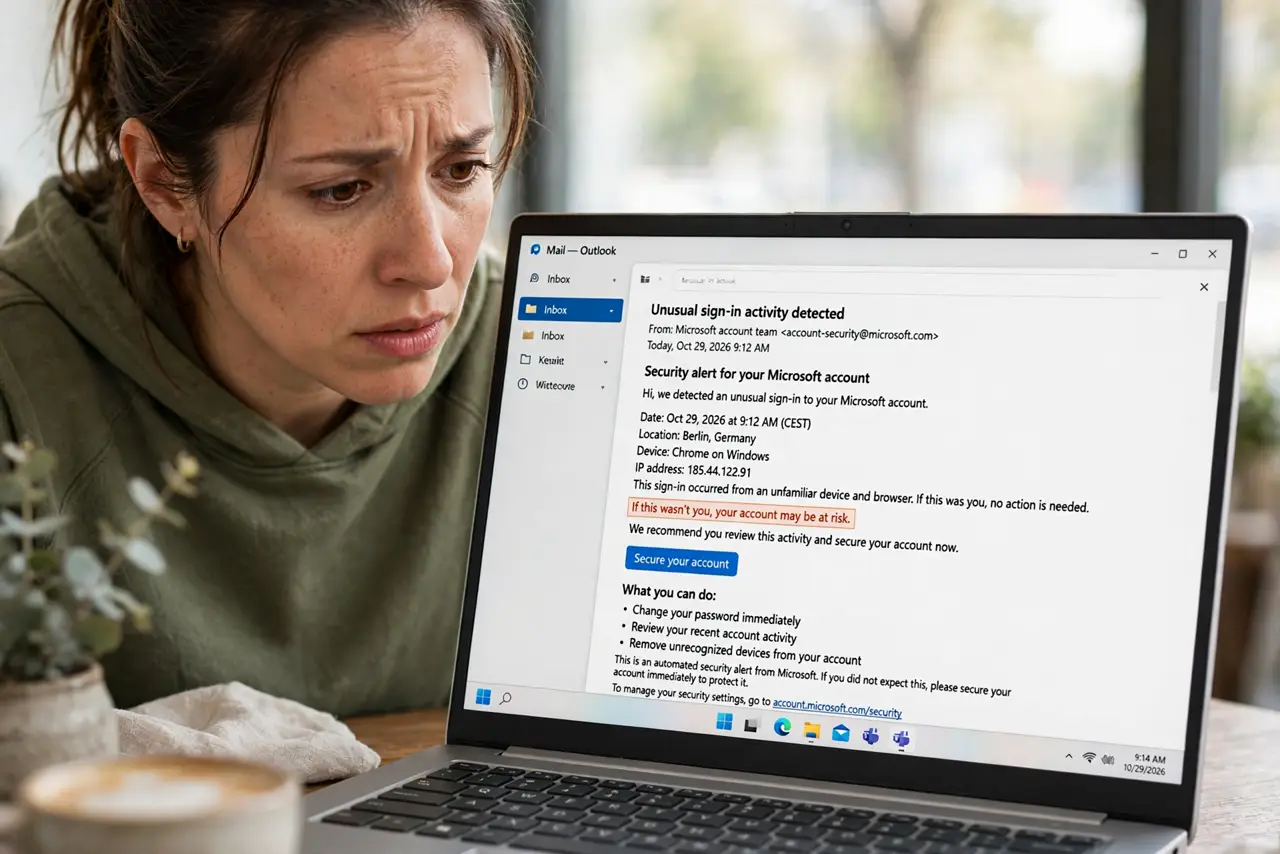
Your email warns about an unusual sign-in right after you connected to a VPN. That alert is doing its job — the VPN made you appear in another city or country. This guide explains why it happens and when to actually worry.
TL;DR / Quick Fix
Quick fix: if the alert's time matches when you turned on your VPN, it was certainly you — confirm it was you and carry on. Check the device and time; if neither matches your activity, change your password immediately. Using a VPN server close to home reduces these false alarms.
Follow these steps
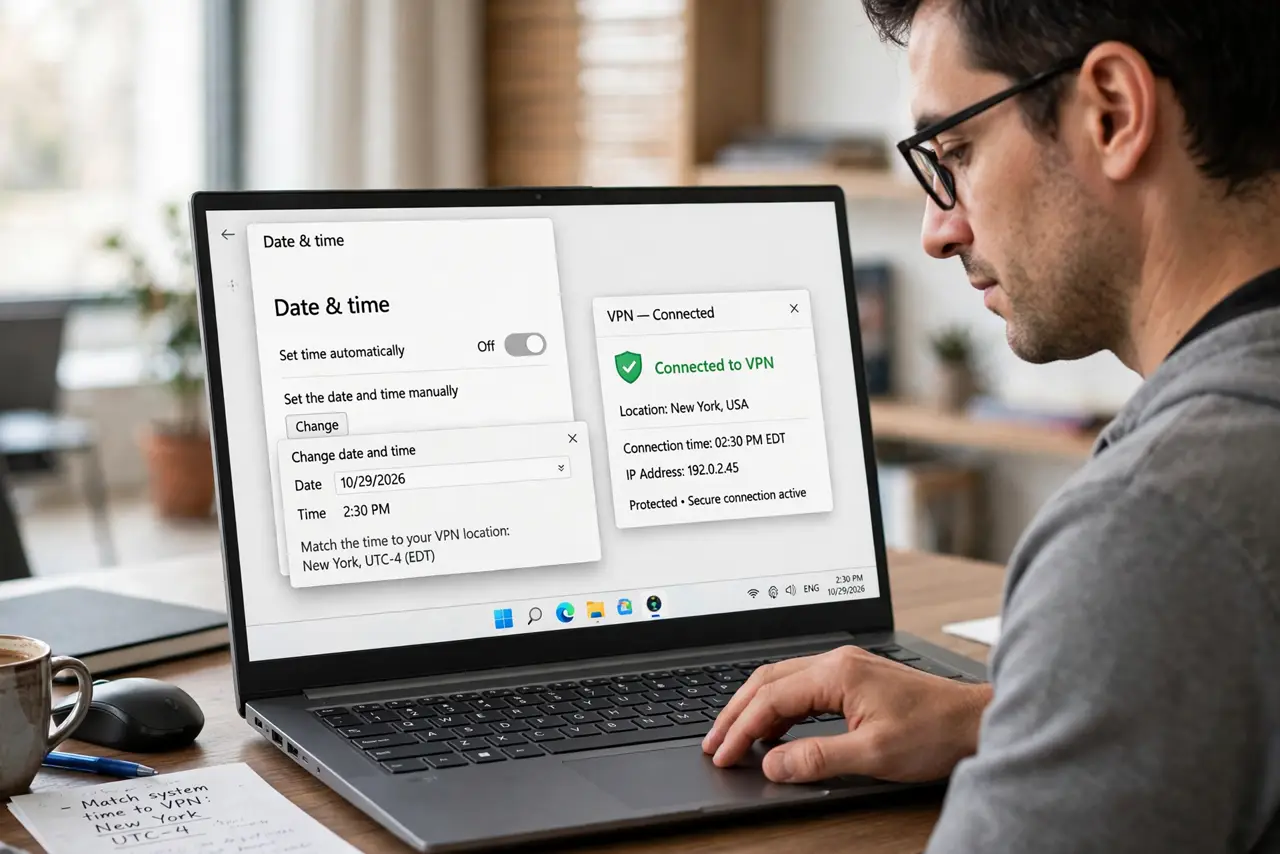
- Match the time to your VPN use. Check when the alert was sent and when you connected the VPN. If they line up within minutes, the alert is describing you.
- Check the device details. The alert shows a device type and rough location. Your phone on a VPN server in another state still shows as your phone — only the location looks odd.
- Confirm it was you. Use the 'Yes, this was me' option in the alert. This teaches the service your VPN pattern and reduces future false alarms.
- Pick a nearby VPN server. Connect to a server in your own city or country when you just want privacy. Nearby servers trigger far fewer alerts than distant ones.
- Treat mismatches as real threats. If the time or device does not match anything you did, change your password and turn on two-factor immediately. A real intruder looks exactly like a false alarm until you check.
- Review recent account activity. Open the account's security page and scan recent sign-ins. One odd entry among your VPN sessions is worth investigating; a clean list means you are fine.
What NOT to do
- Do not turn off security alerts because VPNs trigger them. The alerts are also what would warn you about a real intruder.
- Do not confirm 'this was me' on an alert you do not recognize. Only confirm sessions you can match to your own activity.
- Do not switch VPN servers every five minutes. Constant location-hopping looks exactly like suspicious behavior to security systems.
- Do not use a free VPN for sensitive accounts without understanding the trade-offs. See what the catch with free VPNs is before trusting one with your email.
Frequently asked questions
Why does my VPN trigger security alerts?
The VPN routes your traffic through another location, so the service sees a login from a city or country you never visit. Its fraud detection cannot tell it is still you.
Will I get locked out for using a VPN?
Rarely from one session. Repeated logins from rapidly changing countries can trigger temporary locks, so stick to one server per session.
Should I stop using a VPN with email?
No. Just use a nearby server and confirm the alerts that are yours. The privacy benefit is worth the occasional warning.