Stuck in 'Verify It's You'? Fix It
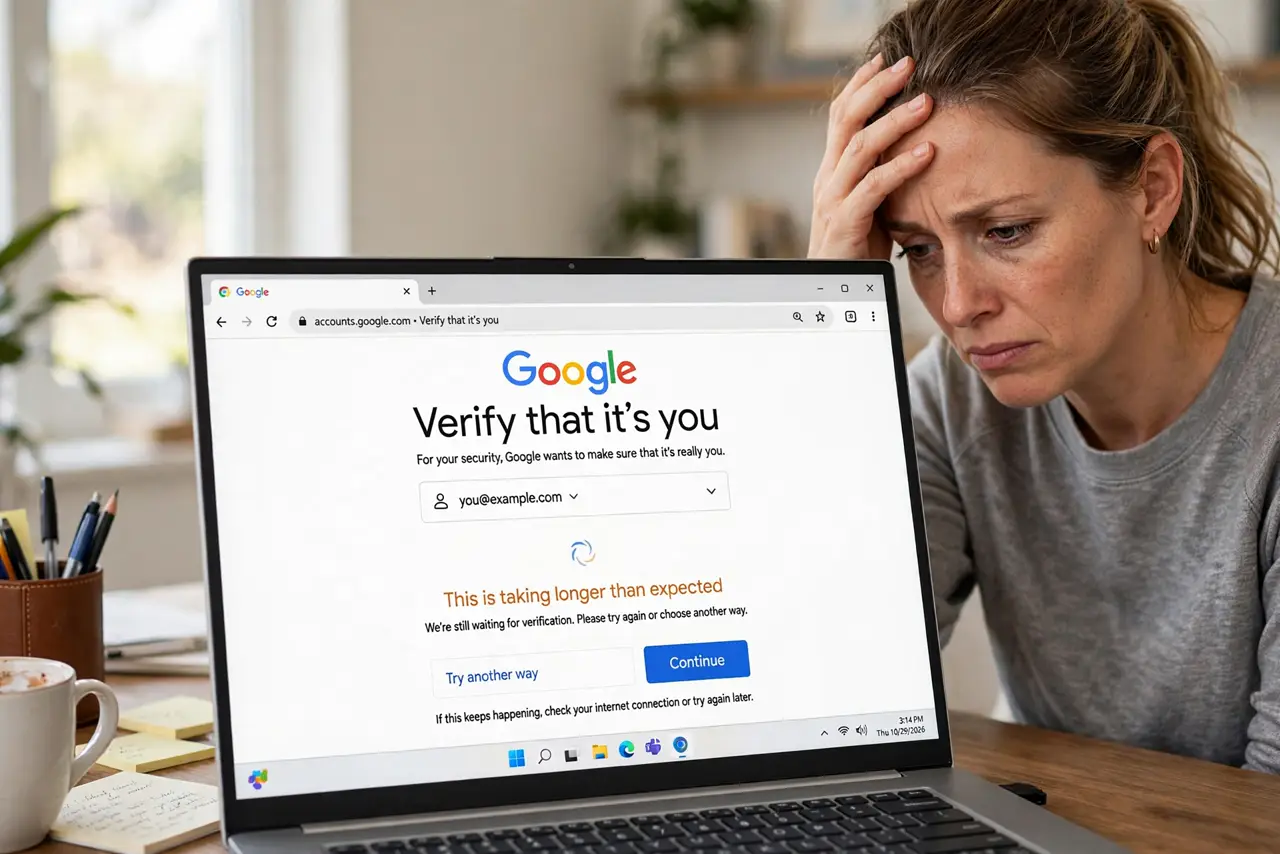
Google keeps asking you to verify it's you, and every attempt loops back to the same screen. This loop usually means Google does not recognize your device, location, or recovery info. This guide shows how to break out of it.
TL;DR / Quick Fix
Quick fix: try signing in from a device and network Google knows — your usual phone on home Wi-Fi works best. Complete every verification step without skipping, and avoid repeated failed attempts, which extend the lockout. If nothing works, use Google's account recovery form and wait out the review period.
Follow these steps
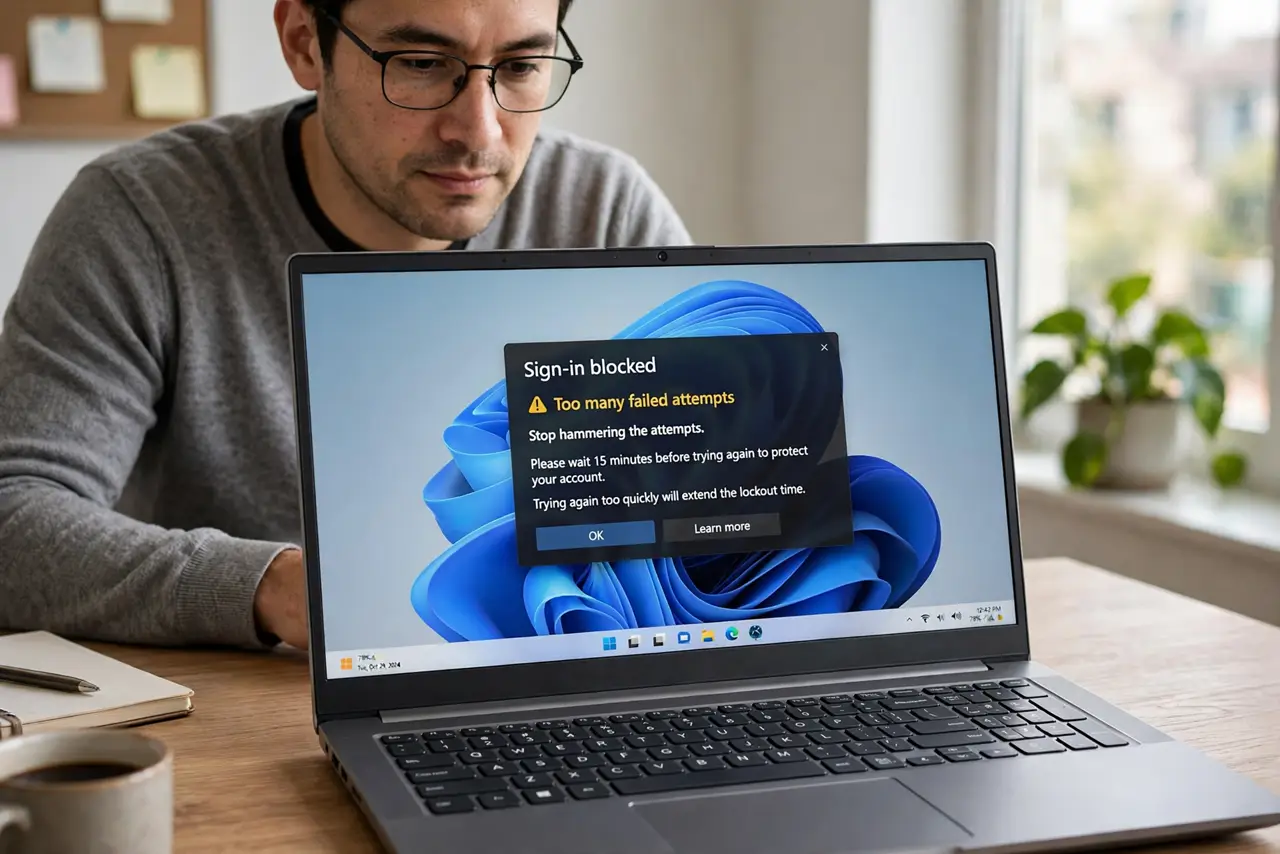
- Stop hammering the attempts. Every failed try can extend the lockout. Wait an hour, then make one careful attempt instead of ten frustrated ones.
- Use a familiar device and network. Sign in from the phone or computer you normally use, on your home Wi-Fi. Google trusts known combinations far more than a new device on a new network.
- Turn off your VPN for this. A VPN makes you look like you are in another country, which is a classic trigger for the loop. Disconnect it just for the sign-in.
- Complete every step offered. If Google offers a prompt on your phone, a code to your recovery email, or security questions, do all of them. Skipping a step often restarts the loop.
- Use the account recovery form. If sign-in keeps looping, go to Google's account recovery page and answer carefully. This is the official path when normal sign-in fails.
- Wait out the review period. Google may impose a waiting period of a day or more before letting you in. Do not keep trying during the wait — let the timer run out.
What NOT to do
- Do not try to get around the verification with tricks. There is no legitimate shortcut, and sketchy 'unlock' tools are scams or malware.
- Do not keep guessing your recovery answers. Wrong answers deepen Google's suspicion and lengthen the lockout.
- Do not create a new Google account as a workaround. You would lose your data, and the old account is usually recoverable with patience.
- Do not pay anyone who promises to unlock it. Google's recovery is free; anyone charging for it is running a scam.
Frequently asked questions
Why does Google not recognize me?
New device, new location, cleared cookies, or a VPN all make you look unfamiliar. Google's caution is protecting you from someone else signing in as you.
How long does the loop last?
Usually until you complete verification from a trusted device or network. A forced waiting period can run 24 to 72 hours.
I have no recovery email or phone — now what?
Use the recovery form and provide as much accurate account history as you can: creation date, old passwords, frequent contacts. See the guide on recovery without an email.