An Email Zero Day
Your inbox has 4,000 unread messages, every newsletter you ever subscribed to is still arriving, and the thought of opening email makes you tired. An email zero day is a single focused session where you drive the inbox back to zero — not by answering everything, but by deciding everything: archive, delete, delegate, or do. It is a reset button for your digital life, and it only works if you change what happens after. Pair it with twice-daily batching to keep the pile from rebuilding.
TL;DR / Quick Fix
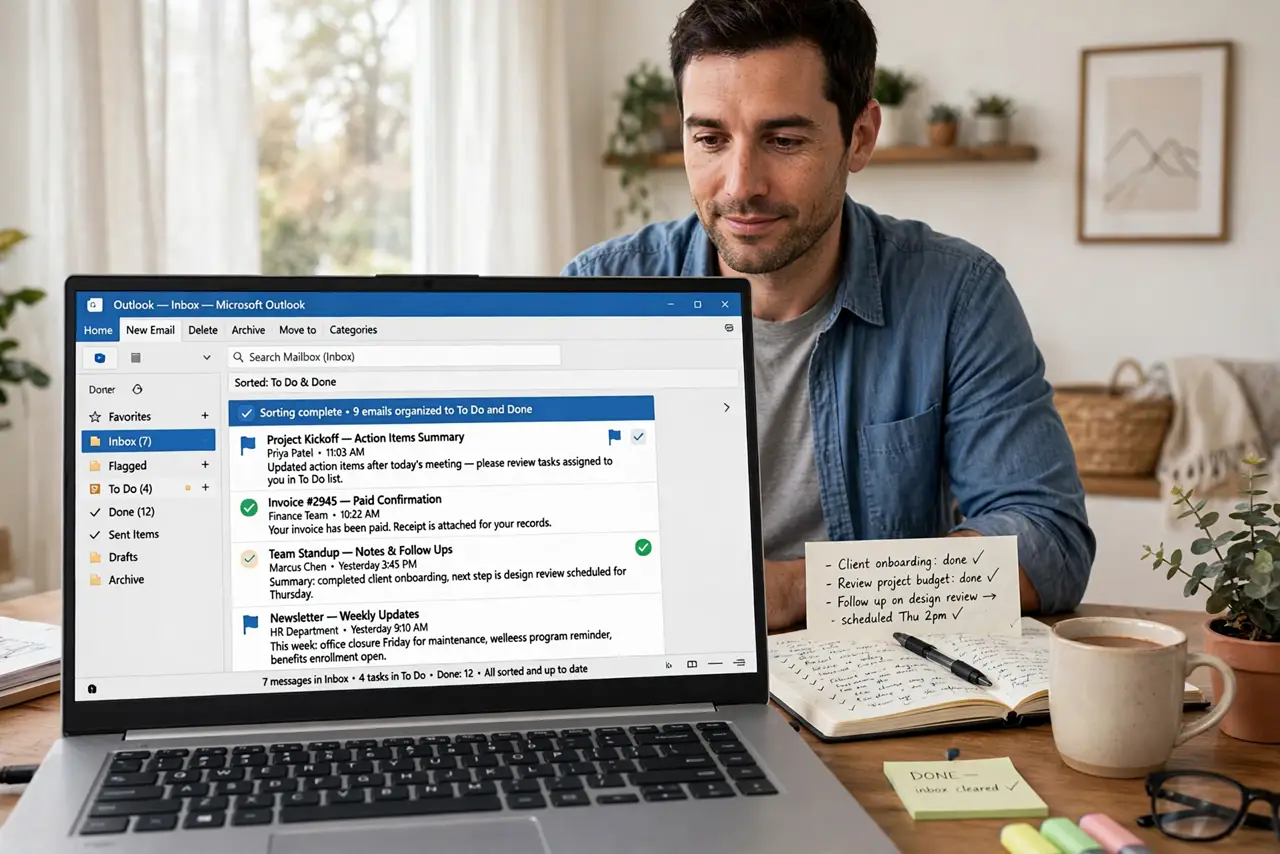
Quick fix: pick one day a week to push your inbox to zero — archive, delete, or file everything, and turn old emails into tasks or calendar events. Then protect the result with two short daily check-ins so the pile never rebuilds.
Follow these steps
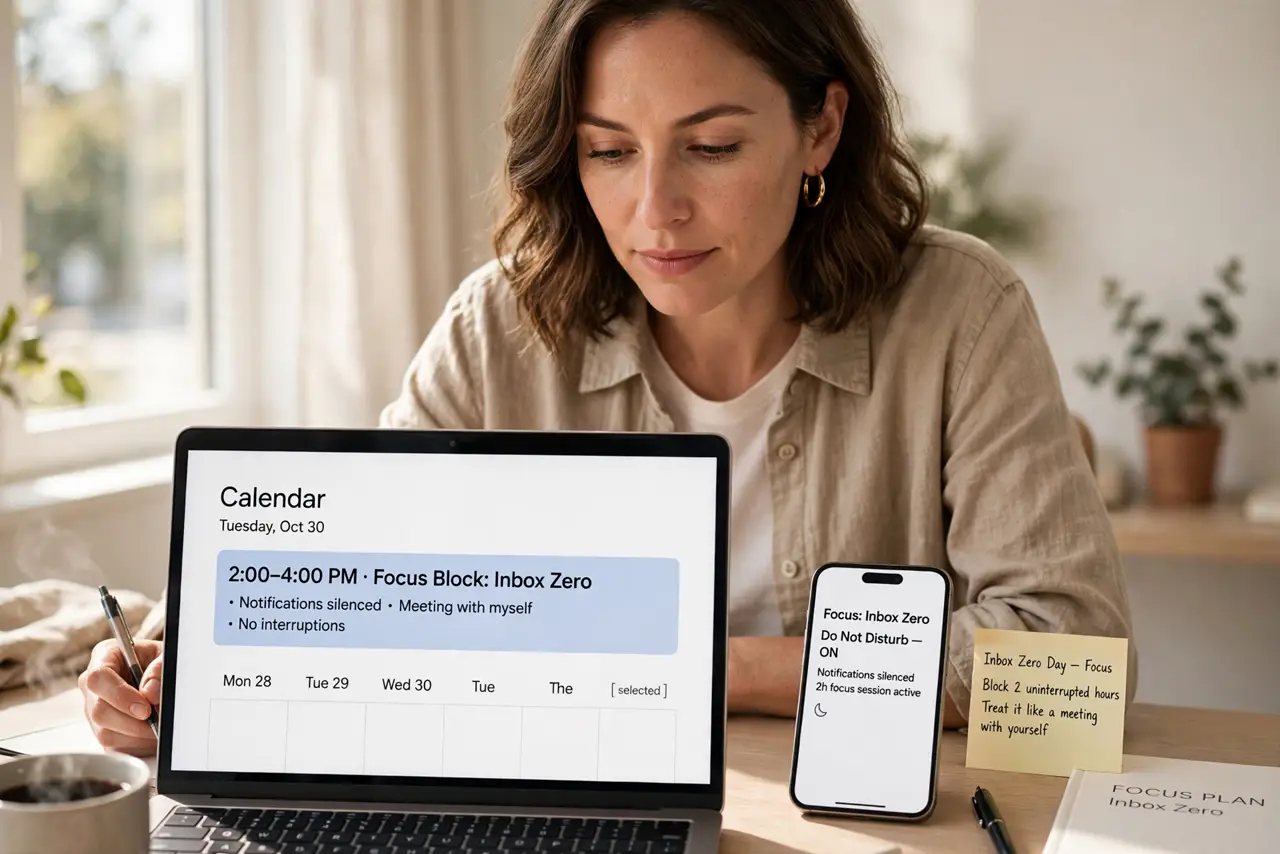
- Block two uninterrupted hours. An inbox zero day needs focus. Put it on the calendar, silence notifications, and treat it like a meeting with yourself — interruptions are how the pile survives.
- Delete the obvious junk first. Sort by sender and mass-delete newsletters, promos, and notifications you never read. Unsubscribe as you go so they stop coming back.
- Archive anything older than a month that needs no action. If it is old and nobody is waiting on it, archive it. Searching beats scrolling, and an archived email is not a lost email.
- Turn actionable emails into tasks or events. For what remains, either reply in under two minutes or move it to a task list or calendar with a real deadline. The inbox is not a to-do list.
- File the keepers in a few simple folders. Receipts, taxes, travel — a handful of broad folders beats an elaborate system you will never maintain. File fast, move on.
- Set the rule that protects zero. After the reset, process email in short batches instead of living in it. The inbox zero basics explain the daily habits that keep zero achievable.
What NOT to do
- Do not try to answer every old email. Most threads died months ago — replying now just confuses everyone.
- Do not create 40 folders. Complexity is where filing systems go to die; keep it to a handful.
- Do not do a zero day and change nothing. Without new habits the inbox refills within weeks.
- Do not delete anything financial or legal on instinct. When in doubt, archive — storage is cheap, regrets are not.
Frequently asked questions
What does inbox zero actually mean?
Not zero emails forever — it means every email has been decided: deleted, archived, delegated, or turned into a task. The inbox holds no undecided items.
How long does a first zero day take?
Two to four hours for a few thousand emails, mostly spent on mass-deleting and unsubscribing. The second time takes a fraction of that.
What if I need an old email later?
Archive, do not delete, anything you might need. Search finds archived mail instantly — an empty inbox does not mean empty storage.