Inbox Zero Basics
Three thousand unread emails and every one feels vaguely urgent. Inbox Zero is not about answering everything — it is about making a decision on every email so nothing sits in limbo. The method is five options per email: delete, delegate, respond, defer, or do. Empty inbox, clear head.
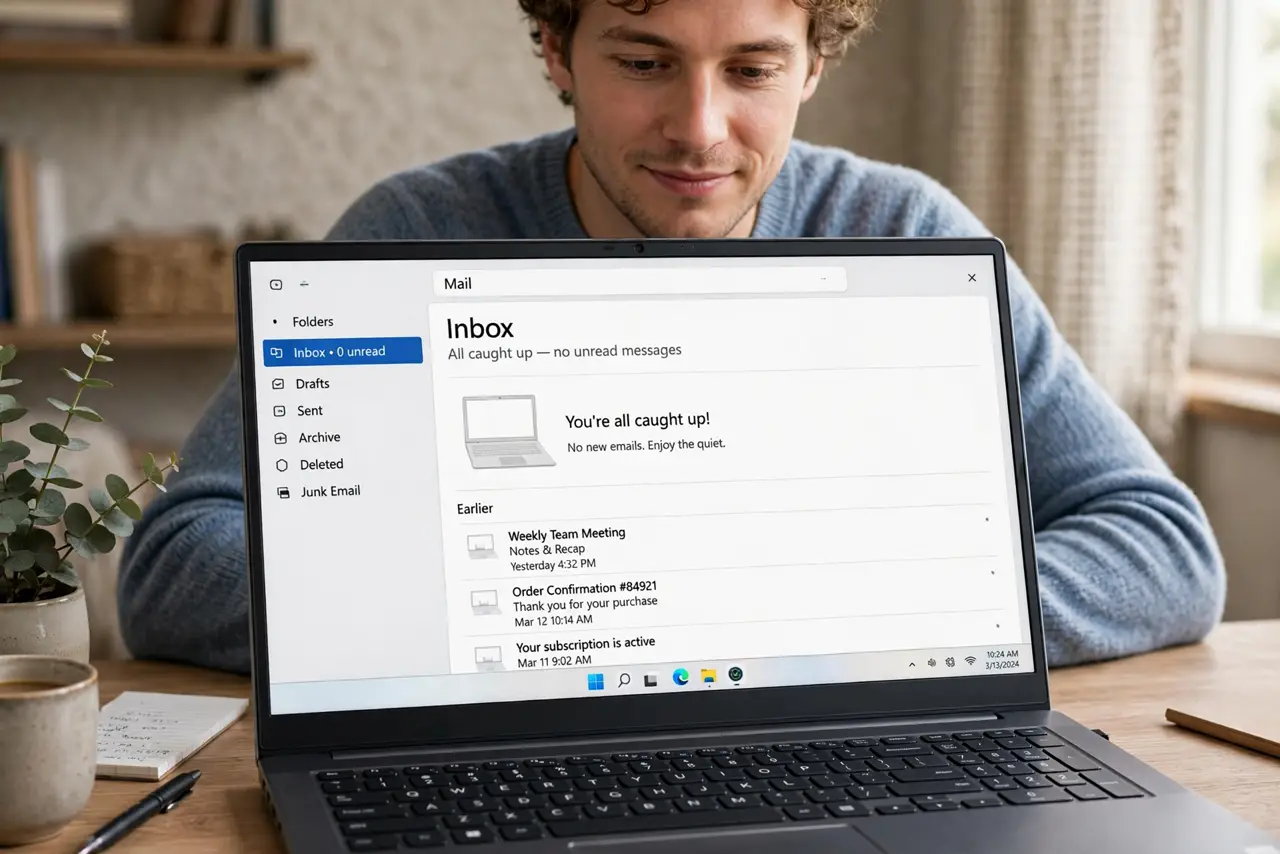
TL;DR / Quick Fix
Quick fix: process email in two daily batches, not all day. For each email decide: delete it, reply if under two minutes, file it if it needs later action, or delegate it. Unsubscribe ruthlessly from anything you never read — most overload is subscriptions, not real mail.
Follow these steps
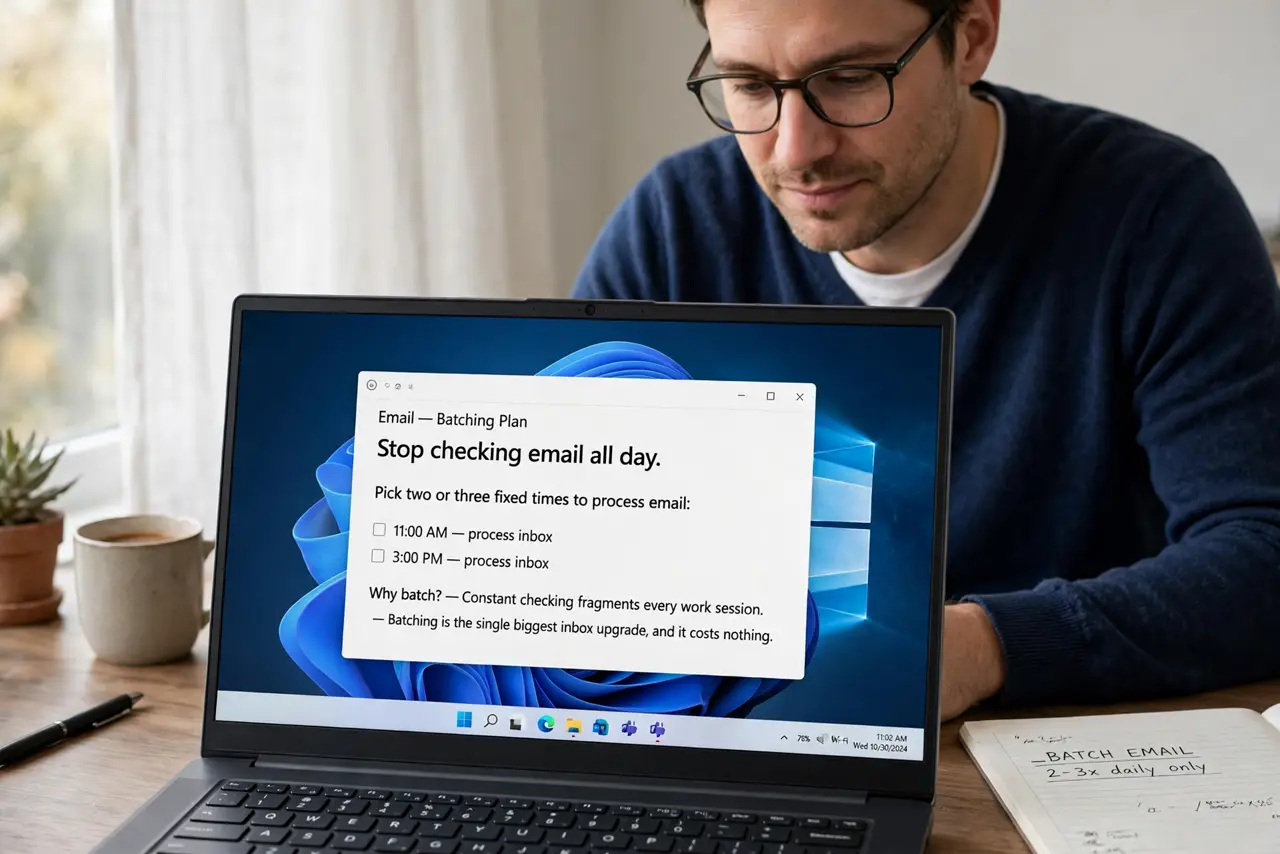
- Stop checking email all day. Pick two or three fixed times to process email. Constant checking fragments every work session — batching is the single biggest inbox upgrade, and it costs nothing.
- Apply the two-minute rule. If an email takes under two minutes to handle, do it now and archive it. Touching it twice — once to read, once later to act — is how inboxes grow.
- Decide on every email, once. For each message: delete, reply now, file for later action, or delegate. The goal is zero undecided emails, not zero total emails — archived mail does not count against you.
- Unsubscribe like it is your job. Newsletters you never open are the bulk of most inboxes. Unsubscribe from ten per session until the daily inflow is only mail you would miss. Be brutal.
- Create a simple folder system. You need at most: Action, Waiting, Reference. Anything more elaborate becomes its own chore — simple folders get used, complex ones get abandoned.
- Watch for the relapse. Inbox Zero slips back within weeks without maintenance. When old habits return, the relapse recovery steps get you back to zero without another marathon session.
What NOT to do
- Do not aim for zero total emails. Archived mail is fine — Inbox Zero means zero undecided, not zero stored.
- Do not file emails into twenty folders. Elaborate systems die in a week — three folders survive for years.
- Do not answer newsletters out of guilt. If you have not opened the last five, unsubscribe — the sender will survive.
- Do not process email first thing in the morning. Other people's priorities will eat your peak hours — do your hardest task first, email second.
Frequently asked questions
How long does the first cleanup take?
A few hours for a few thousand emails, mostly spent unsubscribing and bulk-archiving. After that, 20-30 minutes a day maintains it.
What about emails I might need someday?
Archive them. Search finds anything in seconds — the inbox is for decisions, the archive is for storage.
Is Inbox Zero realistic with 200 emails a day?
Yes, if most are automated — filters can auto-file newsletters and notifications before you ever see them. Only true personal mail needs your decisions.