Emergency Access to Your Passwords? Set It Up
If something happened to you tomorrow, could your family get into your accounts? Without a plan, your photos, money, and documents die with your passwords. Setting up emergency access takes twenty minutes and saves your loved ones months of locked-out frustration. This guide shows how.
TL;DR / Quick Fix
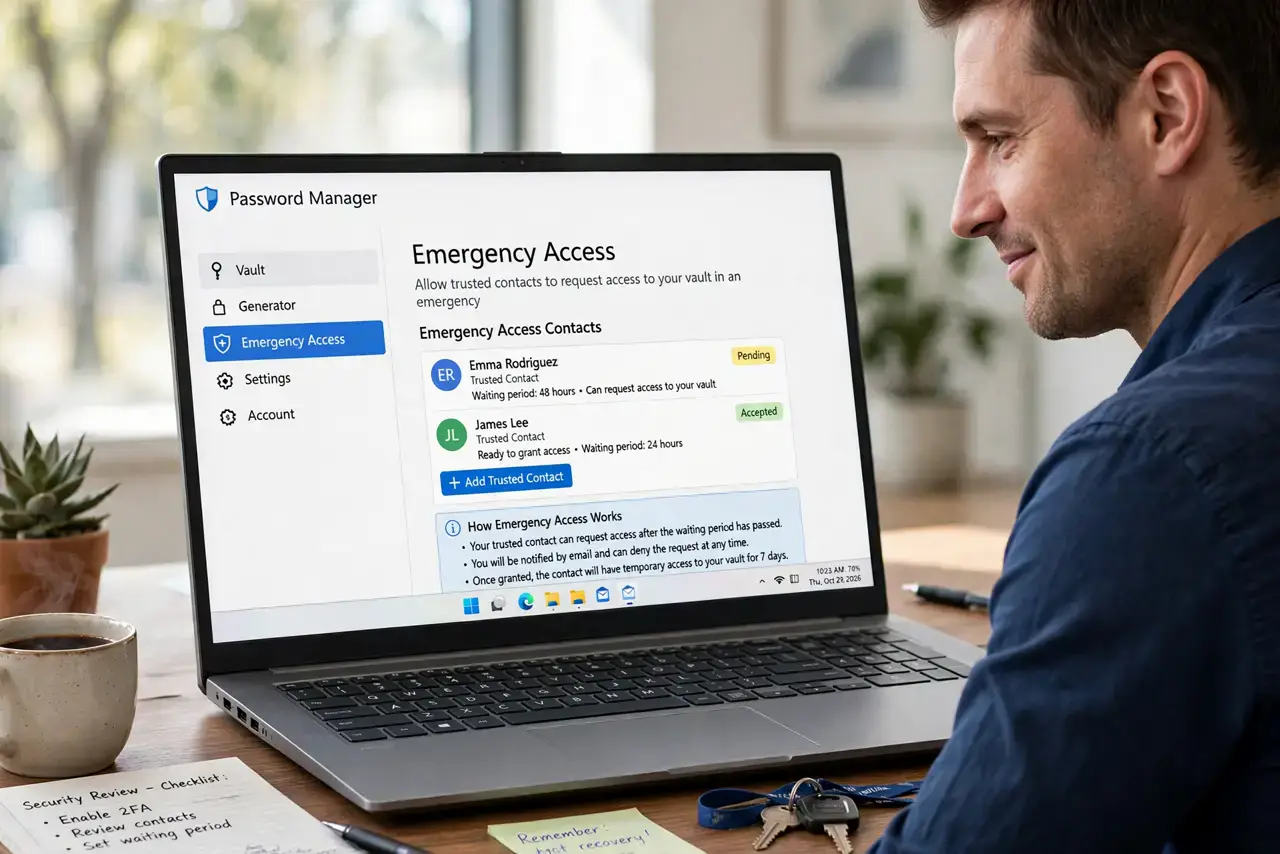
Quick fix: turn on your password manager's emergency access feature and name one trusted person, or store a sealed envelope with your master password somewhere safe like a safe deposit box. Tell that person where it is, review the setup yearly, and never share passwords by text or email.
Follow these steps
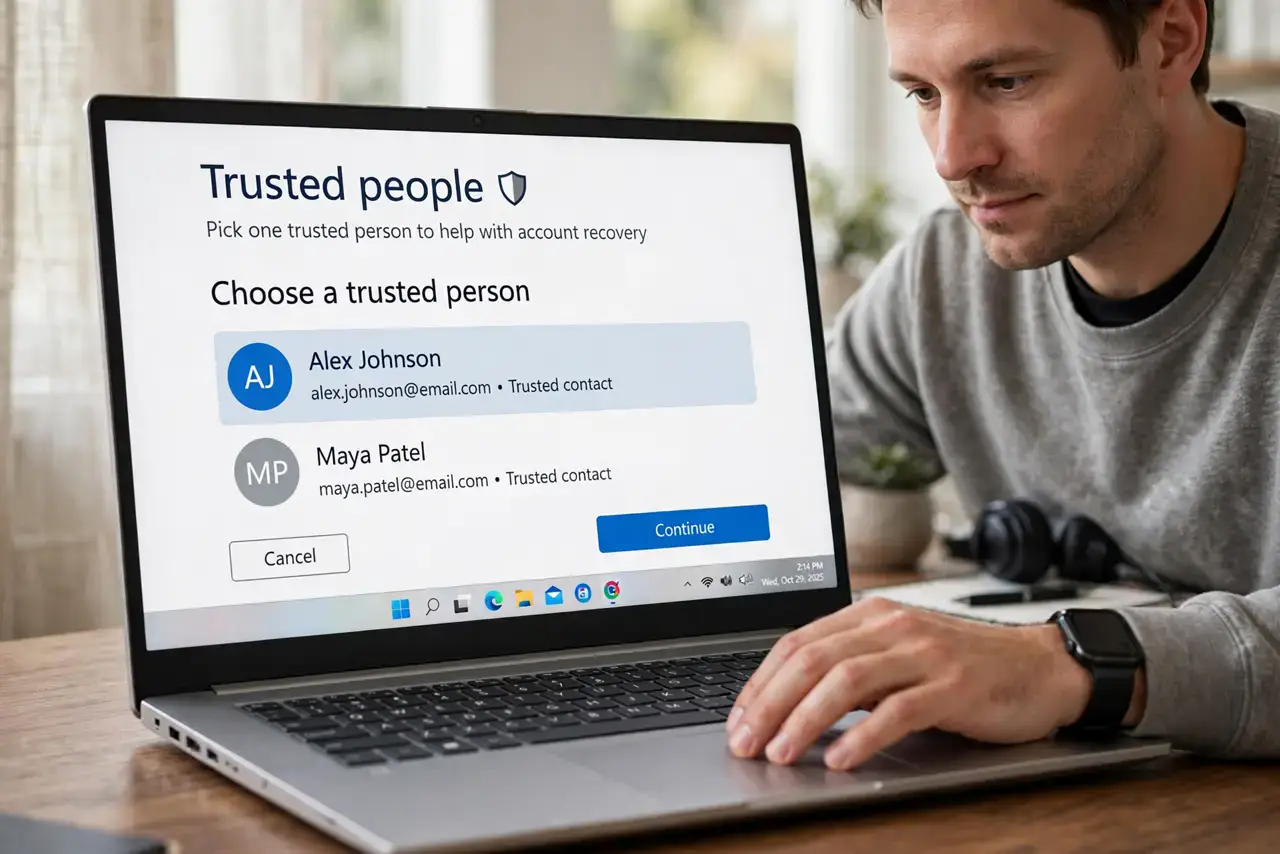
- Pick one trusted person. Choose someone responsible and local — a spouse, sibling, or close friend. Emergency access is about trust first and technology second.
- Use your manager's emergency feature. Most password managers offer emergency access: your contact requests access, and if you do not deny it within a set waiting period, they get in. Set it up in the app's settings.
- Or use a sealed envelope. Write your master password and key account details on paper, seal it in an envelope, and store it somewhere secure like a safe or safe deposit box. Tell your person where it is — not what is inside.
- Include two-factor backup codes. Passwords alone may not be enough. Save your two-factor backup codes with the emergency kit so your person is not stopped at the second step.
- Write a one-page instruction sheet. List which accounts matter — bank, email, photos, bills — and the order to handle them. A grieving person should not have to guess.
- Review it once a year. People change, passwords change. Check every year that your trusted person is still the right one and the stored credentials still work.
What NOT to do
- Do not share your master password by text or email. Those messages live forever in chat histories and inboxes you cannot control.
- Do not name someone you would not trust with your bank account. Emergency access is exactly that level of trust — choose accordingly.
- Do not skip this because you are young. Accidents do not check birth certificates, and your family deserves the same preparation at any age.
- Do not store the only copy with the person who might need it. If the envelope sits in their house and their house burns, the plan burns with it — keep a backup.
Frequently asked questions
What happens to my accounts if I die without a plan?
Your family faces months of paperwork with each company, and some accounts — especially encrypted ones — may be unrecoverable forever.
Can my family just reset my passwords?
Only if they can receive your two-factor codes and answer your security questions. Without your phone and your codes, resets usually fail.
Is emergency access safe from hackers?
The waiting-period design protects you: any request notifies you first, and you can deny it. An attacker would need your trusted person's account too.