Send Encrypted Email
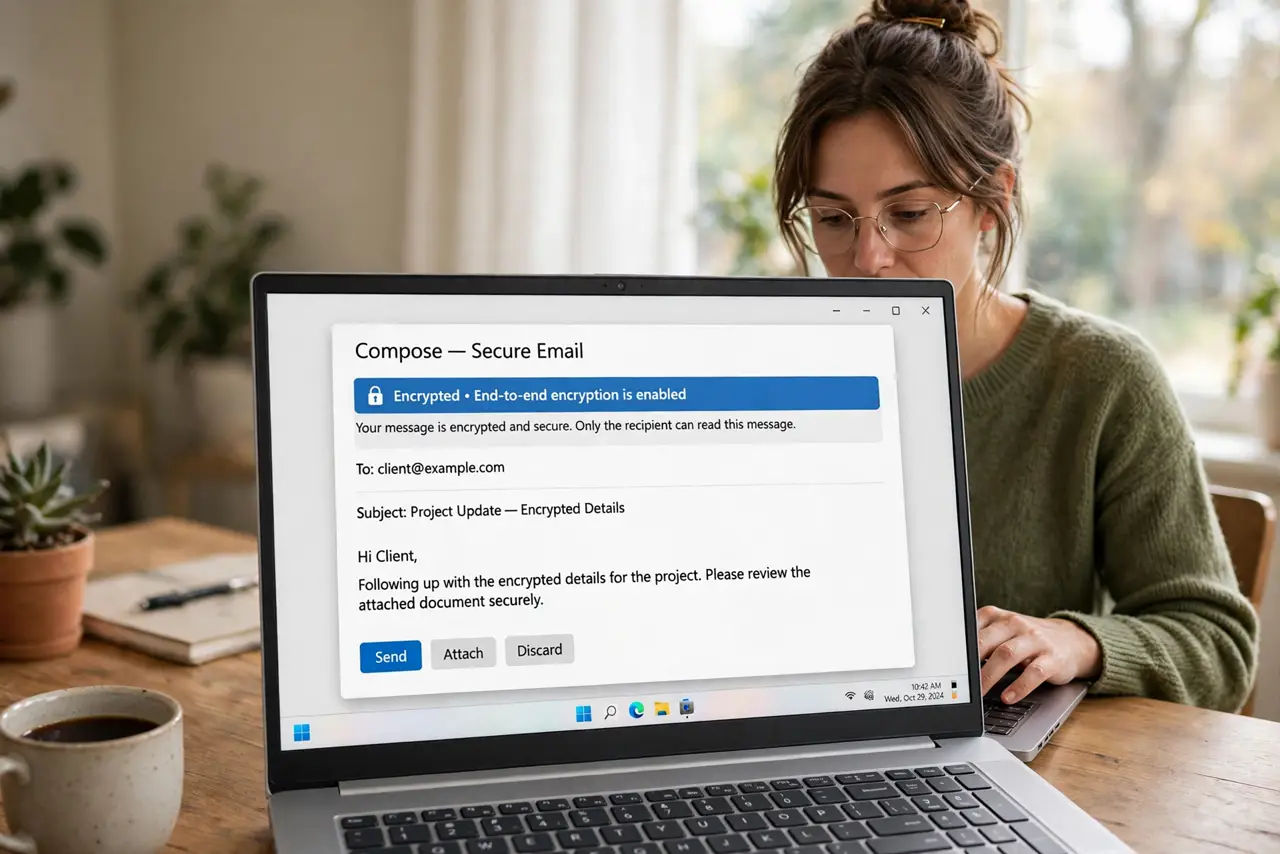
Regular email is a postcard — it passes through servers that can read it. If you are sending tax documents, medical results, or business contracts, that is worth fixing. You have two honest options: your provider's built-in encryption (like Gmail's confidential mode), which is easy but limited, or real end-to-end encryption, which takes setup but truly locks the message. Here is both, without the crypto-jargon.
TL;DR / Quick Fix
Quick fix: regular email is readable by the servers it passes through. For sensitive documents, use your provider's built-in encryption — like Gmail's confidential mode — or end-to-end encryption with PGP for maximum protection. Built-in is fine for everyday privacy; end-to-end for truly sensitive material.
Follow these steps
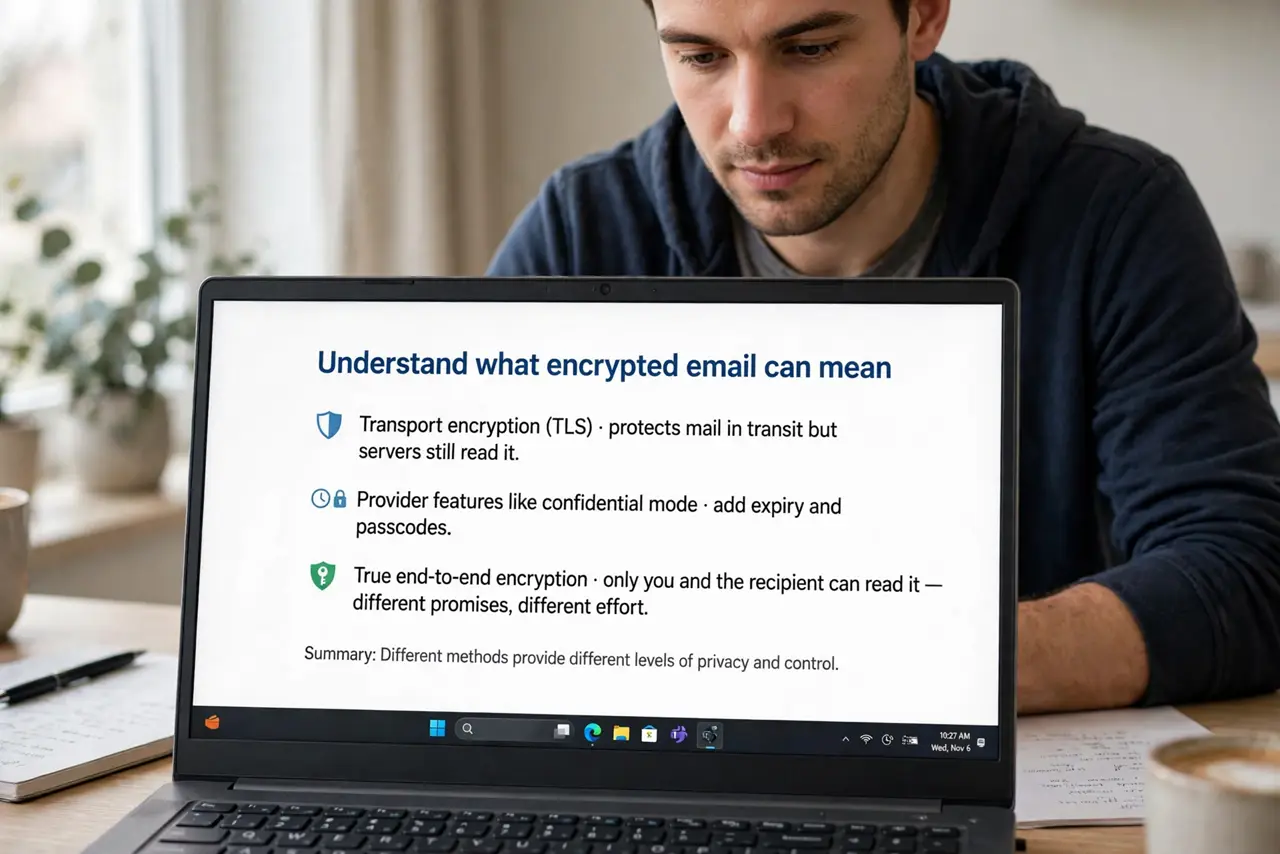
- Understand what encrypted email can mean. Transport encryption (TLS) protects mail in transit but servers still read it. Provider features like confidential mode add expiry and passcodes. True end-to-end encryption means only you and the recipient can read it — different promises, different effort.
- Use Gmail's confidential mode for everyday sensitivity. In Gmail's compose window, click the lock-and-clock icon to set an expiry date and optionally an SMS passcode. The recipient gets a link, not the content — good enough for most personal documents. Details in what confidential mode means.
- Consider your provider's built-in options. Outlook has its own encryption button; Proton Mail and Tutanota encrypt by default between their users. Check what your provider already offers before installing anything.
- Set up end-to-end encryption for the serious stuff. PGP (via tools like Gpg4win or Mailvelope) or S/MIME certificates give true end-to-end protection. Both you and the recipient need compatible setups — it is a two-person project.
- Protect the attachments, not just the message. An encrypted email with an unencrypted attachment is theater. Encrypt or password-protect the file itself — a password-protected ZIP or PDF — and send the password through a different channel.
- Verify the recipient's identity first. Encryption to the wrong address protects nothing. Confirm unfamiliar addresses by phone or in person before sending anything sensitive — phishing awareness applies here too.
What NOT to do
- Do not assume the padlock icon in your browser means the email is encrypted end-to-end. That padlock is the website's TLS — the mail servers can still read your message.
- Do not send the password and the encrypted file in the same email. That is locking the door and taping the key to it — use a separate channel.
- Do not use confidential mode for legal or medical records and assume it is legally sufficient. It is better than plain email, but regulated industries need real end-to-end encryption.
- Do not encrypt everything out of habit. Reserve the heavy tools for sensitive material — encrypting lunch plans just trains people to ignore your security requests.
Frequently asked questions
Is Gmail's confidential mode real encryption?
Partly — it protects the message in transit and adds expiry and passcodes, but Google can still access the content. For true privacy from the provider itself, you need end-to-end encryption.
What is the easiest end-to-end option for beginners?
Proton Mail or Tutanota — encryption is automatic between their users with zero setup. PGP is more powerful but demands real configuration effort.
Can the recipient forward an encrypted email?
With confidential mode, forwarding is restricted but screenshots still work. With PGP, a decrypted message can be forwarded freely. Encryption controls reading, not the recipient's behavior — trust still matters.