eReader or Tablet?
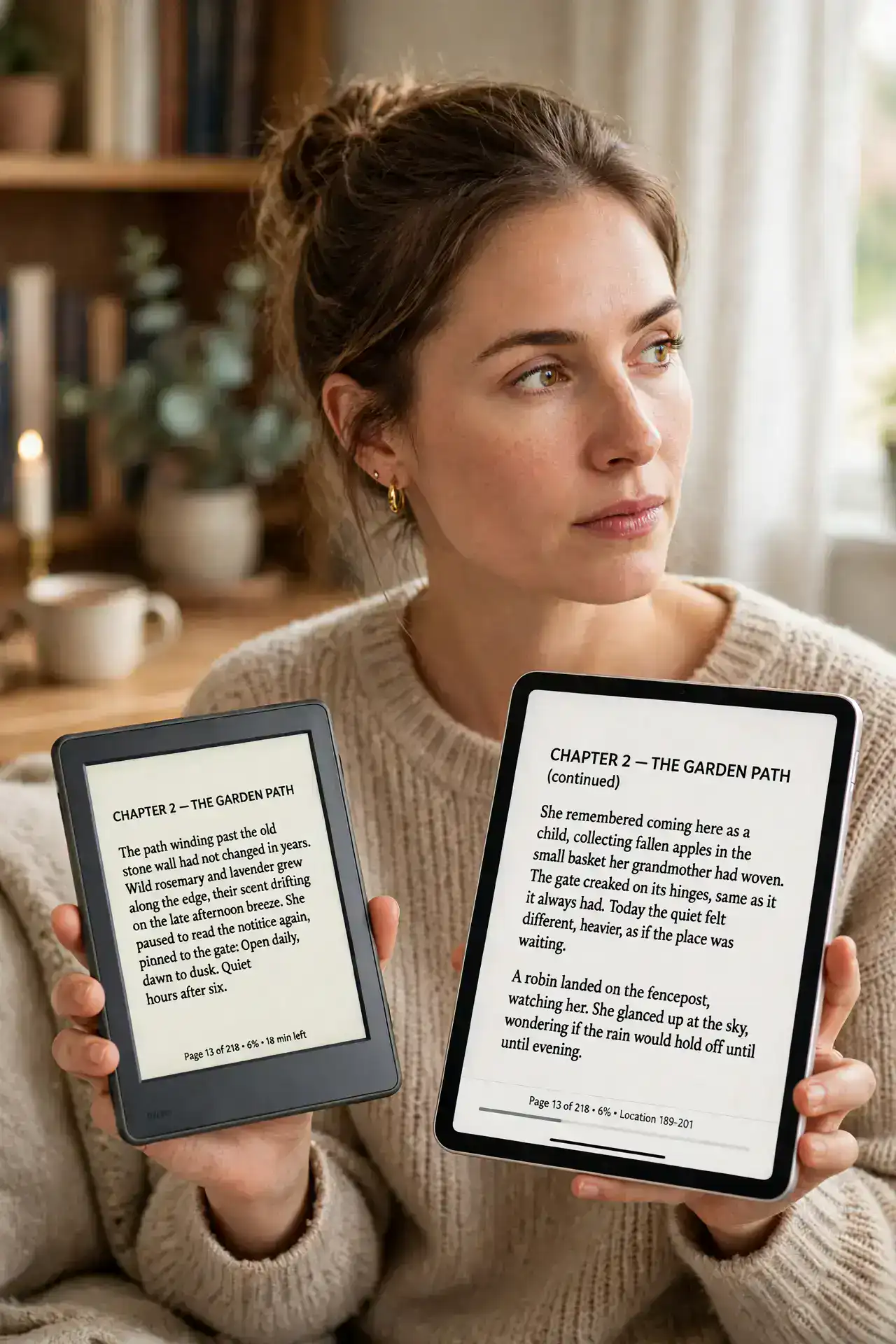
You want to read more, and the choice is an eReader with its paper-like screen or a tablet that does everything. The answer depends on how you read: long book sessions favor e-ink, while magazines, comics, and multitasking favor the tablet. Many readers end up with both — but start with the right one. Whichever you pick, borrow library books instead of buying them all.
TL;DR / Quick Fix
Quick fix: buy an eReader if you read books for hours — the e-ink screen is easier on the eyes and the battery lasts weeks. Buy a tablet if you also browse, watch, and work. Readers read more comfortably on e-ink; do-everything people need the tablet's versatility.
Follow these steps
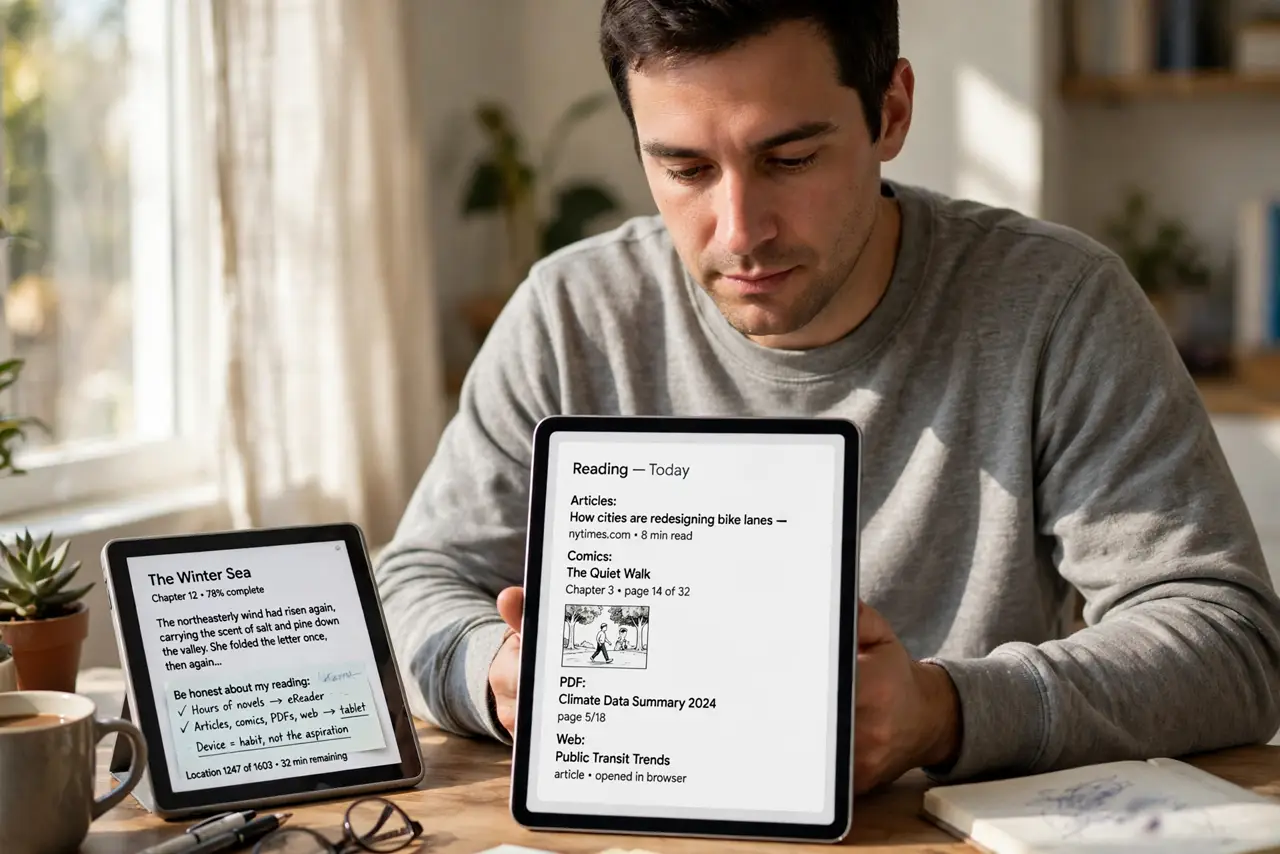
- Be honest about your reading. Hours of novels: eReader. Articles, comics, PDFs, and web reading mixed in: tablet. The device should match the habit, not the aspiration.
- Compare the screens. E-ink looks like paper, works in sunlight, and sips battery. Tablet screens are brighter and colorful but tire eyes faster and die in a day of heavy reading.
- Weigh the battery. eReaders run for weeks; tablets for hours. If you travel or forget chargers, that gap matters more than any feature list.
- Consider the weight. eReaders are lighter and easier to hold one-handed for an hour. Tablets double as everything else, at the cost of heft.
- Check the bookstore lock-in. Each ecosystem nudges you toward its store. Library borrowing works on most eReaders — a big equalizer against buying every book.
- Try the budget math. A good eReader costs less than a tablet and pays for itself if it replaces bought books with library loans. Watch the battery drain on either device over time.
What NOT to do
- Do not buy a tablet just for novels. It works, but an eReader does the same job better, lighter, and for weeks per charge.
- Do not buy an eReader for comics and magazines. Color and layout matter there — that is tablet territory.
- Do not ignore the lighting. E-ink needs light like paper; front-lit models solve it, but unlit ones do not.
- Do not assume one device must do everything. The best reading setup is often a cheap eReader plus the phone you already own.
Frequently asked questions
Can I browse the web on an eReader?
Barely — the experimental browsers are slow and painful. If web reading matters, get the tablet.
Is e-ink really easier on the eyes?
For most people, yes: no backlight glare, no flicker, readable in sunlight. It is the closest digital gets to paper.
Which is better for kids?
Tablets win for interactive books and apps; eReaders win for distraction-free chapter books.