Run Ethernet Yourself
Wi-Fi is convenient, but for a desk PC, a gaming console, or a mesh node, nothing beats a wire: full speed, no interference, no dead zones. Running an ethernet cable yourself sounds like a contractor job, but a simple along-the-wall run needs no special tools — just a cable, some clips, and twenty minutes.
TL;DR / Quick Fix
Quick fix: measure your route, buy pre-terminated Cat6 with extra length, and run it along baseboards or through an attic — no special tools needed. Keep it away from power cables and sharp bends. One wired run to a desk or mesh node beats any Wi-Fi upgrade you can buy.
Follow these steps
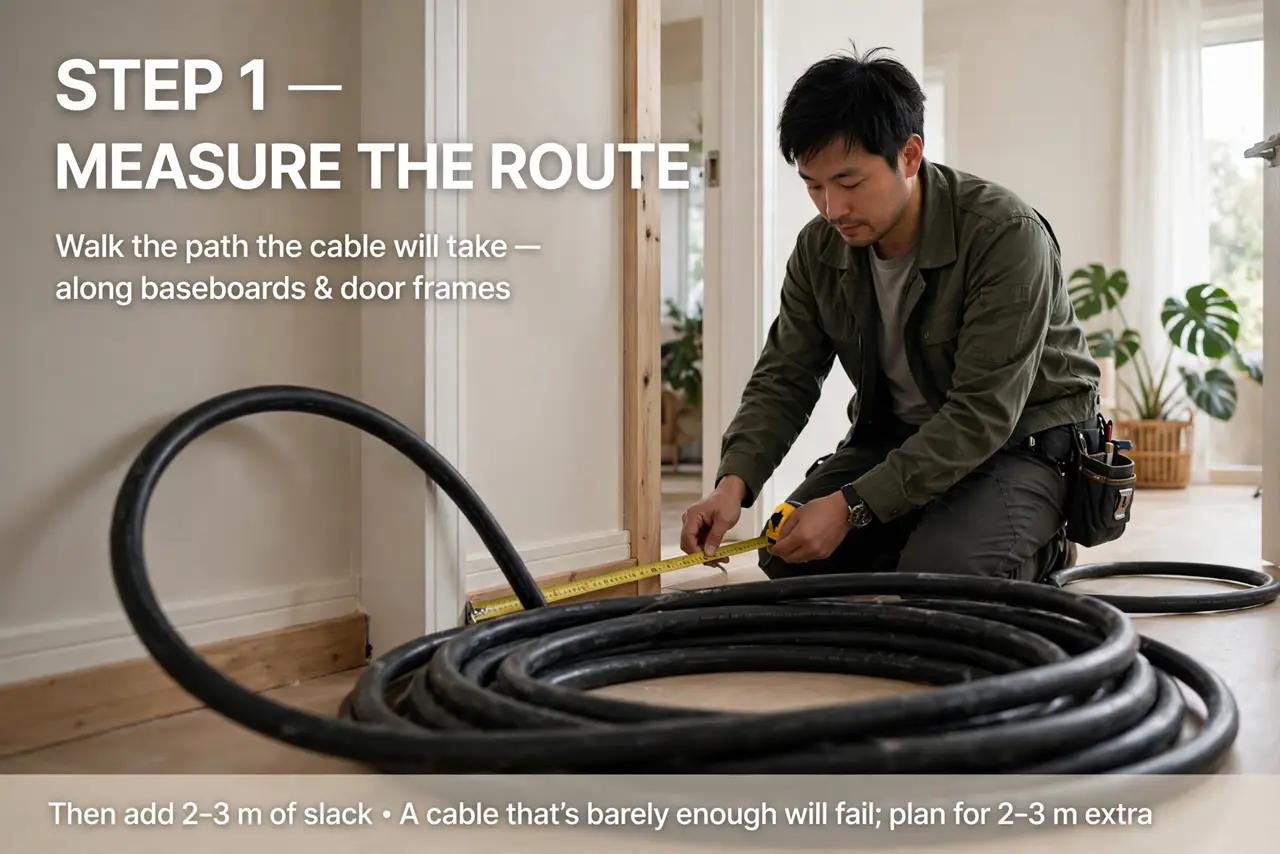
- Measure the route first. Walk the path the cable will take — along baseboards, around door frames — and measure it. Then add 2–3 meters of slack; a cable that is barely long enough is a cable you will redo.
- Pick the right cable. Buy pre-terminated (connectors already attached) cable — no crimping needed. Cat5e vs Cat6: Cat6 costs little more and is the sensible default for new runs.
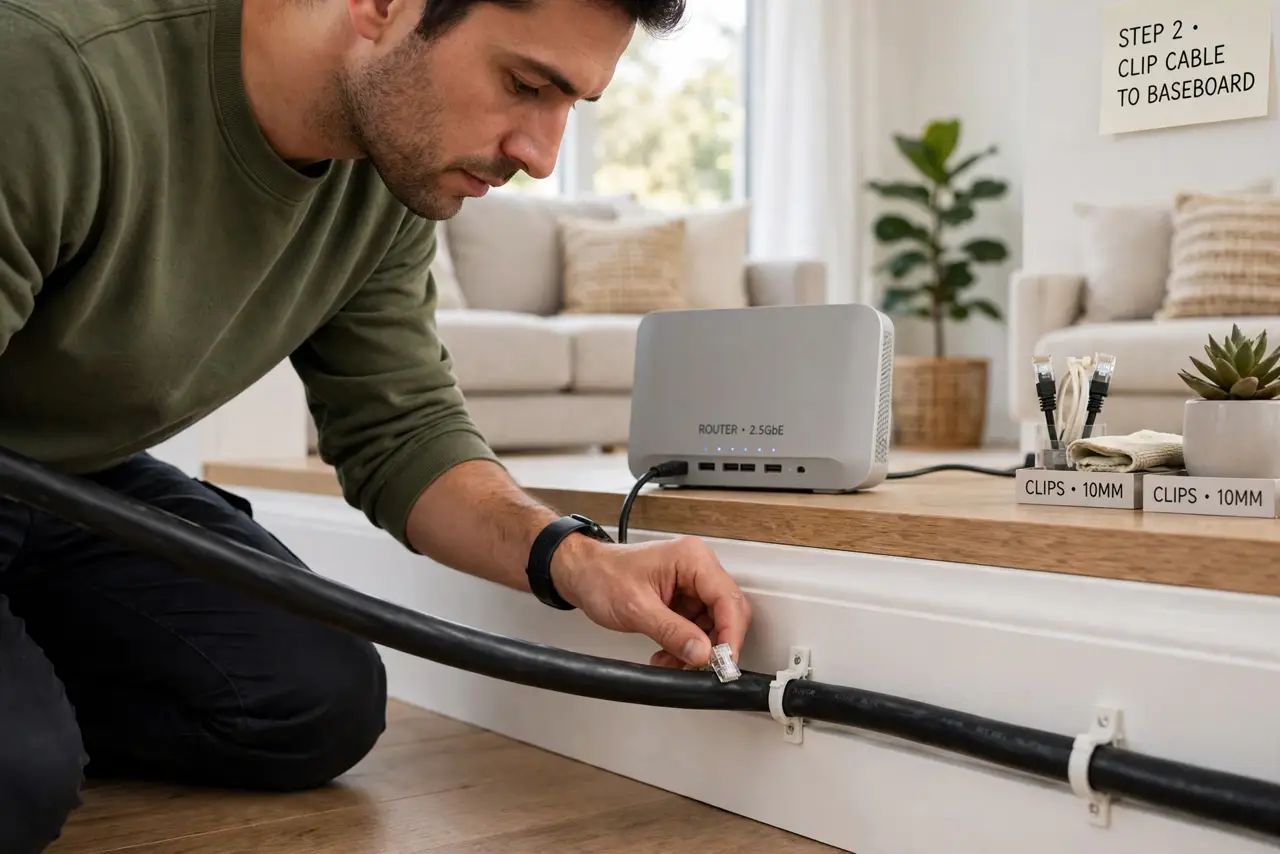
- Route it neatly. Run along baseboards with adhesive clips, through an attic or basement, or under a rug with a flat cable. The neatest visible runs follow existing trim lines.
- Avoid power lines and sharp bends. Keep a few inches from power cables to dodge interference, and never kink the cable or bend it tighter than a coin — sharp bends damage the pairs inside.
- Plug in and test before hiding it. Connect both ends and confirm the link light and full speed before you clip everything down permanently. Testing a visible cable beats debugging a hidden one.
- Label long runs. A strip of tape marked “office” or “mesh node” on each end saves future-you from unplugging the wrong thing.
What NOT to do
- Do not run cable across a doorway unprotected. Feet destroy cables — route around or use a proper floor cover.
- Do not staple through the cable. Use rounded cable staples or adhesive clips that cradle, not pierce.
- Do not exceed 100 meters per run. Past that, signals degrade — see the length limits for why.
- Do not buy the cheapest no-name cable for in-wall runs. A real category rating printed on the jacket is worth the small premium.
Frequently asked questions
Through walls or along them?
Along them, for renters and beginners — no holes, no patching. Through walls is cleaner but a bigger project.
Should I just hire someone?
For one or two simple runs, DIY is faster and cheaper. Hire out only for complex multi-room in-wall jobs.
Can I run it outdoors?
Only with outdoor-rated cable — UV and moisture destroy indoor jackets within a season or two.