An Ethernet Wall Jack That Does Not Work
A dead Ethernet wall jack is frustrating because the fix could be a loose cable or wiring inside the wall. Work from the easy outside checks inward, and most dead jacks come back to life without opening anything.
TL;DR / Quick Fix
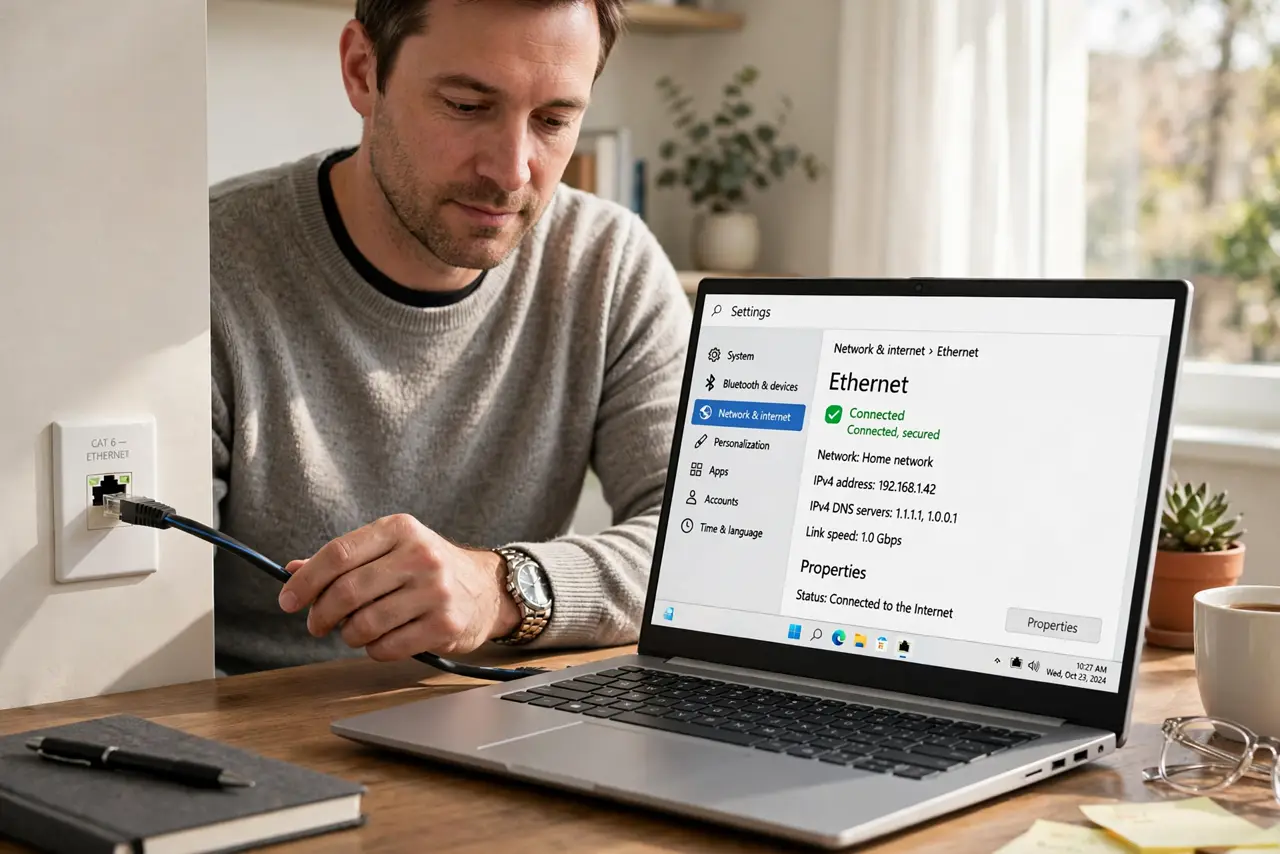
Quick fix: test the jack with a known-good cable and laptop, check the other end where the wall cables meet the router or patch panel, and confirm the port lights blink. If the jack stays dark, the in-wall wiring or the jack itself needs attention.
Follow these steps
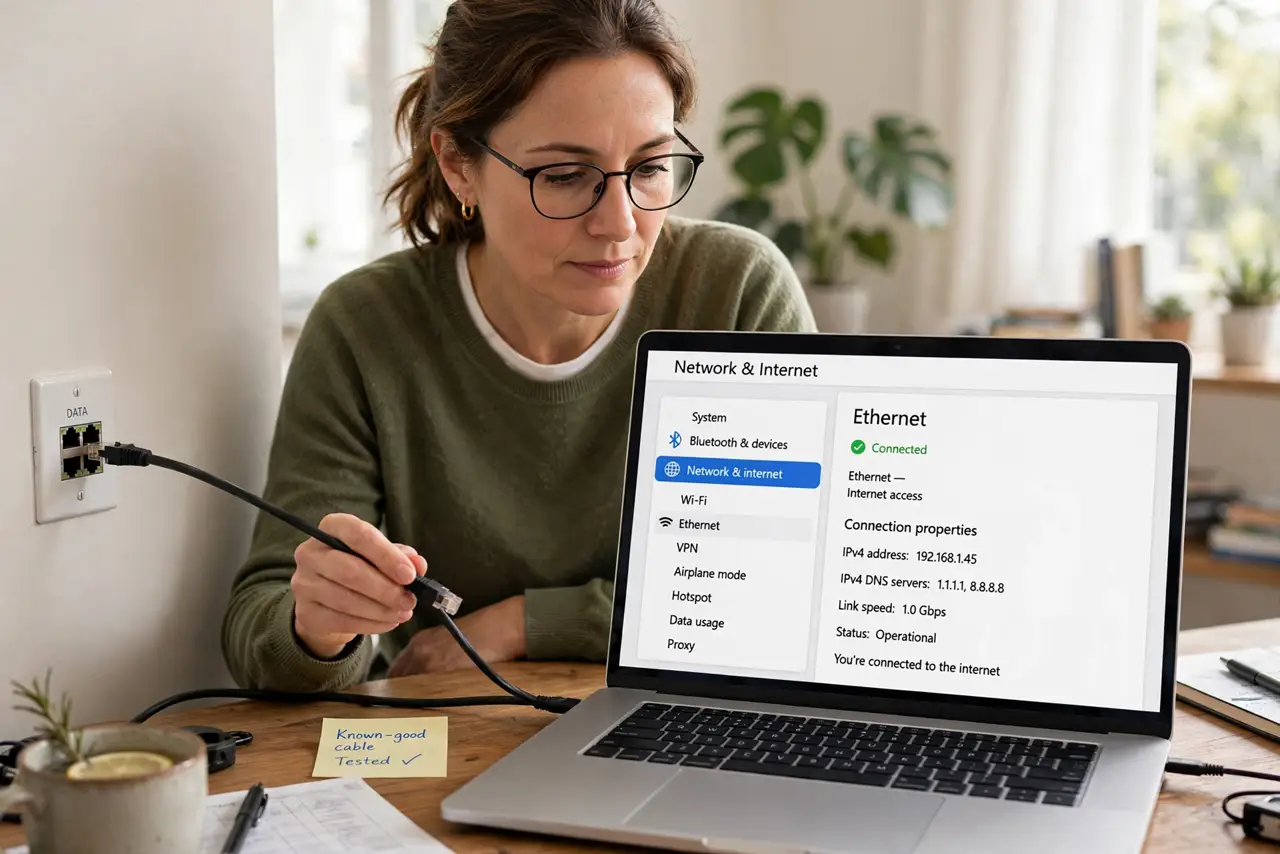
- Test with a known-good cable and device. Plug a laptop you trust into the jack with a cable you trust. If it works, the jack is fine and your original cable or device was the problem.
- Check for link lights. Look at the jack and the laptop's Ethernet port for blinking lights. No lights at all means no electrical connection, which points to wiring rather than settings.
- Find the other end of the run. Wall jacks terminate at a patch panel, switch, or router elsewhere in the home. Find that end and confirm the cable is plugged into a live port — many dead jacks are just unplugged at the panel.
- Try a different port at the panel. Move the cable to another port on the switch or patch panel. A dead switch port looks exactly like a dead jack from the room.
- Rule out an unplugged-cable message on the computer. If the computer reports the cable as unplugged, trust the hardware checks above before changing network settings. Settings cannot fix a physical break.
- Inspect the jack itself last. Unscrew the wall plate and look for loose or damaged wires. If the wiring looks wrong and you are not comfortable with it, call a network technician rather than guessing.
What NOT to do
- Do not rewire the jack by guessing color codes. Wrong wiring can damage equipment, so follow the printed wiring diagram or call a professional.
- Do not assume the jack was ever connected. In many homes, wall jacks were never terminated at the panel, so check the panel end first.
- Do not run a long cable across the floor as a permanent fix. It is a trip hazard, so fix the jack properly or route cable safely along walls.
- Do not change computer network settings first. A dark jack is a physical problem, and settings changes just add confusion.
Frequently asked questions
Why does my Ethernet wall jack not work?
Most often the other end is unplugged at the patch panel, or the jack was never wired up. Test with known-good gear first.
What do the blinking lights mean?
Link lights show an electrical connection exists. No lights means the physical path is broken somewhere.
Can I fix in-wall wiring myself?
You can reseat a loose jack with the right punch-down tool and the printed diagram. For anything beyond that, call a technician.