Excel Turns Dates Into Numbers? Fix It
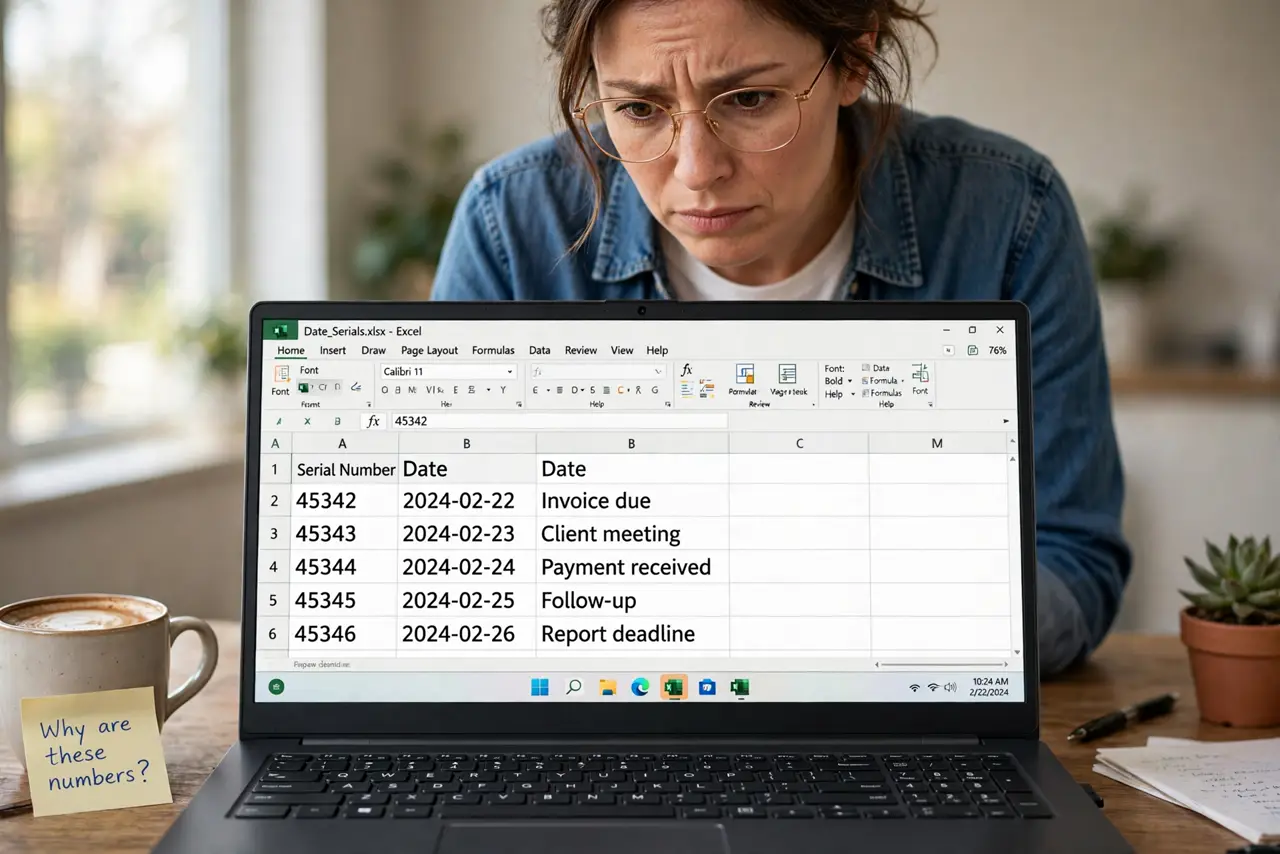
You type 10/29/2026 and the cell shows 45956. Excel stores dates as serial numbers behind the scenes, and the cell is just displaying the raw number. This guide shows how to get the date back — and keep it.
TL;DR / Quick Fix
Select the cells and apply a Date format from Format Cells. If the number is huge and wrong, the value was never a real date — re-enter it properly. Format the column as Date before typing more dates to prevent repeats.
Follow these steps
- Confirm it is a serial number. Numbers near 45000 to 47000 are recent dates in disguise. If the number is wildly different, the entry was never a date at all.
- Apply a Date format. Select the cells, open Format Cells, choose Date, and pick your preferred layout. The serial number should instantly become a readable date.
- Re-enter values that are not real dates. If formatting produces a nonsense date, the cell holds text or a wrong number. Delete it and type the date fresh in a format Excel recognizes.
- Format the column before typing. Select the whole column and set it to Date before entering more dates. Prevention is one click; repair is many — and the same Format Cells dialog is where leading zeros vanish when the format is wrong.
- Use unambiguous date entry. Type dates as 29-Oct-2026 or in your region's standard order. Ambiguous entries like 05/06/2026 flip day and month depending on locale.
- Check dates imported from elsewhere. Dates pasted from the web often arrive as text. Use Text to Columns with a date format to convert them into real dates.

What NOT to do
- Do not type dates into General-formatted columns and hope. Format first, then type.
- Do not confuse a serial number with corruption. 45956 is a valid date wearing a number costume.
- Do not fix dates by retyping the display text. Retyping the number as text just moves the problem.
- Do not mix date formats in one column. Mixed formats sort and filter unpredictably.
Frequently asked questions
Why does Excel show 45956 instead of my date?
Excel stores dates as serial numbers. The cell is formatted as General or Number, so it shows the raw value — apply a Date format.
How do I stop Excel from changing my dates?
Format the column as Date before typing, and enter dates unambiguously.
Can I get the original date back from the number?
Yes, if the number is a true serial. Apply a Date format and the correct date appears.