Excel Shows the Formula, Not the Result? Fix It
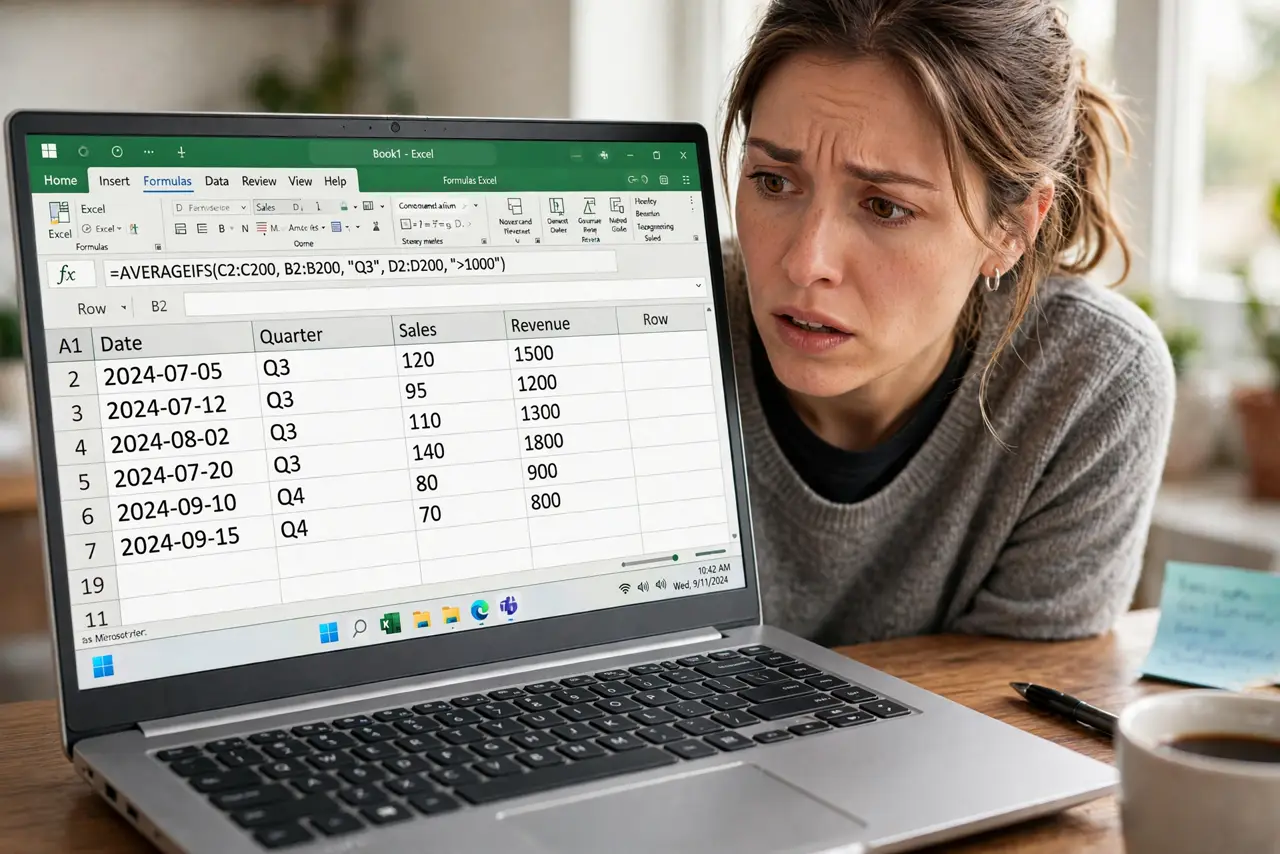
You type =SUM(A1:A10) and the cell shows the literal text instead of the answer. The cell is almost certainly formatted as Text, which tells Excel to treat everything as plain characters. This guide shows how to flip it back to calculating.
TL;DR / Quick Fix
Change the cell format from Text to General, then re-enter the formula by pressing F2 and Enter. For a whole column, use Text to Columns to force recalculation. Check that the cell starts with = and contains no leading apostrophe.
Follow these steps
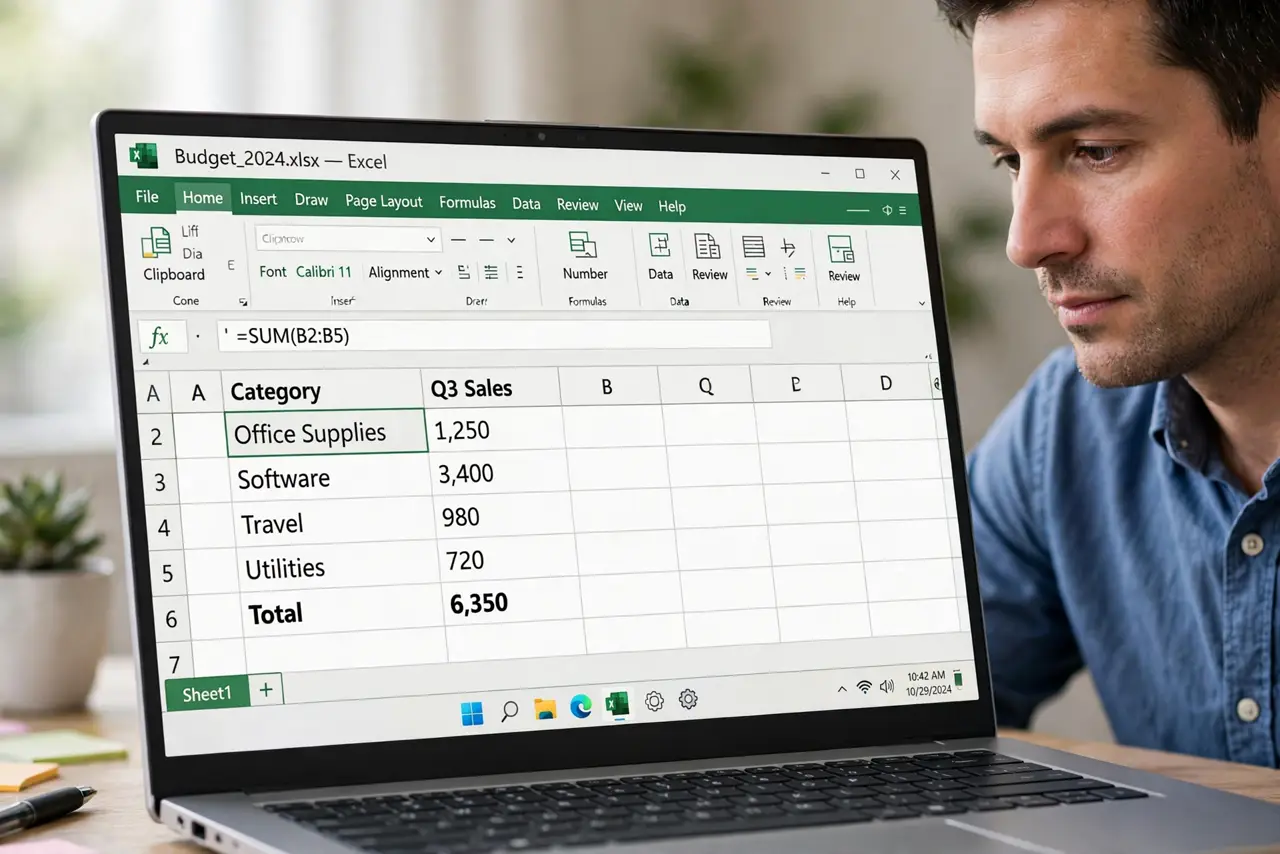
- Check for a leading apostrophe. Click the cell and look at the formula bar. A leading apostrophe forces text display; delete it and the formula may calculate immediately.
- Change the format to General. Select the cells, open Format Cells, and switch from Text to General. Changing the format alone does not recalculate — the next steps force that.
- Re-enter each formula. Click the cell, press F2, then press Enter. Re-entering wakes Excel up to the new format. For many cells, Find and Replace = with = to re-enter them all at once.
- Use Text to Columns for whole columns. Select the column, open Data, then Text to Columns, and click Finish. This forces every cell in the column to re-evaluate under the new format.
- Check the Show Formulas toggle. On the Formulas tab, make sure Show Formulas is off. When it is on, every formula in the sheet displays as text by design.
- Watch the format of new entries. Cells keep the Text format for new typing, so format the column as General before entering more formulas. Prevention beats another round of fixes — and remember formatting also causes the reverse issue when dates turn into numbers.
What NOT to do
- Do not retype every formula by hand. Find and Replace or Text to Columns fixes whole ranges in seconds.
- Do not leave the format as Text and add workarounds. The Text format will keep swallowing every new formula.
- Do not assume the formula is broken. Nine times out of ten the formula is fine and only the cell format is wrong.
- Do not forget Show Formulas. It is a legitimate feature that looks exactly like this bug.
Frequently asked questions
Why is Excel showing my formula instead of the answer?
The cell is formatted as Text, or Show Formulas is turned on. Fix the format and re-enter the formula.
How do I fix a whole column of formulas showing as text?
Format the column as General, then use Data, Text to Columns, Finish to force recalculation.
What does the apostrophe before a formula mean?
It forces Excel to treat the entry as text. Delete it to let the formula calculate.