What Is EXIF Data?
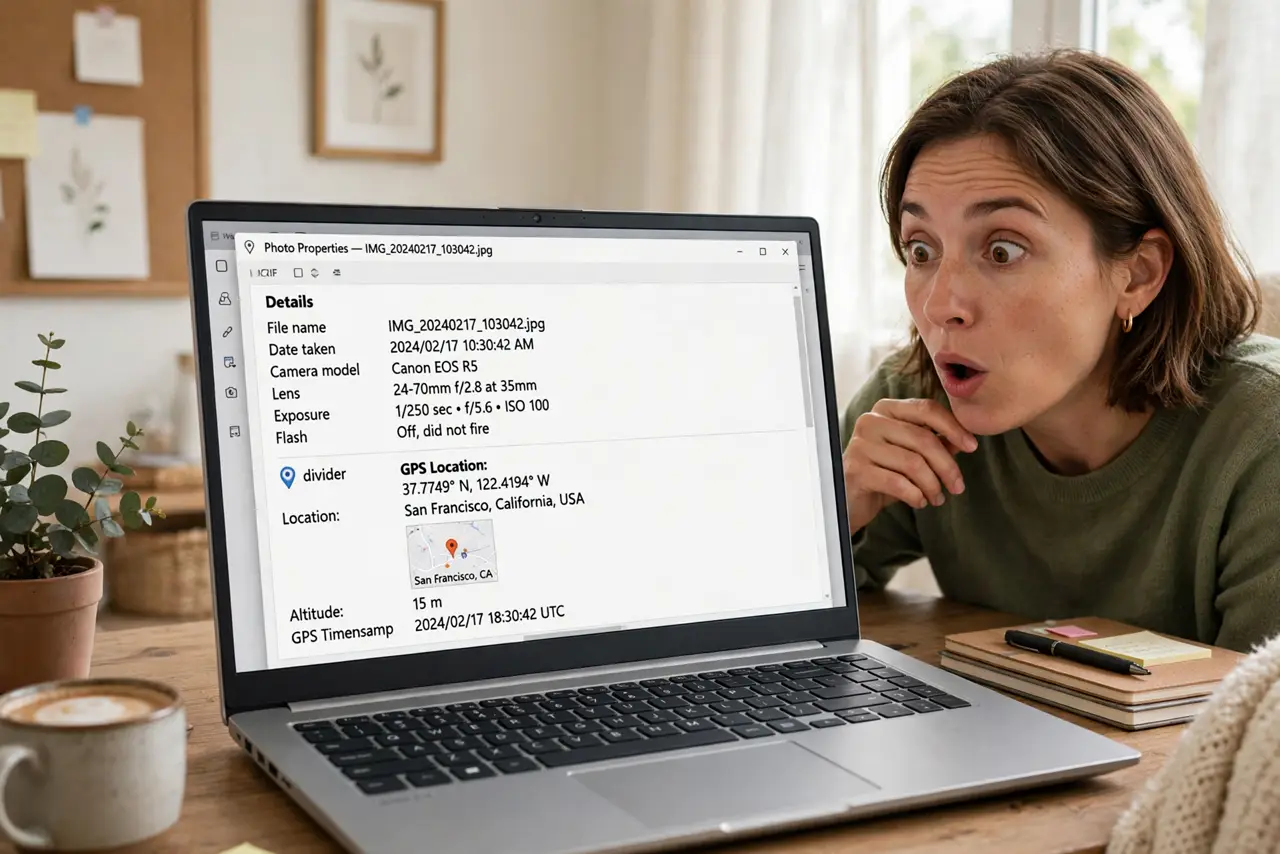
Every photo you take carries a hidden passenger: EXIF data — the camera settings, the date, and often your precise GPS location, embedded invisibly in the file. It is incredibly useful for organizing memories and quietly risky when shared. Understanding what rides along with your photos is the first step to sharing safely.
TL;DR / Quick Fix
Quick fix: EXIF is hidden info inside every photo — camera model, date, and often your exact GPS location. Useful for organizing, risky for sharing: a posted original can reveal where you live. Strip location before sharing publicly. Keep originals private. See the location-strip guide for how.
Follow these steps
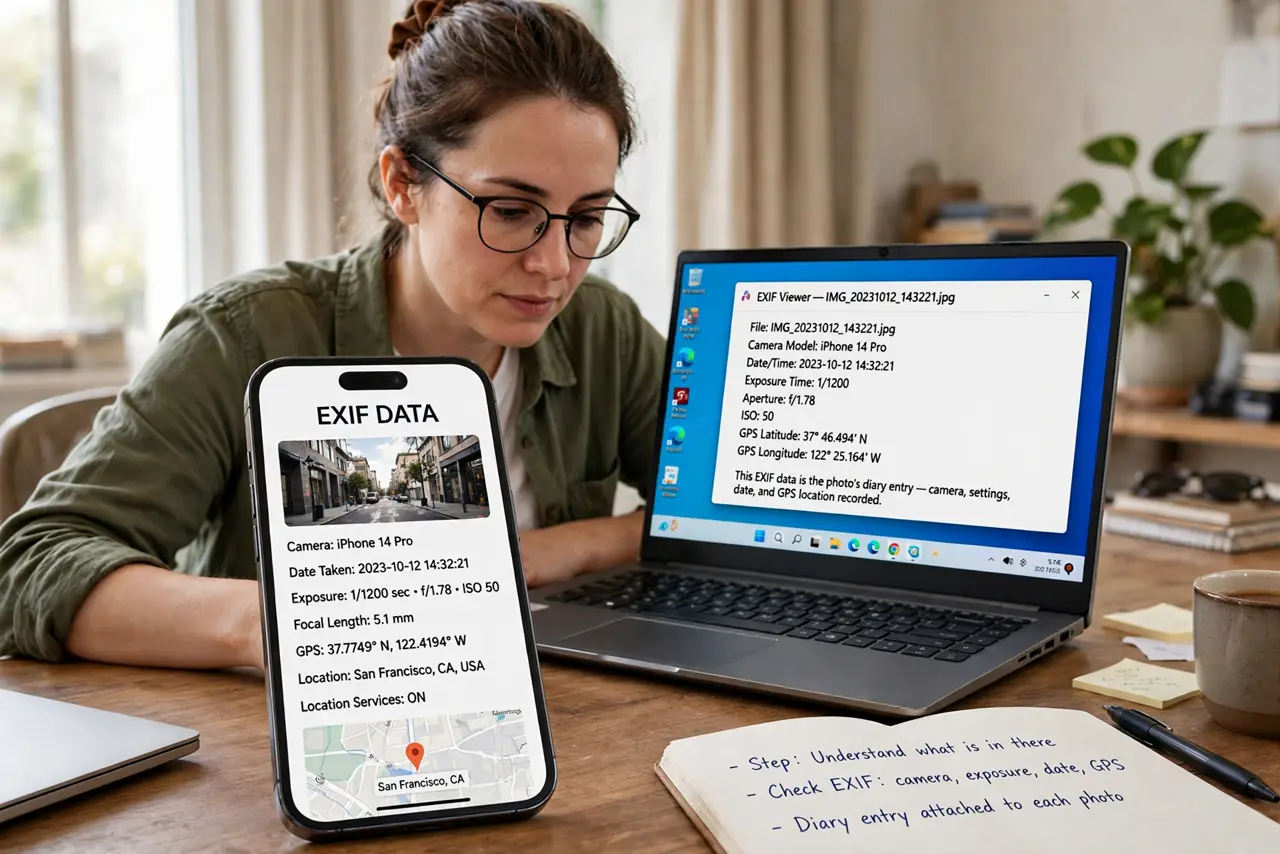
- Understand what is in there. Every digital photo carries EXIF: camera/phone model, exposure settings, date taken, and — if location services were on — precise GPS coordinates. It is a diary entry attached to every shot.
- See it yourself. On iPhone: open a photo, swipe up — the info panel shows the map and details. On Mac: Get Info in Preview. On Windows: Properties > Details. Look at one of your own photos and be amazed (or alarmed).
- Know where the location comes from. Your camera app tags GPS when location permission is on. That beach sunset includes the beach's coordinates — accurate to a few meters.
- Learn who strips it automatically. Most social networks (Instagram, Facebook, Twitter) strip EXIF on upload — but messaging apps, email, and forums often do not. Never assume; verify per platform.
- Strip location before public sharing. iPhone: share sheet > Options > Location off. That is it — one toggle per share. The full strip guide covers every platform.
- Keep originals, share copies. The EXIF is genuinely useful for your own archive — dates, cameras, places. Keep the originals; share the stripped copies. Both have their place.
What NOT to do
- Do not post original photos to marketplaces or forums. A for sale photo with GPS can reveal your home address to strangers — strip first, always.
- Do not assume all platforms strip EXIF. Social giants do; email, messaging apps, and many forums do not — check, do not assume.
- Do not disable location tagging entirely out of fear. The location data is wonderful for your personal memories — the skill is stripping it on export, not never recording it.
- Do not trust metadata remover apps blindly. Some are fine; others upload your photos to process them — use your phone's built-in toggle instead.
Frequently asked questions
Can someone find my address from a photo?
If the original with GPS EXIF is shared directly (email, forum, messaging app), yes — coordinates accurate to meters. Stripped uploads to major social networks, no.
Does screenshotting remove EXIF?
Yes — a screenshot creates a new image without the original's EXIF. It is a crude but effective strip, though it also reduces quality.
Is EXIF data illegal to collect?
No — it is part of the file you shared. That is exactly why managing it is your responsibility, not the viewer's.