Webcam Blurry on Video Calls? Fix It
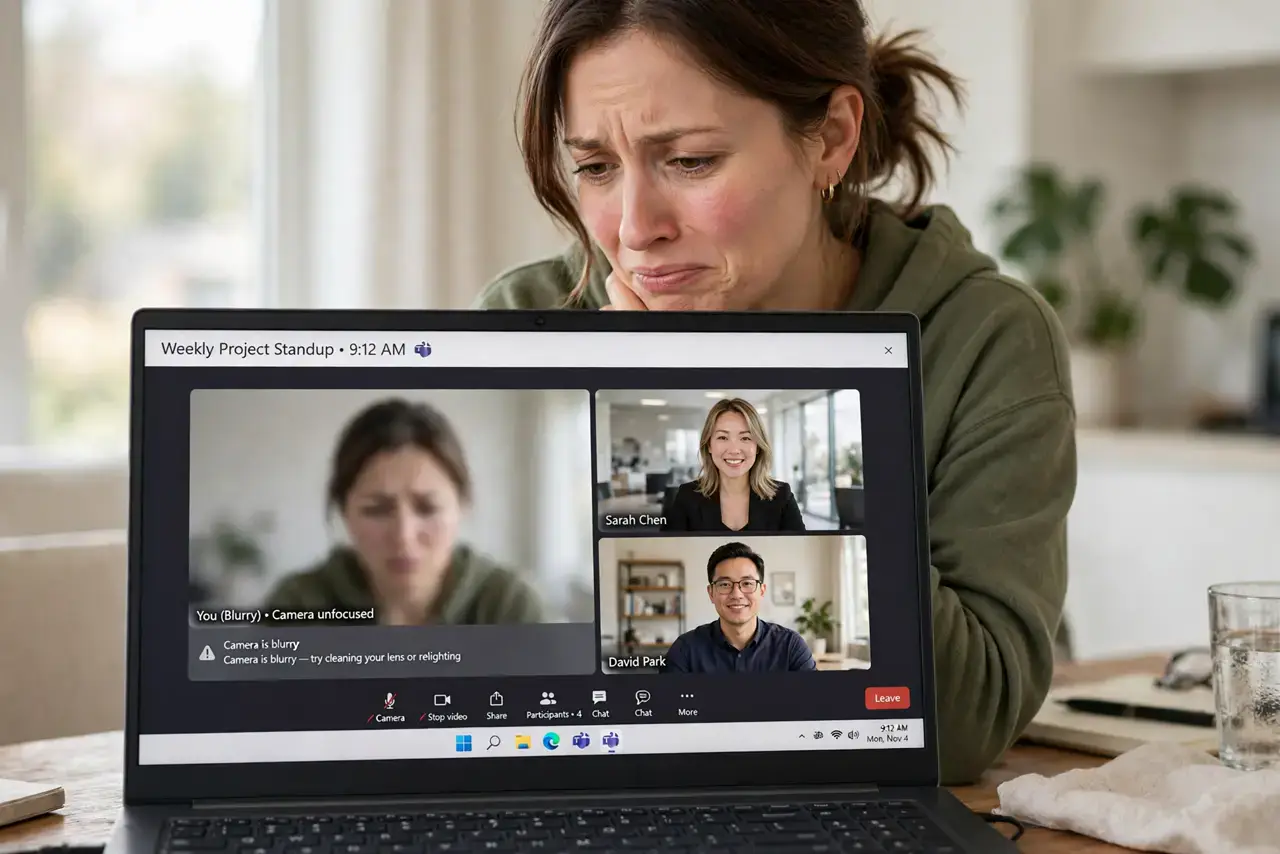
You look like a watercolor painting on every video call while everyone else is crisp. A blurry webcam is usually a dirty lens, bad lighting, or wrong focus — not a broken camera. This guide sharpens you up step by step, before you consider an external upgrade.
TL;DR / Quick Fix
Quick fix: wipe the webcam lens with a dry microfiber cloth — fingerprints are the number one cause of blur. Then face a window or lamp so your face is well lit; webcams sharpen dramatically with more light. Check the app's video settings for an HD toggle.
Follow these steps
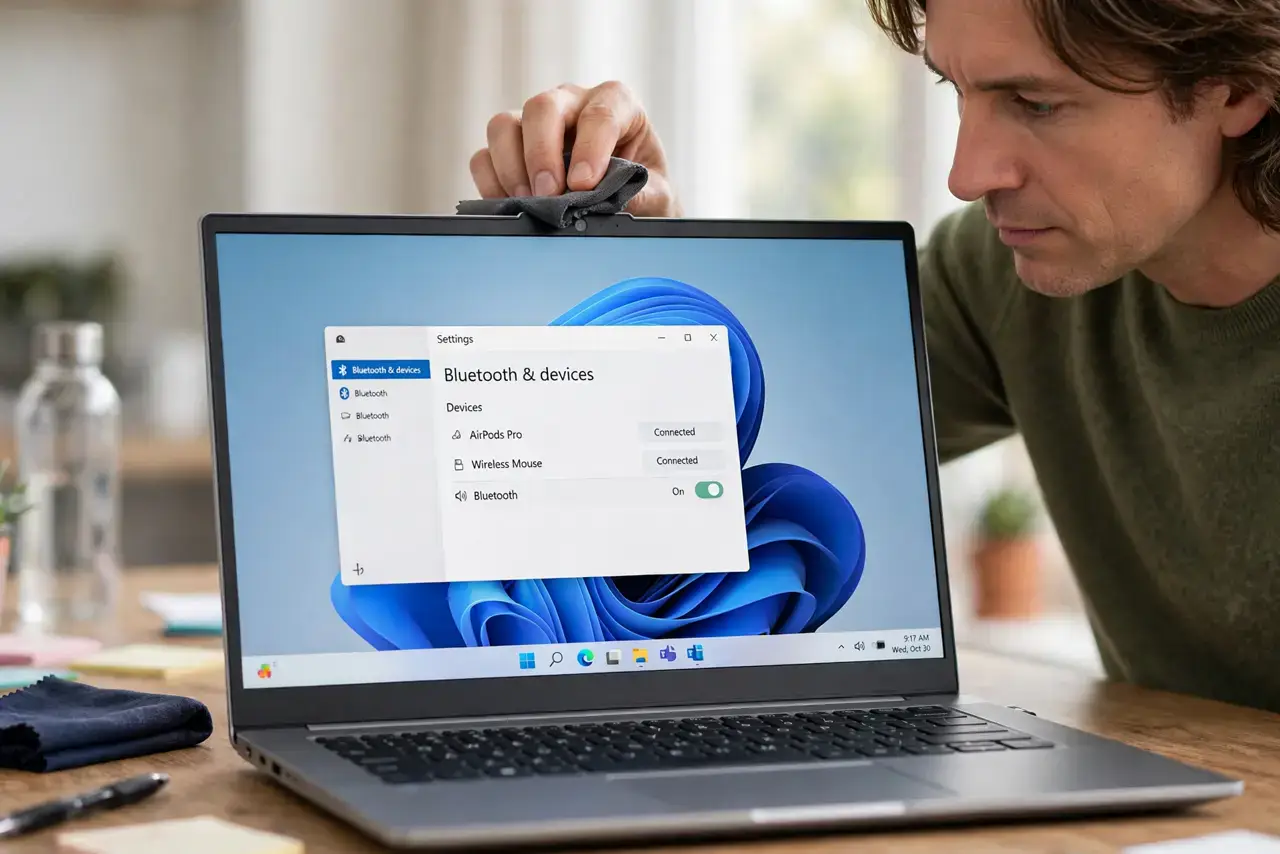
- Clean the lens. Wipe the tiny webcam lens with a dry microfiber cloth. An invisible fingerprint film is the most common cause of permanent-looking blur.
- Add light to your face. Face a window or put a lamp behind the camera. Webcams drop sharpness aggressively in dim light; good lighting is the biggest upgrade there is.
- Check the app's video quality setting. Zoom, Meet, and Teams often default to 720p or 'optimize for low bandwidth.' Enable HD video in the app's settings.
- Look for a focus setting. Some camera apps have manual focus or 'auto-focus' toggles. If your app offers it, make sure focus is on your face, not the background.
- Close bandwidth hogs. An unstable connection forces the app to blur your video to keep audio smooth. Pause downloads and cloud syncs during important calls.
- Test in another app. Open a different video app or the system camera. Sharp there but blurry in one app means that app's settings are the problem, not the camera.
What NOT to do
- Do not buy a new webcam before cleaning the lens. A two-second wipe fixes more 'broken' webcams than any purchase ever has.
- Do not sit with a bright window behind you. Backlighting turns you into a silhouette and forces the camera to blur everything trying to compensate.
- Do not use digital zoom to 'get closer.' Zooming crops the sensor and magnifies blur — move the laptop closer instead.
- Do not ignore the protective film. New laptops sometimes ship with a nearly invisible film over the webcam — peel it off.
Frequently asked questions
Why am I blurry but others are sharp?
Usually lighting or a dirty lens on your end. Their setups differ from yours in exactly these two things most of the time.
Can software really make my camera sharper?
Up to a point — good light plus the app's HD setting maximizes what your sensor can do. Beyond that, only better hardware helps.
Does my internet speed affect sharpness?
Yes. Video apps deliberately lower your resolution when bandwidth drops, which looks exactly like a blurry camera.