Opt Out of Face Recognition?
Your face is scanned in more places than you think — social apps tagging photos, your phone's own gallery grouping memories, even some stores. Some of it you can switch off. This guide shows where the face-recognition toggles hide on major platforms and phones, and what opting out actually stops.
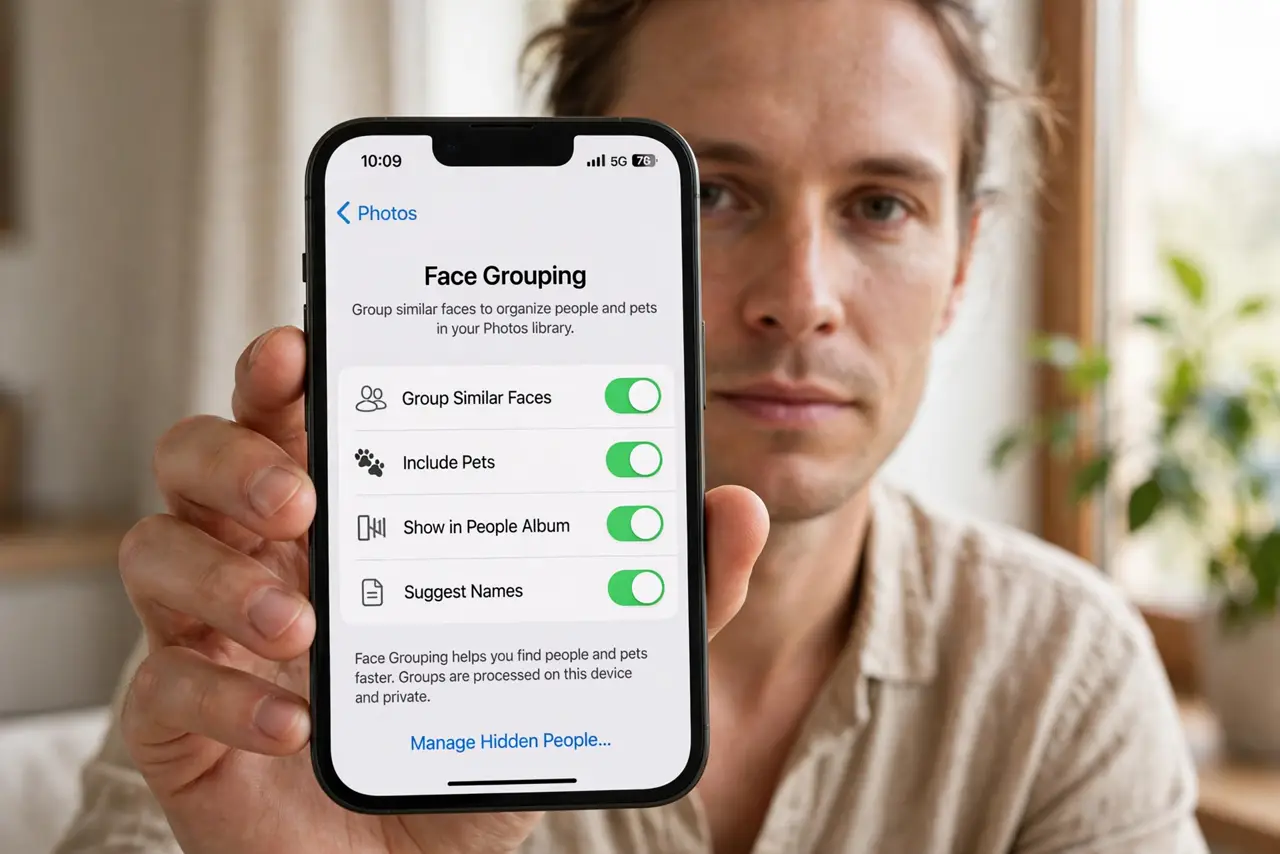
TL;DR / Quick Fix
Face recognition runs in social apps, phone galleries, and some stores. Open each app's privacy settings and switch off face tagging, grouping, and 'improve' programs. On phones the toggle usually sits under photo or privacy settings. Opting out stops future matching; ask for deletion of face templates already built.
Follow these steps
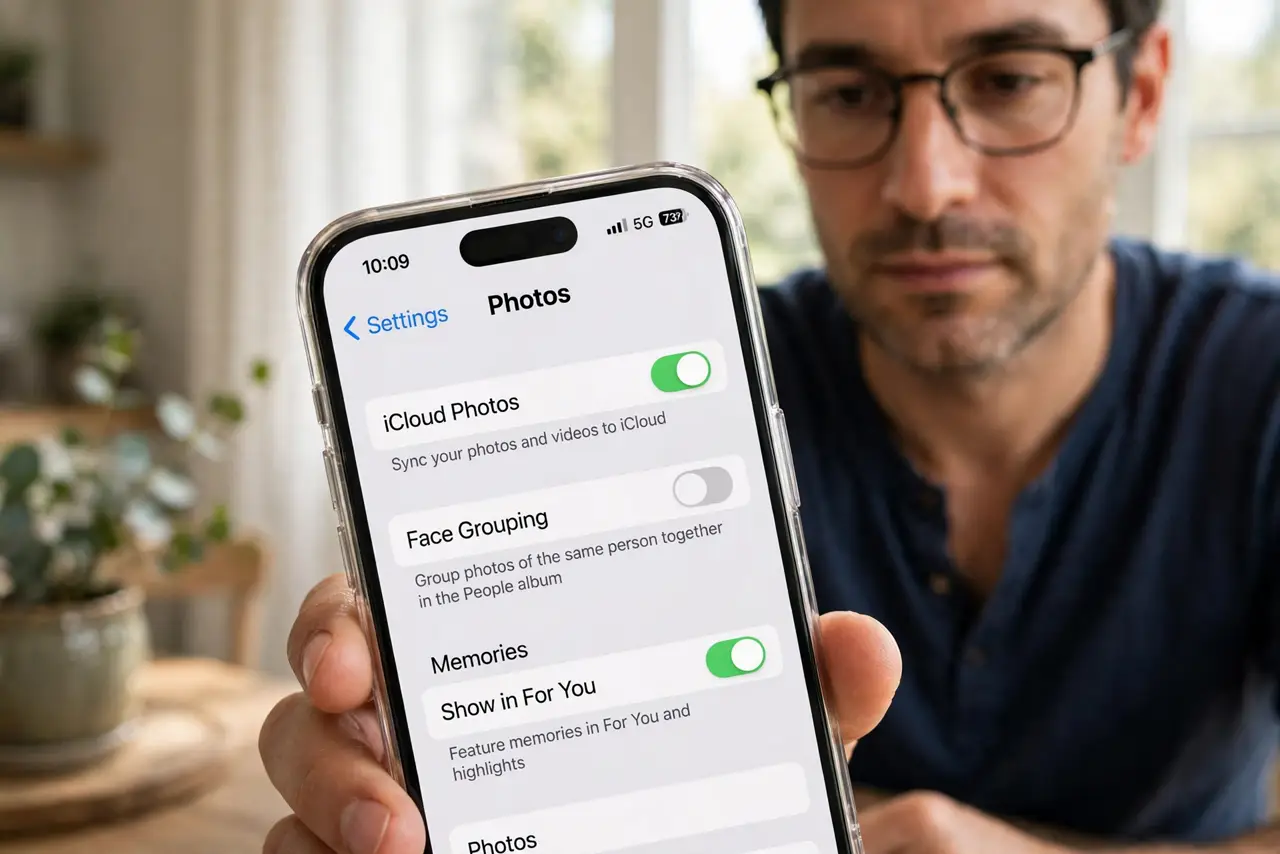
- Check your phone's photo app. Look for face grouping or 'people' features in the photo app's settings and switch them off if you do not want on-device face sorting.
- Check social apps' tag suggestions. Find the face-recognition or tag-suggestion setting and turn it off, so the app stops proposing your name on others' photos. See the broader social lockdown checklist too.
- Turn on tag review. Require your approval before any tag of you goes live. This catches the manual tags that automation settings miss.
- Ask what opting out deletes. Some services stop future matching but keep the face template they already built. Request deletion explicitly — and get confirmation.
- Watch for toggles returning after updates. Major updates sometimes re-enable privacy settings. A quick re-check after each big update takes a minute — permission creep is real.
- Limit new exposure with audience selectors. Fewer public photos means fewer faces to match. Tighten who can see and tag before worrying about the algorithm.
What NOT to do
- Do not assume opting out deletes past data. Stopping future matching and deleting the stored template are two separate requests.
- Do not tag friends' faces without asking. Your convenience is their exposure.
- Do not rely on sunglasses or a hat as protection. Modern recognition works around partial coverings.
- Do not confuse phone unlock with cloud face databases. On-device unlock and server-side matching are different systems with different risks.
Frequently asked questions
Is phone face unlock the same as face recognition databases?
No. Face unlock typically processes on the device and never uploads your face. Cloud matching — tagging, grouping across users — is the part worth opting out of.
Can stores legally scan my face?
Rules vary by place. Look for posted notices, ask staff, and choose stores that do not if it bothers you.
Does opting out stop friends tagging me manually?
No — only the automatic suggestions. Tag review is the backstop for manual tags.