Clear Off-Facebook Activity? How To
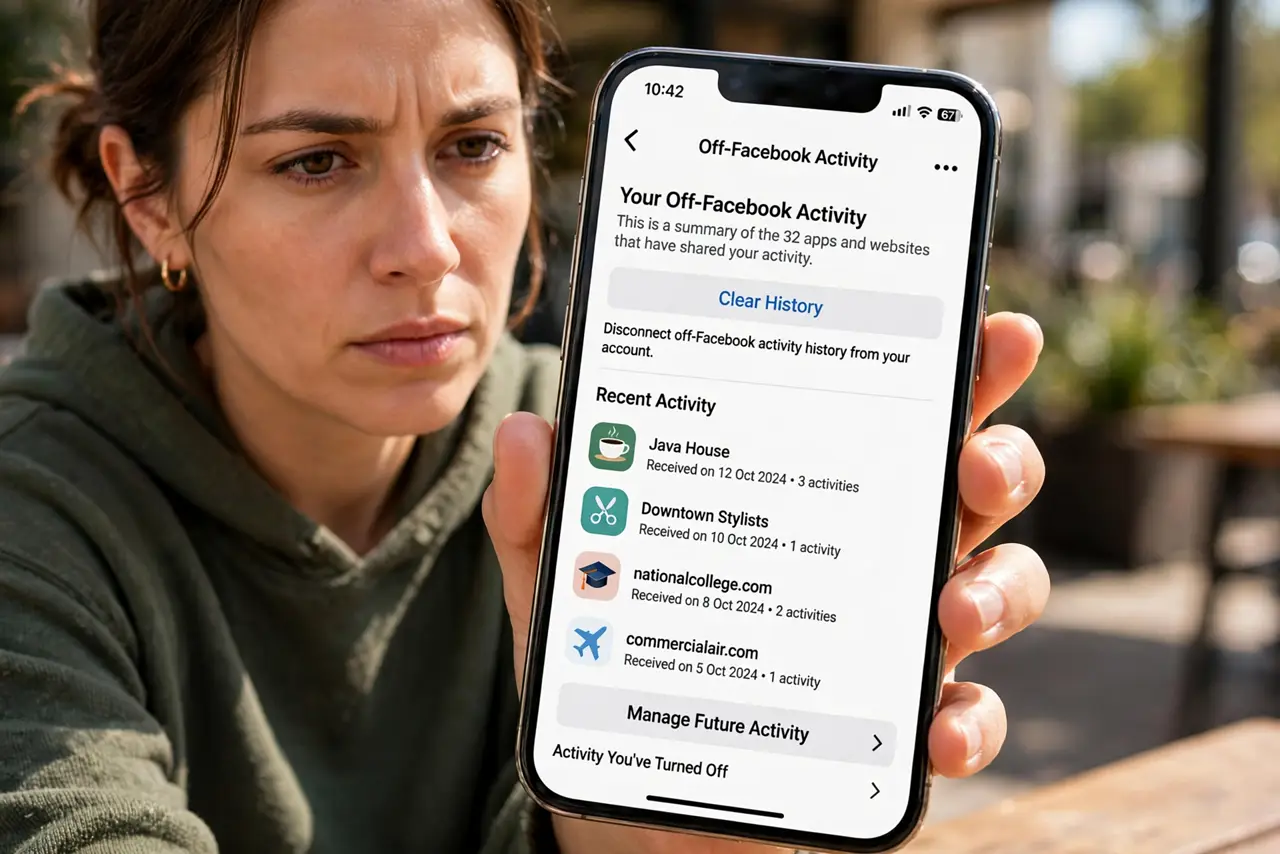
Facebook knows what you do on other websites and apps through 'Off-Facebook Activity.' You can see the list and clear it — and stop future collection. This guide walks through it.
TL;DR / Quick Fix
Quick fix: in Facebook's Settings, open 'Off-Facebook Activity' to see which apps and sites share data with Facebook, then clear the history. Turn on 'Disconnect future activity' to stop new collection. Expect slightly less relevant ads — that's the trade working as intended.
Follow these steps
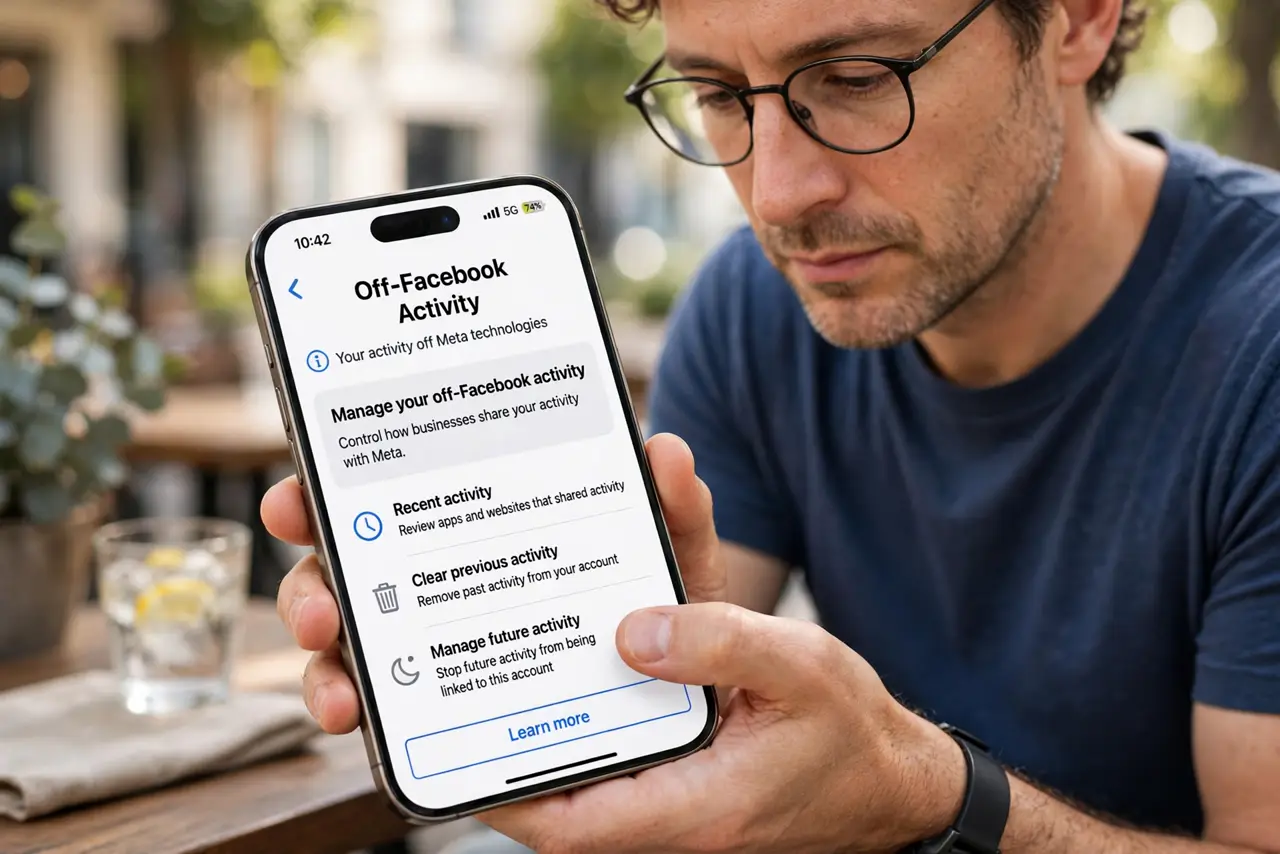
- Open Off-Facebook Activity. In the Facebook app, go to Settings and privacy, then Settings, then Off-Facebook Activity — it may hide under Your information.
- Look at the list. You will see apps and websites that sent Facebook data about you — often far more than you expected. This is the Facebook Pixel and SDKs at work.
- Clear the history. Tap Clear history to disconnect the past data from your account. It does not delete the data from the businesses, but it breaks the link to you.
- Disconnect future activity. Turn on 'Disconnect future activity' so new data stops flowing in. This is the setting that actually changes the future, not just the past.
- Manage it per business if you prefer. You can allow specific businesses while blocking the rest. Useful if you want one store's relevant ads but not the full firehose.
- Repeat for Instagram. Instagram has the same system under its own settings. Clearing one does not clear the other.
What NOT to do
- Do not think clearing deletes everything. It disconnects the data from your account; the businesses keep their own copies.
- Do not skip the 'future activity' toggle. Clearing history without disconnecting is mopping while the tap runs.
- Do not expect the list to stay empty. New apps and sites appear as you use them — check back every few months.
- Do not confuse this with deleting your account. This only handles off-platform tracking, not your Facebook profile data.
Frequently asked questions
How does Facebook know what I do elsewhere?
Through the Facebook Pixel on websites and SDKs in apps, which report your visits back. It is the same machinery behind 'Log in with Facebook.'
Will this log me out of apps?
No. Clearing off-Facebook activity does not affect your logins — it only breaks the tracking link.
Does this stop future tracking?
Only with 'Disconnect future activity' on. For the broader ad profile, also see ad personalization.