Control the Ads You See on Instagram? How To
Instagram lets you tell it which ad topics you want more or less of — if you know where the controls hide. A few minutes of tuning makes your feed noticeably less annoying. This guide shows where the switches are.
TL;DR / Quick Fix
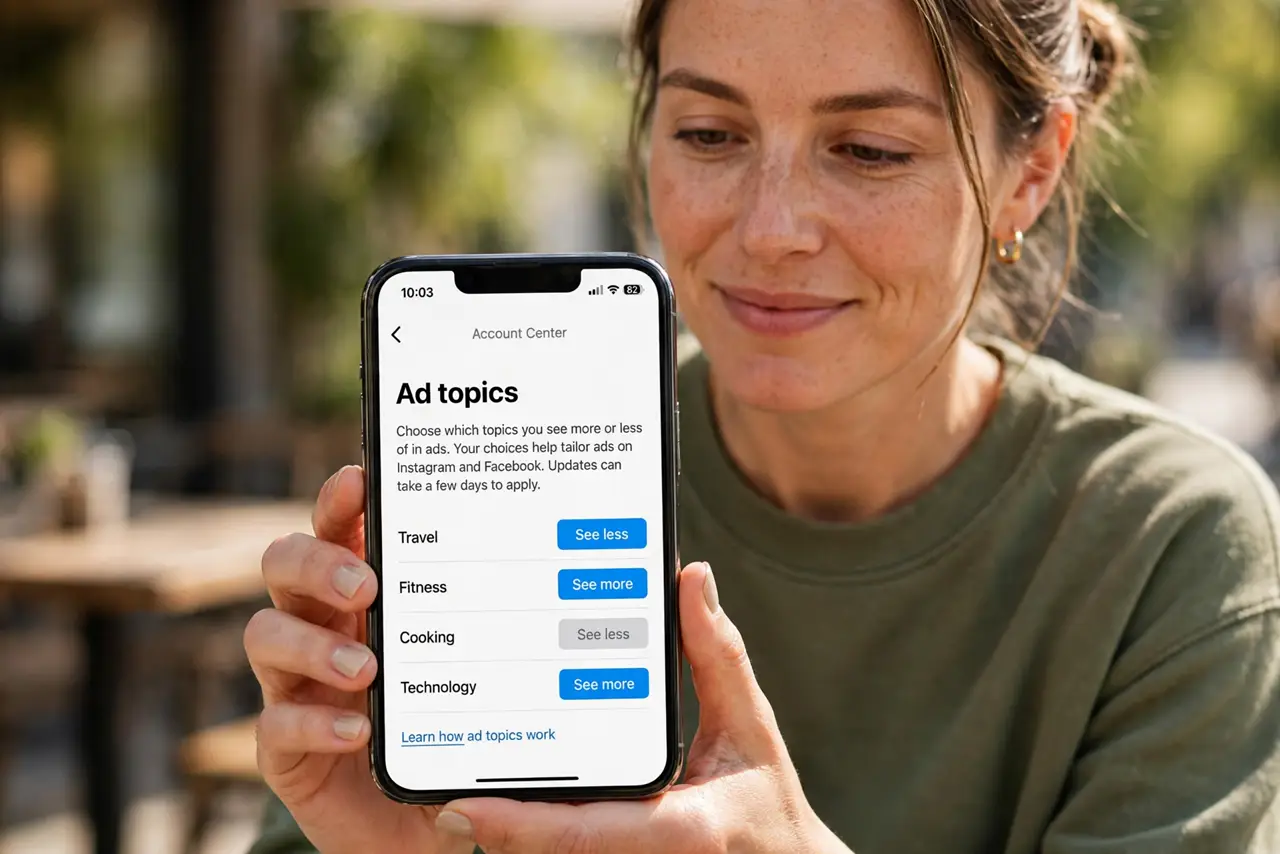
Quick fix: in Instagram's Settings, open Ad preferences to see your ad topics and remove the ones you don't want. When a bad ad appears, tap its menu and hide it — repeated hides teach the algorithm. For the account-wide profile, also tune your ad personalization settings.
Follow these steps
- Open Ad preferences. Go to Settings, then Ads, then Ad preferences. This is Instagram's control room for what advertisers think you like.
- Review your ad topics. You will see topics Instagram assigned you — some accurate, some baffling. Remove the ones you never want ads about.
- Check your ad activity. The same area shows advertisers who used your data. Remove any you do not recognize or trust.
- Hide bad ads in the feed. When an annoying ad appears, open its menu and hide it. The Why this ad panel in the same menu explains the targeting.
- Limit sensitive topics. Instagram lets you see fewer ads about certain sensitive topics like alcohol or parenting. Set these to See less.
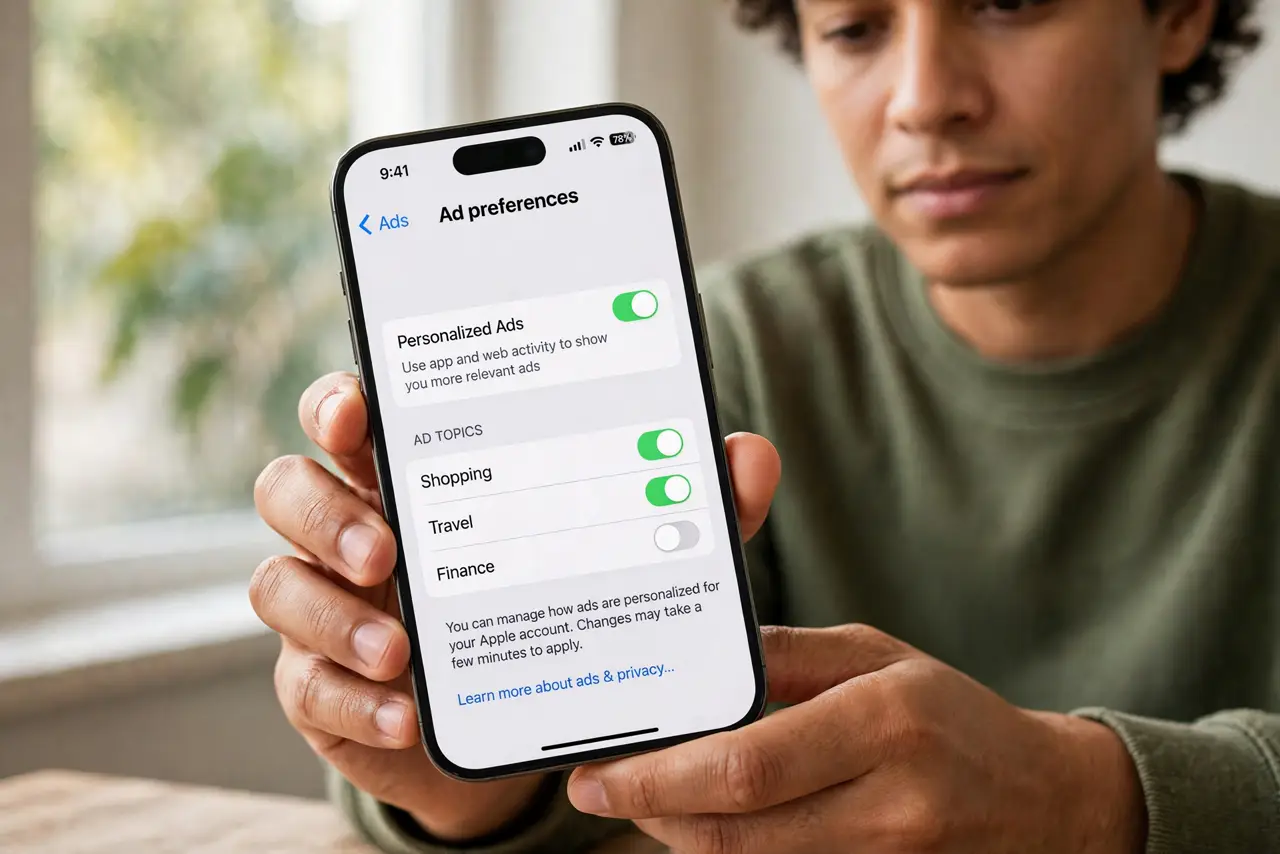
- Tune the Meta-wide settings too. Instagram shares the ad profile with Facebook. Adjust the account-level controls as well for full effect.
What NOT to do
- Do not expect the topics list to be short. Years of activity build a long list — pruning it is a one-time chore worth doing.
- Do not confuse hiding an ad with reporting it. Hide tunes your feed; Report flags scams and policy violations.
- Do not ignore the same controls on Facebook. The shared profile means Facebook-side tuning affects Instagram too.
- Do not pay for 'ad-free Instagram' offers from third parties. They are scams — the official controls are free and in settings.
Frequently asked questions
Why am I seeing ads for things I just thought about?
You did not just think about them — you searched, visited, or paused on something related. See the phone listening myth for the full explanation.
Can I turn off Instagram ads completely?
No. You can only tune topics and hide individual ads. Fewer, better-targeted ads is the realistic goal.
Do these settings affect Facebook too?
Yes, through the shared Meta ad profile. Changes in one place largely carry to the other.