Fake Delivery Text? Do Not Click — Check Safely
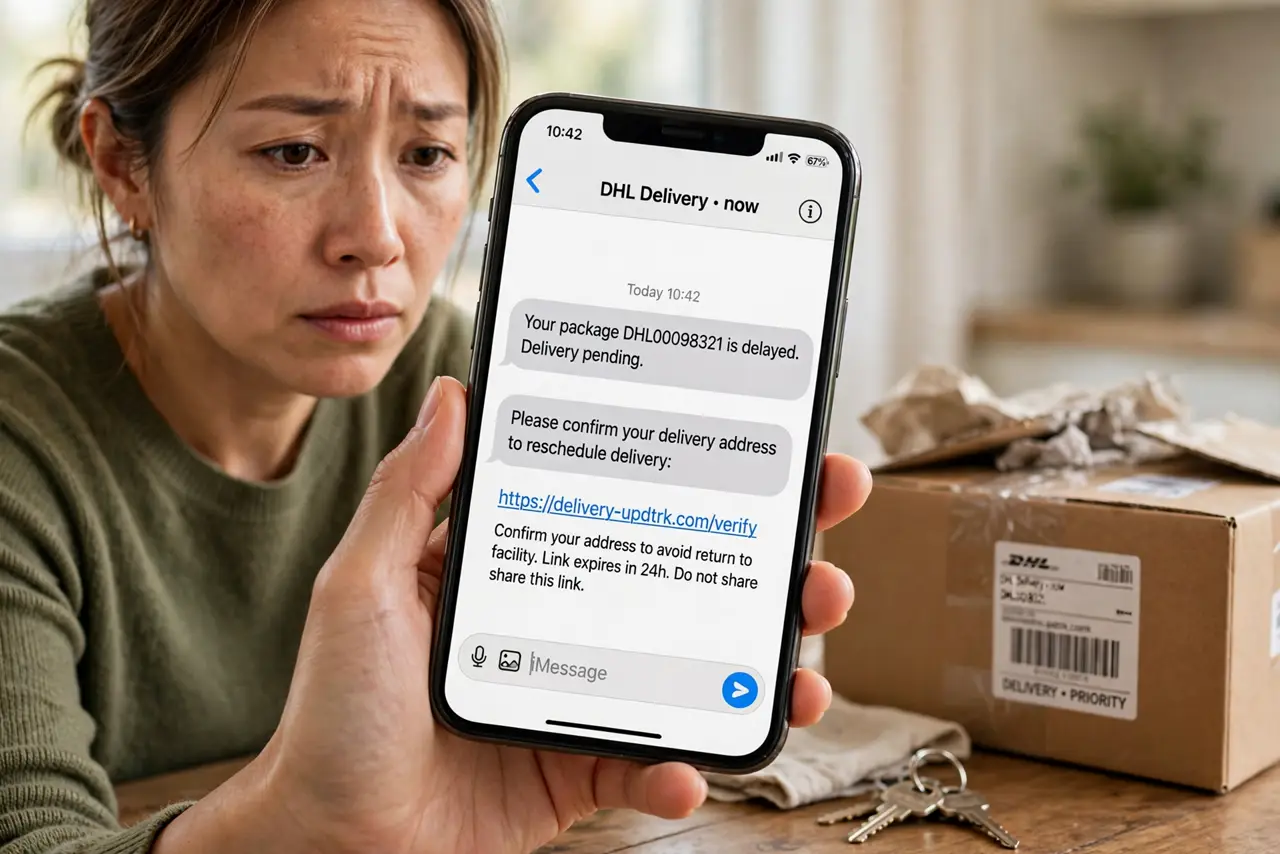
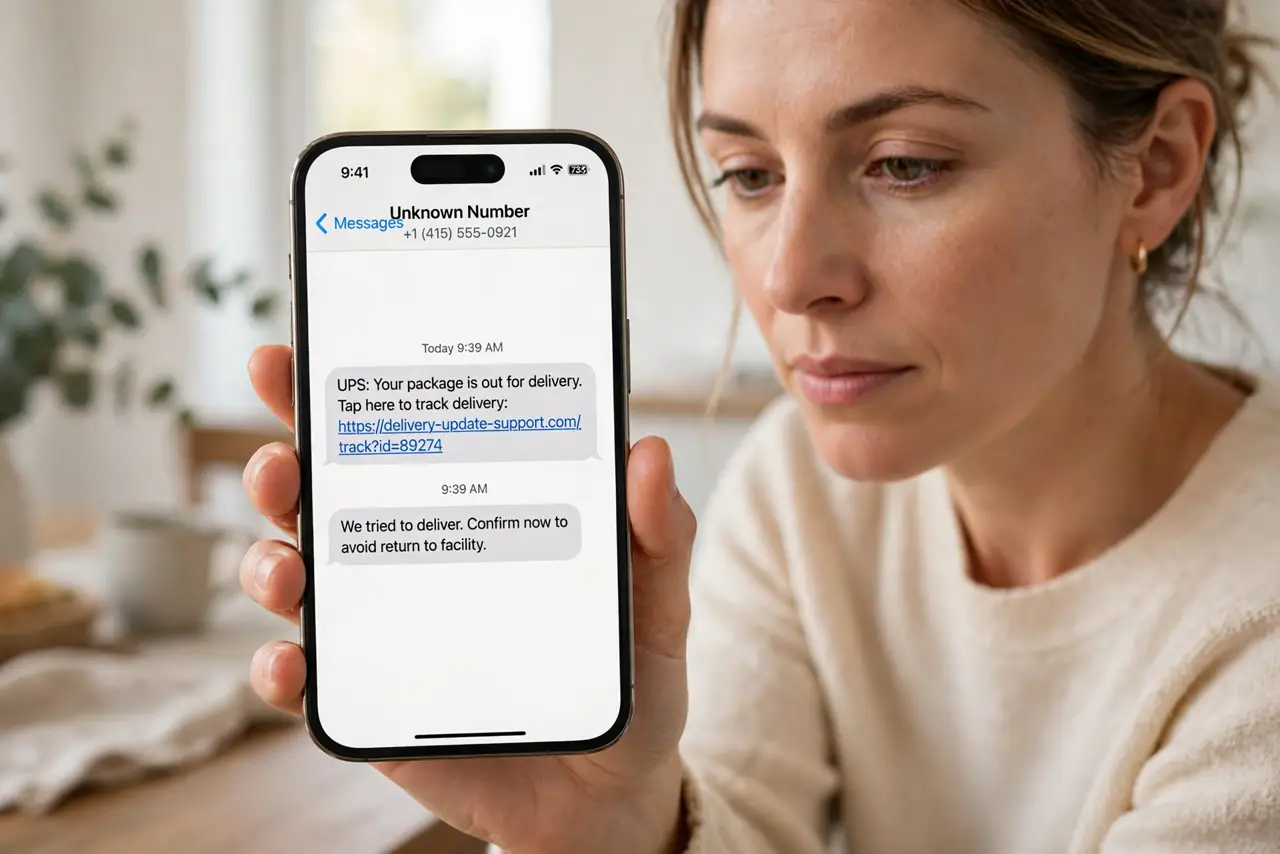
A text saying your parcel is stuck, unpaid, or waiting is a classic trick. The link usually leads to a fake page that asks for payment details or installs something harmful. You can check a real delivery without ever tapping that link.
TL;DR / Quick Fix
Quick fix: do not tap the link in the delivery text. Open your delivery app or the shop website yourself, type the address in, and check your order there. If no order matches, report the message as spam, block the sender, and delete the text.
Follow these steps
- Do not tap the link in the text. A delivery link in a surprise text is the riskiest way to check a parcel. Even a short preview can lead to a fake payment page, so leave the message untouched for now.
- Check the order yourself, not through the text. Open the delivery app or the shop website by typing its address yourself, or use the app you ordered from. A real parcel will appear in your order history there.
- Compare the details before you believe it. Check the sender, the tracking number, and the item. A fake delivery text often names no shop, no item, and no order you actually placed.
- Never pay a surprise fee from a text. A real courier rarely asks you to pay a small release fee through a texted link. If a fee is claimed, confirm it inside the official app or by contacting the shop directly.
- Report the message as spam. On your phone, use the report spam option for the message, then block the number. Reporting helps your carrier filter the same trick for other people.
- Delete the text and watch for follow-ups. Delete the message after reporting it. If more texts arrive from new numbers with the same wording, treat them the same way and do not reply.
What NOT to do
- Do not tap the link just to see where it goes. A fake page can look exactly like a real courier page.
- Do not reply STOP or any other word. A reply can confirm your number is active.
- Do not enter card details on a page reached from a text. Go to the official shop or courier site yourself instead.
- Do not forward the text to friends as a warning with the link still clickable. Describe it in your own words instead.
Frequently asked questions
What if I already tapped the link?
Close the page at once, do not enter any details, and change the password for any account you may have used there. Then check your orders in the official app.
What if I entered card details?
Contact your bank right away, ask what to freeze or replace, and watch statements closely. Then change passwords for accounts that share that card or password.
Can a delivery text ever be real?
Yes, but you do not need its link. A real delivery also shows in the shop or courier app, so check there and ignore the texted link.