Fake Login Page Copies a Real Site? Spot It
Some fake pages copy a bank, email, or shop login so well that only the web address gives them away. The page wants your password, and sometimes a code, to take over your account. Check the address before you type anything.
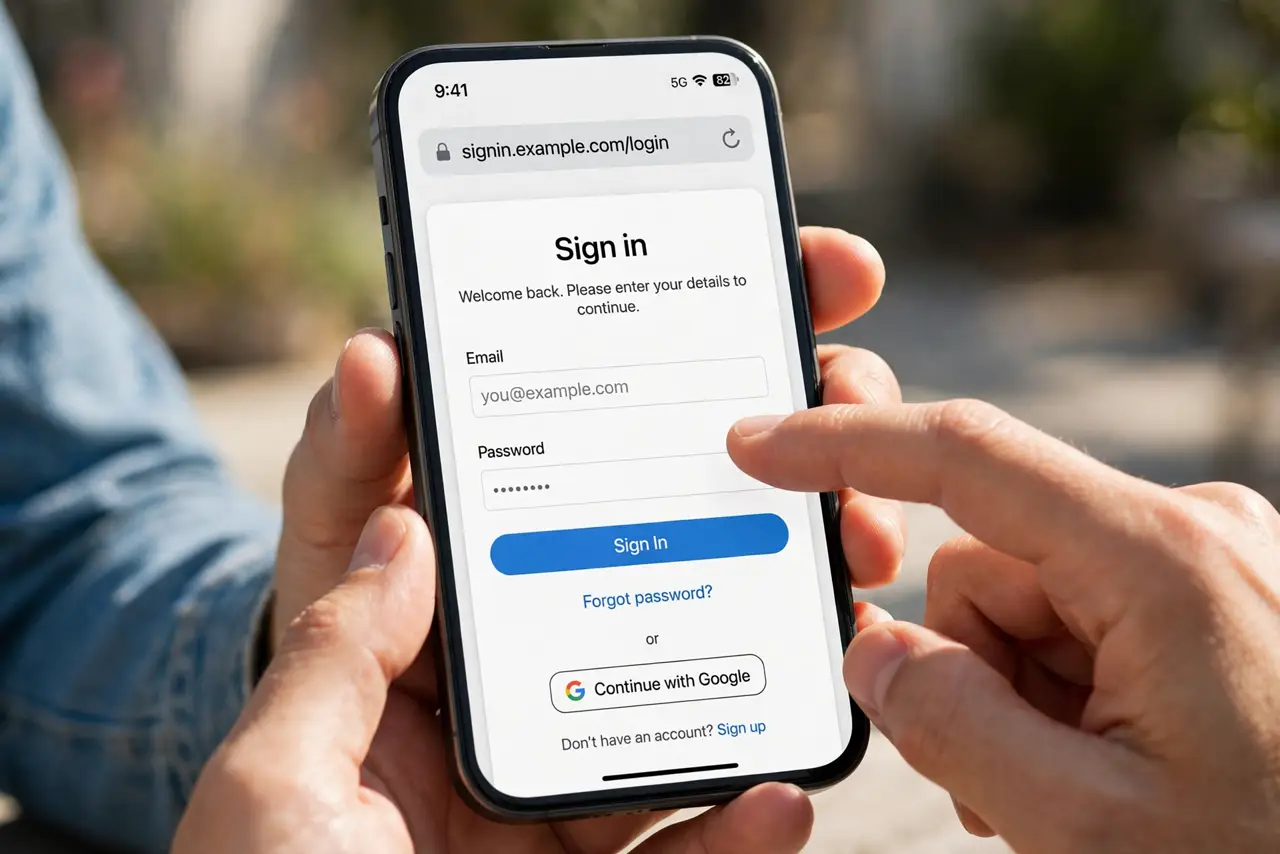
TL;DR / Quick Fix
Quick fix: never log in from a link in a message. Type the address yourself or use a saved bookmark, and check the address letter by letter. If you already typed your password into a fake page, change it at once from the real site.
Follow these steps
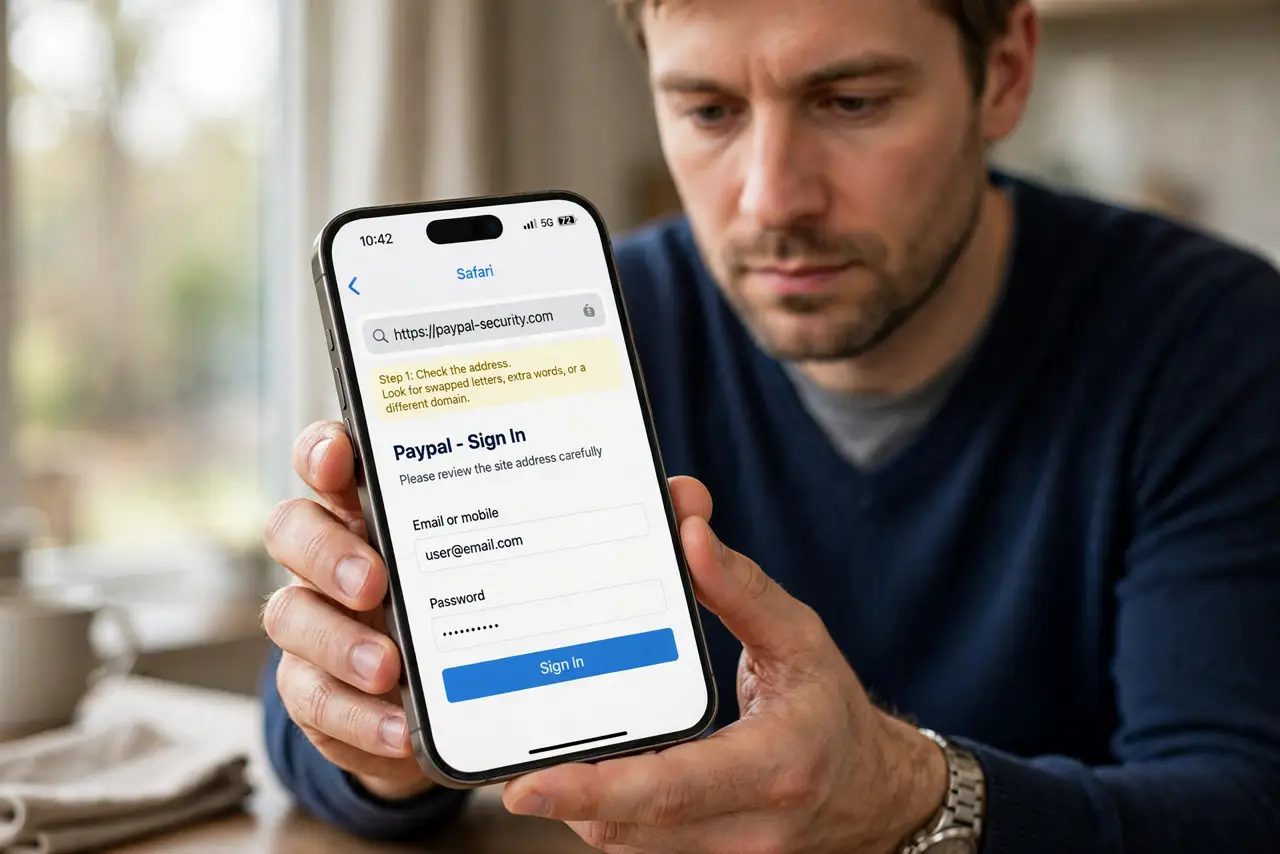
- Check the address letter by letter. Look for swapped letters, extra words, or a different ending, such as a strange domain. A copied page can look perfect while its address is completely wrong.
- Use a bookmark or type the address. Open the real site from a bookmark you saved yourself, or type its address by hand. A link in a message can point anywhere, even when the message looks official.
- Let your password manager be a second check. If your password manager does not offer to fill in your login, treat that as a warning. It usually means the address does not match the real site.
- Do not enter a code on a suspicious page. A one-time code is as valuable as a password. Never type it into a page you reached from a message you did not expect.
- Change the password if you typed it in. Go to the real site yourself, change the password, and choose one you do not use anywhere else. Then sign out of other sessions if that option is offered.
- Turn on two-factor authentication. Turn on two-factor authentication on the real account. It adds a second check, so a stolen password alone is much less useful to an attacker.
What NOT to do
- Do not trust a page because its logo and colors look right. Logos are easy to copy, and only the address is hard to fake.
- Do not log in from a link in an unexpected message, even if the message warns about a problem with your account.
- Do not reuse the same password on the fake page and the real site after a scare. Change it to a fresh, unique one.
- Do not ignore a login you did not make. Check recent activity on the real site and sign out unknown sessions.
Frequently asked questions
What if the address looks almost right?
Almost right is wrong. One swapped letter or extra word means a different site. Close the page and open the real site from a bookmark.
What if I entered my password and a code?
Change the password at once from the real site, turn on two-factor authentication, and check recent activity for anything you did not do.
Can my browser warn me about fake pages?
Browsers warn about many known fake pages, but new ones appear constantly. The address check and bookmarks remain your reliable habits.