Spot Fake Login Pages
An email says your account needs verification — the page looks exactly like your bank, down to the logo. You type your password, and now someone else has it. Fake login pages are pixel-perfect copies of real ones, and they catch smart people every day. The defense isn't sharper eyes; it's two habits that make the fakes irrelevant. Here's how to spot them.
TL;DR / Quick Fix
Quick fix: fake login pages steal passwords by copying real sites — check the address bar before typing anything. Look for misspelled domains, odd subdomains, and missing HTTPS. Never log in from an emailed link; open the site yourself. A password manager that refuses to fill is warning you.
Follow these steps
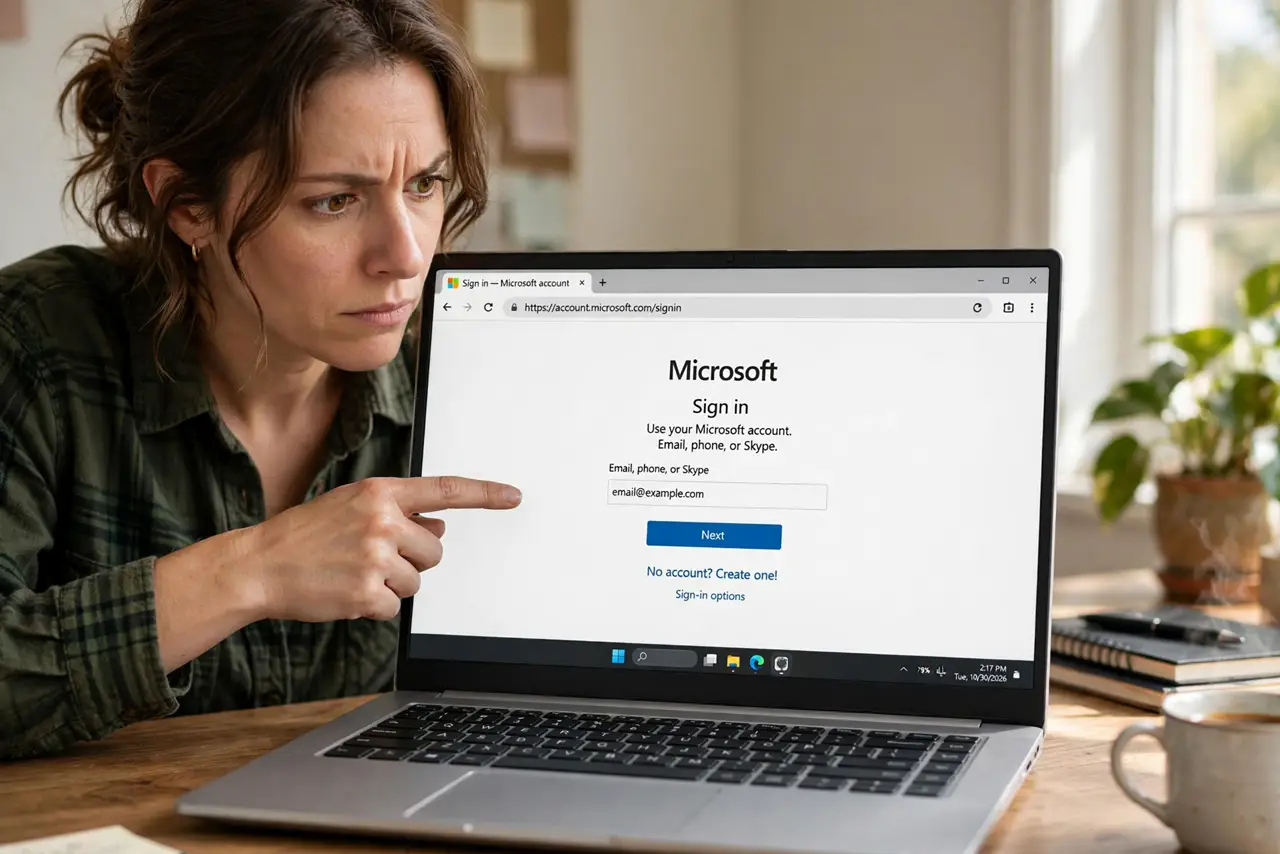
- Read the address bar, not the page. The page can be copied perfectly; the domain cannot be faked exactly. Before typing a password, read the full URL: misspellings (paypa1), wrong endings (.ru instead of .com), and extra words (bank-secure-login.com) are the tells. The anatomy of a copied login page shows how close fakes get.
- Never log in from a link. Email, text, or message links to login pages are guilty until proven innocent. Close it, open your browser, and type the site address yourself or use your bookmark. This one habit defeats nearly every fake-login attack ever made.
- Let your password manager be the judge. A password manager only auto-fills on the real domain it saved. If it doesn't offer to fill your credentials, stop — you're on a lookalike. An empty password field from your manager is a fire alarm, not a glitch.
- Check for HTTPS — then keep checking. Real login pages use HTTPS (the padlock). Its absence screams fake — but its presence proves little now, since scammers get free certificates too. HTTPS is necessary, not sufficient.
- Watch for urgency and threats. 'Verify within 24 hours or your account closes' is the standard wrapper. Real companies rarely threaten lockout by email; scammers always do. Urgency is the smell — the fake page is just the trap.
- If you already typed your password, act fast. Change it immediately on the real site, change it anywhere you reused it, and enable two-factor authentication. Then see what to do after clicking a phishing link — speed limits the damage.
What NOT to do
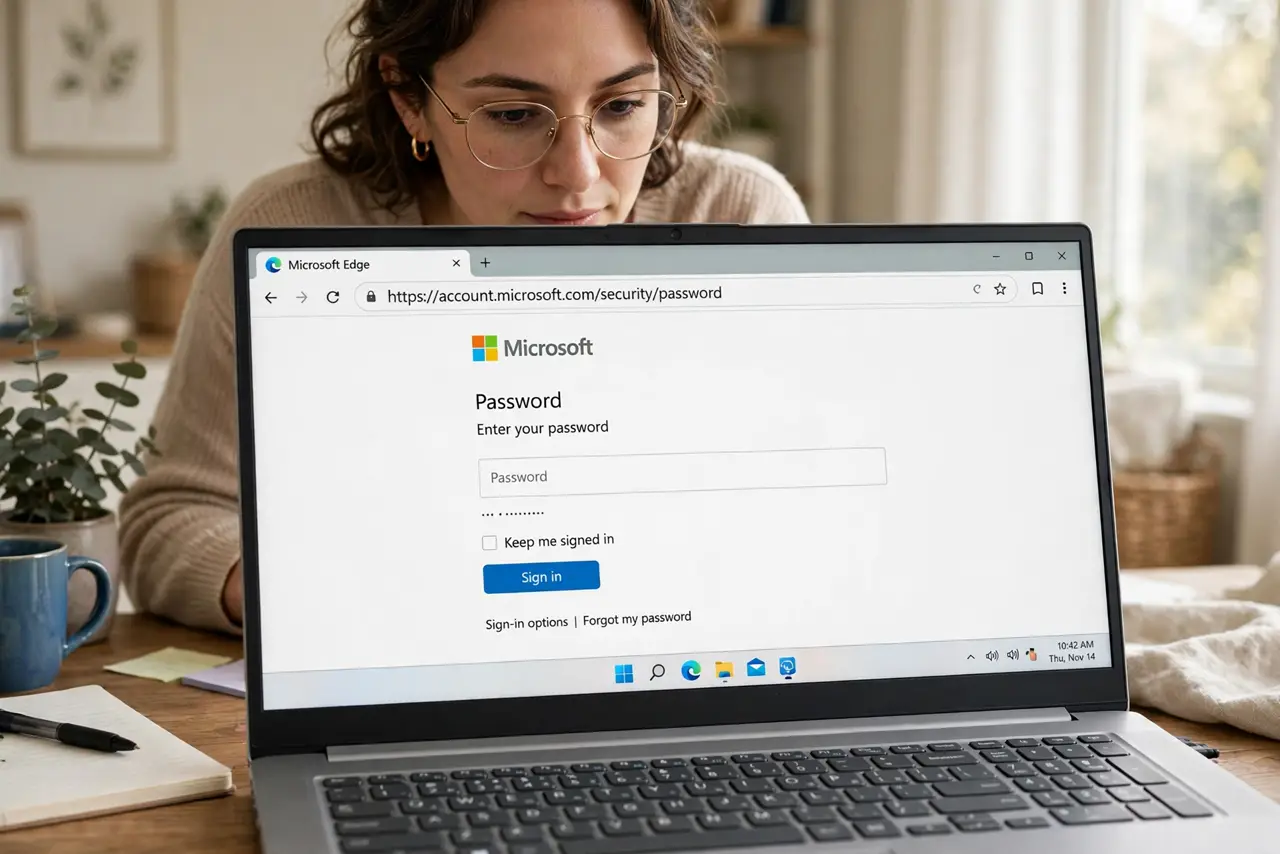
- Do not trust a page because it 'looks right.' Logos, layouts, and wording are trivially copied — only the domain is hard to fake.
- Do not log in through emailed links, ever. Convenience is the attack vector; bookmarks and typed addresses are the defense.
- Do not ignore your password manager's silence. If it won't fill, that's information — treat it as a warning, not a bug.
- Do not reuse passwords across sites. One stolen password becomes every account when they're all the same — a manager plus unique passwords contains the blast.
Frequently asked questions
Can a fake page have a padlock icon?
Yes — scammers get free HTTPS certificates in minutes. The padlock means the connection is encrypted, not that the site is legitimate. Read the domain.
What if the URL looks almost right?
Almost right is wrong. One letter off, a hyphen added, a different ending — all mean someone else's server. When in doubt, navigate yourself instead of trusting the link.
Are QR codes to login pages safe?
Same rules apply — a QR code is just a link you can't read first. Only scan codes from sources you trust, and check the domain after scanning.