Fiber vs Cable Internet?
You are choosing an internet plan and the two options read like alphabet soup: fiber with its symmetrical speeds, cable with its big download numbers and fine print. They are genuinely different technologies, not just marketing tiers, and the right pick depends on what you actually do online. Here is the honest comparison.
TL;DR / Quick Fix
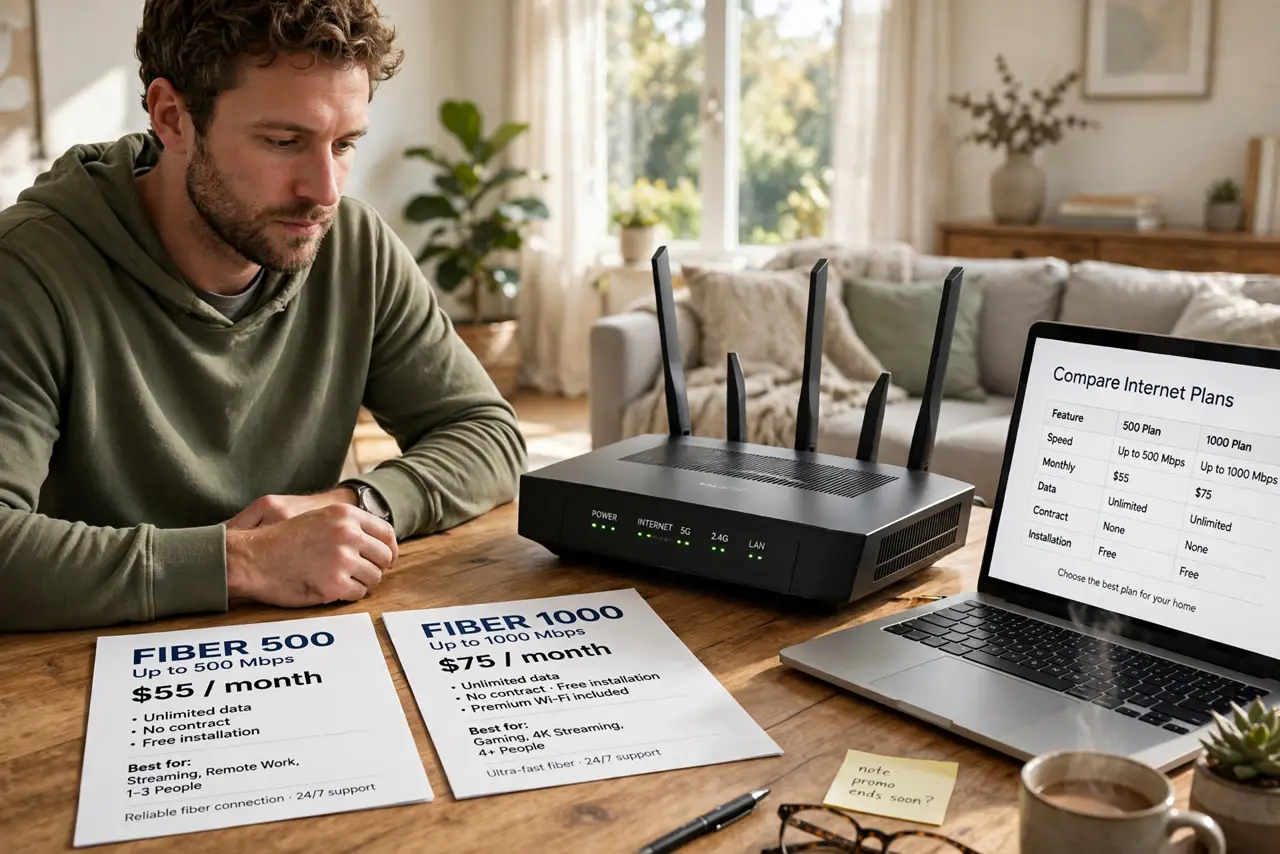
Quick fix: fiber beats cable on upload speed, latency, and consistency — video calls and uploads fly while cable uploads crawl. Cable usually wins on availability and price, and its downloads are fine for streaming. If fiber reaches your address at a close price, take fiber.
Follow these steps
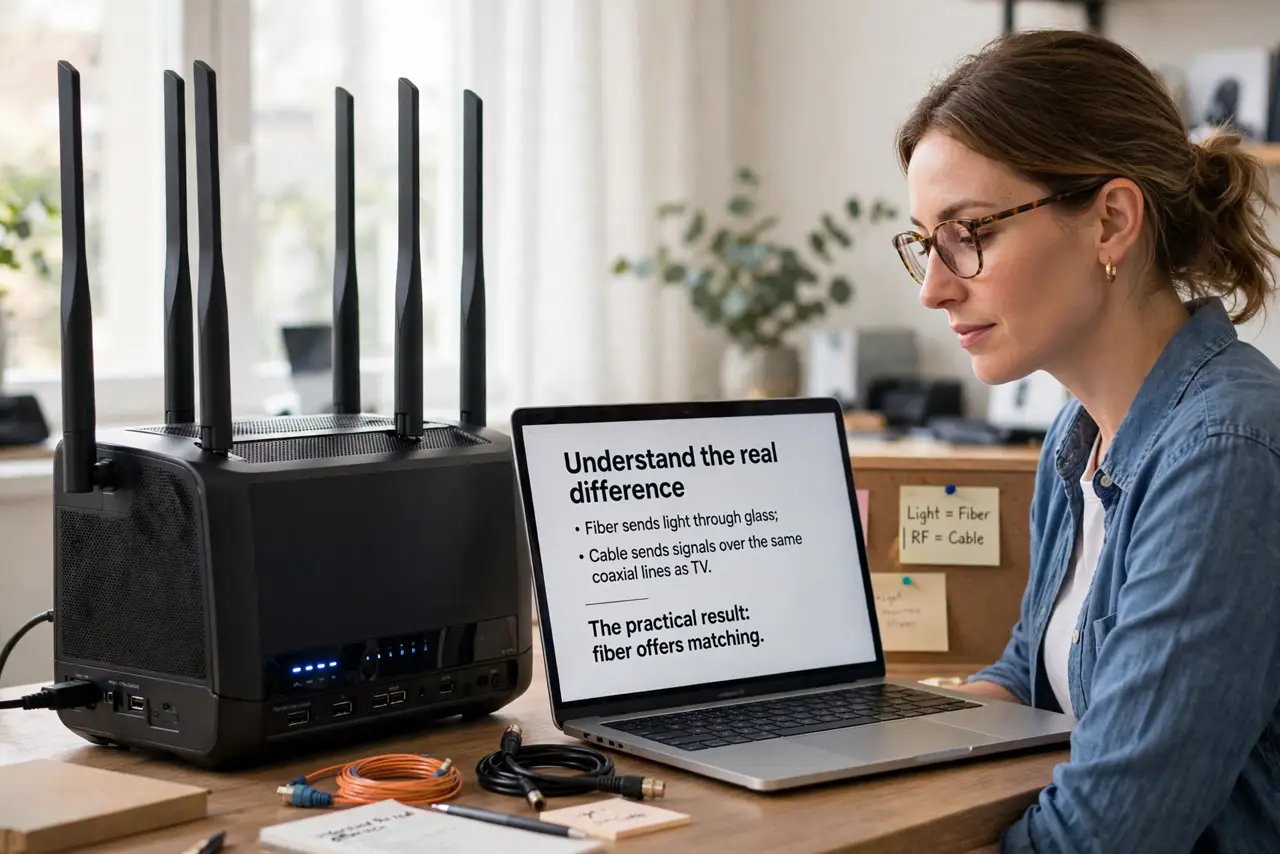
- Understand the real difference. Fiber sends light through glass; cable sends signals over the same coaxial lines as TV. The practical result: fiber offers matching upload and download speeds, while cable uploads are a fraction of downloads — see the detailed fiber vs cable breakdown.
- Match the tech to your uploads. Video calls, cloud backups, and uploading large files all run on upload speed. If you work from home or create content, fiber's symmetrical speeds are transformative; if you mostly stream and browse, cable is enough.
- Check actual availability at your address. Fiber coverage is patchy — a street over can make the difference. Do not trust national coverage maps; enter your exact address on the provider's checker.
- Compare the full price, not the promo. Cable plans often jump after 12 months, and both types add equipment fees. Price the second year, not the first, and ask about the modem or gateway rental.
- Ask about data caps. Some cable plans cap monthly data with overage fees; fiber plans usually do not. Heavy streamers and big households should treat an uncapped plan as a real feature.
- Do not overbuy speed you cannot use. A 1 Gbps plan is wasted on a household that streams and browses. Check your actual usage first — 200-300 Mbps covers most families comfortably.
What to avoid
- Do not sign for the promo price without asking what it becomes. The 12-month jump is where the real cost hides.
- Do not assume fiber is automatically installed fast. Fiber installs often need a technician visit and new wiring — ask about the timeline before you cancel the old service.
- Do not rent the gateway forever without doing the math. Rental fees add up; buying your own compatible modem or router often pays for itself within a year.
- Do not pick on download speed alone. For remote work and gaming, upload speed and latency matter as much as the headline number.
Frequently asked questions
Is fiber really more reliable?
Generally yes — fiber lines degrade less with distance and weather than coaxial cable, so speeds stay closer to advertised. Individual providers still vary.
Can I get fiber in an apartment?
Sometimes, if the building is wired for it. Ask the building management which providers have lines in — that decides it more than any ad.
Does fiber help Wi-Fi speed?
Only up to your router's limit. Fiber to a weak old router still gives weak Wi-Fi — the install checklist covers what to prepare inside the home.