What Is FIDO2?
FIDO2 sounds like a robot from a sci-fi movie, but it is the open standard quietly replacing passwords — the technology inside passkeys and security keys. Understanding the name helps you read security news and product labels without guessing. Here is the plain-English version: what it is, what it is not, and why it matters to you.
TL;DR / Quick Fix
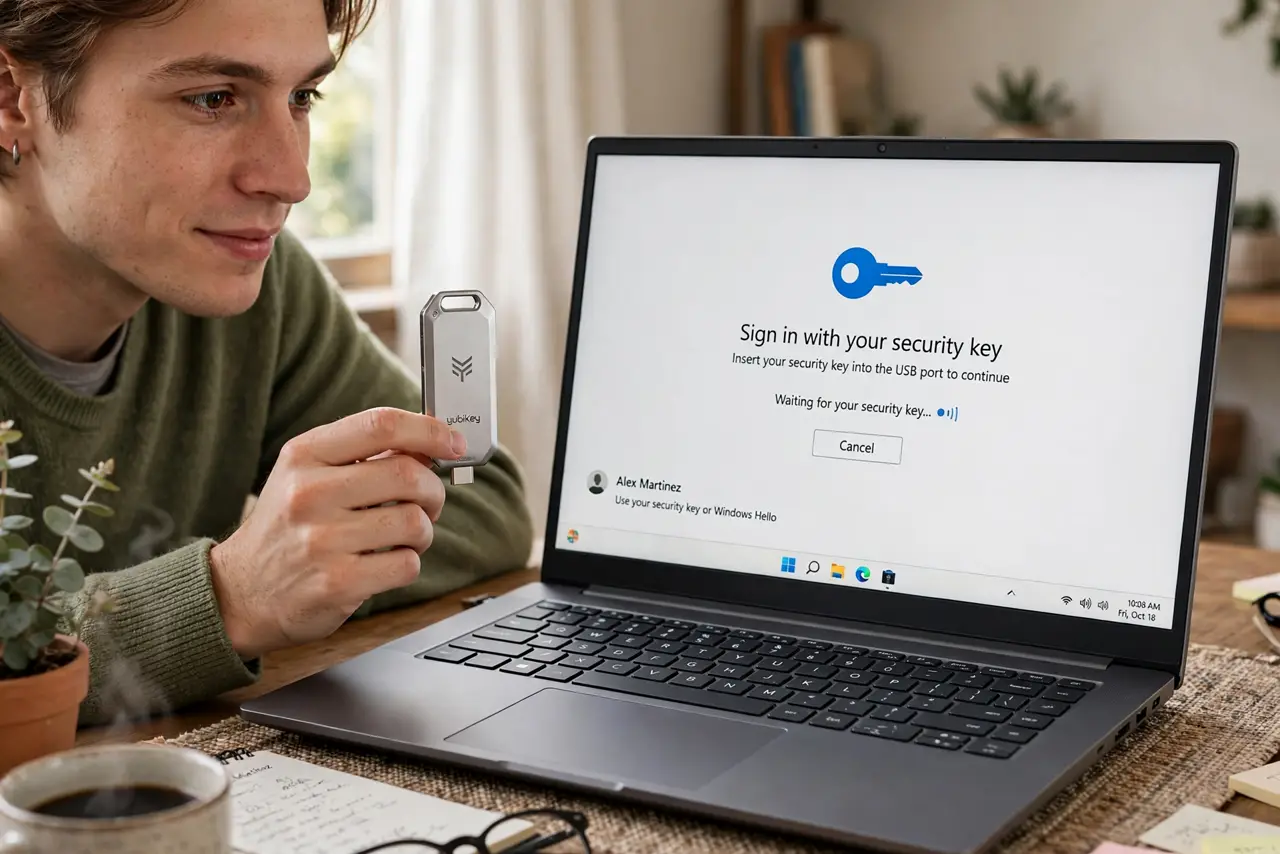
FIDO2 is the open standard behind passwordless login — the technology inside passkeys and hardware security keys. Your device proves it holds a private key and verifies your fingerprint locally, so nothing phishable travels the network. You meet it whenever you set up a passkey or tap a key.
Follow these steps
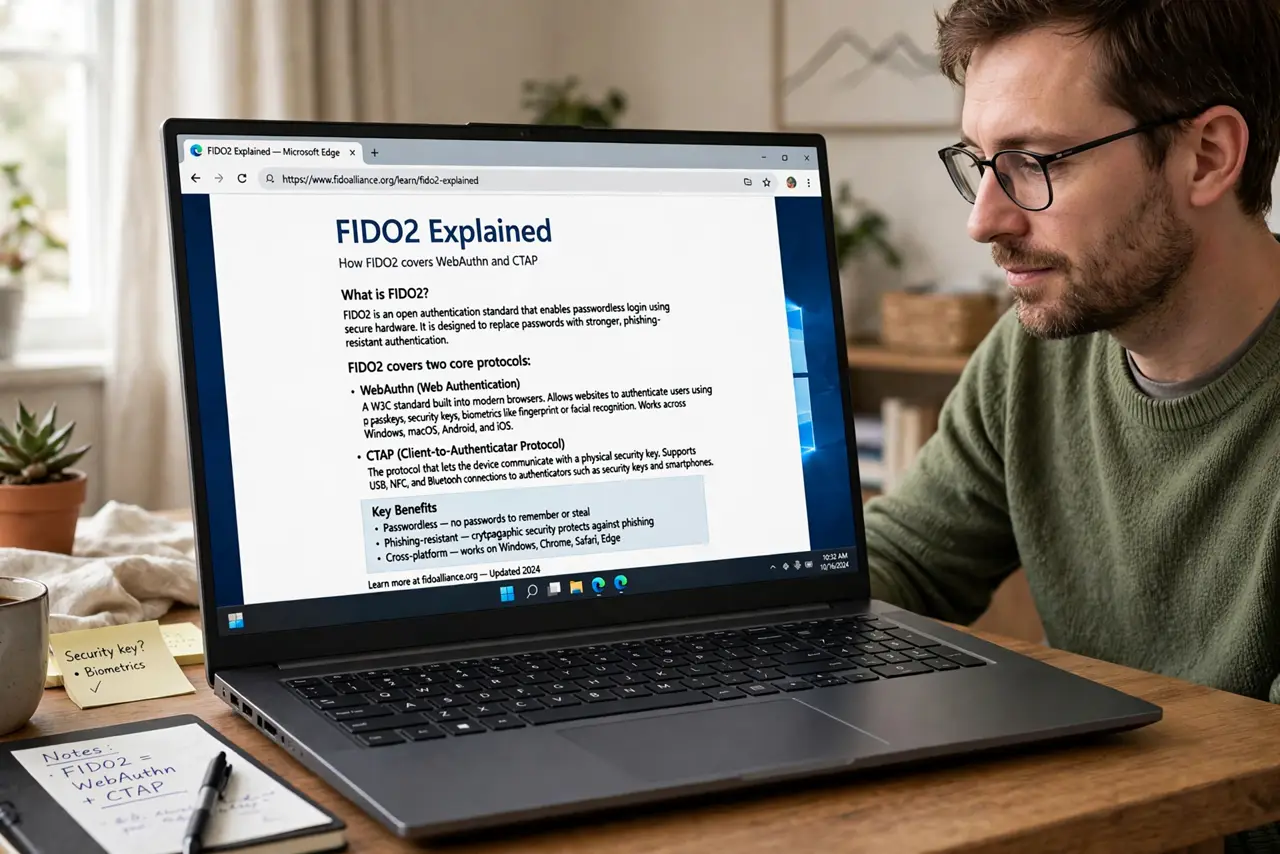
- Learn what the name covers. FIDO2 is the umbrella standard from the FIDO Alliance, combining WebAuthn (the web protocol) and CTAP (how keys talk to devices). You do not need the acronyms — just know it is one shared, open standard, not one company's product.
- Understand the core trick. Your device creates a unique key pair per site. The site keeps the public half; your device keeps the private half and only uses it after your fingerprint or PIN. There is no shared secret to steal in a breach.
- See where you already use it. Every passkey login, every tap of a security key, every 'sign in with your phone' prompt on a modern site — that is FIDO2 working invisibly.
- Know how it differs from old 2FA. Classic 2FA adds a code on top of a password. FIDO2 can replace the password entirely (passwordless) or strengthen it — and unlike SMS codes, it cannot be phished.
- Check for the label when buying keys. Security keys advertise FIDO2 certification. That label means the key follows the open standard and works across sites, not just one ecosystem.
- Expect it to keep spreading. Browsers, phones, and operating systems all ship FIDO2 support now. New 'sign in with passkey' buttons appearing on your accounts are this standard arriving.
What NOT to do
- Do not confuse FIDO2 with a product. It is an open standard — no one owns it, and 'FIDO2 certified' is a compatibility label, not a brand.
- Do not assume FIDO2 means no recovery planning. Losing all your registered devices without recovery options still locks you out — standards do not replace backups.
- Do not think SMS codes are equivalent. SIM-swapping defeats SMS 2FA; FIDO2's cryptography does not travel over the phone network at all.
- Do not buy a key without checking certification. Uncertified bargain keys may implement the standard badly — the FIDO2 label is the quality signal.
Frequently asked questions
Is FIDO2 the same as a passkey?
Passkeys are built on FIDO2 — think of FIDO2 as the standard and passkeys as the user-friendly product made from it.
Do I need special hardware for FIDO2?
No. Your phone's biometrics already speak FIDO2. Hardware security keys are the optional extra-credit version.
Can websites still get breached with FIDO2?
Breaches can still expose other data, but stolen databases contain only public keys — useless for logging in as you. That is the whole point.