Anyone With the Link: The Sharing Risk
Anyone with the link can open your shared file — and anyone they forward it to can too. Link sharing is convenient, but the link behaves like a key you cannot take back once it spreads.
TL;DR / Quick Fix
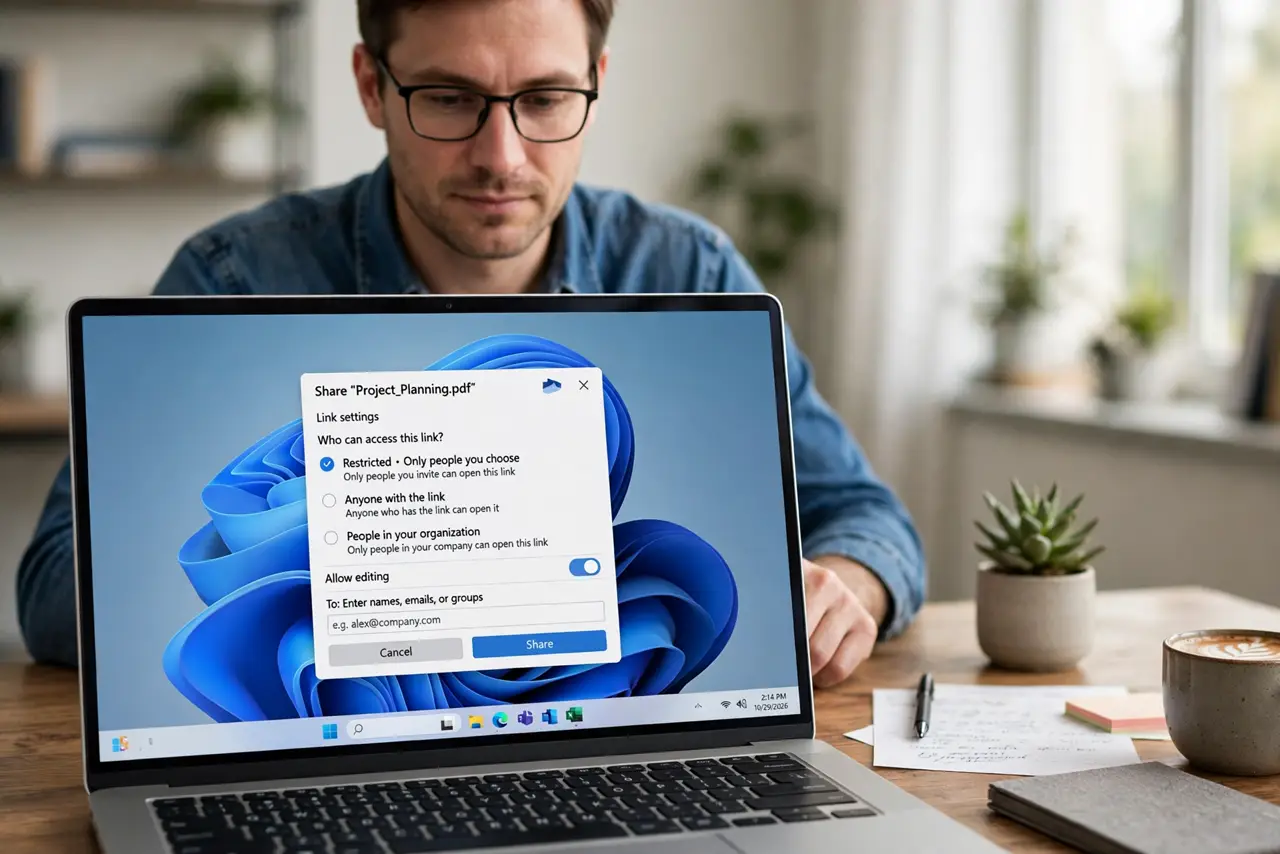
Quick fix: change sensitive shares from anyone-with-the-link to specific people, add an expiration date, and turn off downloading where possible. Then review your active shared links monthly without fail, revoke the old ones, and never share private files by open link.
Follow these steps
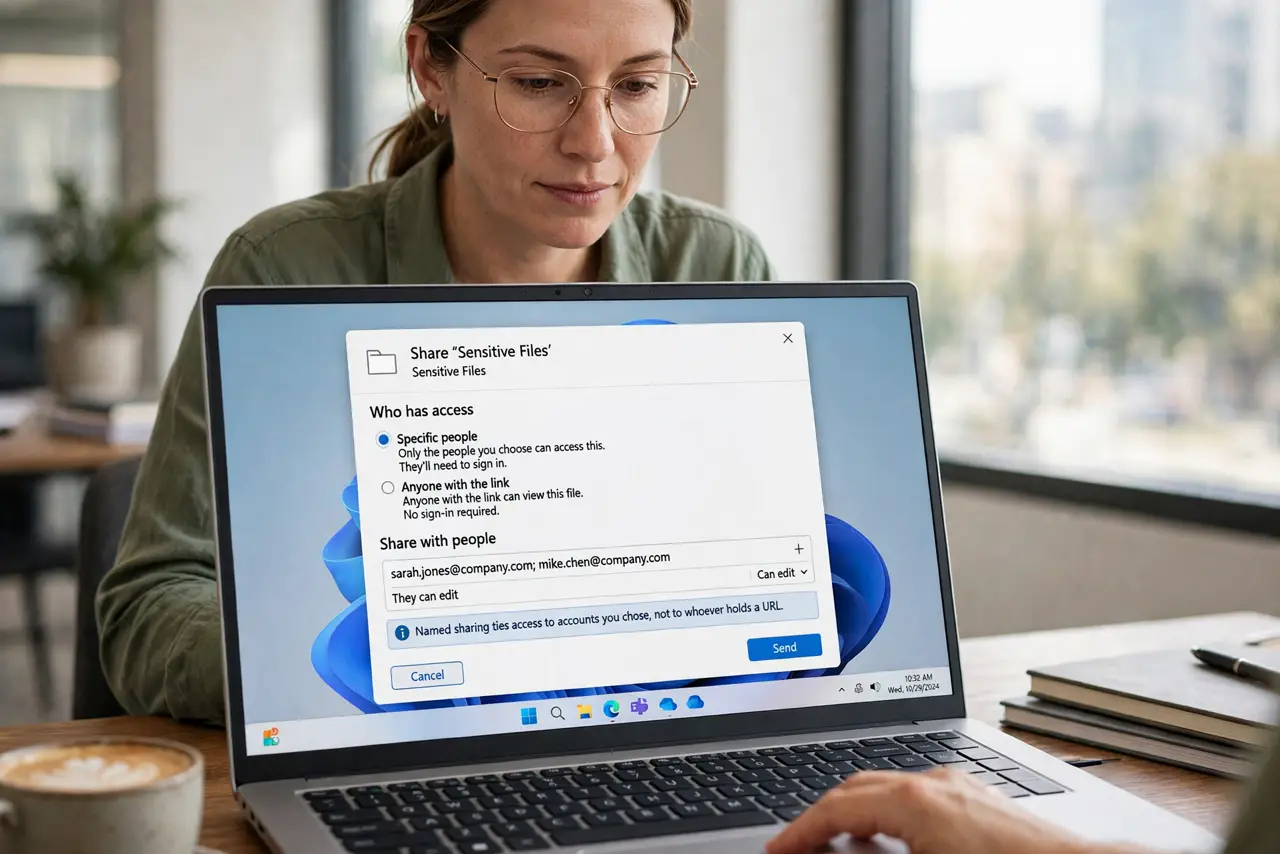
- Switch sensitive files to specific people. Change the share setting from anyone with the link to named people only. Named sharing ties access to accounts you chose, not to whoever holds a URL.
- Add an expiration date. Set the link to expire after the job is done. An expired link stops working even if someone saved or forwarded it.
- Turn off downloading and copying where offered. Disable download, print, and copy for view-only shares. It will not stop screenshots, but it raises the bar for casual spreading.
- Review your active links monthly. Open the sharing manager and look at every active link. Revoke the ones for finished projects, old clients, and forgotten collaborations.
- Never share truly private files by open link. For tax documents, IDs, or medical files, use named sharing or a secure portal. If the file holds photos of kids, an open link is never the right choice.
- Tell recipients not to forward the link. Ask people to request their own access instead of passing the link along. One forwarded link doubles the audience you cannot control.
What NOT to do
- Do not assume the link stays with the recipient. Links get forwarded, pasted into chats, and indexed, so treat every link as potentially public.
- Do not leave old links active forever. A link from two years ago still works unless you revoked it, so expiration dates are essential.
- Do not share by link what you would not post publicly. If the file's exposure would embarrass or endanger you, it needs named sharing, not a link.
- Do not forget link previews. Some platforms generate public previews of linked files, exposing content to people who never even opened the link.
Frequently asked questions
What is the risk of anyone-with-the-link?
Anyone who gets the link — forwarded, guessed, or leaked — can open the file, and you cannot reliably take the link back.
Is an unguessable link safe enough?
For low-stakes files, maybe. For sensitive files, no: forwarding alone defeats the unguessable URL.
How do I find my old shared links?
Open the service's sharing or link manager, which lists every active link you created, and revoke the stale ones.