'Your Files Are Encrypted'? First Steps
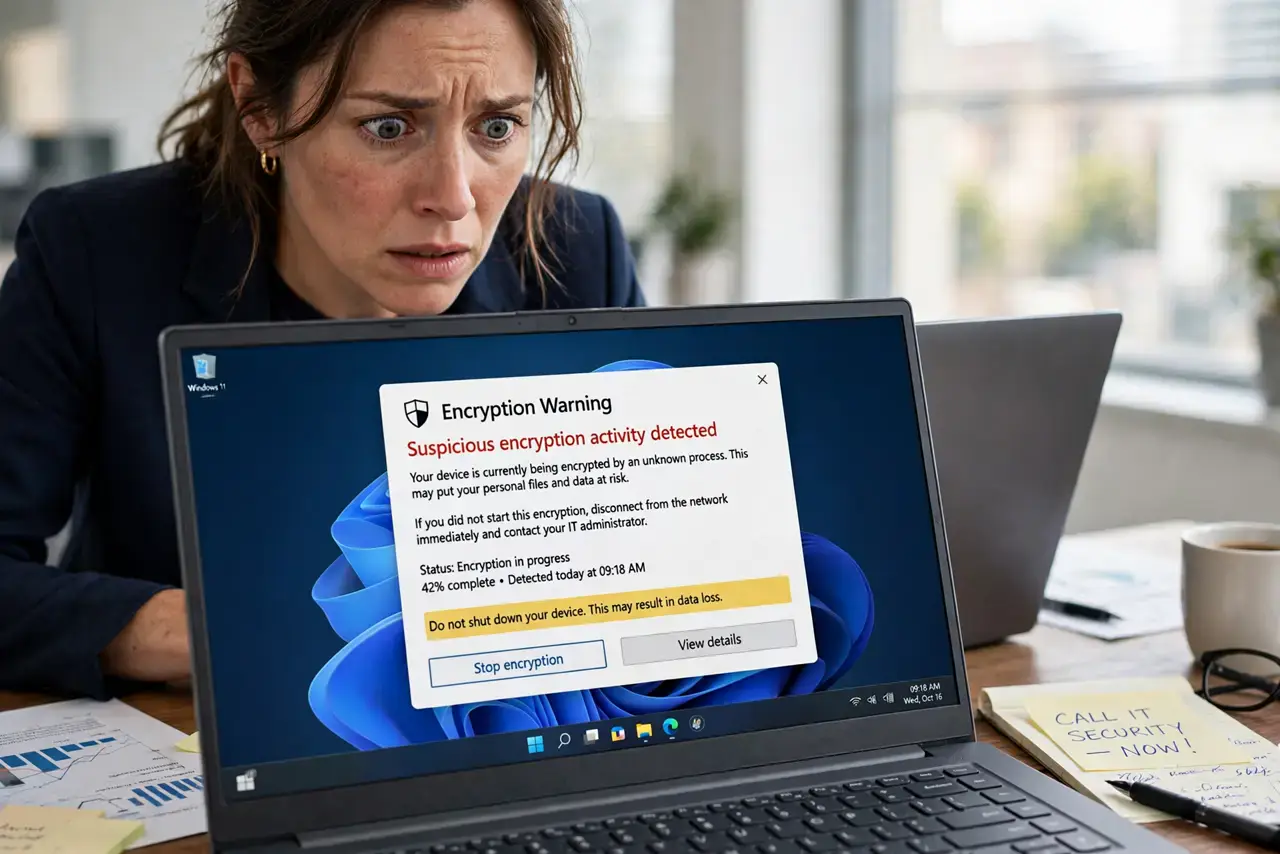
Seeing 'your files are encrypted' can mean real ransomware — or a bluff designed to panic you into paying. The first minutes decide everything: stay calm, verify what actually happened, and do not touch the demand. This guide gives you the exact sequence, whether it turns out to be real ransomware or a scare.
TL;DR / Quick Fix
Quick fix: disconnect from the internet immediately, then open a few documents to see if they are truly encrypted. If they open fine, it is a bluff — close the message and run a scan. If they are really locked, photograph the note, identify the strain, and restore from backup.
Follow these steps
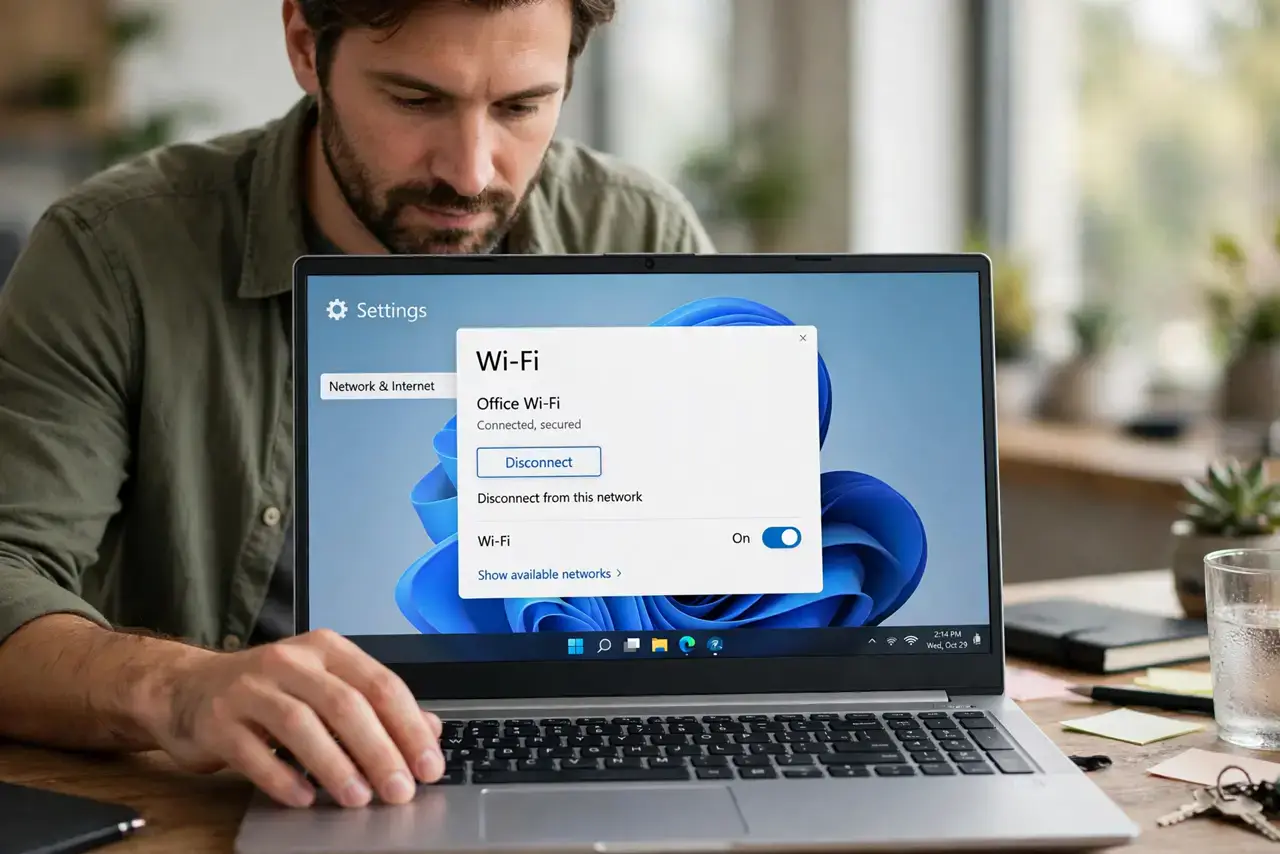
- Disconnect from the network first. Unplug ethernet or kill Wi-Fi before anything else. Real or bluff, isolation stops any spread and buys you thinking time.
- Check if files are actually encrypted. Try opening several documents, photos, and spreadsheets. If they open normally, the message is a scare tactic — real ransomware renames and locks files.
- Do not click the demand. Whether real or fake, the ransom screen's buttons are hostile. Close it with Task Manager or a force-quit, never by clicking its own controls.
- Photograph everything. Snap the warning screen with your phone. If it is real ransomware, the note identifies the strain; if it is a bluff, it helps you report the scam.
- Run a full antivirus scan. A bluff message often rides along with adware or a trojan. A full scan after disconnecting cleans up whatever delivered the scare.
- Restore or decrypt, never pay. Real encryption means following the ransomware playbook: identify the strain, look for free decryptors, and restore from backup.
What NOT to do
- Do not pay because the timer is counting down. Countdown timers are theater designed to short-circuit your judgment — they change nothing about your options.
- Do not restart repeatedly hoping it clears. Rebooting does not decrypt files and can interfere with recovery tools that need the system state intact.
- Do not delete the encrypted files in frustration. If a free decryptor appears later, you will need those files to recover them.
- Do not trust 'decryption software' advertised in the ransom note. Attacker-provided tools are part of the scam; only use decryptors from reputable security researchers.
Frequently asked questions
How do I know if it is real ransomware or a bluff?
Try opening your files. Real ransomware encrypts them so they will not open; a bluff just shows a scary message over healthy files.
The message says my webcam recorded me — is that true?
Almost certainly a bluff. Sextortion-style scares pair fake encryption claims with fake webcam threats to maximize panic. Verify your files first.
What if only some files are encrypted?
Treat it as real and act fast: disconnect, photograph the note, and identify the strain before it finishes the job.
What to read next
- Ransomware Demands Payment? Don't Panic
- 'Your Computer Is Infected' in the Browser? Fake