Fitness App Privacy
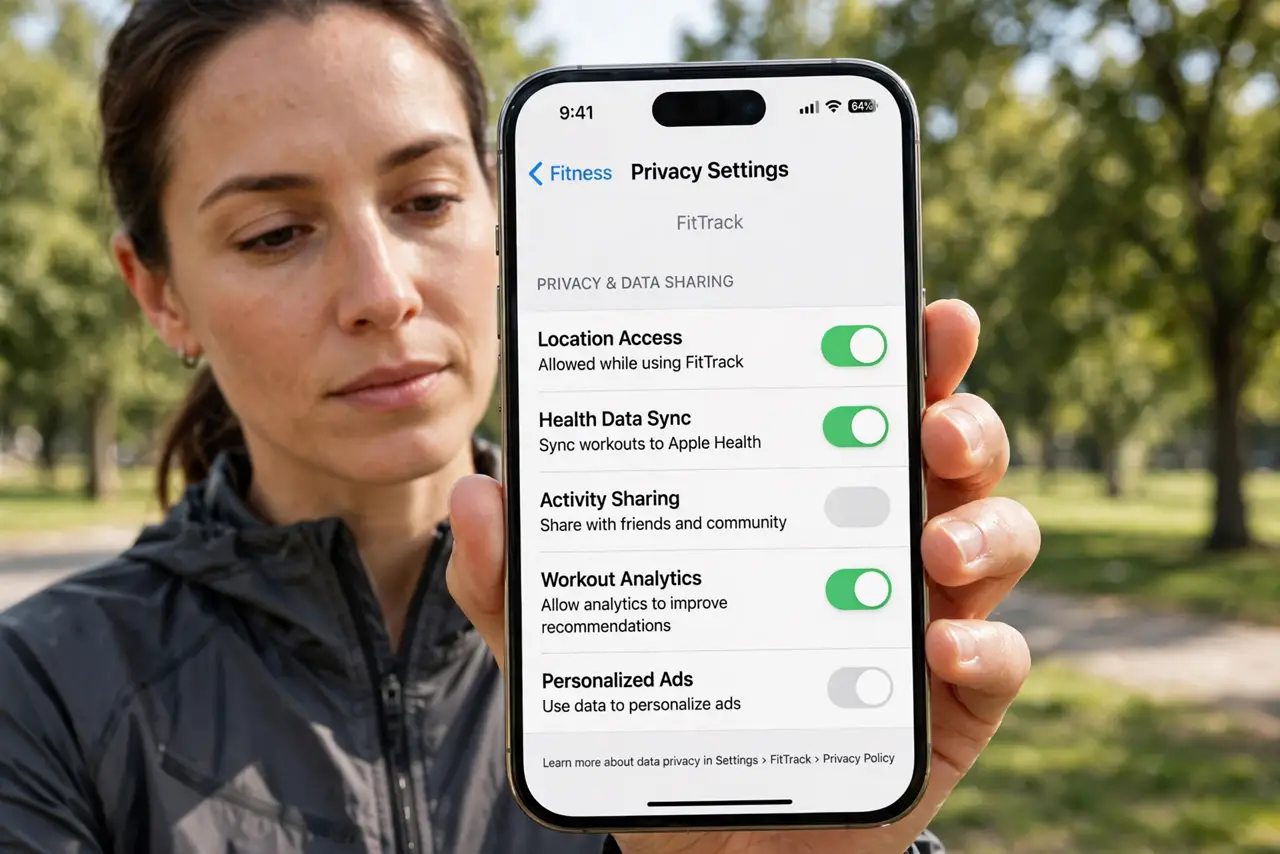
Your running app knows where you live, where you work, and exactly when you leave the house — and the default settings often share that with the world. Fitness apps have exposed users' home addresses through public routes and heatmaps. A few privacy settings turn the app back into a personal training log instead of a broadcast. Also review health data sharing on your phone, since apps pull from there too.
TL;DR / Quick Fix
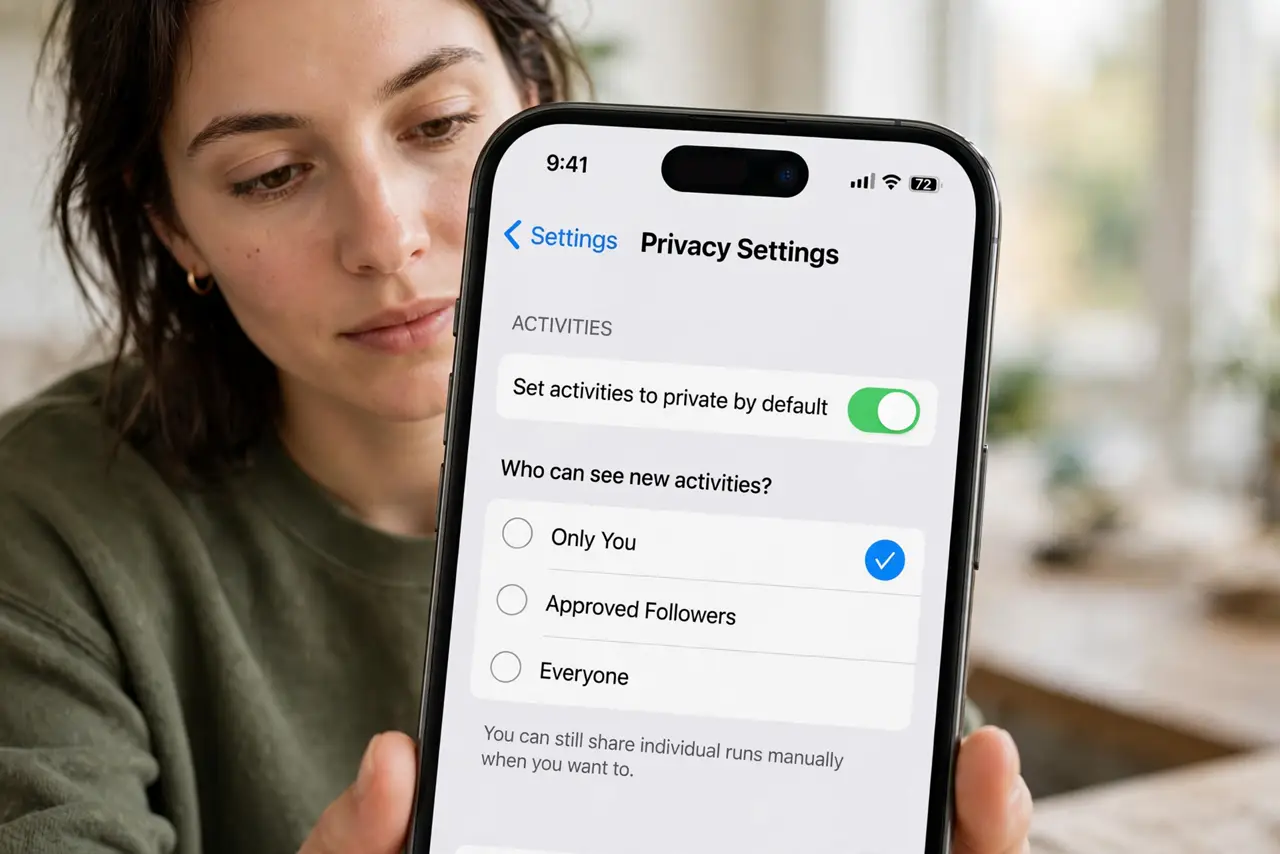
Quick fix: open your fitness app's privacy settings and set activities to private by default, add a privacy zone around your home and workplace, and remove followers you do not know. Public routes can reveal where you live. A private-by-default setup keeps the motivation without broadcasting your movements.
Follow these steps
- Set activities to private by default. In the app's privacy settings, make new activities visible to only you or approved followers. You can still share individual runs manually when you want to.
- Create a privacy zone around home and work. Most fitness apps let you hide the start and end of routes within a radius you choose. This stops anyone from pinpointing your address from your regular runs.
- Audit your followers. Remove followers you do not recognize. A private account means little if hundreds of strangers follow you.
- Strip location from photos. Photos uploaded to workouts can carry GPS data. Turn off location tagging for workout photos or strip it before uploading.
- Check connected apps and devices. Fitness apps share data with watches, other apps, and third parties. Review the connected-apps list and disconnect anything you no longer use.
- Review what the app collects. Skim the app's privacy policy summary or data-download option to see what it stores — routes, heart rate, device info. Knowing is the first step to limiting it.
What NOT to do
- Do not post public runs that start at your front door. That single habit reveals your home address to anyone.
- Do not assume followers-only is safe. Followers can screenshot and share; treat anything visible as public.
- Do not ignore old connected apps. A diet app you tried years ago may still be pulling your workouts today.
- Do not share live location publicly. Live tracking is for trusted contacts during a run, not for your follower list.
Frequently asked questions
Can people really find my home from my runs?
Yes — routes that always start and end at the same spot are easy to trace. Privacy zones exist precisely because this has happened to real users.
Will private activities still count toward challenges?
Usually yes — most apps count private activities in your totals and challenges while hiding the map and details from others.
Should I delete the app entirely?
Not necessarily. With private-by-default settings and privacy zones, most fitness apps are fine to keep using.