Your Runs Public by Default? Check This
Many running and cycling apps publish your routes, start times, and home location to anyone on the internet — and they do it by default. Your morning jog can reveal where you live and when you are away. This guide shows how to lock down your fitness profile in minutes.
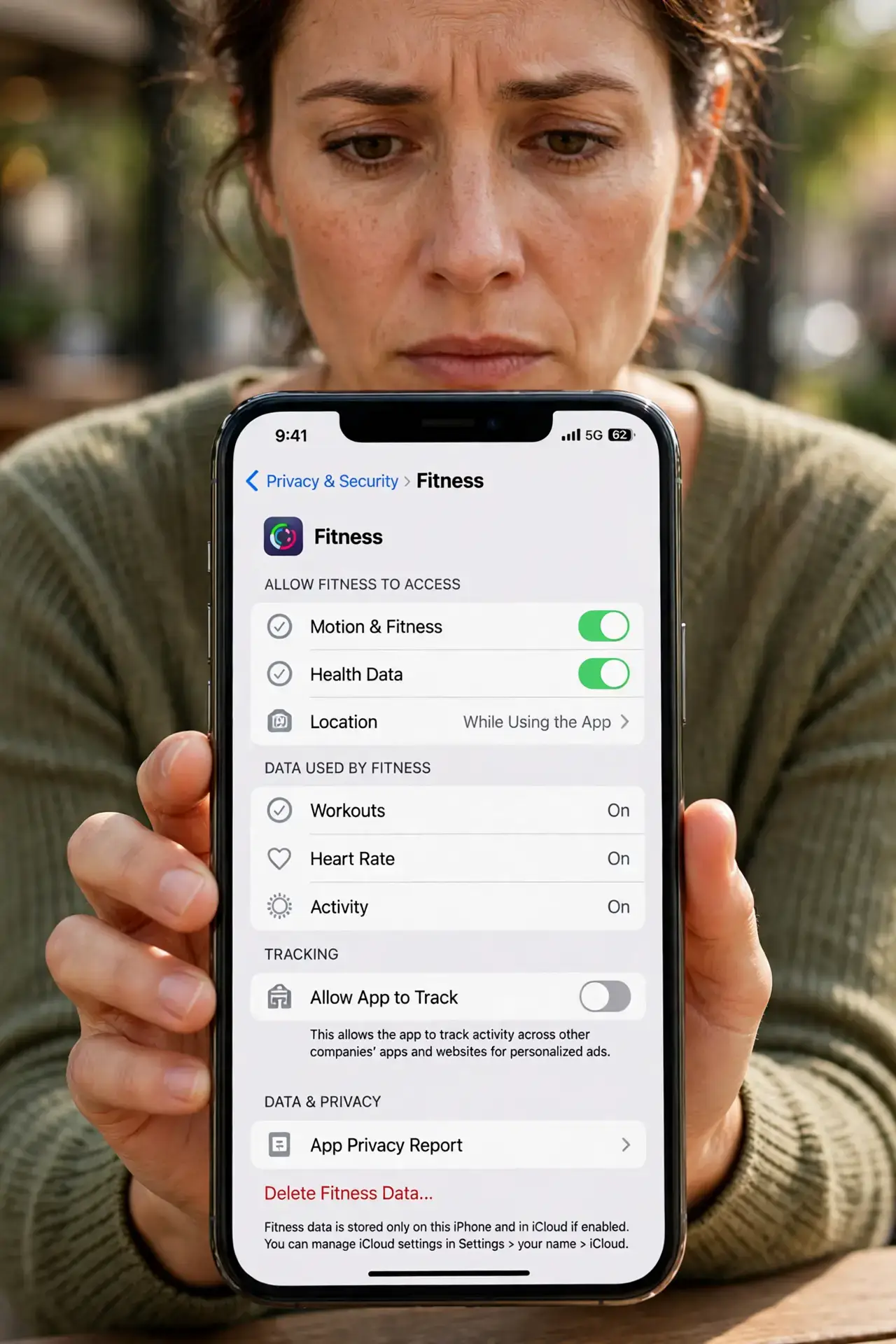
TL;DR / Quick Fix
Quick fix: open your fitness app's privacy settings and switch activities, routes, and your profile to private or followers-only. Hide your start and end points with a privacy zone around home and work. Review past activities too — old public runs stay public until you change them.
Follow these steps
- Find the privacy settings. Open your fitness app, go to Settings, then Privacy Controls. The defaults are usually 'everyone' — that is the problem you are about to fix.
- Set activities to followers-only or private. Change the default so new workouts are visible only to people you approve. Private keeps them for your eyes alone; followers-only keeps the social part without strangers.
- Create a privacy zone around home. Most fitness apps let you hide a radius around an address. Set one around your home and workplace so no route ever starts or ends at your door.
- Make old activities private. Privacy zones only protect future runs. Go through your past activities and switch the public ones to private — especially any that begin near home.
- Check leaderboards and challenges. Public challenges and segment leaderboards can expose your pace and location even with a private profile. Leave any challenge that publishes your data.
- Audit connected apps yearly. Fitness apps share data with watches, nutrition apps, and social networks. Review those connections in the same permission audit you run for your phone.
What NOT to do
- Do not trust the defaults. Fitness apps make money from engagement, so public-by-default is a business choice, not an accident.
- Do not post a run that starts at your front door, even once. One public route with a clear start point is enough for a stranger to find you.
- Do not forget the map in your shared screenshots. Cropping the stats but leaving the route map visible defeats the whole point.
- Do not assume deleting the app deletes the data. Log into the website and delete your account and history if you are leaving the service for good.
Frequently asked questions
Can strangers really see my running routes?
Yes, on many apps. Public activities show the full map, your pace, and the time of day — enough to learn your routine and your address.
What is a privacy zone?
A hidden circle around an address where the app trims the start and end of every activity. Set it around home, work, and your kids' school.
Does private mode ruin the social features?
No. Followers-only keeps likes and comments from people you approve while hiding everything from strangers.