Focus Timer Sound Does Not Play? Fix It
A timer that ends silently is easy to miss, and a missed ending quietly eats into your break or your next task. The sound chain has several links, volume, silent mode, app settings, and permissions, and one broken link silences everything.
TL;DR / Quick Fix
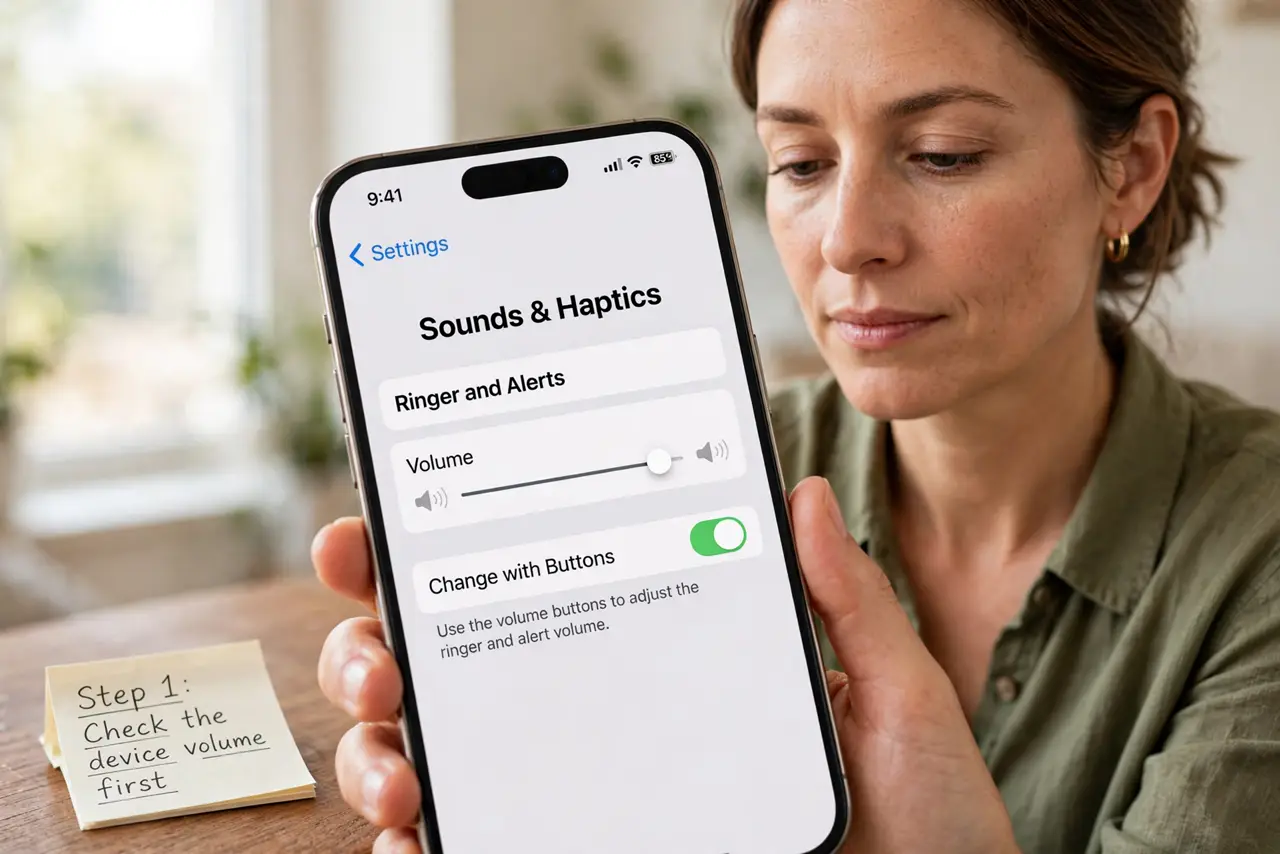
Quick fix: Check the device volume first. Check silent and do-not-disturb modes. Check the timer app's own sound setting. Test the sound with a short timer. Check notification permission for the timer. Keep the timer running through the lock screen.
Follow these steps
- Check the device volume first. Turn the volume up and play another sound to confirm the speaker works. A muted device is the simplest explanation, and the easiest to miss.
- Check silent and do-not-disturb modes. Confirm silent mode is off, or that the timer is allowed through do-not-disturb. Many timers are silenced by these modes by design.
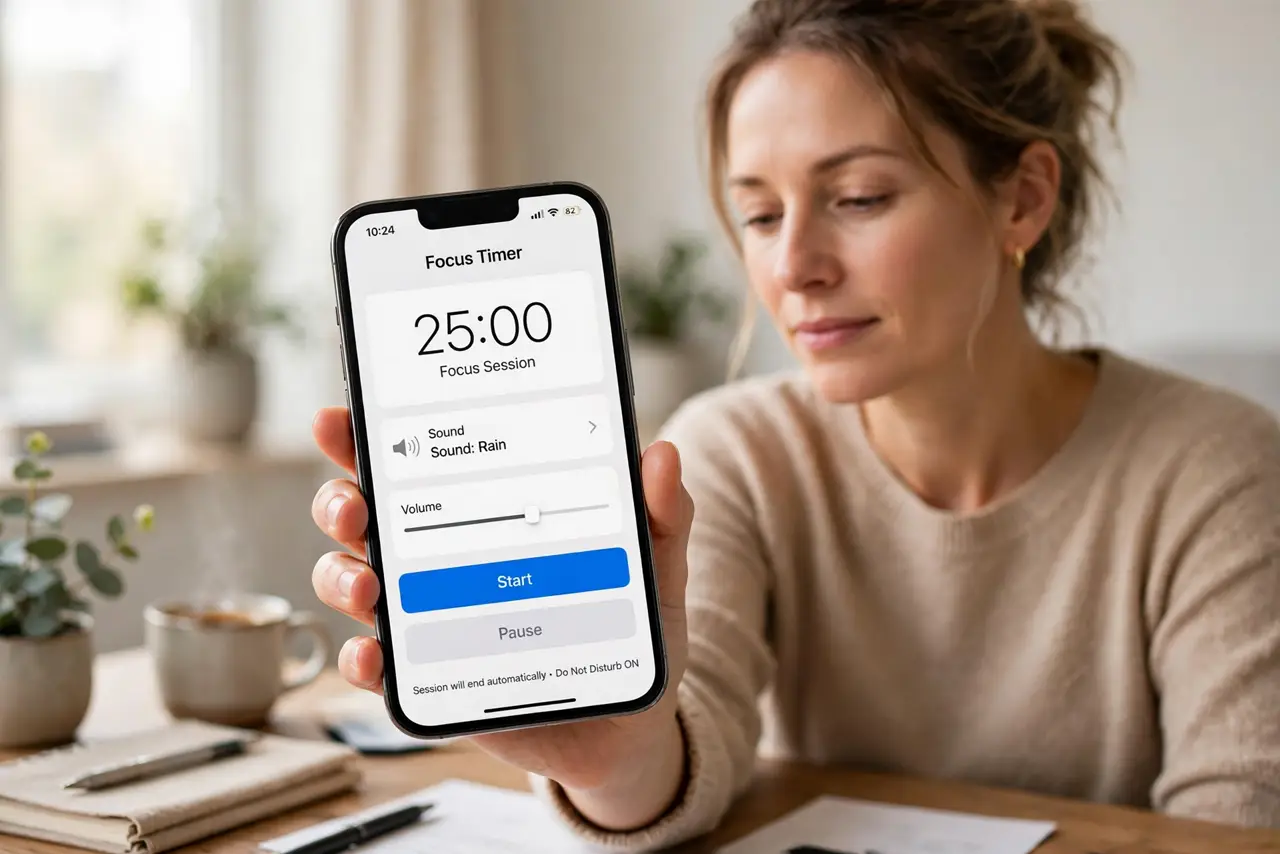
- Check the timer app's own sound setting. Open the timer settings and confirm a sound is selected and its volume is up. Some timers default to vibration only, which is easy to miss.
- Test the sound with a short timer. Set a one-minute timer and listen for its ending sound. Testing isolates the problem without waiting for a full session.
- Check notification permission for the timer. If the ending alert is a notification, the app needs notification permission to sound it. Grant it, then test again.
- Keep the timer running through the lock screen. A timer paused by the lock screen never reaches its ending sound. Fix background running too, so the sound has a chance to play.
What NOT to do
- Do not set the timer sound to the quietest tone and expect to hear it across a room. Pick a clear, distinct sound.
- Do not rely on vibration alone during focused work. Vibration is easy to miss when the phone is on a desk.
- Do not ignore do-not-disturb exceptions. Adding the timer as an exception is the correct fix, not turning do-not-disturb off entirely.
- Do not test only in the app's preview. Preview sounds can work while real session sounds stay blocked.
Frequently asked questions
Why does the preview sound work but the real timer stay silent?
Because session sounds may use notifications, which need permission, while previews play directly.
Can a timer sound through do-not-disturb?
Yes, if you add it as an allowed exception in the do-not-disturb settings.
What if the speaker itself is faulty?
Test other sounds first. If nothing plays, the speaker or audio route is the problem, not the timer.