Pomodoro Timer Skips Breaks? Fix It
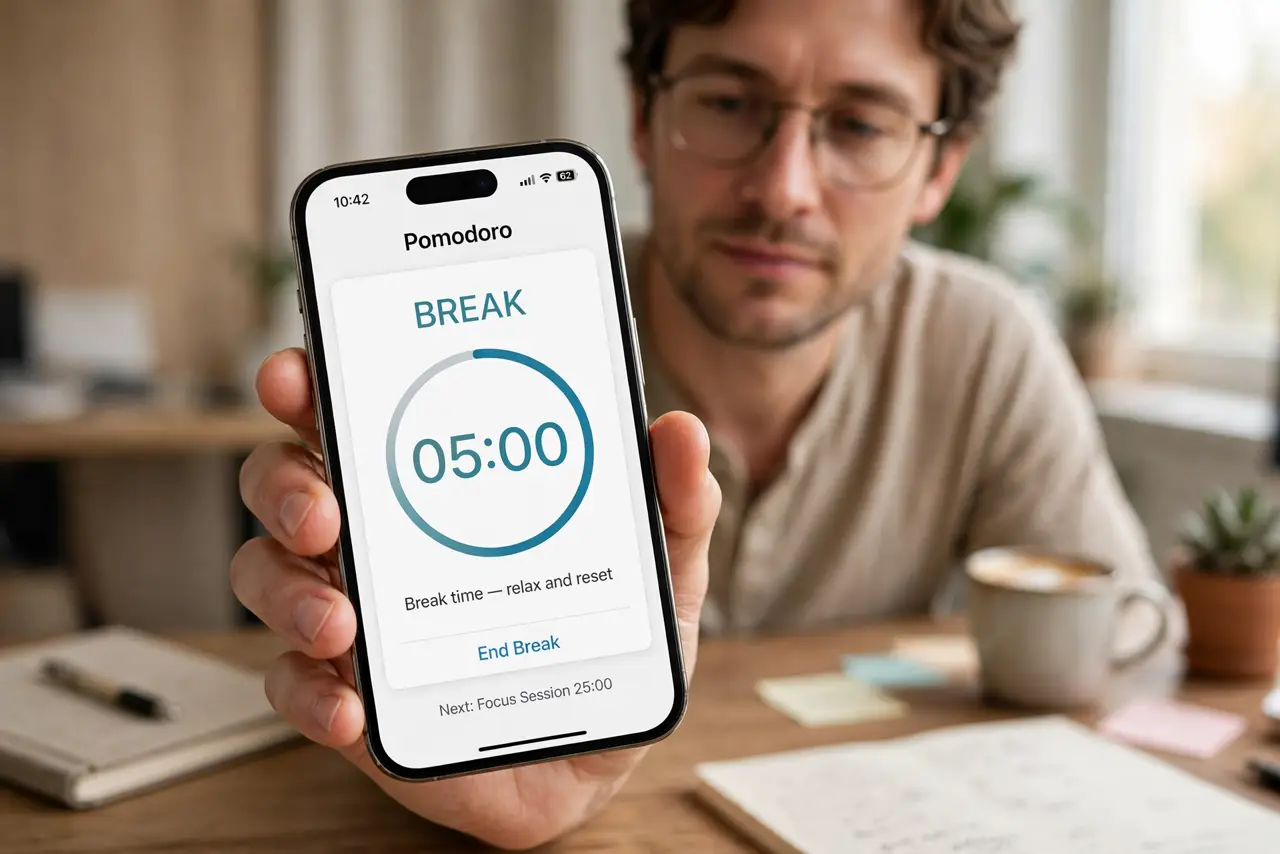
A pomodoro timer that jumps from work session to work session without breaks defeats the whole method, since breaks are where recovery happens. Skipped breaks usually come from a cycle setting, or from sessions ended early in a way the timer does not count.
TL;DR / Quick Fix
Quick fix: Open the cycle and break settings. Confirm breaks are enabled, not just work sessions. Finish sessions instead of abandoning them. Check whether auto-start skips the break pause. Test one full cycle. Protect breaks with a timer that survives locking.
Follow these steps
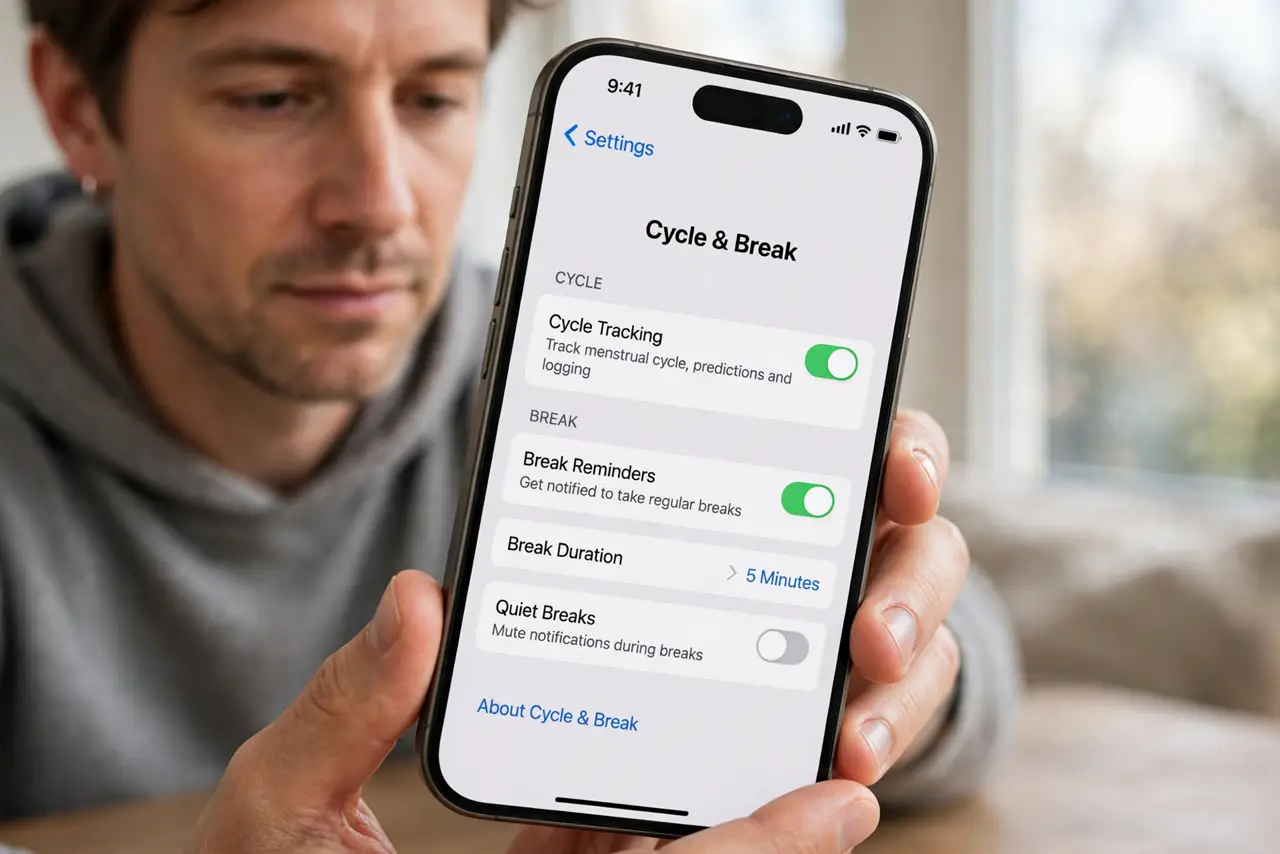
- Open the cycle and break settings. Check how many work sessions run before a long break, and how long each break is. A cycle set to zero breaks, or a break length of zero, skips breaks by design.
- Confirm breaks are enabled, not just work sessions. Some timers let you disable breaks entirely. Turn short and long breaks back on, with lengths you will actually take.
- Finish sessions instead of abandoning them. Ending a session early, or force-closing the app mid-session, can prevent the break from triggering. Let sessions end normally where possible.
- Check whether auto-start skips the break pause. An auto-start setting can rush from break into work so fast the break feels skipped. Turn auto-start off for breaks, so each break waits for you.
- Test one full cycle. Run a short test cycle with brief sessions and confirm each break appears. One full cycle proves the settings work before a real workday relies on them.
- Protect breaks with a timer that survives locking. A timer killed by the lock screen cannot ring for a break. Fix background running so breaks actually arrive.
What NOT to do
- Do not disable breaks to get more work done. Skipped breaks cost more focus than they save.
- Do not set break lengths to zero as a shortcut. A zero break is a skipped break with extra steps.
- Do not force-close the timer between sessions. Clean session endings are what trigger the next break.
- Do not let auto-start rush you. A break you never notice is a break you never took.
Frequently asked questions
Why does my timer skip breaks?
Usually breaks are disabled, set to zero length, or auto-start rushes past them.
Do I need long breaks too?
Yes. Short breaks sustain a session, but longer breaks after several sessions sustain the day.
What if I finish work early?
End the session cleanly and take the break anyway. Recovery still helps the next task.