Folder Shared With the Wrong Person? Fix It
Sharing a folder with the wrong person is alarming, but it is fixable if you act promptly: remove access, check whether anything changed, and then share again only with the right people. Speed matters more than embarrassment here.
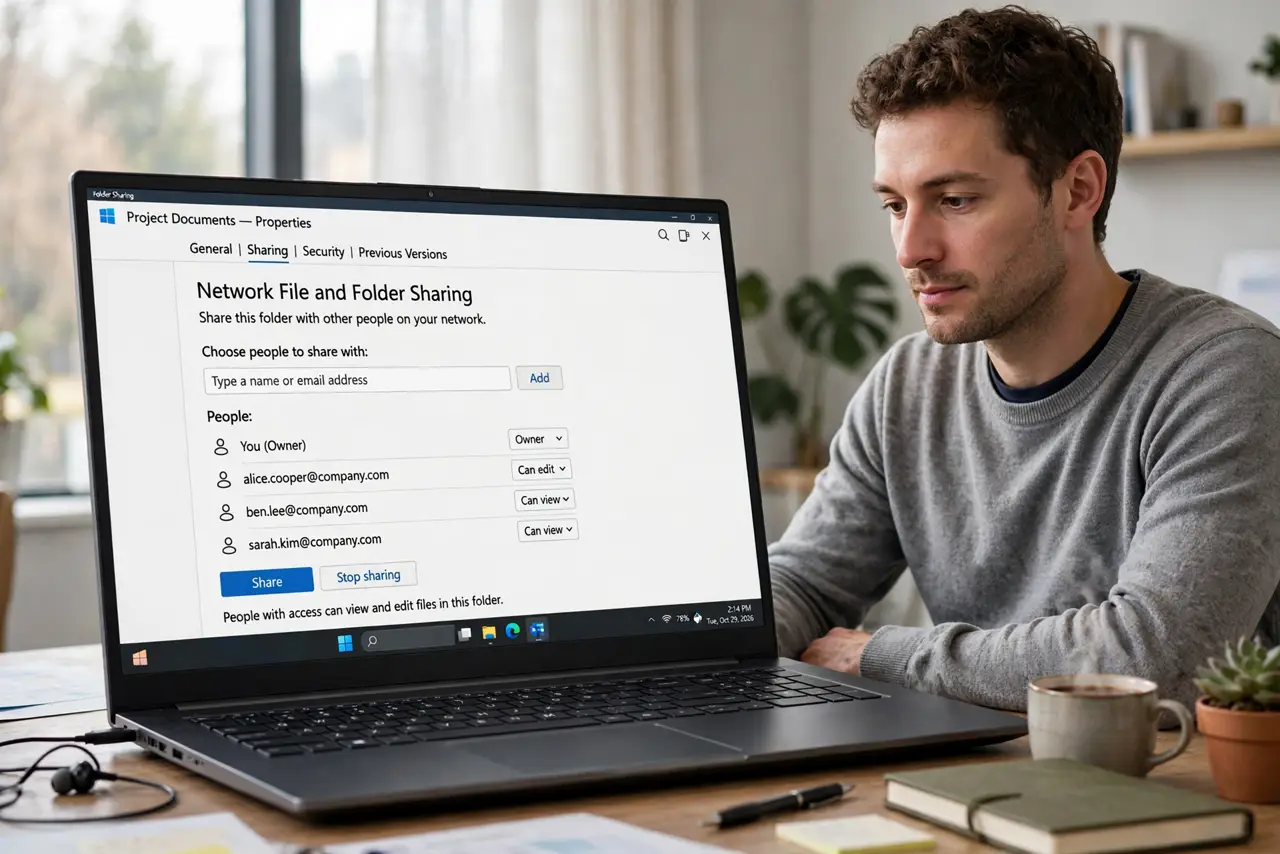
TL;DR / Quick Fix
Quick fix: Remove the wrong person's access immediately. Check what they opened or changed. Restore anything that was changed. Check whether the folder contains sensitive files. Reshare only with the right people. Review the shared link setting too. Work in order, and verify each step before moving on.
Follow these steps
- Remove the wrong person's access immediately. Open the folder sharing settings and remove that person right away. Do not wait to finish reading this guide first; access removal takes seconds.
- Check what they opened or changed. Review recent activity and version history for the folder. If files were edited, moved, or deleted, note exactly what changed.
- Restore anything that was changed. Undo edits, restore deleted files from history or trash, and confirm the folder matches what it should contain.
- Check whether the folder contains sensitive files. Look for private documents inside the shared folder. A folder often holds more than the one file you meant to share.
- Reshare only with the right people. Add the intended recipients individually, with the lowest permission they need. Prefer view-only unless editing is genuinely required.
- Review the shared link setting too. If the folder also has a link, that link may grant wider access than the people list. Set it to the narrowest option that still works.
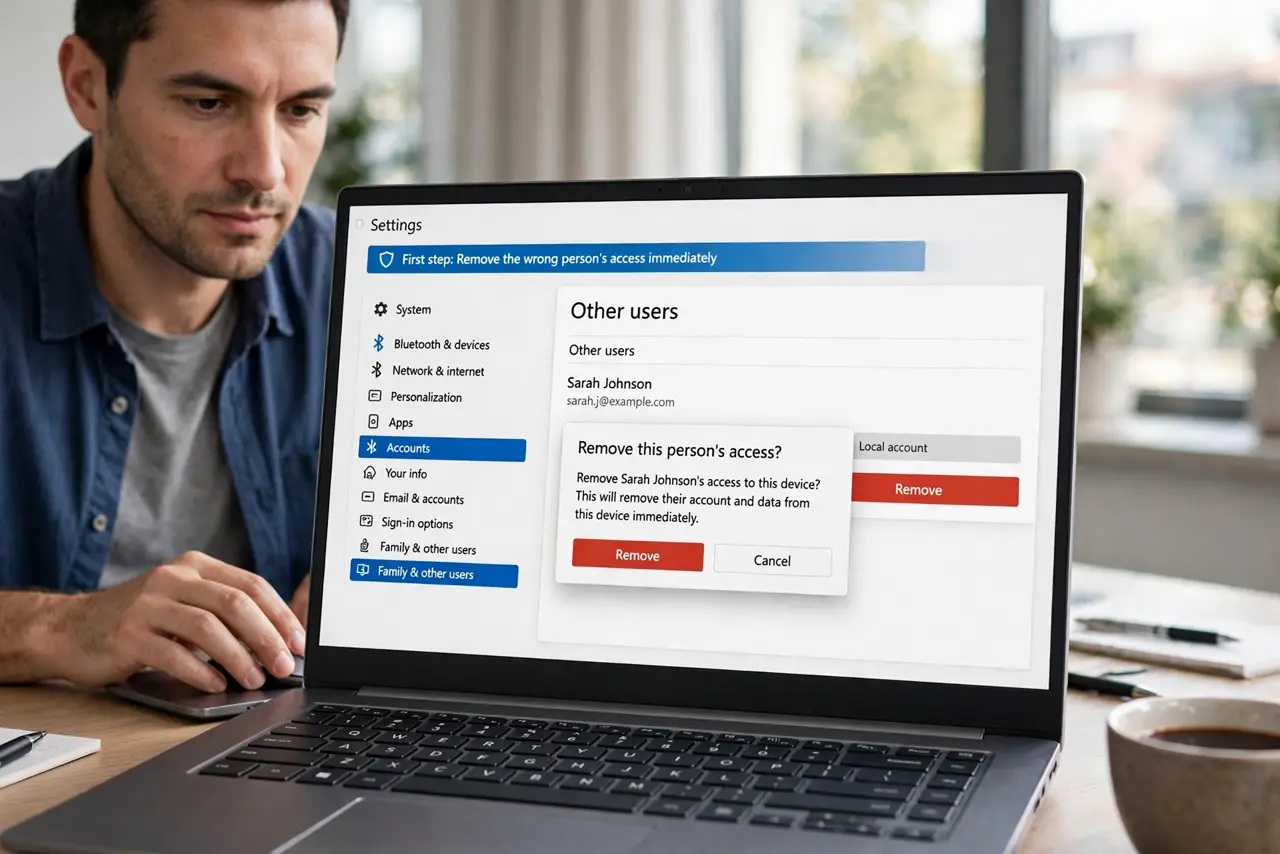
What NOT to do
- Do not delay removing access while you investigate. Investigation can wait; access cannot.
- Do not assume nothing happened because nothing looks changed. Check activity and history properly.
- Do not reshare the whole folder when one file would do. Narrow sharing limits the damage next time.
- Do not blame yourself into inaction. Mistaken shares happen to everyone; prompt correction is what matters.
Frequently asked questions
What if the wrong person already downloaded files?
You cannot reliably undo a download. Change any exposed passwords or sensitive details, and treat those files as seen.
How do I check what changed?
Use the folder activity or version history, and compare against your memory of the contents.
Should I tell the intended recipients?
Yes, briefly, so they know to use the new share and ignore any old link.