Set Fortnite Parental Controls
Fortnite is social gaming — voice chat with strangers, friend requests from anyone, and a store designed to tempt. Its parental controls are actually decent: PIN-locked settings for chat, mature language, and playtime reports. Here is the setup that keeps the fun and removes the risks.
TL;DR / Quick Fix
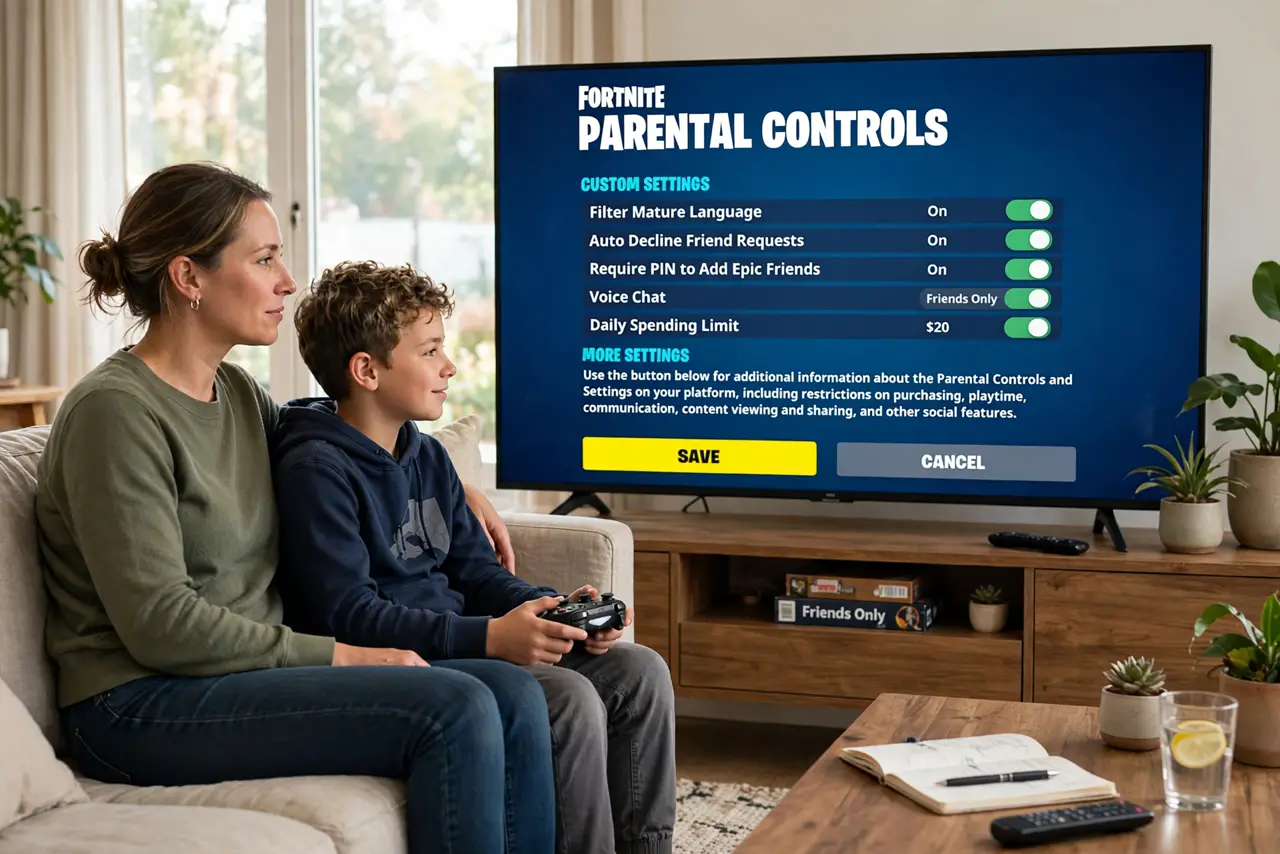
Quick fix: in Fortnite, open the parental controls with your PIN and set mature language filters, limit friend requests, and turn off voice chat with strangers. Use the playtime reports to agree on limits together. Revisit monthly — seasons and updates add new social features that need reviewing.
Follow these steps
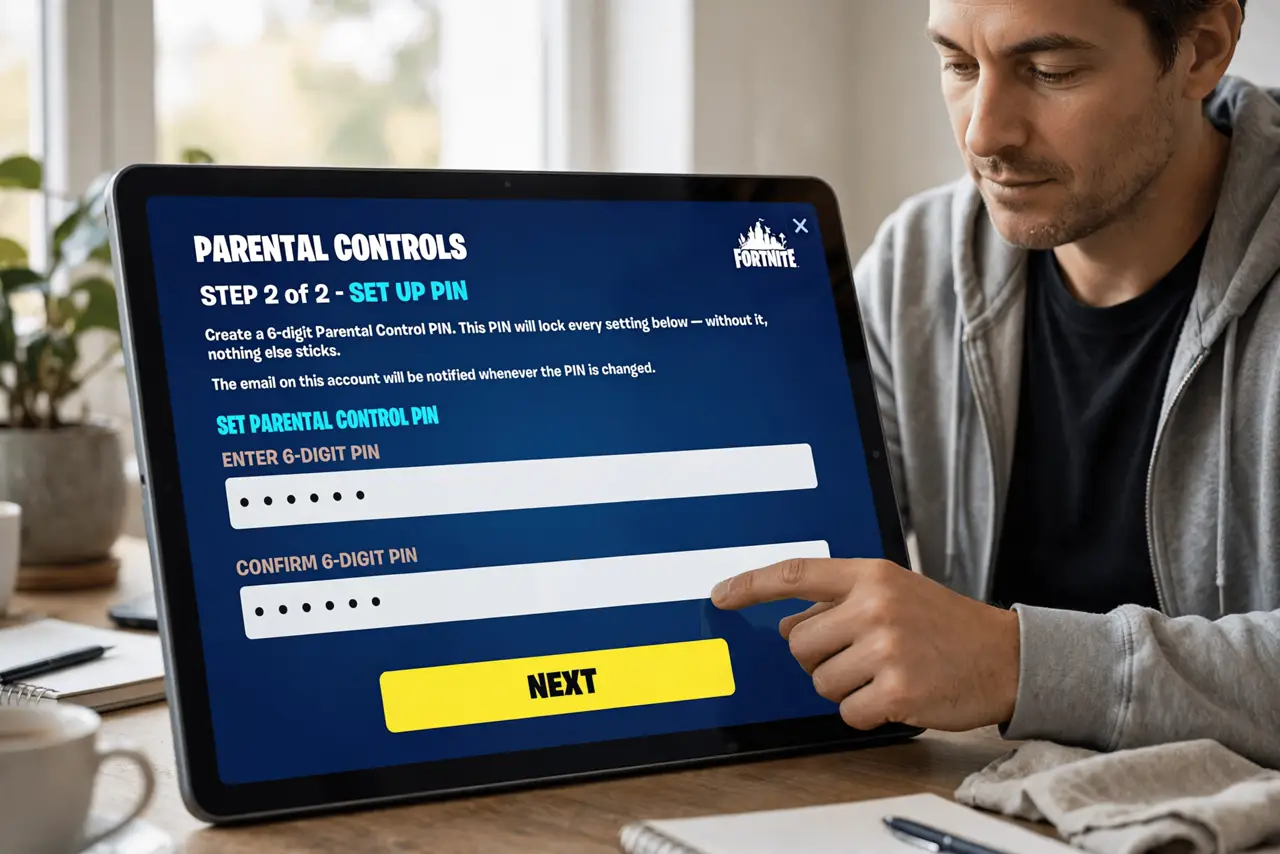
- Set a parental PIN. In Fortnite’s settings, create a PIN under Parental Controls. Like Roblox’s PIN, this locks every setting below — without it, nothing else sticks.
- Filter mature language. Turn on the mature-language filter for text chat. It is not perfect, but it takes the edge off the open lobbies where strangers type freely.
- Control voice chat. Set voice chat to friends-only or off. Open voice with random squadmates is the highest-risk feature in the game — this toggle is the big one.
- Limit friend requests. Restrict who can send friend requests and review the existing list together. ‘Friends’ from random matches are strangers with a label — curate the list.
- Check the playtime reports. Fortnite’s reports show actual playtime — use them to agree on limits with data instead of arguments. Shared numbers make for calmer negotiations.
- Revisit every season. New seasons add modes, social features, and sometimes reset toggles. A five-minute review each season keeps the controls matching the current game — pair with Minecraft safety if they play both.
What NOT to do
- Do not skip the PIN. Every control below it is reversible in seconds without one — the PIN is the whole lock.
- Do not allow open voice with strangers. Random squad voice chat is where the worst interactions happen — friends-only or off.
- Do not save payment methods. The item shop is engineered for impulse buys — remove the frictionless path.
- Do not set and forget. Seasons change the game; a quarterly check keeps protections current.
Frequently asked questions
Can my child turn off the controls?
Not without the parental PIN. Keep it secret and the settings hold — treat it like any password.
Is voice chat the main risk?
It is the highest-contact feature — real-time voice with strangers. Friends-only or off removes nearly all of it.
What about the item shop spending?
Set purchase PINs and remove saved payment methods. V-Bucks gift cards with agreed limits beat open wallets.