Why You Should Never Plug In a Found USB Drive
A USB drive lies in the parking lot labeled family photos or salaries, and curiosity pulls hard. That curiosity is the attack: a found drive can run malicious software the moment it connects, before you open a single file.
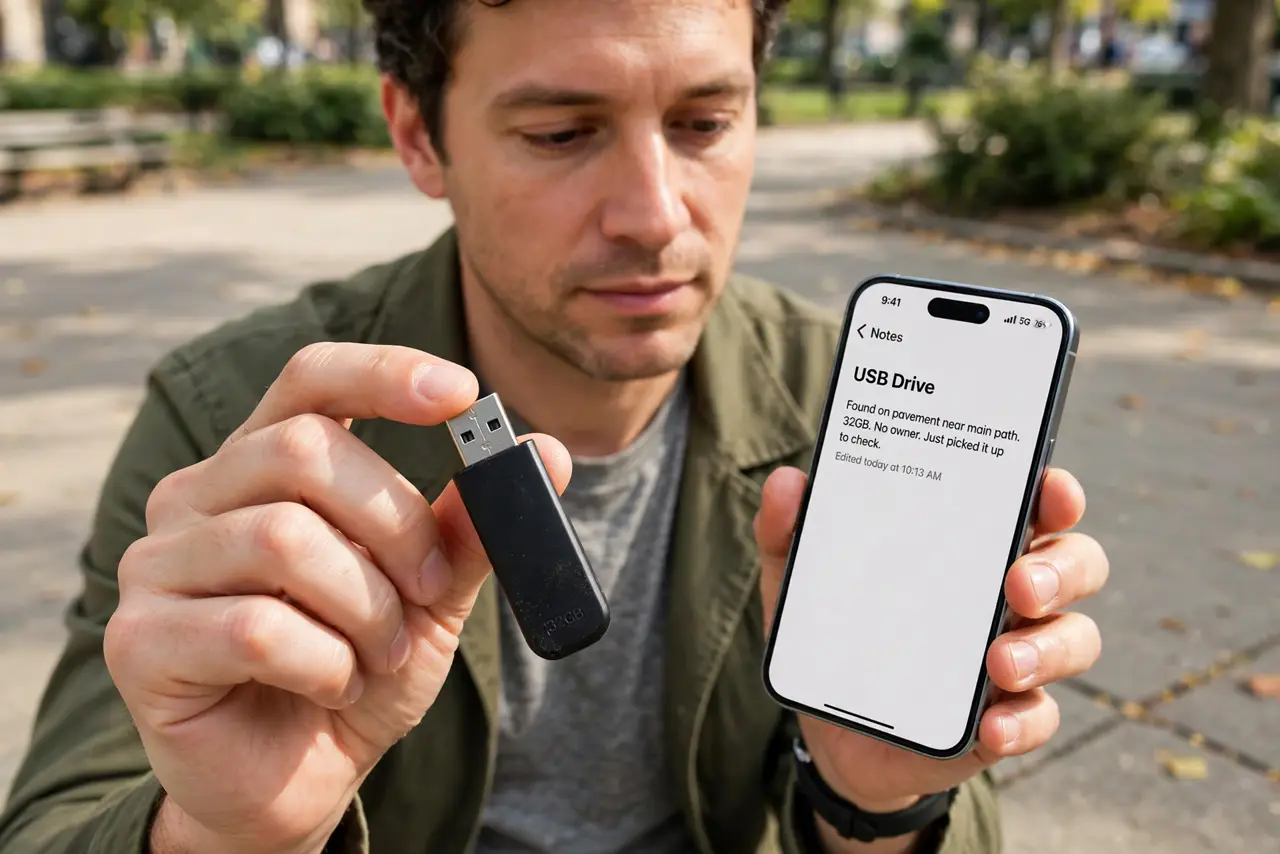
TL;DR / Quick Fix
Quick fix: do not plug it in — hand it to building security, the office front desk, or the police lost-and-found instead. If you must check what is on it, a professional with an isolated machine does it, never your everyday computer.
Follow these steps
- Resist the curiosity completely. The label is bait, whether it promises photos or payroll. Attackers label drives to make plugging them in feel like helping.
- Hand it to the right place. Give it to building security, the office front desk, or lost-and-found. If it is genuinely lost, the owner asks there, not in your laptop.
- Never use your everyday computer to peek. A drive can attack on connection, before any file opens. Your work or personal machine is the worst possible inspection tool.
- Let a professional inspect it if it matters. IT staff with an isolated machine can check the contents safely. That setup exists precisely for suspicious media.
- Warn others who saw it too. If coworkers noticed the drive, tell them not to plug it in either. One curious colleague undoes your good restraint.
- Remember the [[auto-open trap|usb-stick-found-asks-to-open-files]]. Some drives trigger prompts the moment they connect. The safe answer to any surprise USB prompt is always no, then unplug.
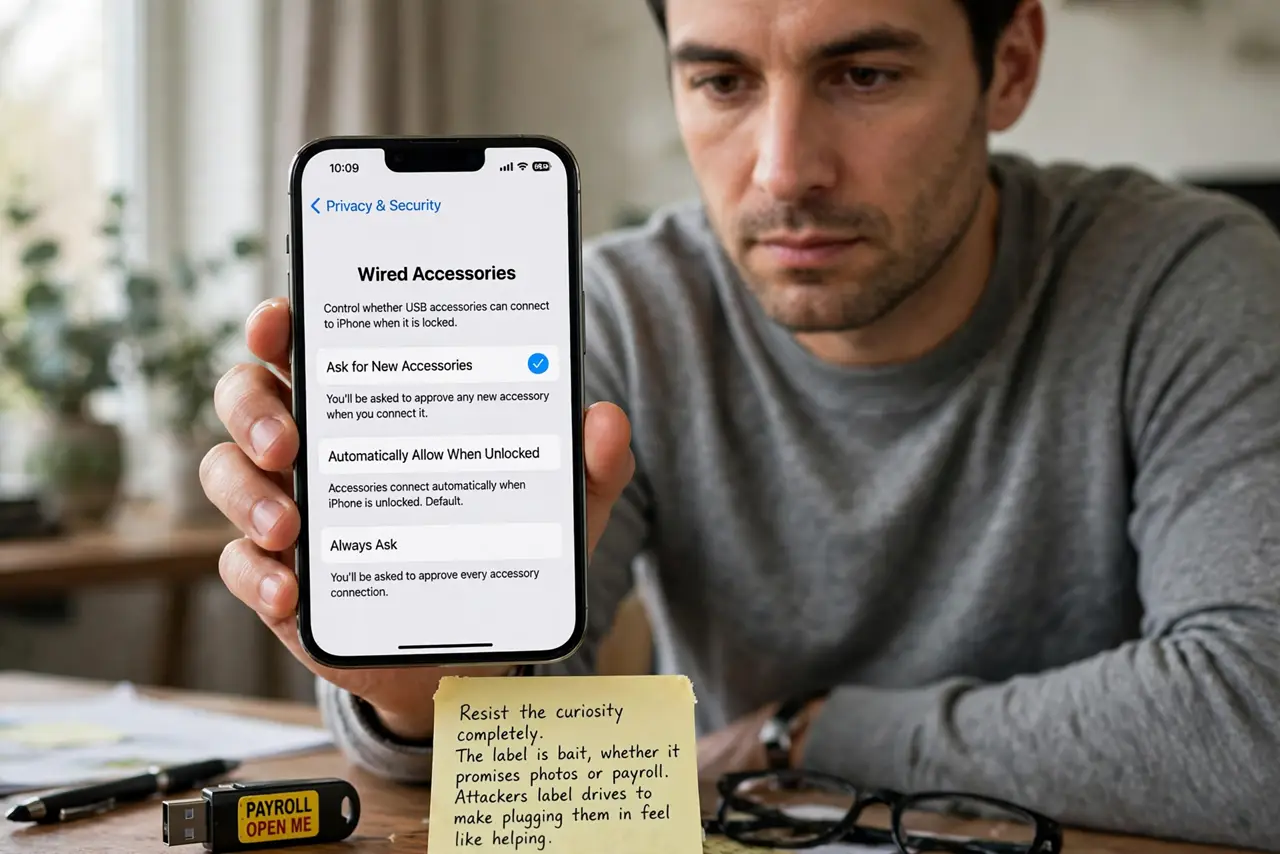
What NOT to do
- Do not plug it in just to see what is on it. Seeing requires connecting, and connecting is the moment the attack runs.
- Do not trust a boring label. Salaries and photos are chosen to trigger curiosity, not to describe the contents honestly.
- Do not plug it into an old spare computer either. An old machine still holds your network credentials and still gets infected.
- Do not keep the drive as a freebie. A free drive of unknown origin is the most expensive storage you will ever own.
Frequently asked questions
Can a USB drive really attack on its own?
Yes. A malicious drive can emulate a keyboard or exploit the connection itself, no file-opening needed.
What should I do with a drive I found at work?
Hand it to IT or security unplugged. Do not connect it to any work machine first.
Is it safe if my antivirus is good?
No. Some attacks run below or around antivirus, so never-plug-in beats any scanner.