That 'Free WiFi' Might Be a Trap? How to Tell
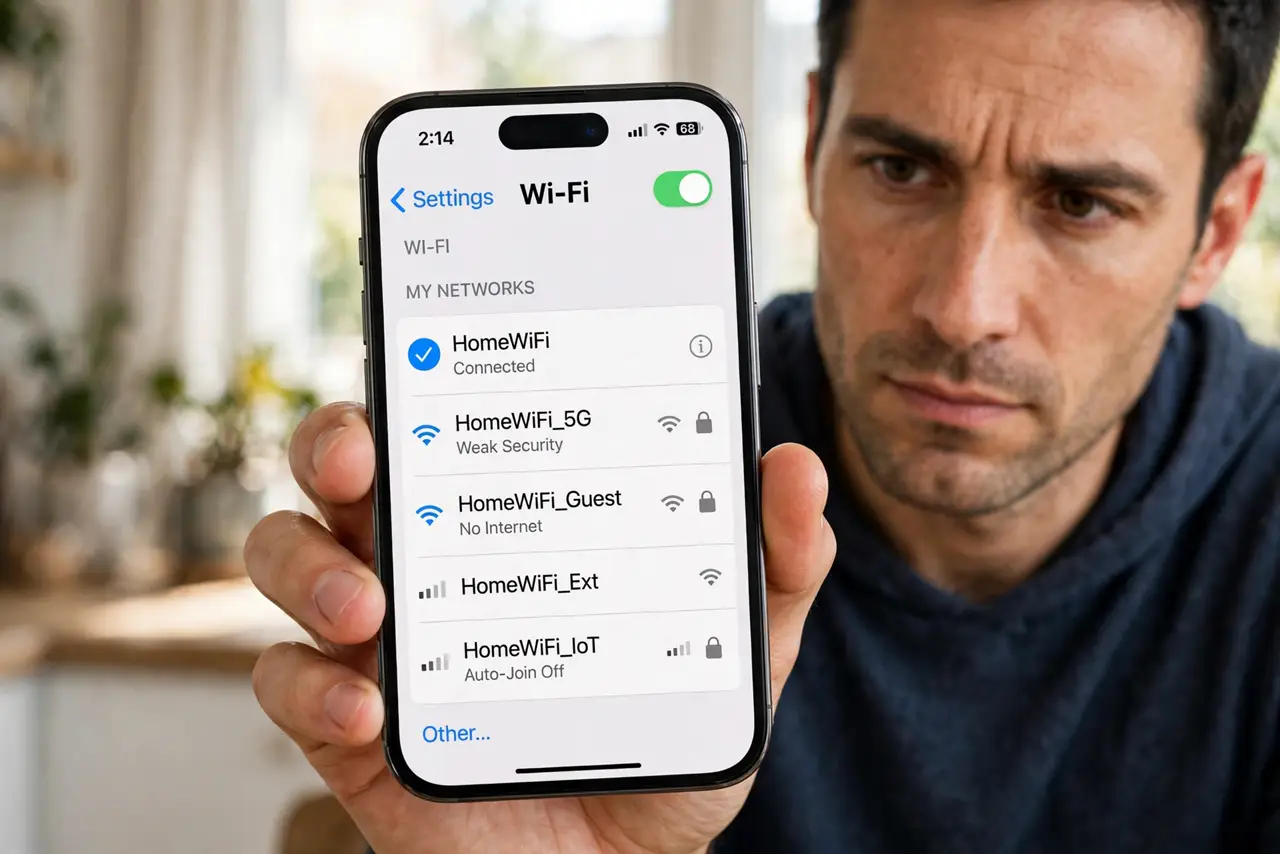
An evil twin is a fake hotspot with a name copied from a real cafe, hotel, or airport network. Your phone joins it, and the attacker watches your traffic or shows you fake login pages. The signs are subtle, but there are reliable ways to spot the copy.
TL;DR / Quick Fix
Quick fix: ask the staff for the exact network name and ignore lookalikes, never join a network that [[auto-connects by itself|public-wifi-auto-connects-by-itself]], and forget any suspicious network immediately. Run through the [[safe public Wi-Fi checklist|safe-public-wifi-checklist]] whenever you travel, and tether from your phone when in doubt.
Follow these steps
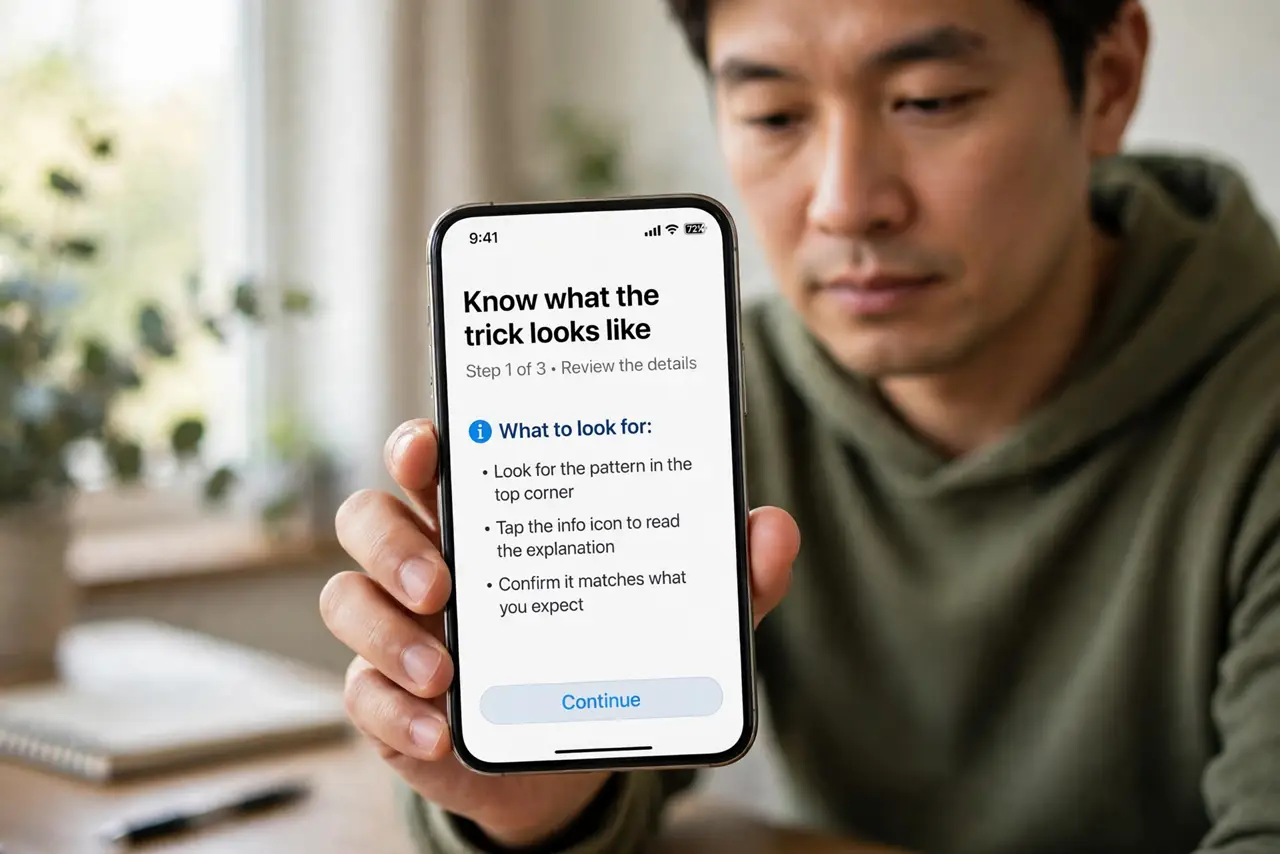
- Know what the trick looks like. The attacker copies a real name like 'Cafe WiFi' and adds a twin like 'Cafe WiFi Free'. Your phone may pick the stronger signal — the attacker's — without telling you.
- Ask for the exact name, spelled out. Staff know their real network name. If two near-identical names appear, the odd one out is suspect, and the staff can tell you which to use.
- Watch for the fake login page. Evil twins often show a login page that asks for email, room numbers, or social logins. Compare with what real portals ask — excessive data requests are a warning.
- Never let it auto-join. If your phone joined a public network without you choosing it, that is the auto-connect trap at work. Forget the network and turn off auto-join for open networks.
- Use your phone's hotspot instead. When in doubt, tether from your own phone. Attackers cannot fake your own cellular connection, and it beats gambling on a suspicious hotspot.
- Report the fake network. Tell the cafe or hotel staff so they can warn other customers. Real businesses want to know someone is impersonating them.
What NOT to do
- Do not join the twin just to see what happens. Connecting once is enough for the attacker to log your traffic or phish your credentials.
- Do not enter real passwords on a hotspot login page. Real portals ask for a room number or accept terms — not your email password.
- Do not trust signal strength as proof. The attacker's radio sits nearby on purpose; strong signal means nothing about legitimacy.
- Do not keep the twin in your saved networks. If you joined it once, forget it now so your phone never rejoins automatically.
Frequently asked questions
How can I tell an evil twin from the real network?
Ask the staff for the exact name. Fakes mimic names but staff know the real one; also beware duplicates with slightly different spelling.
Can an evil twin steal my passwords?
Yes, if you log into non-HTTPS sites or hand credentials to a fake login page. A VPN also blocks most of this snooping.
Is this common or just scare stories?
It is a documented, common attack at airports, hotels, and conferences. The defense — verifying the name — takes ten seconds.