Game Console Lags Only on Wi-Fi? Fix It
Games lag and stutter on Wi-Fi, but play fine on a cable, or the console lags while other devices seem fine. Wi-Fi adds delay and jitter that wired play avoids, especially when the console is far from the router or sharing the air with downloads.
TL;DR / Quick Fix
Quick fix: connect the console with a cable if you can, or move it closer to the router and onto the 5 GHz band. Pause downloads, streams, and backups on other devices while you play, then test again. Write down what worked for next time.
Follow these steps
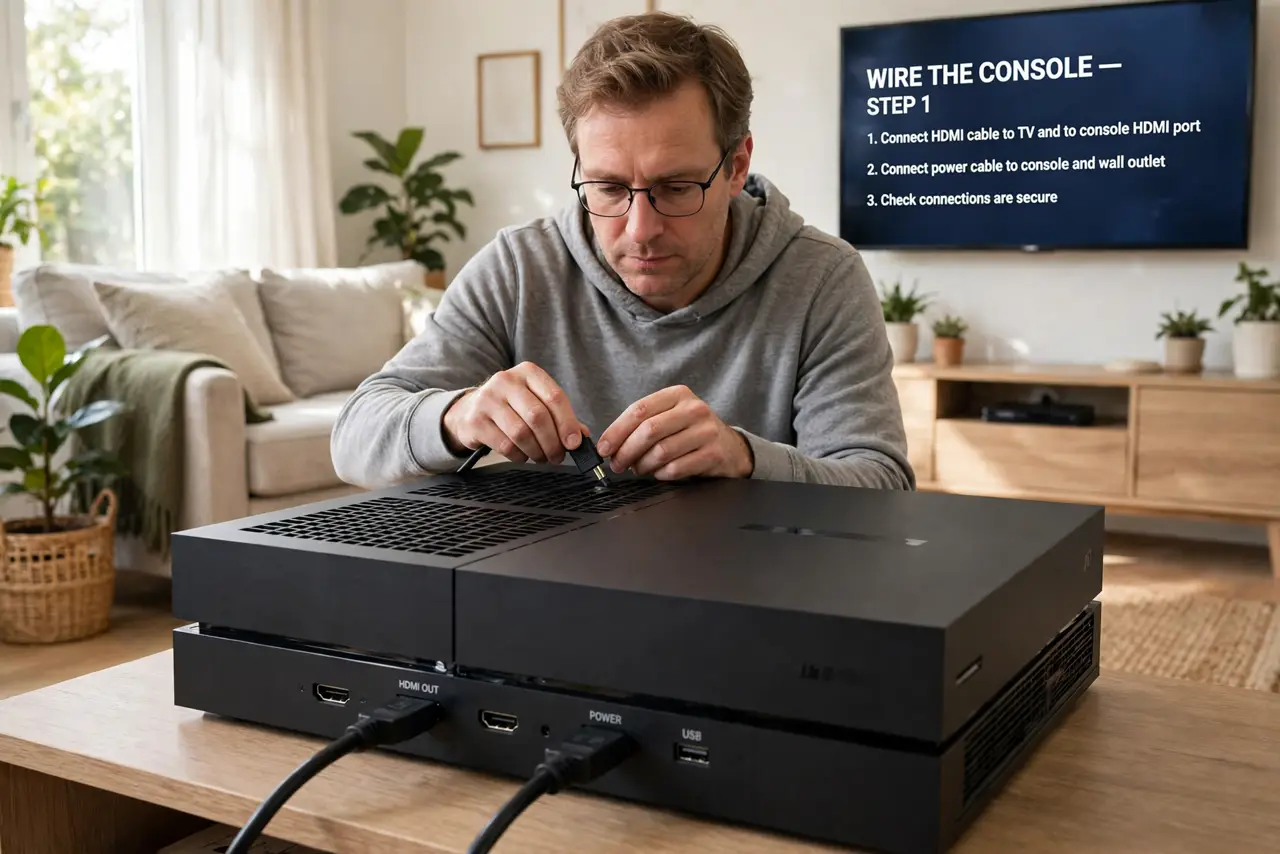
- Wire the console if you can. Connect the console to the router with a cable, even temporarily, and test a game. If lag vanishes on cable, Wi-Fi is confirmed as the cause.
- Move closer and use 5 GHz. Move the console closer to the router, or switch it to the 5 GHz band near the router. Shorter distance and a cleaner band both cut Wi-Fi delay.
- Pause downloads during play. Pause game downloads, streams, backups, and updates on every device while playing. One download can add lag to every game in the house.
- Restart the console and router. Restart the console fully and restart the router once, then test again. A restart clears a tired wireless state that adds lag over time.
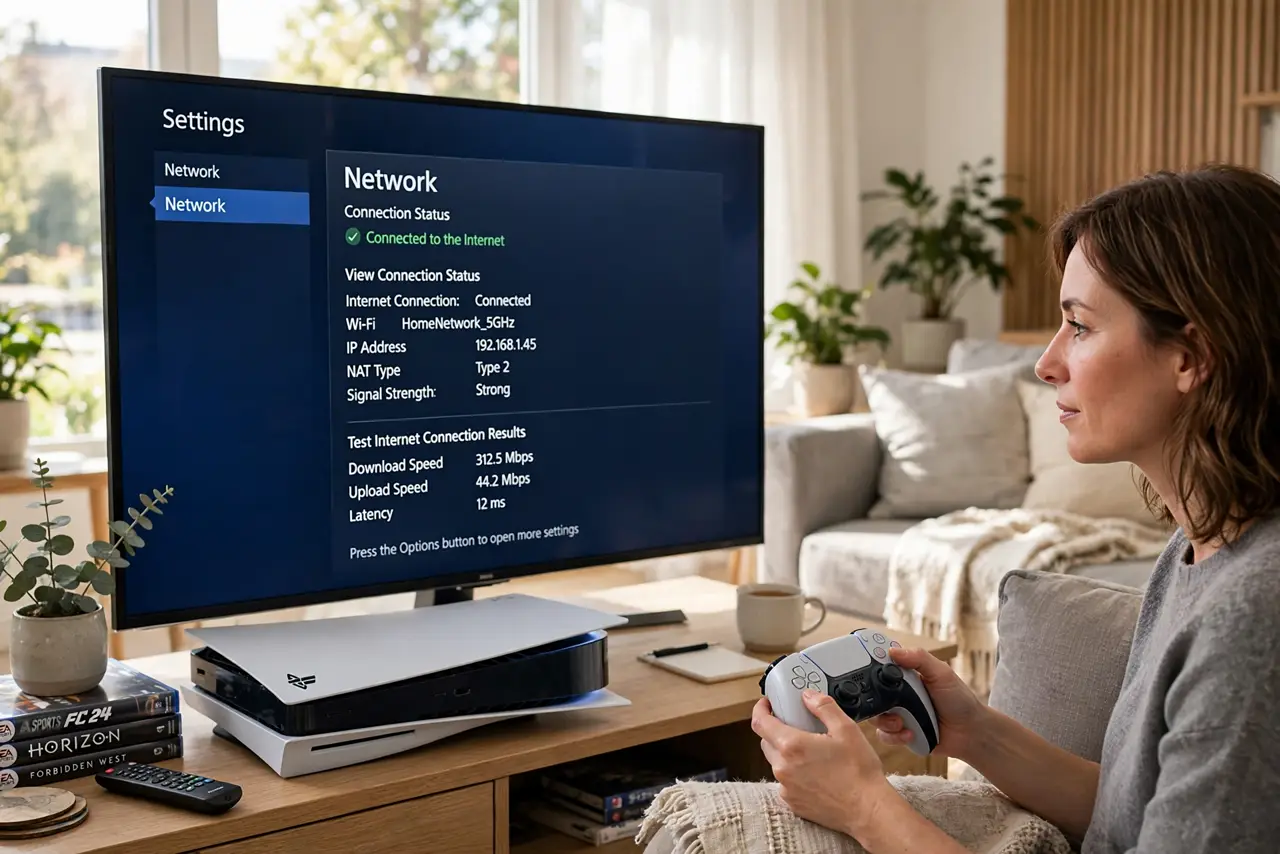
- Check the NAT type too. Run the console network test and note the NAT type. A strict NAT can add join problems on top of lag, so fix it separately if it shows strict.
- Test at a quiet time. Test the same game when the house is quiet, with no streams or downloads. If quiet-time play is smooth, household load, not the console, is the lag source.
What NOT to do
- Do not upgrade your plan before trying a cable. If Wi-Fi delay is the cause, a faster plan will still lag over weak Wi-Fi.
- Do not play beside a microwave or thick wall and blame the console. Move the console or router first, since placement drives Wi-Fi lag.
- Do not download games while playing online. A download and a live game fight for the same connection, and the game always loses.
- Do not ignore other devices during a lag test. A test with a backup running measures the backup, not the game connection.
Frequently asked questions
Why does a console lag on Wi-Fi but not cable?
Wi-Fi adds delay and jitter, especially over distance or interference, while a cable gives a steady, low-delay path.
Does 5 GHz help gaming?
Near the router, yes. 5 GHz is cleaner and faster, though 2.4 GHz reaches farther rooms better.
Should I pause downloads while playing?
Yes. Downloads take a large share of the connection and add lag to live games.