Controller Stick Drifts? Fix It
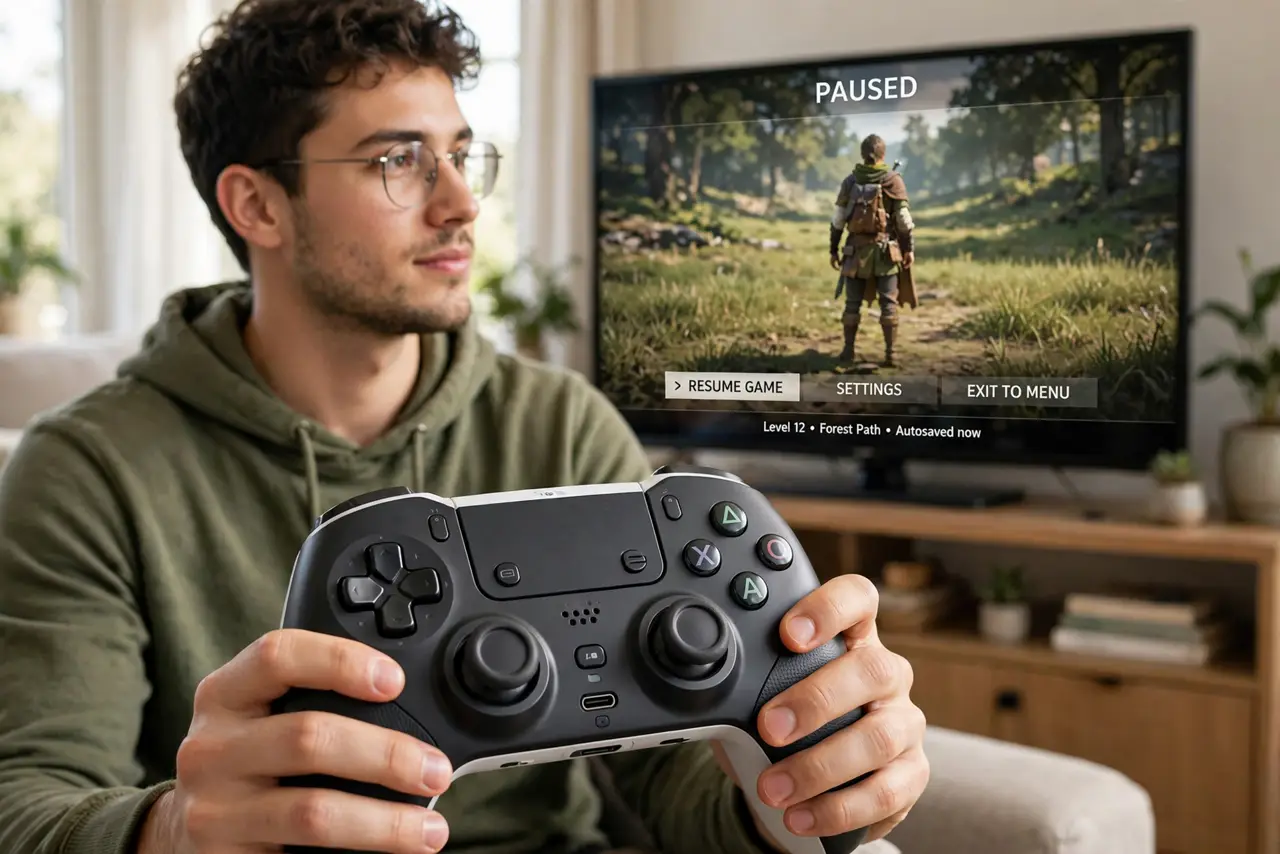
Your character walks on its own or the camera slowly spins — the analog stick is drifting. Dust inside the stick module or worn contacts send phantom inputs. This guide starts with the free fixes and ends with the honest verdict on repair versus replacement.
TL;DR / Quick Fix
Quick fix: blow compressed air around the stick base and recalibrate in the system settings — dust is the most common cause. Increase the in-game deadzone slightly as a workaround. If drift persists after cleaning and calibration, the stick module is worn.
Follow these steps
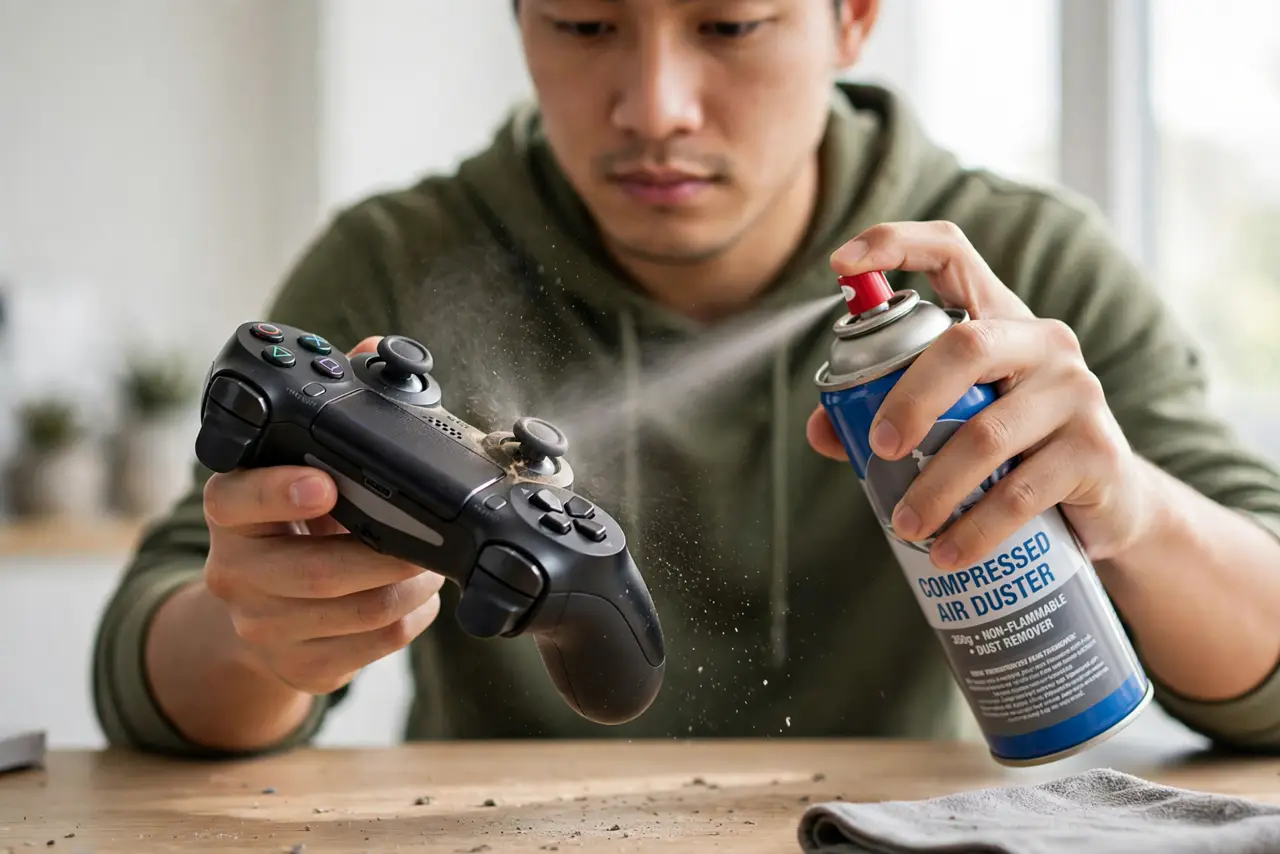
- Blow out dust around the stick. Spray short bursts of compressed air around the stick base while tilting the controller. Dust and debris inside the module are the top cause of drift.
- Recalibrate the sticks. Use the console or PC calibration tool to recenter the sticks. Calibration tells the system where 'zero' really is after wear shifts it.
- Increase the deadzone. Raise the stick deadzone in the game's settings. A slightly larger deadzone ignores the phantom micro-inputs without affecting real play.
- Update the controller firmware. Manufacturers release firmware that improves stick handling. Update through the console or the companion app.
- Test on another device. Pair the controller to a different console or PC — if it will not pair there either, the radio may be failing too. Drift that follows the controller is hardware; drift that stays behind is software.
- Weigh repair against replacement. Stick modules can be replaced by repair shops, but on many controllers the repair costs approach a new unit. Get a quote before committing.
What NOT to do
- Do not spray lubricant into the stick. Oils attract more dust and can damage the internal contacts — compressed air only.
- Do not open the controller if it is under warranty. Opening it voids the warranty; use the manufacturer's repair or replacement first.
- Do not ignore drift hoping it heals. Stick wear only progresses — early cleaning works best, late wear needs parts.
- Do not buy a new controller before trying calibration. A free recalibration fixes a surprising share of mild drift cases.
Frequently asked questions
What causes stick drift?
Dust in the stick module and wear on the internal contacts. Both create tiny false signals the system reads as movement.
Can stick drift be fixed permanently?
Cleaning and calibration fix dust-related drift. Worn contacts need the module replaced — cleaning only delays that.
Does a bigger deadzone hurt gameplay?
Slightly. A small increase is unnoticeable for most players; a large one makes fine aiming feel numb.