Archive vs Delete in Gmail?
Two buttons, two very different fates for your email. Archive sweeps a message out of your inbox but keeps it searchable forever; Delete sends it to the trash, where Gmail erases it permanently after 30 days. Most people should archive almost everything and delete almost nothing. Here is how to choose in two seconds.

TL;DR / Quick Fix
Quick fix: archive emails you might need later — they leave the inbox but stay searchable forever. Delete only true junk like newsletters you'll never reread. Archived mail lives under All Mail; deleted mail is permanently erased after 30 days in Trash.
Follow these steps
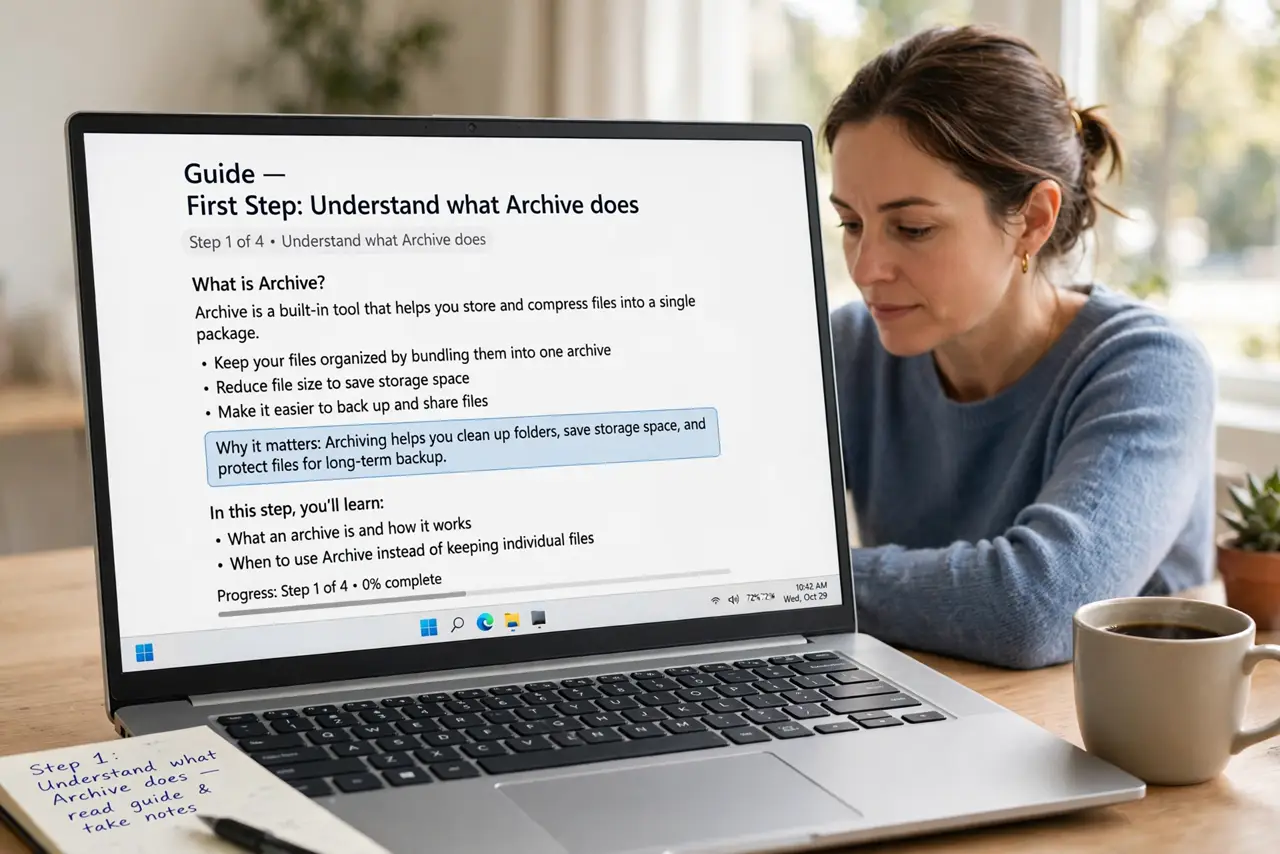
- Understand what Archive does. Archive removes the email from your inbox but keeps it in All Mail, fully searchable. Nothing is lost — it is filing, not throwing away.
- Understand what Delete does. Delete moves the email to Trash, and Gmail permanently erases Trash contents after 30 days. After that, it is gone — no recovery.
- Archive as your default action. Receipts, conversations, anything you might reference later — archive it. Storage is effectively unlimited, so there is no cost to keeping.
- Delete only the true junk. Obvious spam that slipped through, duplicate notifications, one-time codes you already used — delete what has zero future value.
- Use the keyboard shortcuts. E archives, # deletes (Shift+3). Once archiving is your habit, the shortcuts make inbox zero dramatically faster.
- Find archived mail under All Mail. Archived does not mean hidden — search or open All Mail and it is all there. The mute trick pairs well for threads you never want to see again.
What NOT to do
- Do not delete receipts and order confirmations. You will need one eventually, and archived mail costs you nothing to keep.
- Do not treat Trash as storage. Anything in Trash has a 30-day death sentence — move anything valuable out now.
- Do not archive your way into chaos without search skills. Learn Gmail's search operators so the archive stays useful, not just big.
- Do not empty Trash in a rage-clean. One wrong 'delete forever' click erases the safety net — empty it only when you are sure.
Frequently asked questions
Does archiving free up storage space?
No — archived mail still counts toward your Google storage. Archive is about inbox clarity, not space; delete (and empty Trash) to free space.
Can I recover a deleted email?
Within 30 days, yes — fish it out of Trash. After Gmail auto-erases it, recovery is essentially impossible.
What's the difference between Archive and Mute?
Archive files one thread away; Mute files it away AND stops future replies from returning it to your inbox.