Send Big Attachments
Gmail rejects your attachment — 25 MB limit, no exceptions, no partial sends. The fix is not to shrink the file into oblivion; it is to send a Drive link instead, which Gmail builds right into the compose window. Here is how to send big files properly so recipients can actually open them.
TL;DR / Quick Fix
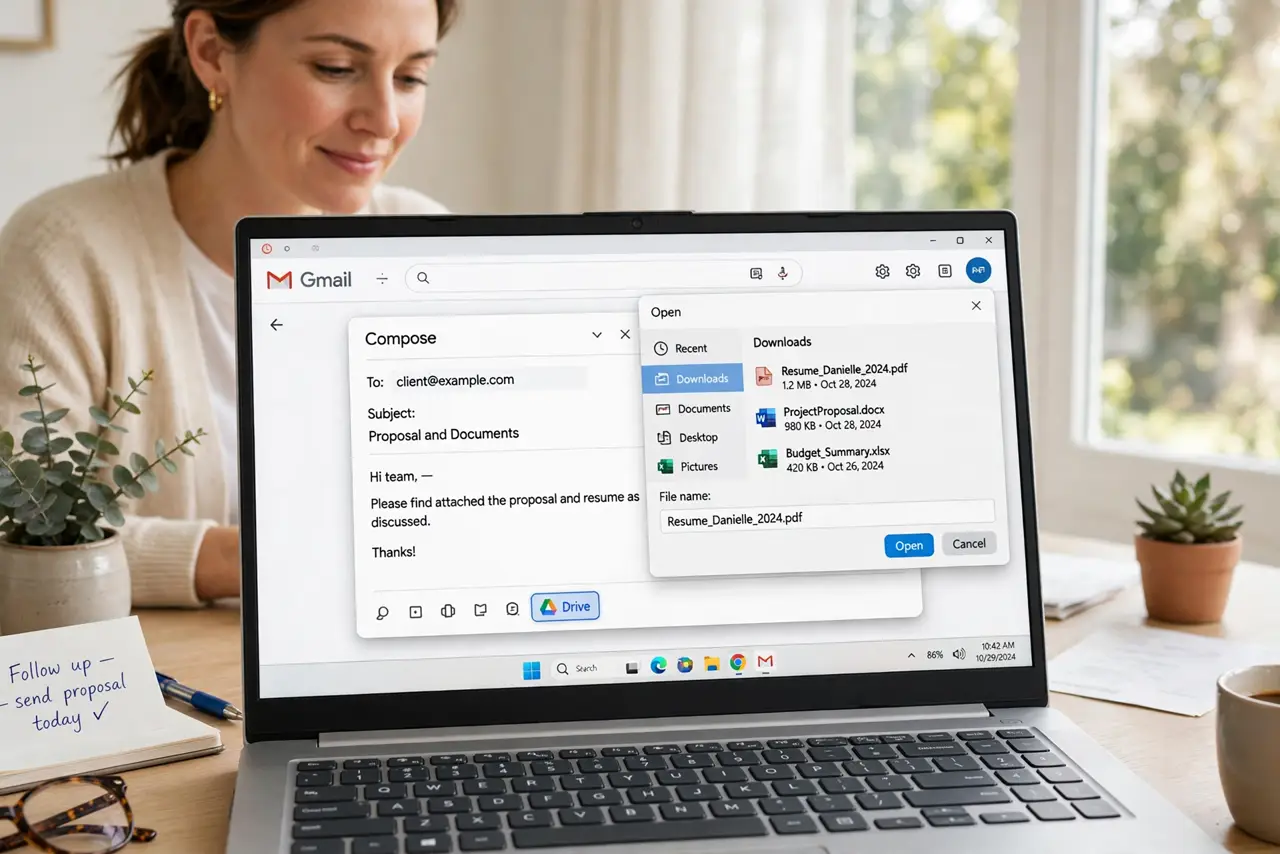
Quick fix: Gmail blocks attachments over 25 MB — upload the file to Google Drive and send a link instead. In the compose window, click the Drive icon and attach the file; recipients get a clean download link. Check the link sharing setting so they can actually open it.
Follow these steps
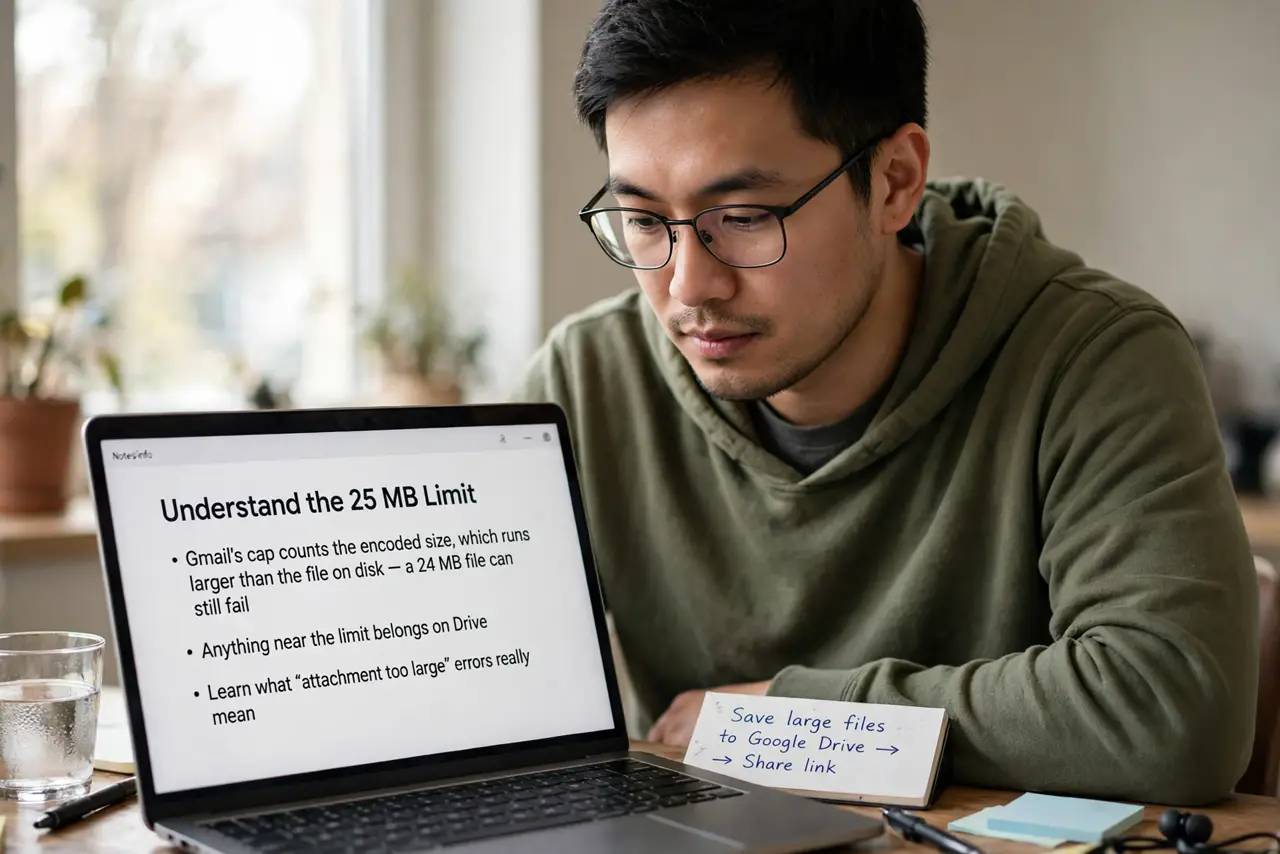
- Understand the 25 MB limit. Gmail's cap counts the encoded size, which runs larger than the file on disk — a 24 MB file can still fail. Anything near the limit belongs on Drive. Learn what attachment too large errors really mean.
- Click the Drive icon in compose. In the compose window's bottom toolbar, click the Google Drive triangle. You can attach from Drive or upload from your computer in the same step.
- Upload or pick the file. Choose the file — Drive uploads it and inserts a link automatically. The email stays tiny while the file lives in the cloud.
- Set the sharing permission. This is the step people skip: make sure the link allows the recipient to view or download. An unshared link sends your recipient to a request-access wall.
- Confirm before sending. Open the link in an incognito window to verify it works for outsiders. Ten seconds of checking beats an embarrassing follow-up email.
- Find files you sent before. Need the file again later? Use Gmail's find attachments search to locate anything you have sent or received.
What NOT to do
- Do not try to email a file over the limit repeatedly. It will never go through — the cap is absolute, and retries just waste time.
- Do not send the link without checking permissions. A Drive link the recipient cannot open is worse than no file at all.
- Do not use sketchy file-sharing sites for sensitive files. Drive links with proper permissions beat random upload sites on privacy and reliability.
- Do not forget the file counts against your storage. Big shared files eat your Drive quota — clean up old ones periodically.
Frequently asked questions
What is the real size limit?
25 MB including encoding overhead. In practice, keep email attachments under 20 MB and Drive-link everything bigger.
Can recipients without Gmail open Drive links?
Yes, if you set the link to anyone with the link. No Google account needed for view or download.
Why did my recipient get 'request access'?
The sharing permission was not set. Change it to anyone with the link and resend — or approve their request.