Turn Off Conversation View
Gmail threads every reply into one conversation — great until a 40-message thread hides the one reply you need, or you simply think in single messages like classic email. Conversation View is a display choice, not a life sentence: turning it off lists every message separately, newest first.
TL;DR / Quick Fix
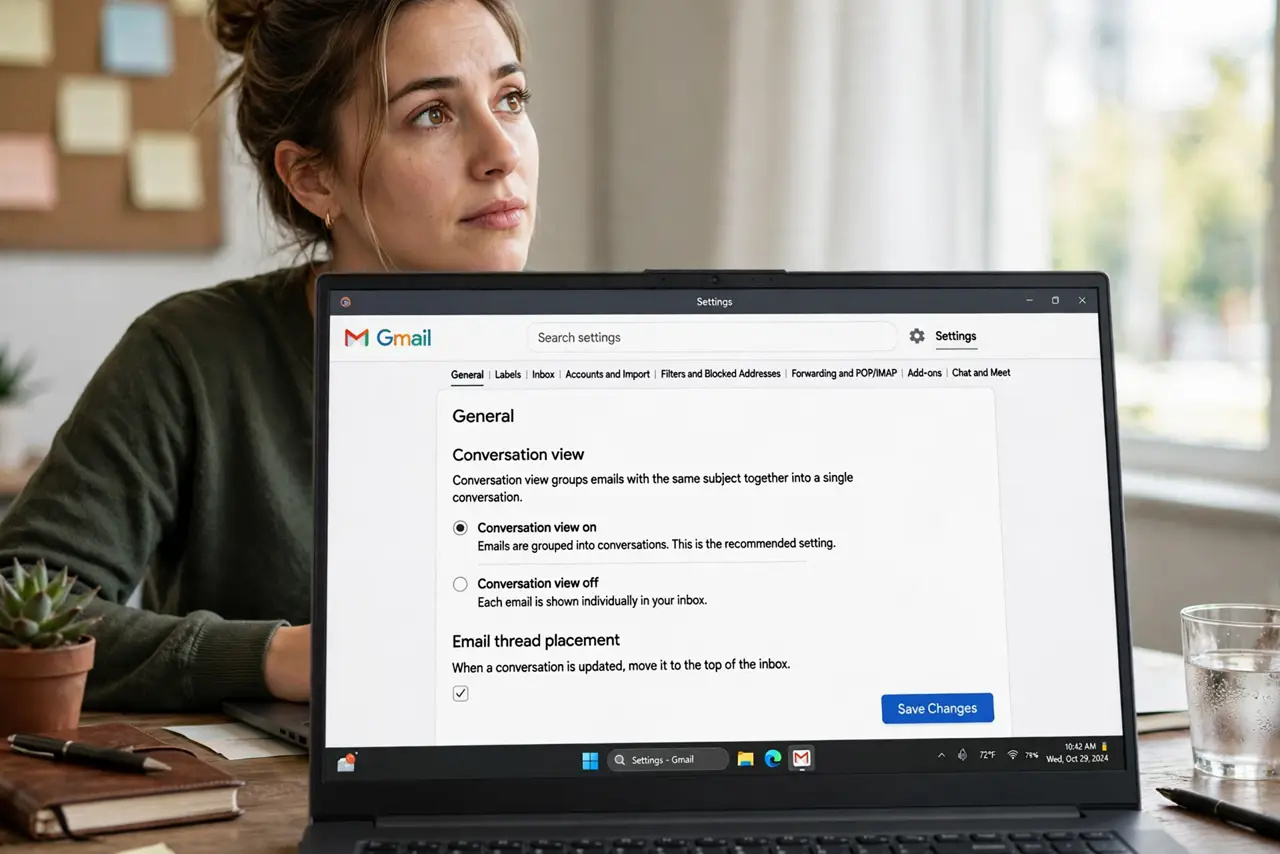
Quick fix: in Gmail settings under General, set Conversation View to off — every message then lists separately, newest first, like classic email. The change applies per account and takes effect immediately. Turn it back on anytime; nothing is deleted, just re-threaded.
Follow these steps
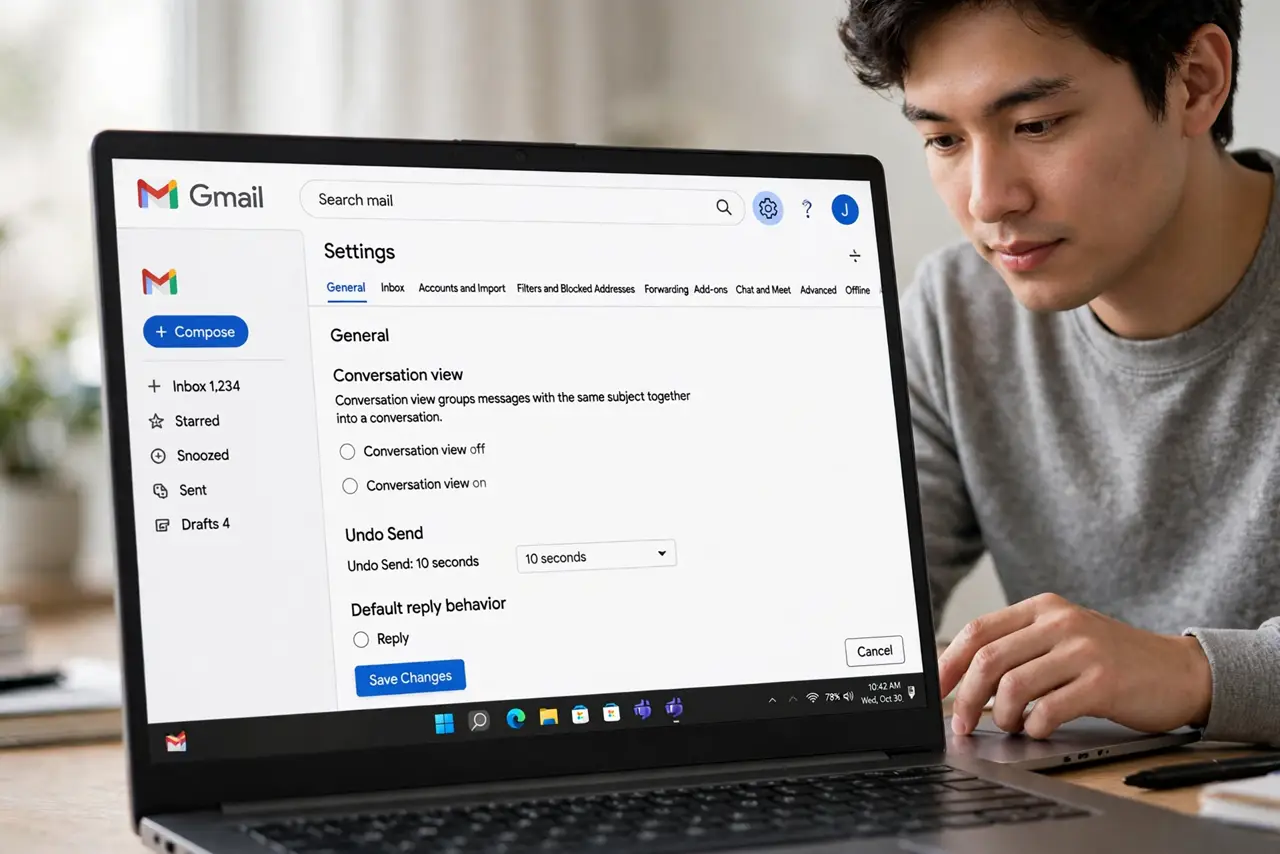
- Open the General settings tab. Gear icon, 'See all settings,' General. Conversation View is near the top — 'Conversation View on/off' with two radio buttons.
- Select 'Conversation View off.' Click off, scroll down, and save. The inbox rebuilds immediately — threads split into individual messages, newest first. Nothing is deleted; it's purely a display change.
- Learn the new inbox behavior. Each reply is now its own row. Long threads become long lists — use search and the unread filter to navigate them. Some people love the clarity; others miss the grouping within a day.
- Check sent mail too. With threading off, your replies sit separately from the originals in Sent. When hunting a conversation, search covers both — the message search still finds everything.
- Watch for the clipped-message effect. Long single messages may show as clipped more often without threading to paginate them. The 'view entire message' link still opens the full text.
- Re-enable anytime without loss. Flip it back on and threads reassemble instantly. Toggle freely for a week — the setting is reversible and nothing about your mail changes underneath.
What NOT to do
- Do not panic when the inbox looks different. Every message is still there — threading only grouped them; turning it off just ungroups the display.
- Do not turn it off mid-crisis. Relearning the inbox layout during an urgent email hunt adds stress — try it on a calm day.
- Do not expect others to see the change. Conversation View is your display preference only — recipients see their own threading regardless.
- Do not confuse it with filters. Threading is display; filters and labels are organization — they work independently of each other.
Frequently asked questions
Will I lose emails by turning it off?
No — zero data change. Messages are only displayed separately instead of grouped. Toggle it ten times; your mail is identical underneath.
Why do some people hate conversation view?
Long threads bury individual replies, and mixed topics in one thread confuse filing. Single-message people think chronologically — threading fights that instinct.
Does it affect the mobile app?
The mobile app follows the same account setting — turn it off once on the web and the app lists messages separately too.