Delete Your Largest Emails
Five giant emails can outweigh five thousand small ones — attachments are where Gmail storage goes to die. Old videos, photo dumps, and installer files sit in your archive for years. Here is how to find the biggest messages and delete them safely.
TL;DR / Quick Fix
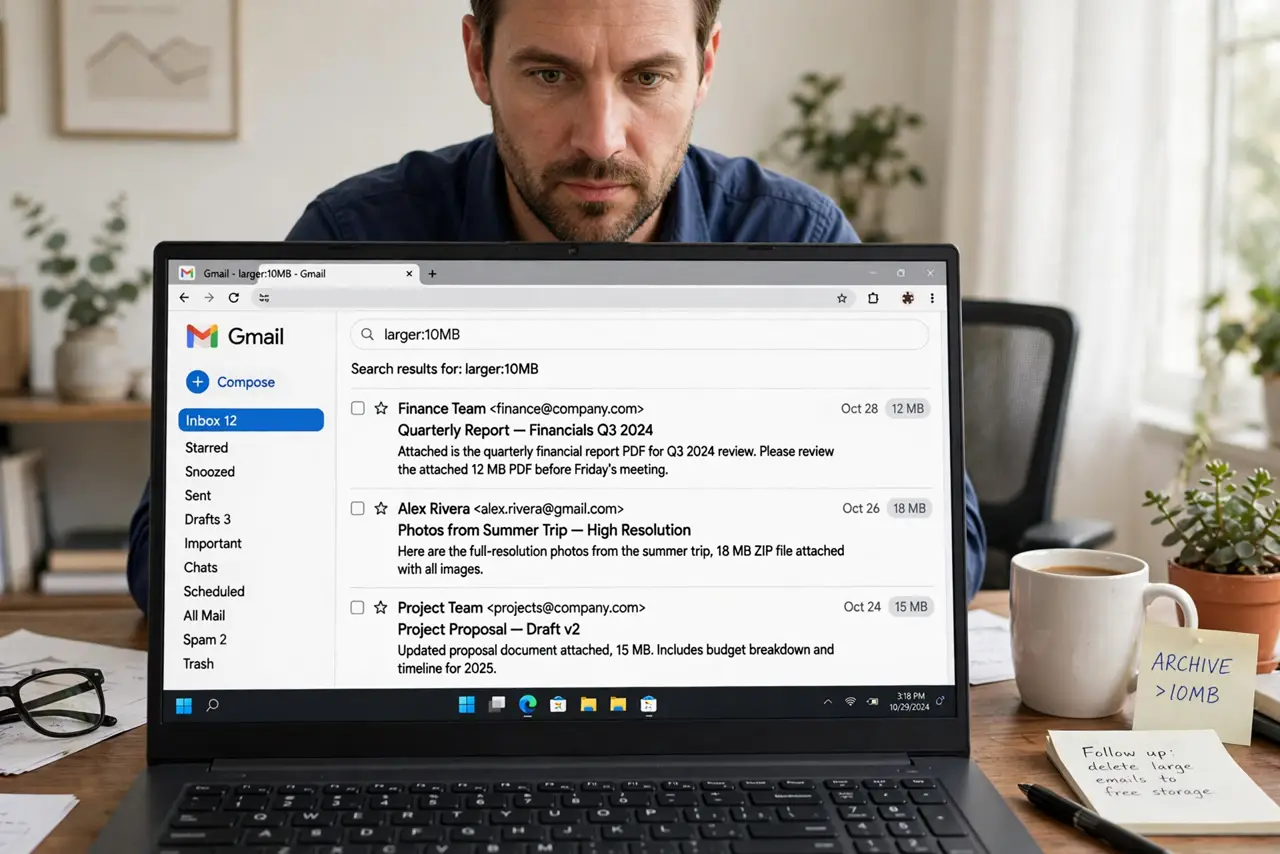
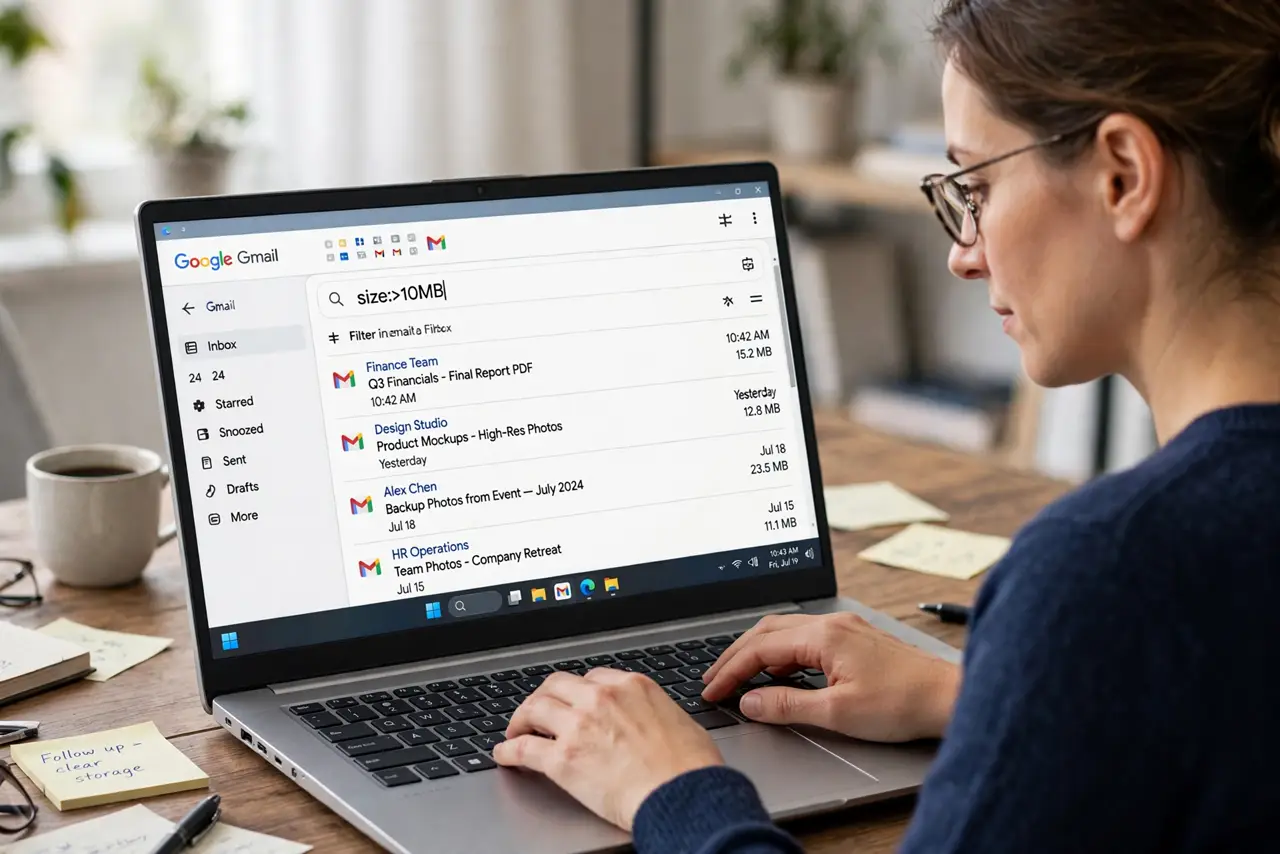
Quick fix: in Gmail search larger:10m to list emails over 10 MB, delete what you no longer need, then empty Trash. Keep anything with legal or tax value — download it first. Ten minutes here often frees more space than a year of deleting small mail.
Follow these steps
- Search by size. Type larger:10m in the Gmail search bar to list everything over 10 MB. Try larger:5m or has:attachment for a wider net — see the attachment search guide.
- Scan before selecting. Skim the senders and subjects. Old newsletters with videos and ancient photo threads are the usual winners — verify each before checking it.
- Download keepers first. For anything with tax, legal, or sentimental value, download the attachment to Drive or your computer before deleting the message.
- Delete in batches. Select in batches of 50 with the top checkbox. Gmail deletes fast, but huge selections can time out — smaller batches are safer.
- Empty the Trash. Deleted mail sits in Trash for 30 days still counting against quota. Open Trash and Delete all to actually free the space.
- Stop the bleed. Ask chronic big-senders to use links instead of attachments, and save future files to Drive rather than emailing them to yourself.
What NOT to do
- Do not delete everything over 10 MB blindly. Size is not value — check first.
- Do not forget to empty Trash. Deleting without emptying frees nothing.
- Do not delete the only copy of tax or legal documents. Download first, delete second.
- Do not use third-party cleaner tools with full Gmail access. The search bar does this safely and free.
Frequently asked questions
What search finds the biggest emails?
larger:10m lists mail over 10 megabytes; adjust the number up or down. Combine with older_than:2y to target ancient giants.
Does deleting big emails affect my sent mail too?
Yes — Sent counts the same as Inbox. Search in:sent larger:10m to find giants you mailed yourself.
Why did my storage not drop after deleting?
You probably skipped emptying Trash — or Drive and Photos are the real hogs. Check one.google.com/storage for the full picture.