Find Big Attachments in Gmail Fast
Your storage is nearly full and somewhere in 40,000 emails hide the giant attachments eating it. Scrolling is hopeless — but Gmail's search operators find every email over 10 MB in one query. Two operators turn a weekend chore into a ten-minute cleanup.
TL;DR / Quick Fix
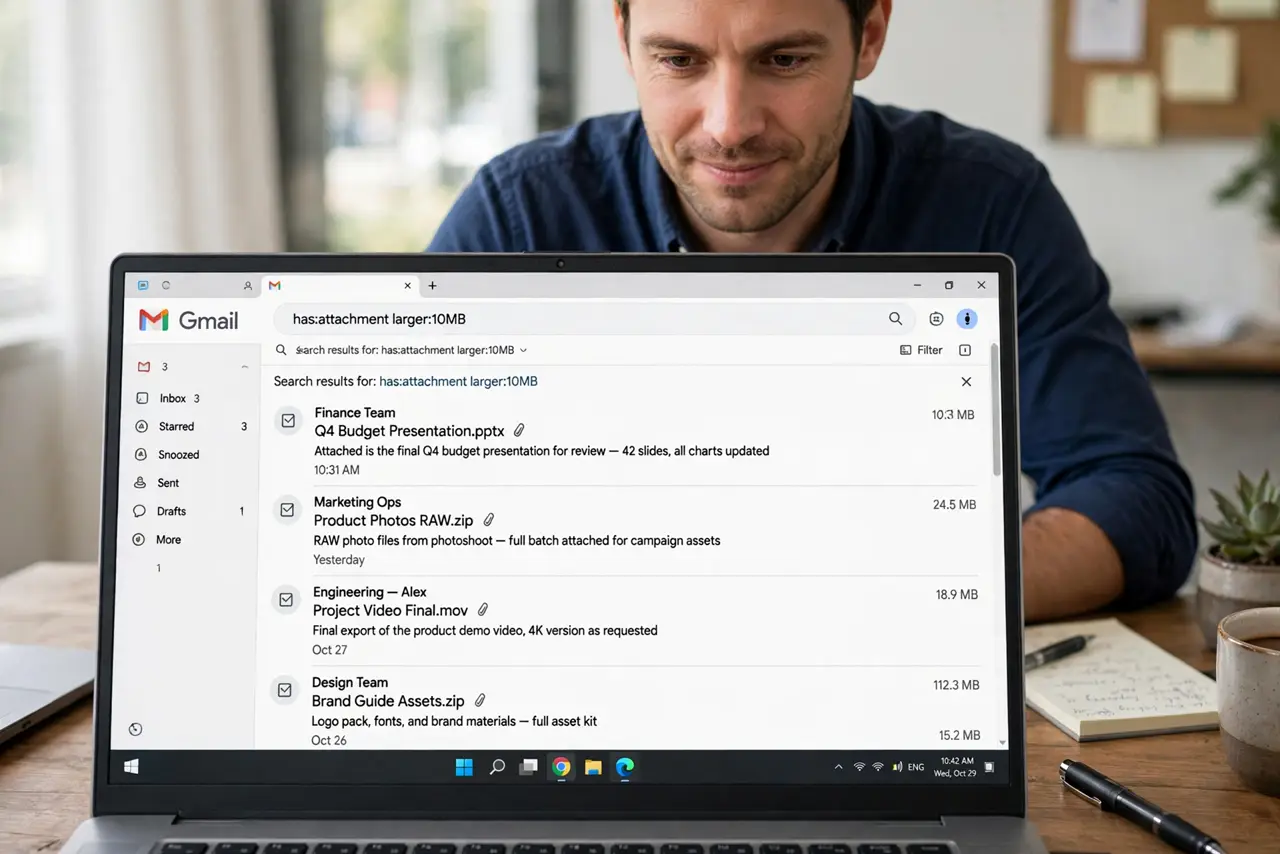
Quick fix: type larger:10M in Gmail's search bar to list every email with attachments over 10 MB, biggest first. Delete what you do not need, empty Trash, and confirm the meter drops — if [[storage is already full|gmail-storage-full-blocks-email]], this is the fastest rescue.
Follow these steps
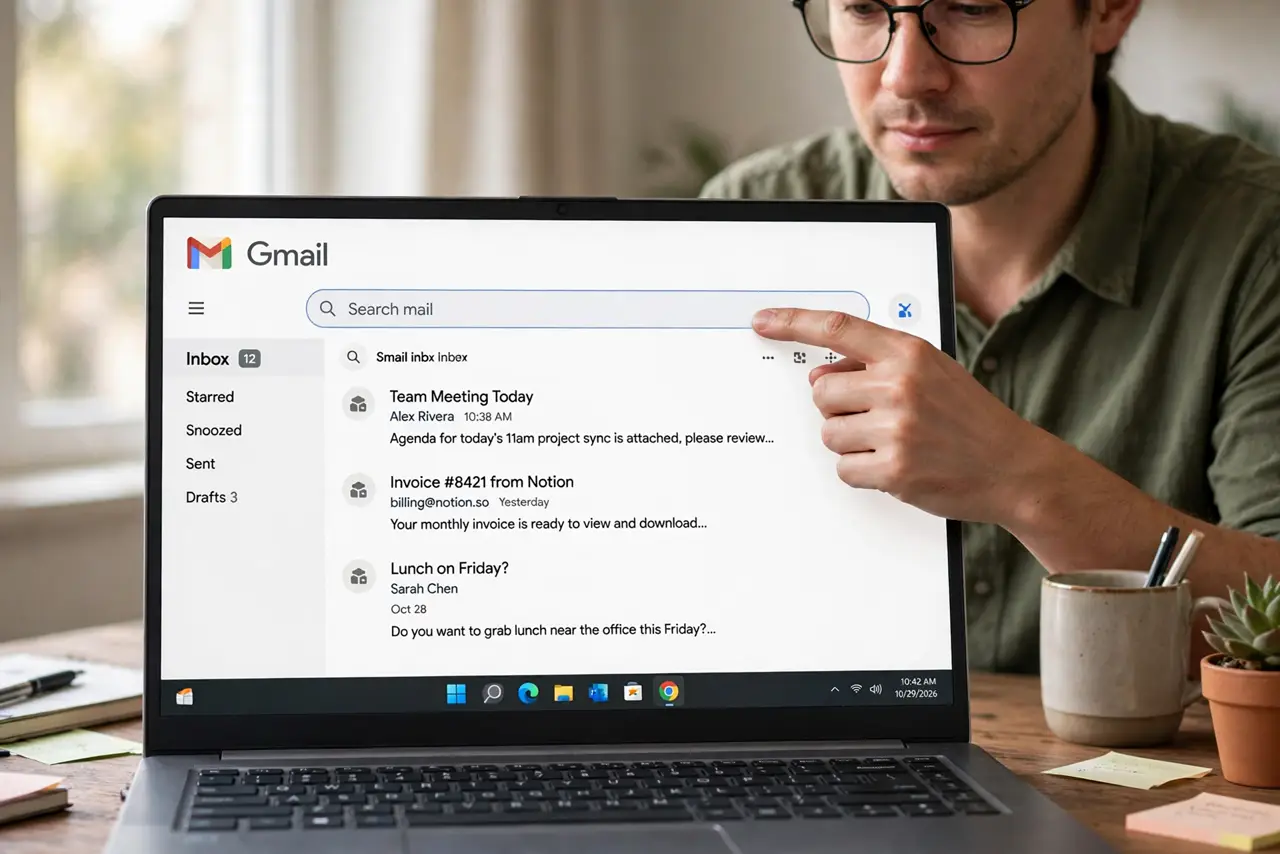
- Open Gmail search. Click the search bar at the top of Gmail. You are about to use operators — special words that filter precisely.
- Type larger:10M and hit enter. This lists emails with attachments bigger than 10 MB. Adjust the number — larger:5M or larger:25M — to taste.
- Sort your attack by size. Scan the results for the biggest files: videos, photo batches, old installers. These few emails often hold gigabytes.
- Check before you delete. Open the biggest ones and confirm you have the file elsewhere or do not need it. Then delete — or save the attachment to Drive first.
- Use older:1y with it for safety. Combine like larger:5M older:1y to target big, old mail — the safest deletion candidates in any inbox.
- Empty Trash when done. Deleted mail keeps counting against storage until Trash empties. Empty it and watch the meter drop.
What NOT to do
- Do not delete without checking. That 50 MB attachment might be the only copy of a contract — open it before it goes.
- Do not forget Spam and Trash still count. Cleaning the inbox but leaving Trash full reclaims only half the space.
- Do not nuke everything over 10 MB blindly. Sort by sender and date too — mass deletion without review always regrets something.
- Do not skip the meter check after. Confirm the storage number actually fell; if not, something else — like Photos — is the real hog.
Frequently asked questions
What search finds the biggest Gmail attachments?
Type larger:10M in the search bar. It lists every email with attachments over 10 MB, ready for review.
Can I search by exact file type too?
Yes — add filename:pdf or filename:mp4 to the query to hunt specific kinds of big files.
Does deleting free Google storage immediately?
Only after you empty Trash. Until then, deleted mail still counts against your 15 GB.