Color-Code Your Gmail Labels
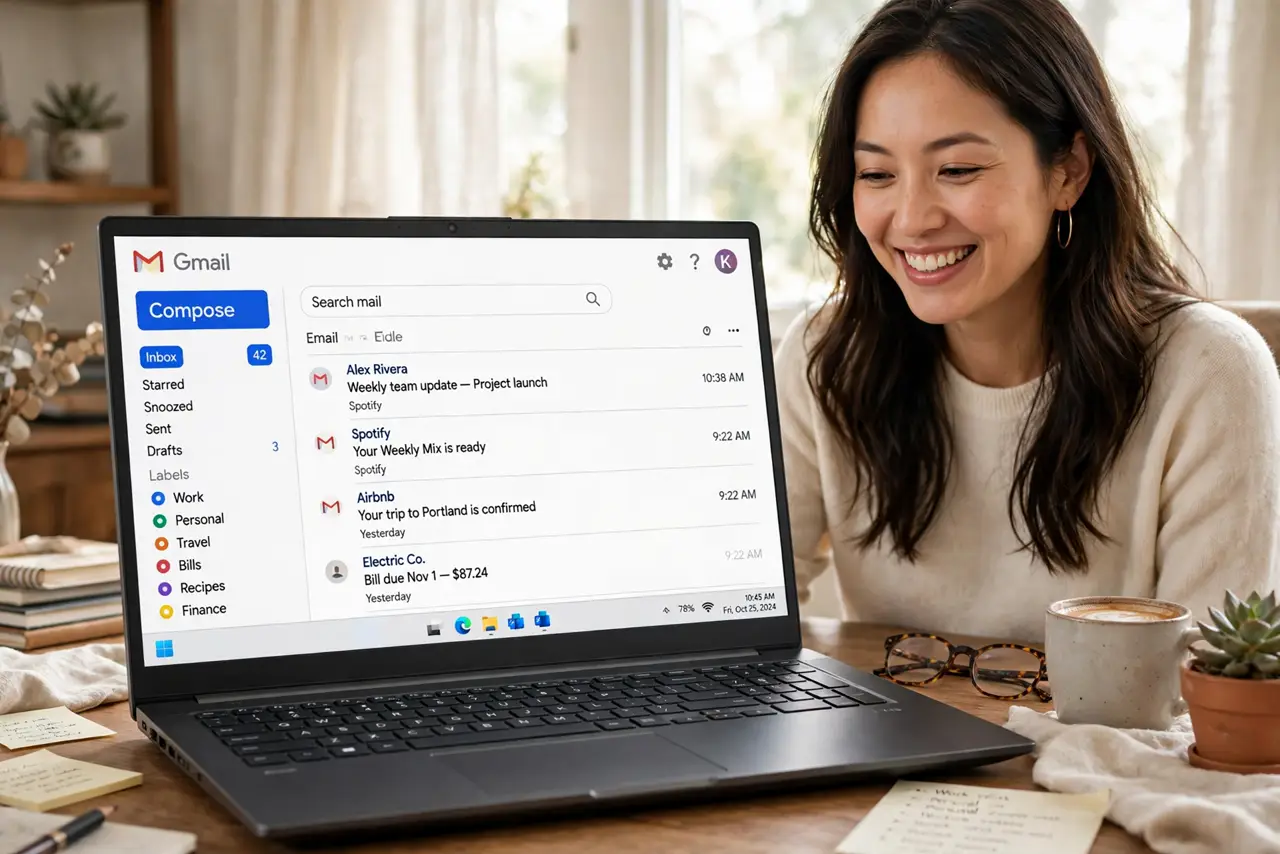
A wall of gray labels all looks the same at a glance — which is why Gmail lets you paint them. Color-coded labels turn the sidebar into a visual dashboard: red for urgent clients, green for receipts, blue for travel. It takes a minute to set up and pays off every time you scan your mail.
TL;DR / Quick Fix
Quick fix: hover a Gmail label, click the three dots, choose Label color, and pick colors. Use color for meaning — red for action-needed, green for money — not decoration. Too many colors blur into noise, so color only your five to eight most-used labels.
Follow these steps
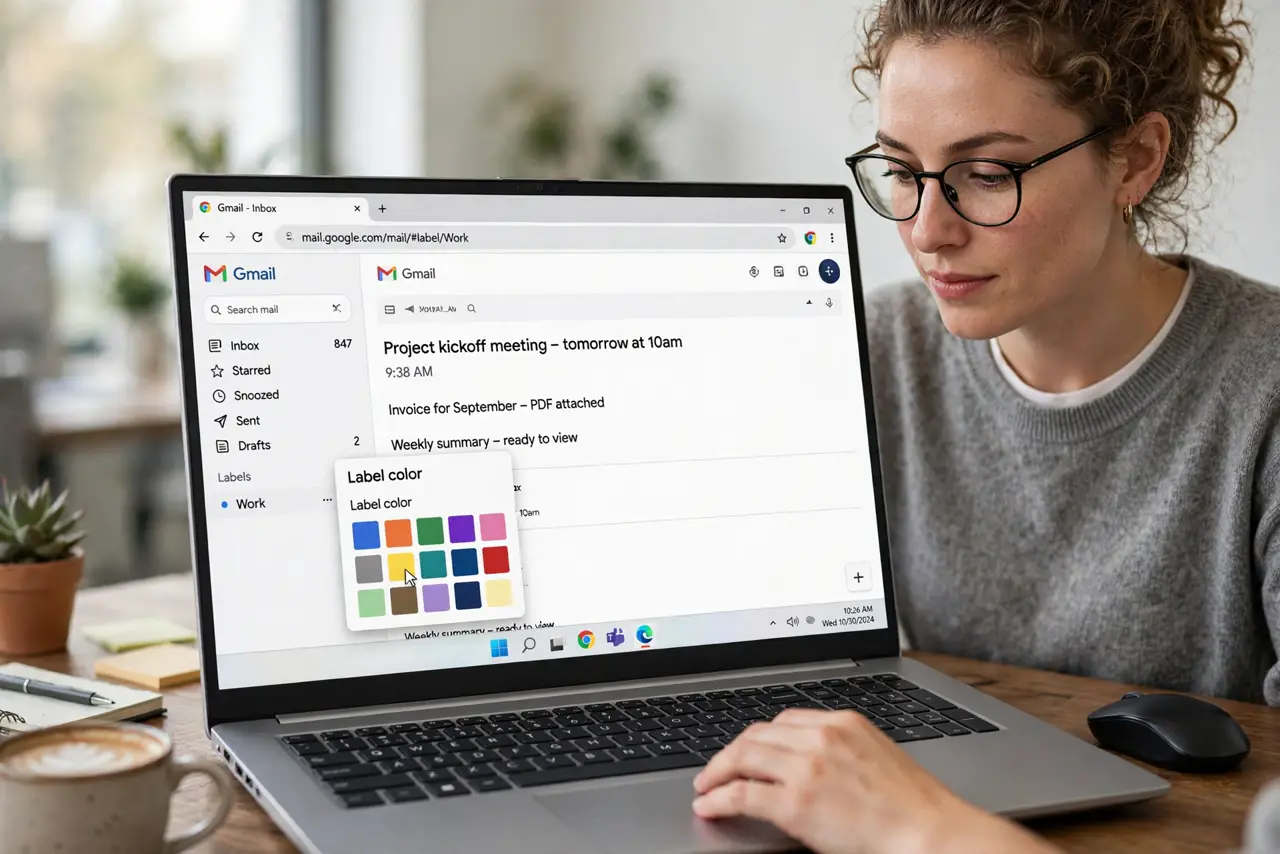
- Open the label color menu. Hover any label in the left sidebar, click the three dots that appear, and choose Label color. The palette shows text and background combinations.
- Assign meaning, not decoration. Decide the code first: red for needs-action, green for finance, blue for travel. Write it down — a code you forget is just confetti.
- Start with your top labels. Color the five to eight labels you actually use daily. Rare labels stay gray; coloring everything defeats the purpose.
- Match filters to colored labels. When a filter files mail under a colored label, the color becomes your at-a-glance signal. Pair the two deliberately.
- Use nested labels sparingly. Sub-labels inherit attention too — color the parent, leave children gray, or the sidebar turns into a rainbow.
- Review the code monthly. Open Manage labels and glance at your palette. Retire colors for dead projects so the code stays meaningful.
What NOT to do
- Do not color every label. Twenty colors carry zero information.
- Do not use red for calm categories. Red means urgent everywhere — respect the convention.
- Do not rely on color alone for anything critical. Colorblind readers and screen readers need the label name too.
- Do not change the code weekly. A visual system only works when it stays still.
Frequently asked questions
Do label colors sync to the phone app?
Yes — label colors sync across devices, though they show more subtly in the mobile app than on desktop.
Can I make custom colors?
Yes — the palette includes a custom option where you pick exact background and text colors beyond the presets.
Will colors print?
Labels print as plain text on paper; the colors are a screen-only aid.