Find Space-Hogging Emails?
Gmail says you're out of storage, and it's always the same culprits: years of attachments — videos, photo bursts, giant PDFs — sitting in emails you forgot existed. A handful of huge messages often eat gigabytes. Finding and clearing them is the fastest way to reclaim space without deleting anything you care about.
TL;DR / Quick Fix
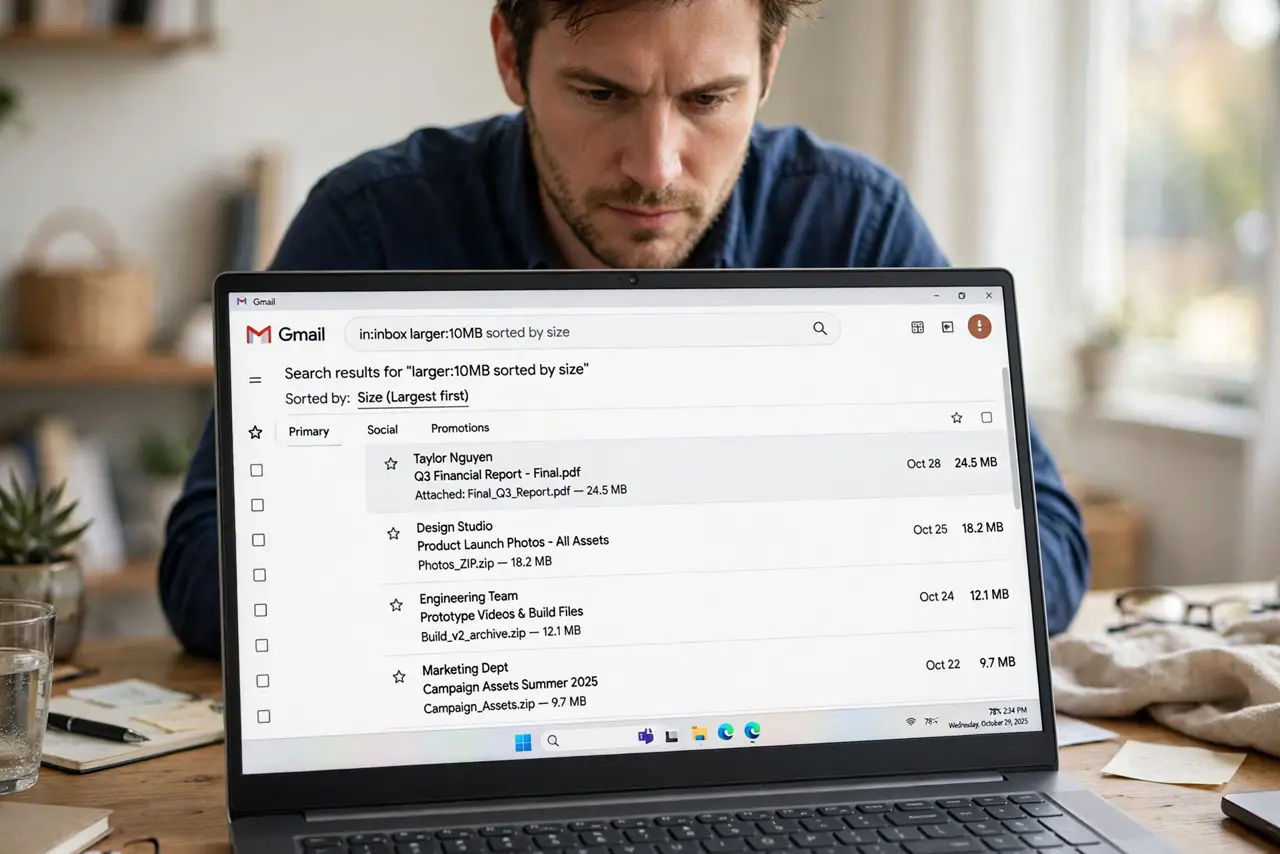
Quick fix: in Gmail search, type larger:10M to find emails bigger than 10 MB, review the results, and delete what you don't need — then empty Trash. A few video attachments often free gigabytes in minutes. For keepers, save attachments to Drive first, then delete the email.
Follow these steps
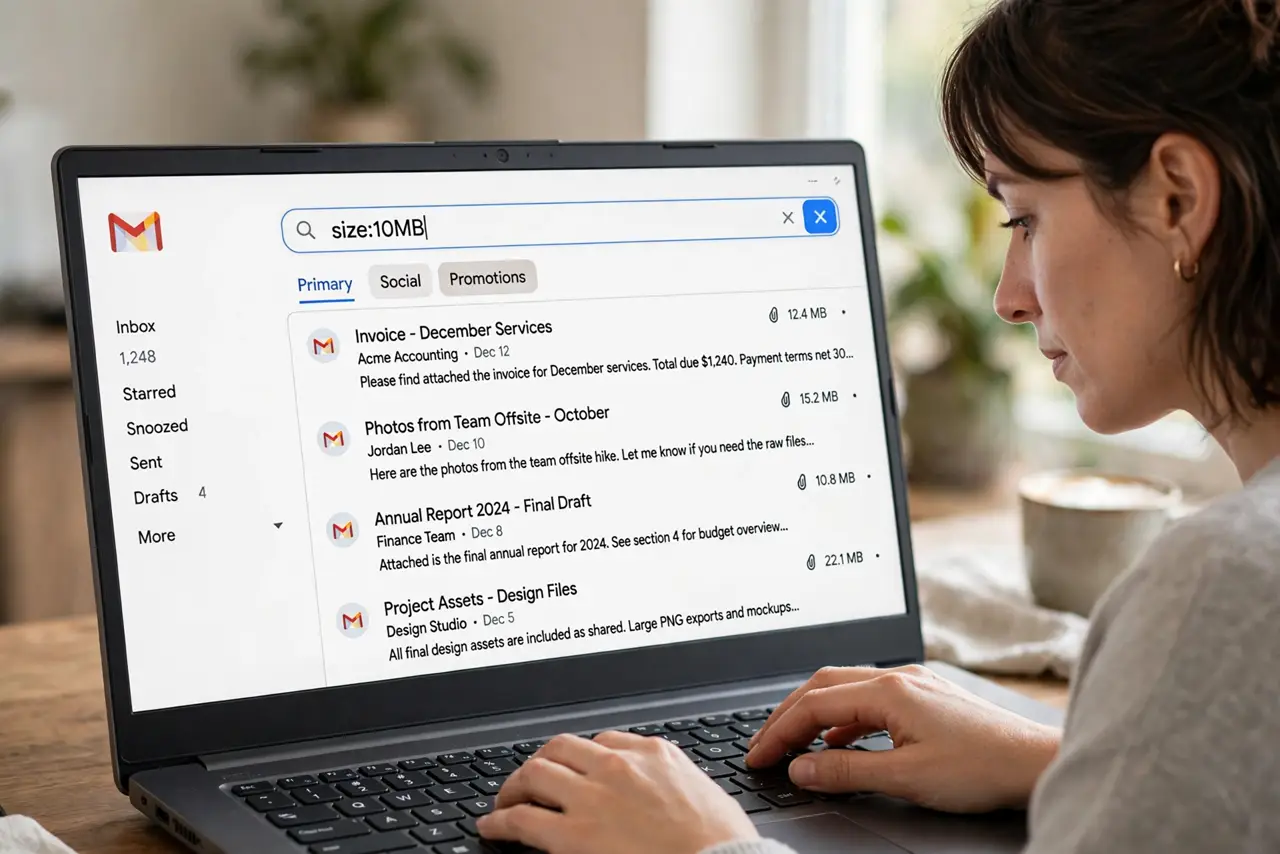
- Search by size. Type larger:10M (or larger:5M) in the Gmail search bar. Gmail lists your biggest emails first — the space hogs reveal themselves instantly.
- Review before deleting. Skim the results: old newsletters with videos, forgotten photo dumps, ancient project files. Delete what's truly dead — and see storage-full blocks if you're already locked out of receiving mail.
- Save attachments first. For emails worth keeping, download the attachments to Google Drive or your computer, then delete the email. The content survives; the storage doesn't have to.
- Empty the trash. Deleted emails sit in Trash for 30 days still counting against storage. Open Trash and empty it now — the space only frees when you do.
- Check sent mail too. Your sent folder holds every big attachment you ever mailed. Search larger:10M in sent mail — sent videos and decks are prime reclamation targets.
- Manage ongoing storage. After the purge, see storage management to keep it under control — filters that auto-delete old promotions prevent the next crisis.
What NOT to do
- Do not mass-delete without reviewing. Search finds big emails, not unimportant ones — that 50 MB video might be the only copy of a family memory.
- Do not forget Trash still counts. Deleting without emptying Trash frees nothing — the 30-day grace period keeps the storage occupied.
- Do not delete work emails casually. Legal and tax retention rules may apply — check before purging anything work-related, even if it's huge.
- Do not ignore Drive and Photos. Gmail is one of three storage eaters — if mail alone doesn't fix it, your Drive and Photos need the same treatment.
Frequently asked questions
How much space does Gmail get?
15 GB shared across Gmail, Drive, and Photos on free accounts. Paid Google One plans raise it — but cleaning first is free.
Will deleting emails delete my Drive files?
No — Gmail and Drive storage are counted together but stored separately. Deleting an email doesn't touch Drive files, and vice versa.
Can I automate this cleanup?
Partly — Gmail filters can auto-delete or auto-archive old newsletters and promotions. For the big one-off attachments, manual review is still the safe route.