Gmail Full? New Email Gets Blocked
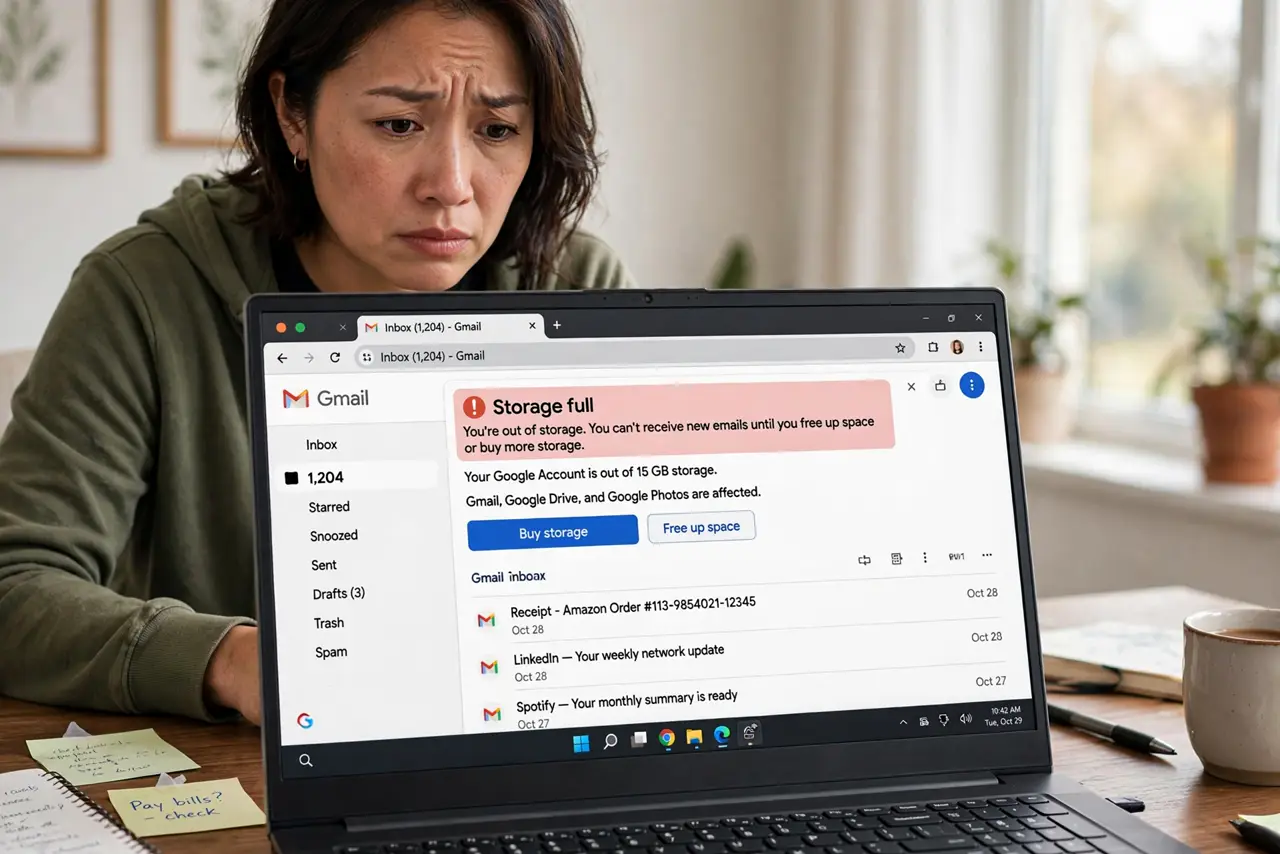
One day Gmail quietly stops receiving new email — no error, just silence. Your 15 GB of free Google storage is full, and Google rejects incoming mail until you free space. The senders get a bounce; you get nothing. Here is how to dig out fast.
TL;DR / Quick Fix
Quick fix: open Google One storage to see what eats the space — usually Photos or Drive — then delete big files and empty Trash. The fastest mail-specific win is [[finding big attachments|gmail-search-by-attachment-size]] and deleting the ones you do not need.
Follow these steps
- Confirm storage is the cause. Open Google One storage or Drive's storage meter. If it reads 15 of 15 GB, full storage — not a Gmail bug — is blocking your mail.
- Find what's eating the space. The meter breaks it down by Drive, Gmail, and Photos. Attack the biggest category first for the fastest relief.
- Delete big email attachments. Search Gmail for large files and delete the heavy ones you do not need — the size search guide shows the exact operators.
- Empty Trash and Spam everywhere. Deleted mail still counts until Trash empties. Empty Gmail's Trash and Spam, then Drive's trash too — space only frees after that.
- Clear Google Photos bulk. Photos often holds the gigabytes. Delete blurry duplicates and screenshots, then empty the Photos trash to reclaim the space.
- Wait and verify mail flows again. After freeing a gigabyte or two, send yourself a test email. Delivery resumes once you are safely under the limit.
What NOT to do
- Do not delete blindly in a panic. Check what you are deleting — that 'old backup' might be the only copy of something important.
- Do not forget Drive's trash. Emptying Gmail's trash but leaving Drive's full reclaims only part of the space.
- Do not buy storage before cleaning. A one-time cleanup often frees many gigabytes for free — pay only if you genuinely need the room.
- Do not ignore the warning emails. Google warns you as storage fills; acting at 90 percent beats discovering the block after missed mail.
Frequently asked questions
Why am I not receiving emails all of a sudden?
Full Google storage blocks incoming mail silently. Check the storage meter — 15 of 15 GB means this is your answer.
How much free storage does Google give?
15 GB shared across Gmail, Drive, and Photos. It fills faster than most people expect.
Will deleted emails come back after I free space?
No. Bounced emails are rejected at the door — ask senders to resend anything important from the blocked period.