Mark as Unread? The Trick
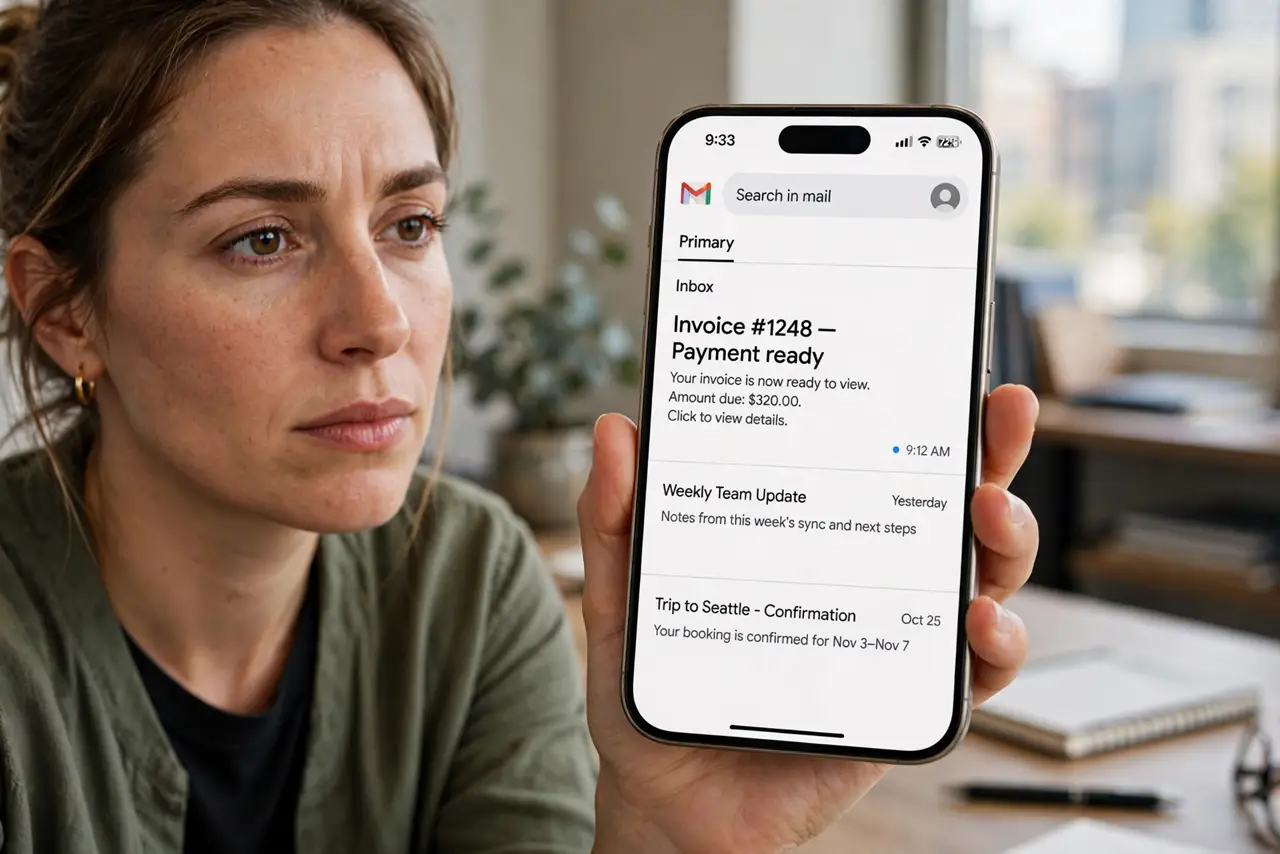
You opened an email you cannot deal with yet, and now it blends into the read pile where you will forget it. Marking it unread turns it bold again — a simple visual flag that says 'handle this later.' It is one of Gmail's oldest tricks, and it works on web and mobile alike.
TL;DR / Quick Fix
Quick fix: open the email, then use the three-dot menu and choose Mark as unread (or hover and click the envelope icon). Gmail marks opened mail as read automatically, so treat unread as your to-do flag. Never leave unread items you already handled, or the flag loses its meaning.
Follow these steps
- Mark unread on the web fast. Hover any message in the list and click the envelope icon, or open the message and use the three-dot menu. The message turns bold instantly.
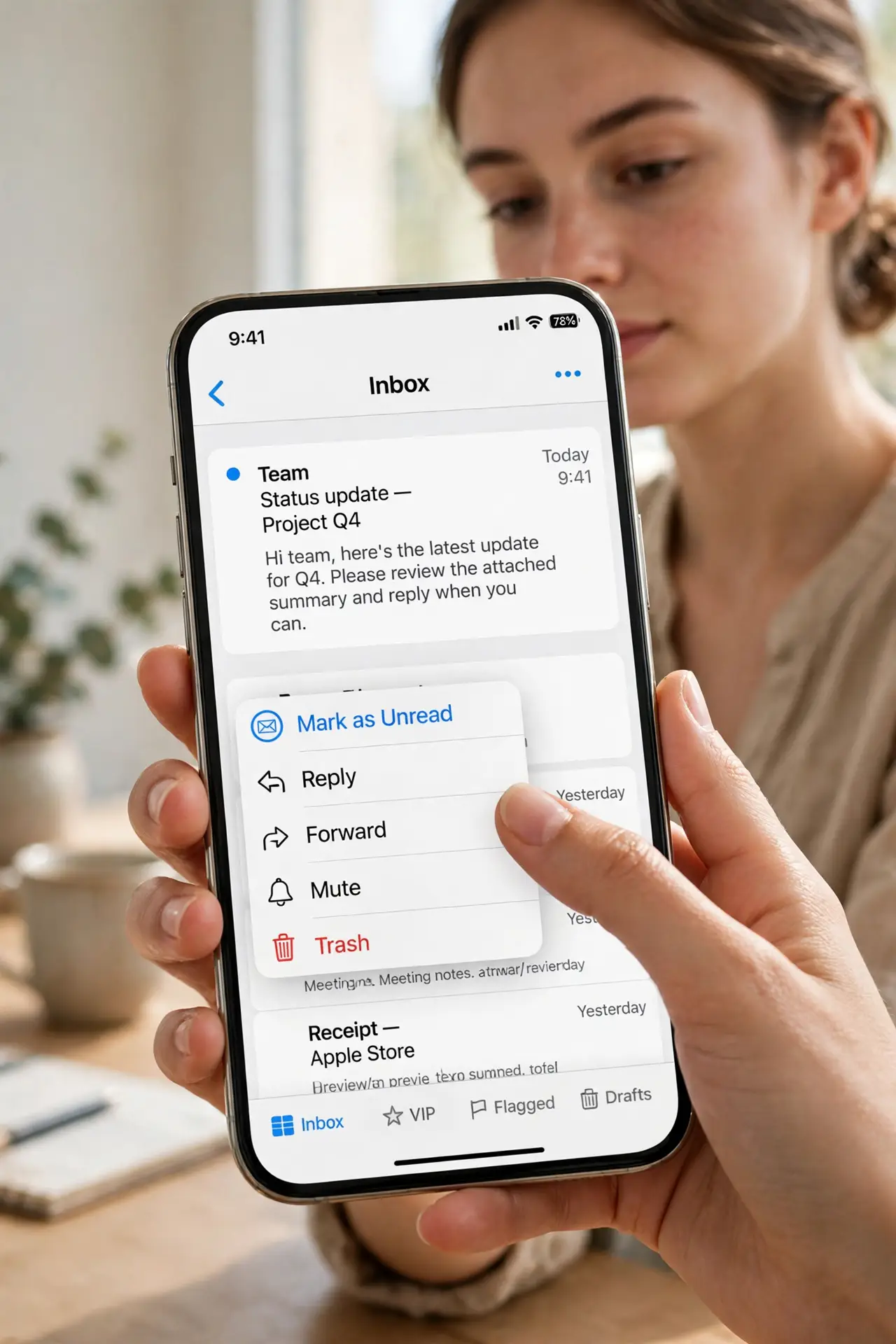
- Mark unread in the mobile app. Open the message, tap the three dots, and choose Mark as unread. The bold styling returns in the list right away.
- Use unread as a deliberate to-do flag. The trick only works as a system: mark unread only mail that still needs action. Pair it with snoozing when you want a reminder at a specific time.
- Select multiple messages at once. Tick several checkboxes, then use the More menu to mark them all unread. Handy after bulk-reading a thread you have not actually processed.
- Know what unread does not do. Unread is just bold styling — it does not move the message, pin it, or notify you. For visibility, combine it with starring or labels.
- Clear the flag when done. Once you handle the email, open or archive it. A list full of stale unread flags trains your eyes to ignore the signal.
What NOT to do
- Do not mark spam or promos unread to 'deal with later.' Delete or archive them; unread is for real tasks.
- Do not use unread on mail you already handled. A flag you never clear becomes wallpaper.
- Do not confuse unread with unsent. Unread mail is delivered and read — the flag only changes its appearance.
- Do not expect unread to sync notes or reminders. It carries no extra information beyond bold text.
Frequently asked questions
Does the sender know I marked it unread?
No. Read and unread are purely local display states in your mailbox. The sender sees nothing.
Can I search for unread mail?
Yes — search for is:unread to list everything still flagged. Useful for a weekly sweep of forgotten items.
Why did my message mark itself read?
Gmail marks a message read when you open it. If you only peeked, mark it unread again — or preview without opening using the preview pane.