Snooze an Email in Gmail? How To
An email needs action Friday, but it's burying your Tuesday — archiving loses it, leaving it unread nags you. Gmail's Snooze is the third option: the message vanishes now and returns to the top of your inbox exactly when you need it. Two clicks, and the mental tab closes.
TL;DR / Quick Fix
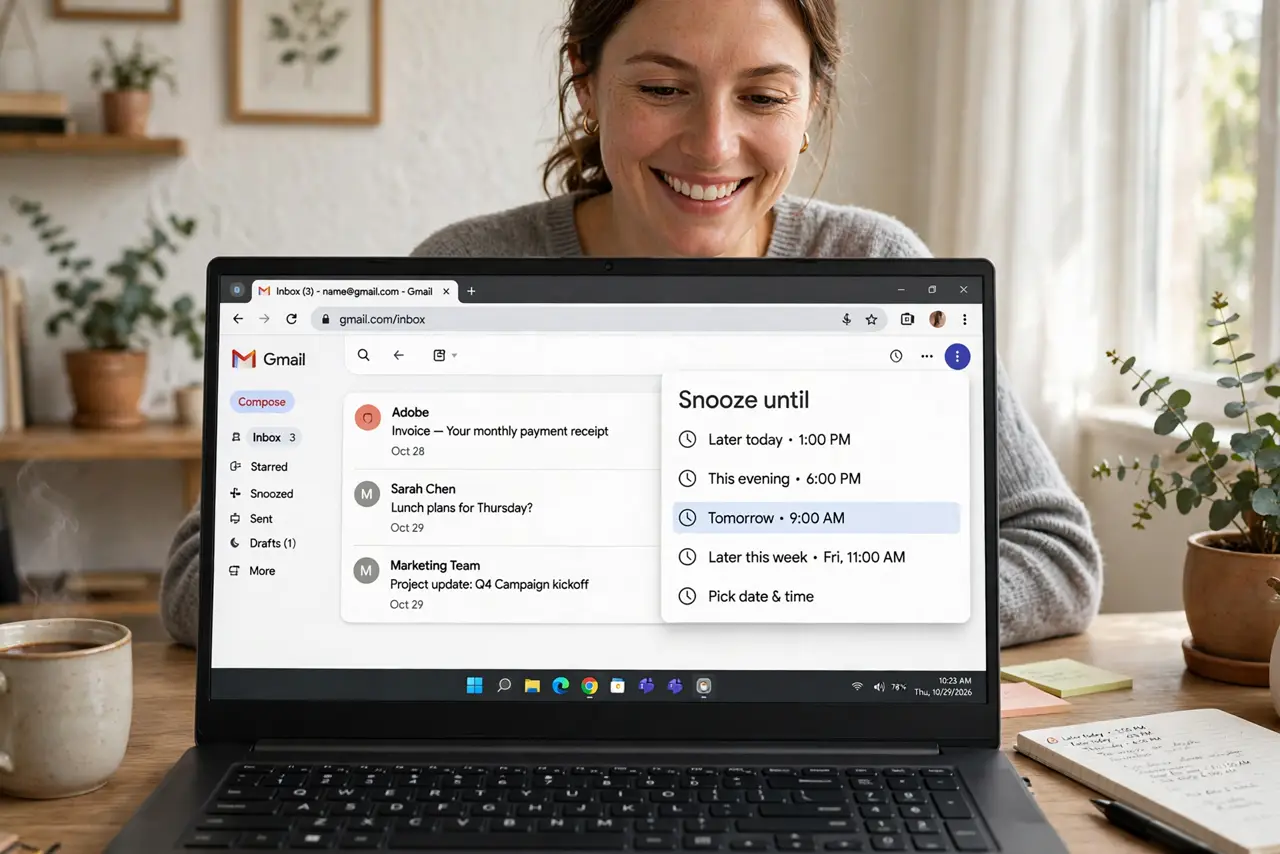
Quick fix: hover any email and click the clock icon — pick tonight, tomorrow, or next week, and it vanishes until then, returning to your inbox top on schedule. Snoozed mail lives under the Snoozed label, and it works in the Gmail app too.
Follow these steps
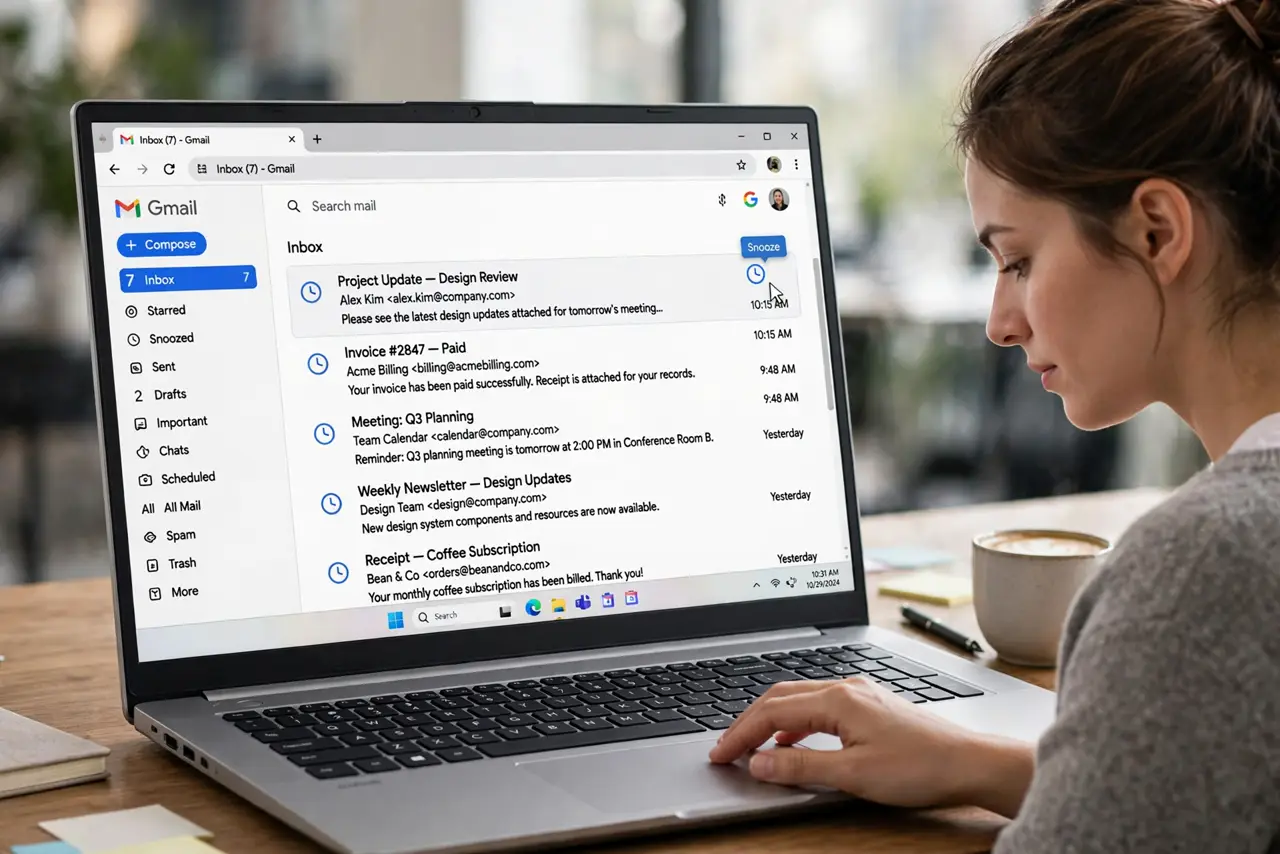
- Snooze from the inbox list. Hover any email and click the clock icon that appears. On mobile, swipe the email (check your swipe settings) or tap the three-dot menu — the snooze option is there too.
- Pick the right return time. Presets cover later today, tomorrow, this weekend, next week — or set a custom date and time. Match the snooze to the actual deadline, not vaguely 'later.'
- Find snoozed mail under Snoozed. Snoozed messages leave the inbox and wait under the Snoozed label in the sidebar. Nothing is deleted or archived — it's a timed return, not a filing decision.
- Unsnooze early if plans change. Open the Snoozed label, select the message, and choose unsnooze — it returns to the inbox immediately. Plans change; the snooze shouldn't outlive its reason.
- Combine with scheduled send. Snooze the incoming request until Thursday, then schedule your reply for Friday morning — the pair turns email into a calm tickler system instead of an anxiety pile.
- Use it for the inbox-zero habit. Snoozing is triage, not procrastination: every email gets a decision — answer, snooze to a real date, or archive. The inbox empties because everything has a next action.
What NOT to do
- Do not snooze without a real date in mind. 'Next week' for everything just moves the pile — snooze to the day you'll actually act.
- Do not confuse snooze with archive. Archived mail is filed away; snoozed mail will be back — if you never want to see it again, archive it.
- Do not snooze urgent mail as avoidance. If it needs you today, answer it today — snoozing is for timing, not courage.
- Do not forget snoozed mail exists. Check the Snoozed label weekly; a snooze you never revisit is just a delayed guilt trip.
Frequently asked questions
Where do snoozed emails go?
Under the Snoozed label in Gmail's sidebar — out of the inbox, fully intact, waiting for their return time. They also surface in search normally.
Can I snooze on the Gmail phone app?
Yes — swipe actions or the three-dot menu both offer snooze, with the same presets and custom times as desktop.
What if I need it back before the snooze ends?
Open Snoozed, select it, unsnooze — it's back in the inbox instantly. Or just search for it; snoozed mail is always searchable.