'Message Clipped' in Gmail? View It All
You open a long newsletter or thread and Gmail cuts it off with a '[Message clipped] View entire message' link. It is not broken — Gmail trims messages over about 102 KB to keep your inbox fast. One click shows the rest, and there is a reason it happens.
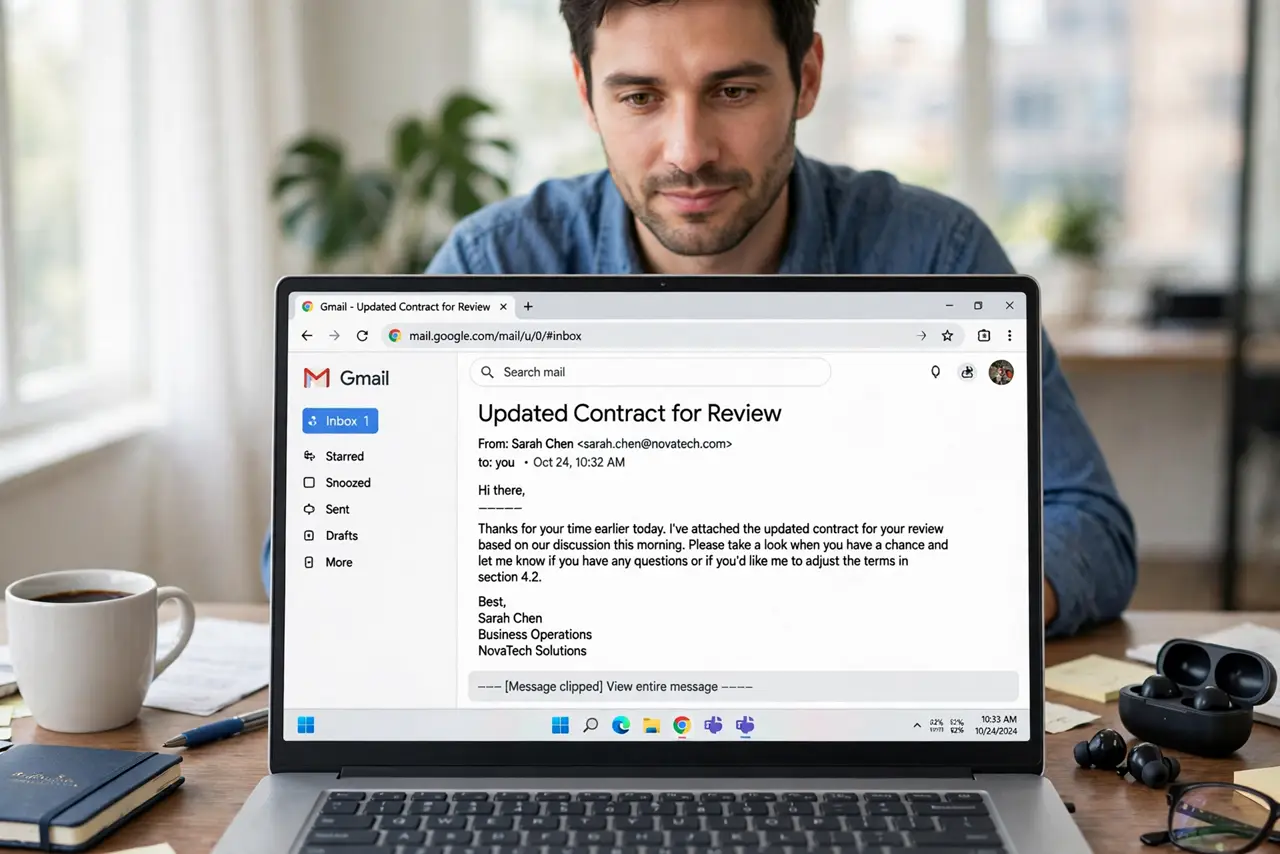
TL;DR / Quick Fix
Quick fix: click 'View entire message' at the bottom of the clipped email — it opens the full content in a new tab. If it happens constantly, the sender's emails are bloated; there is no setting to disable clipping, so [[search tricks|gmail-search-find-any-email]] help you find the buried parts.
Follow these steps
- Click 'View entire message'. Scroll to the bottom of the clipped email and click the link. The full message opens in a new browser tab, images and all.
- Know why it clipped. Gmail trims messages larger than roughly 102 KB — usually image-heavy newsletters or giant reply chains with full history quoted.
- Check the full thread there. The new tab shows the complete thread, including the parts Gmail hid. Scroll through before replying so you answer the whole thing.
- Watch for missing images. Clipped messages sometimes hide images too. The full view loads everything the sender included.
- Consider the sender's habits. If one newsletter always clips, its design is bloated. Reading it on the sender's website is often nicer anyway.
- Do not forward the clipped version. Forwarding from the clipped view can drop the hidden content. Open the full message first, then forward from there.
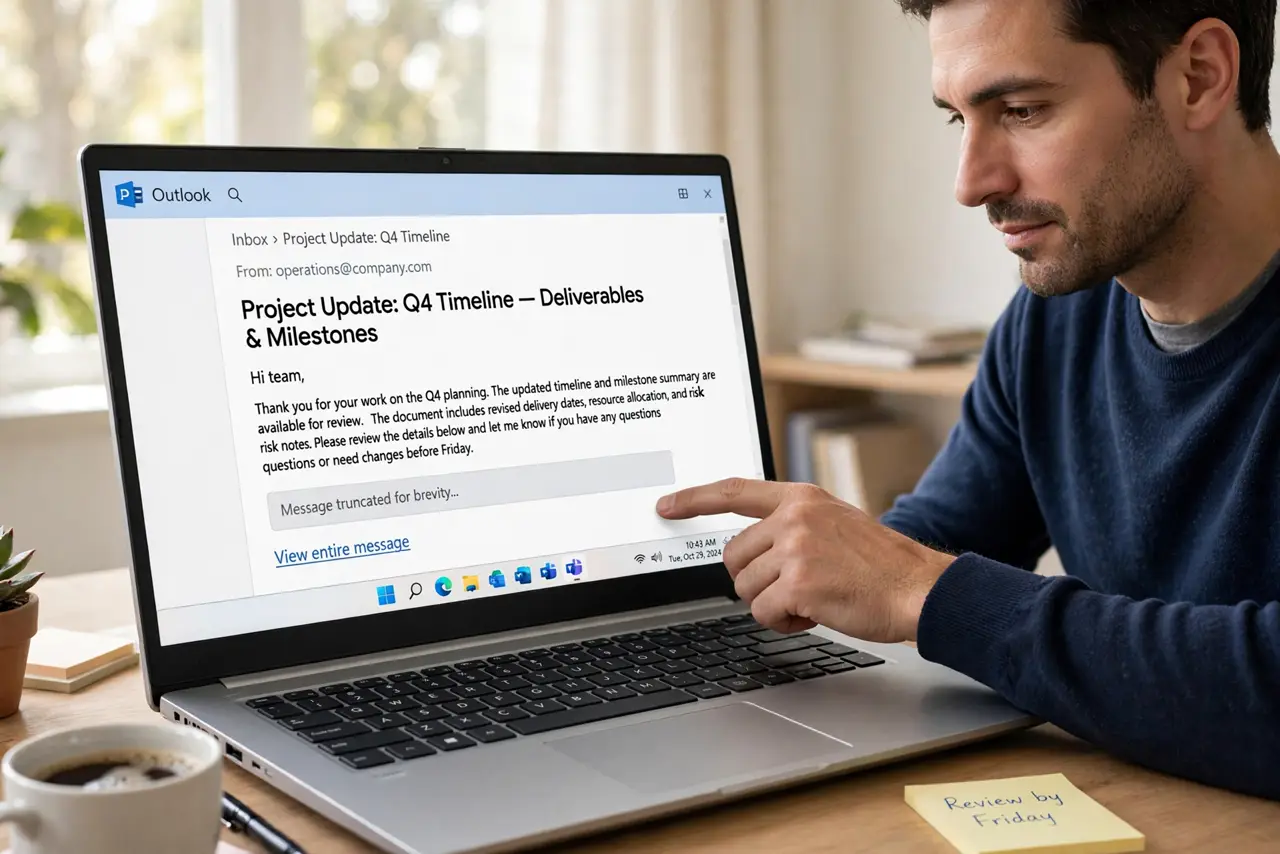
What NOT to do
- Do not assume the email is corrupted. Clipping is deliberate and normal — the content is intact behind the link.
- Do not reply from the clipped view on long threads. You might answer without seeing the latest reply hidden below the fold.
- Do not install extensions to 'fix' it. No legitimate setting disables clipping; extensions claiming to are unnecessary at best.
- Do not mistake clipping for missing mail. The email arrived whole — Gmail just shows you the first 102 KB inline for speed.
Frequently asked questions
What does 'Message clipped' mean?
Gmail trimmed the message because it exceeds about 102 KB. Click the link to open the entire message in a new tab.
Can I stop Gmail from clipping messages?
No, there is no setting for it. It is a fixed performance behavior — the full content is always one click away.
Why do only some emails get clipped?
Size. Image-heavy newsletters and long threads with full quoted history cross the limit; short plain emails never do.