Multiple Inboxes in Gmail? Setup
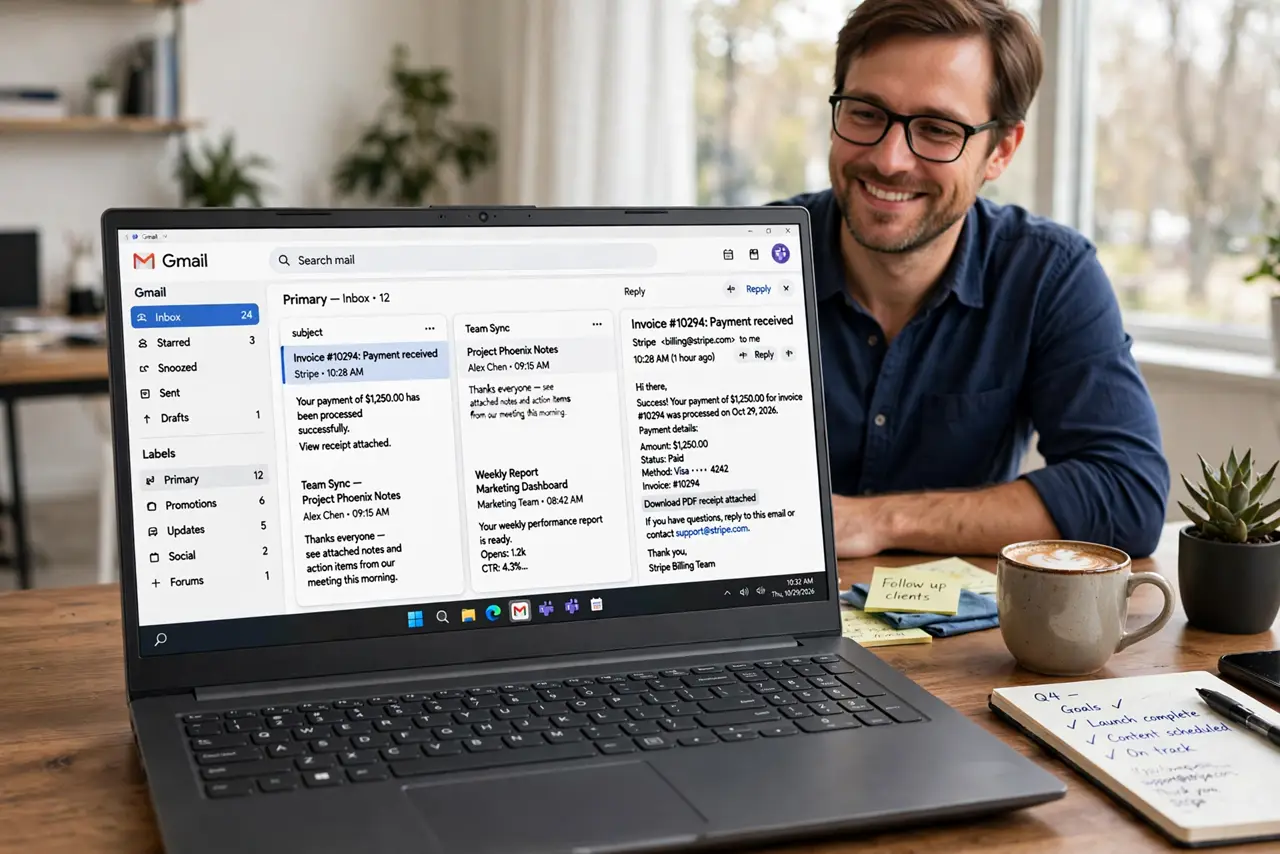
One inbox column can't show your starred tasks, today's drafts, and the boss's unread mail at the same time — unless you build a dashboard. Gmail's Multiple Inboxes turns the inbox into side-by-side panes, each running its own search. It's the closest Gmail gets to a mission-control view.
TL;DR / Quick Fix
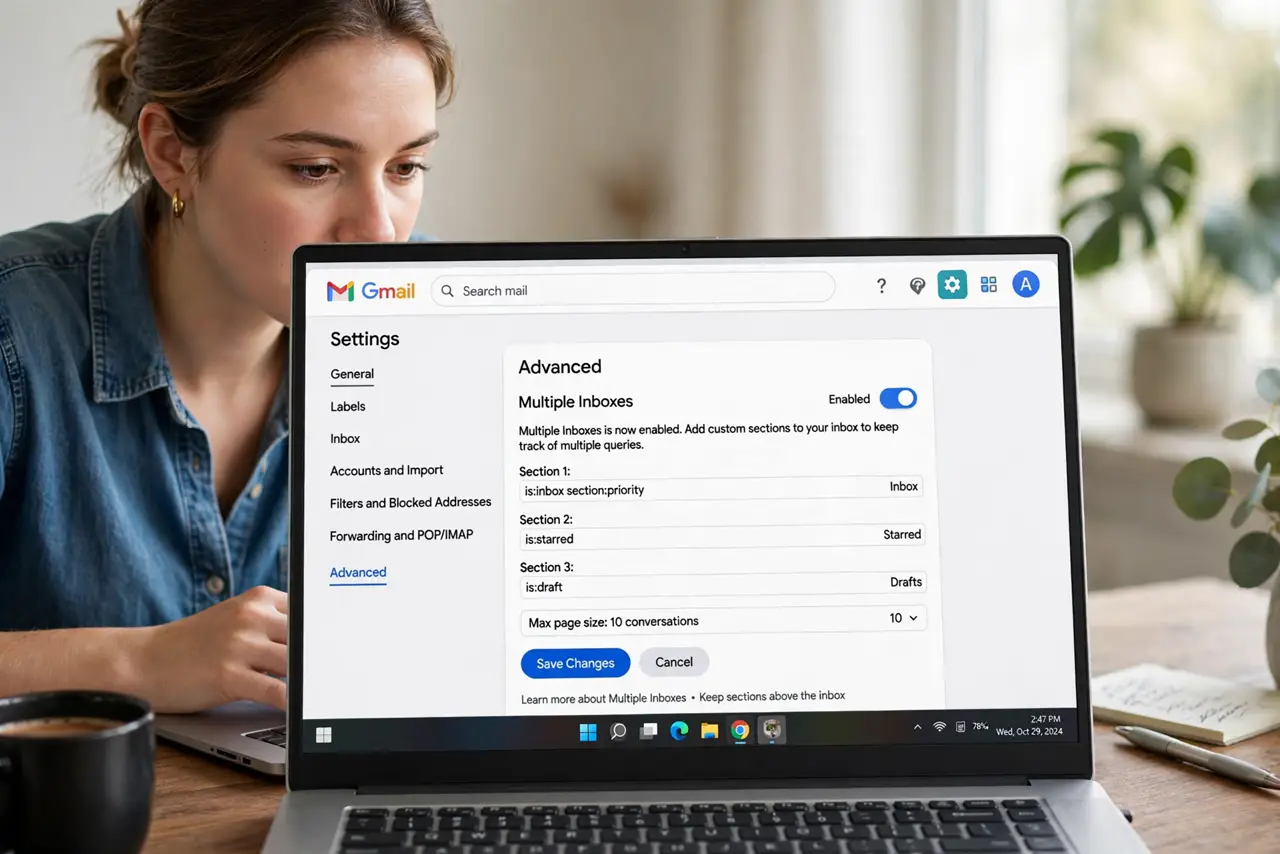
Quick fix: in Gmail settings go to Advanced and enable Multiple Inboxes — you can then show Starred, Drafts, or custom searches as side-by-side panes. Set it up under the Inbox tab afterward. It's the closest Gmail gets to a dashboard, and it pairs well with a clean label system.
Follow these steps
- Enable it under Advanced. Gear icon, 'See all settings,' Advanced tab — find Multiple Inboxes and enable it. Save; a new 'Multiple Inboxes' tab appears in settings.
- Configure panes under the new tab. Each pane gets a search query: 'is:starred', 'is:unread from:[email protected]', 'label:waiting'. Five panes max — choose the five views that answer 'what needs me today?'
- Set pane position and size. Choose whether panes stack below or sit beside the main inbox, and how many conversations each shows. Beside works on wide screens; below suits laptops.
- Learn the search syntax basics. Panes run Gmail searches: 'is:starred', 'is:draft', 'label:receipts', 'from:x'. The search guide covers the operators — panes are just saved searches on display.
- Pair with stars and labels. Multiple Inboxes shines with a label system: one pane per key label turns the inbox into a project board. Stars feed the action pane; labels feed the context panes.
- Know the alternative: Preview Pane. If panes feel like too much, the Preview Pane offers a simpler split — list plus reading pane. Multiple Inboxes is the power tool; Preview is the gentle one.
What NOT to do
- Do not create five panes on day one. Start with two — Starred and one key search — and add panes only when you feel a specific gap.
- Do not use panes as archives. Panes are for active work views; archived mail belongs in search, not on the dashboard.
- Do not forget mobile. Multiple Inboxes is a web feature — the phone app won't show your panes. Keep the underlying stars and labels phone-friendly.
- Do not overlap pane queries. Two panes showing the same emails is clutter, not coverage — make each query's territory distinct.
Frequently asked questions
How is this different from inbox categories?
Categories (Primary, Social, Promotions) are Gmail's automatic tabs. Multiple Inboxes panes are your custom searches — precise, personal, and fully under your control.
Can I share my pane setup?
Not directly — but share the search queries with a teammate and they can rebuild the same panes in a minute. The queries are the portable part.
Will it slow down Gmail?
Barely — five saved searches load fast. If the inbox feels heavy, reduce per-pane conversation counts rather than dropping panes.