Storage Full? Can't Receive Mail
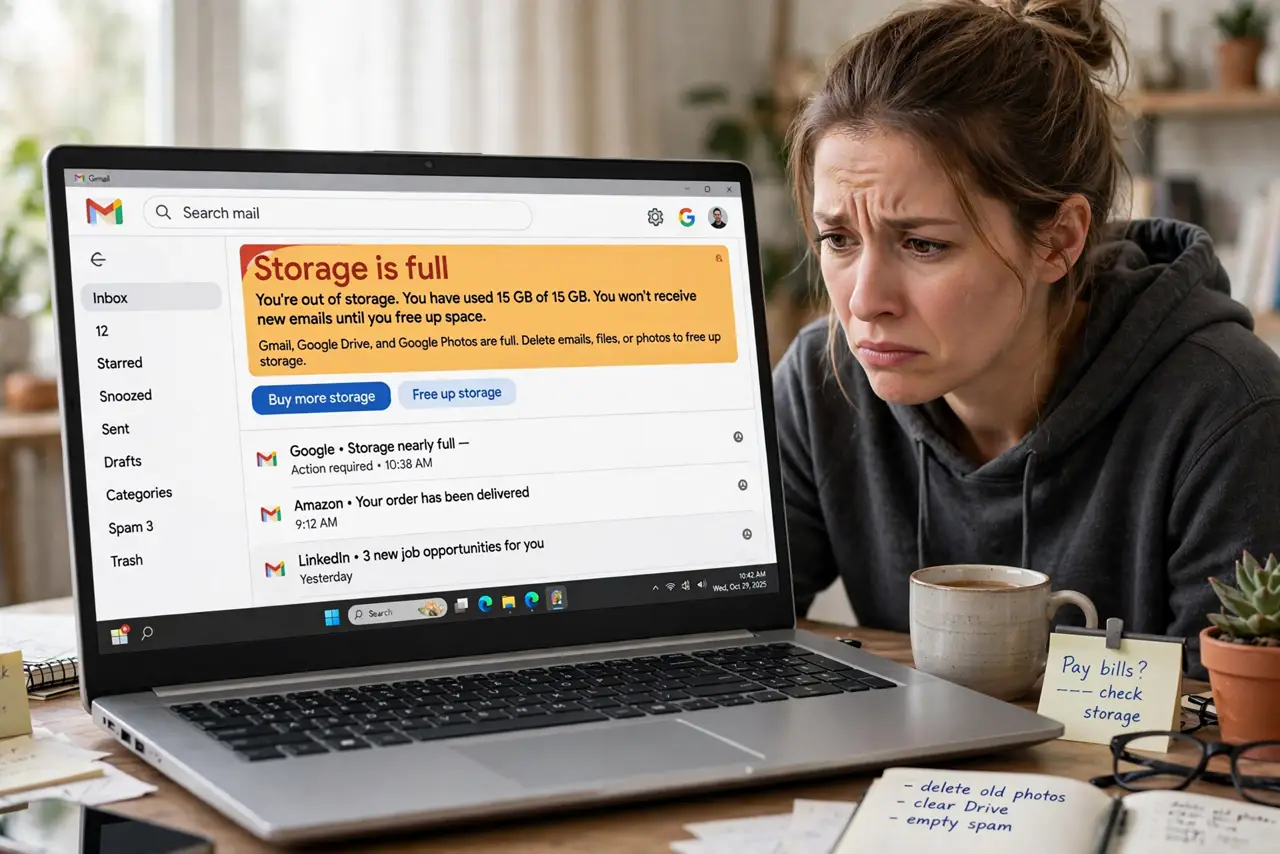
New emails bounce back to senders and a warning banner says your storage is full. Gmail shares its 15 GB with Google Drive and Google Photos, so the culprit is often videos and backups, not email. Freeing space in the right place gets mail flowing again.
TL;DR / Quick Fix
Quick fix: a full Google account stops receiving mail because Gmail shares 15 GB with Drive and Photos. Free space by deleting large attachments — search by size finds them — then empty trash and spam. For room without deleting, manage storage across all three services.
Follow these steps
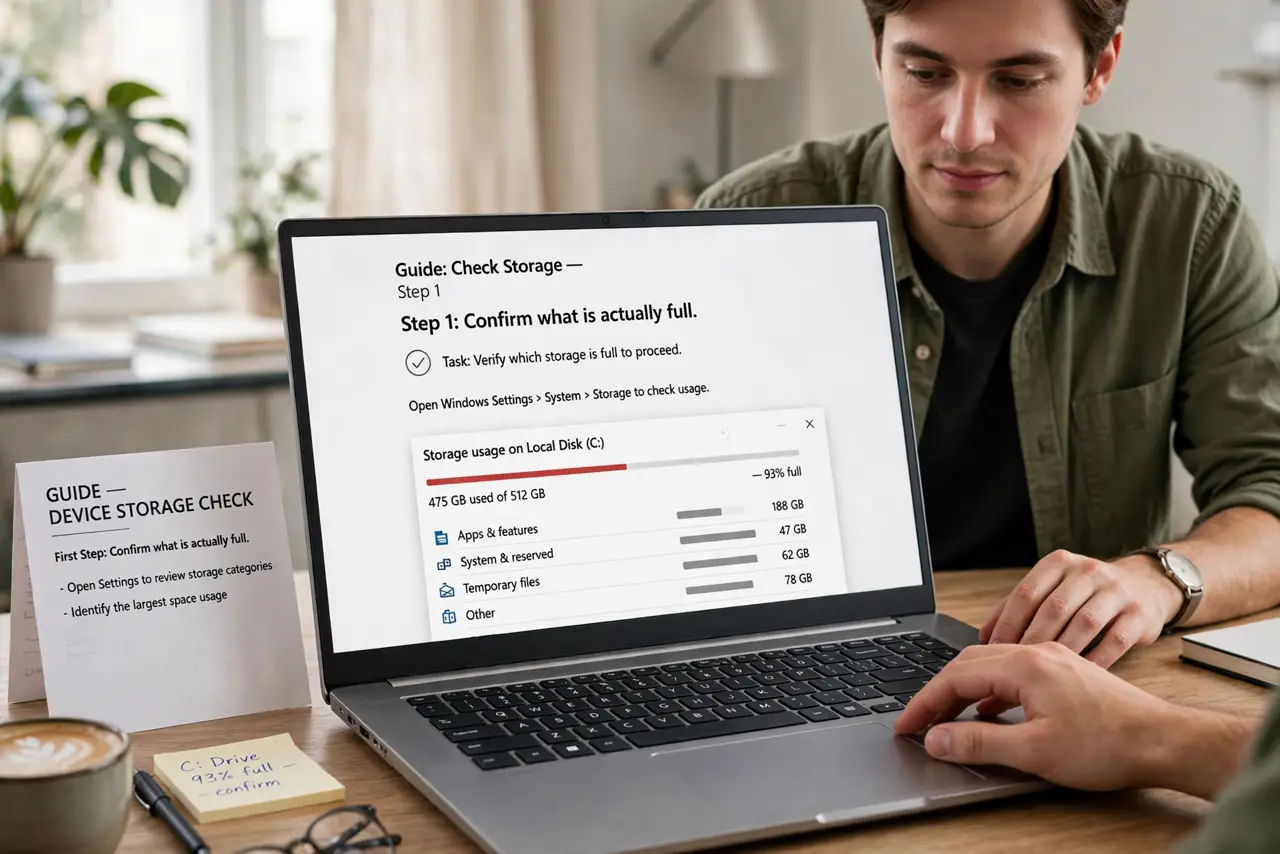
- Confirm what is actually full. Open Google storage settings to see the split between Gmail, Drive, and Photos. The fix targets whichever service eats the most space.
- Find the biggest emails. Search by attachment size to surface the largest messages. A handful of huge attachments often frees gigabytes.
- Delete large mail and empty trash. Delete the big ones, then open Trash and empty it — deleted mail still counts until trash is emptied.
- Clear spam too. The spam folder counts against storage. Empty it while you are cleaning.
- Check Drive and Photos. Old videos and device backups in Drive, plus original-quality photos, are the usual giants. Manage all three in one place — see storage management.
- Back up before bulk deleting. If you are unsure what to delete, export with Takeout first. A backup makes aggressive cleanup stress-free.
What NOT to do
- Do not pay for more storage before cleaning. Most full accounts can free several gigabytes in minutes.
- Do not delete mail without checking attachments you need. Search for receipts and tickets first.
- Do not forget trash and spam. Emptying them is half the cleanup.
- Do not assume email is the problem. Drive backups and Photos are the bigger eaters in most full accounts.
Frequently asked questions
How much free storage does Google give?
15 GB shared across Gmail, Drive, and Photos. Workspace accounts get more, but the shared-pool concept is the same.
Why am I full if I delete mail constantly?
Deleted mail sits in trash for 30 days, and Drive or Photos may be the real hogs. Check the storage breakdown.
Will senders know their mail bounced?
Yes — they get a bounce message saying your mailbox is unavailable. Fix it fast so important mail is not lost.