Unsubscribe vs Block in Gmail? Choose Right
That newsletter you never read and that stranger who will not stop emailing need different weapons. Unsubscribe politely removes you from legit mailing lists; Block banishes a sender to spam. Picking the wrong one either fails or nukes mail you wanted.
TL;DR / Quick Fix
Quick fix: for newsletters and store promos, click Unsubscribe — it is the legal, working route. For a person harassing you or obvious spam, use Block and report phishing when it applies. Compare with [[how Outlook handles it|gmail-vs-outlook-beginners]] if you use both.
Follow these steps
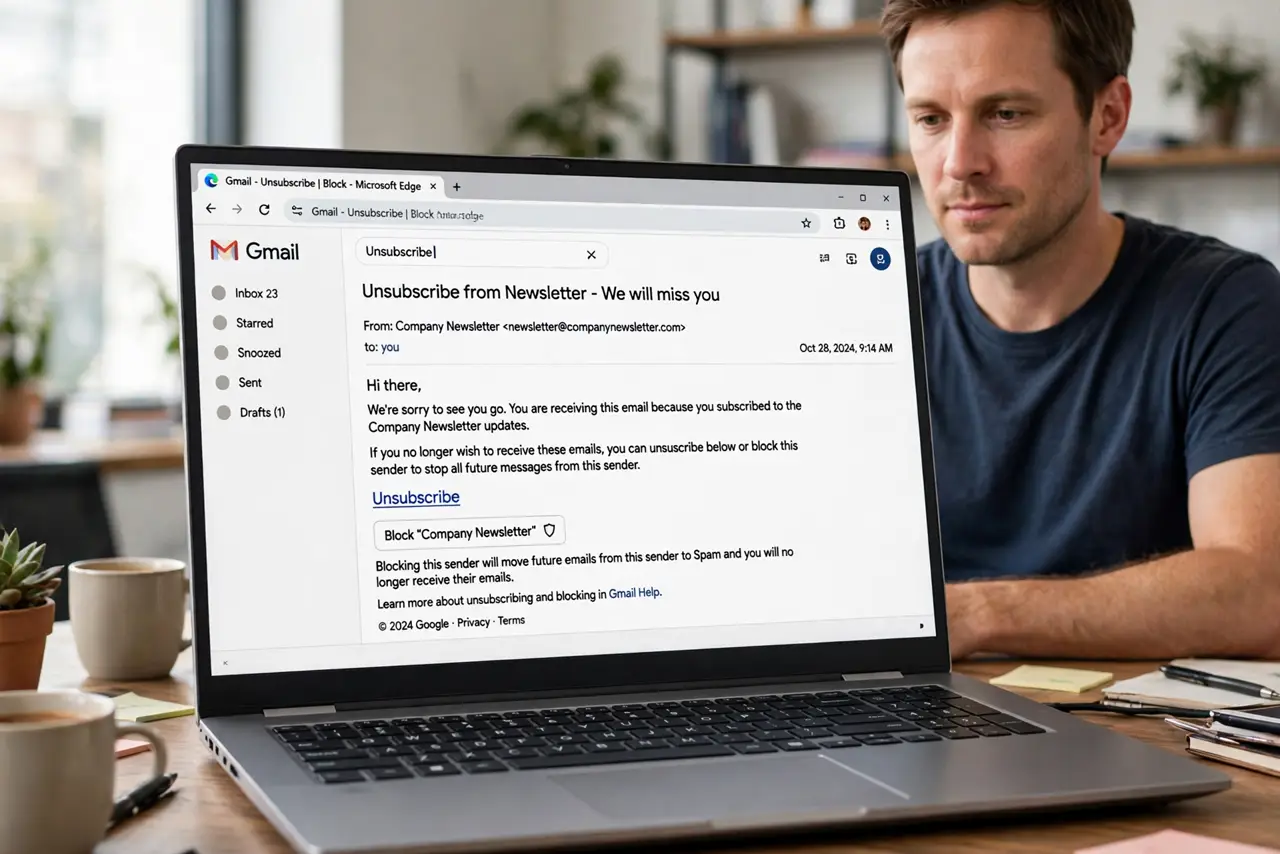
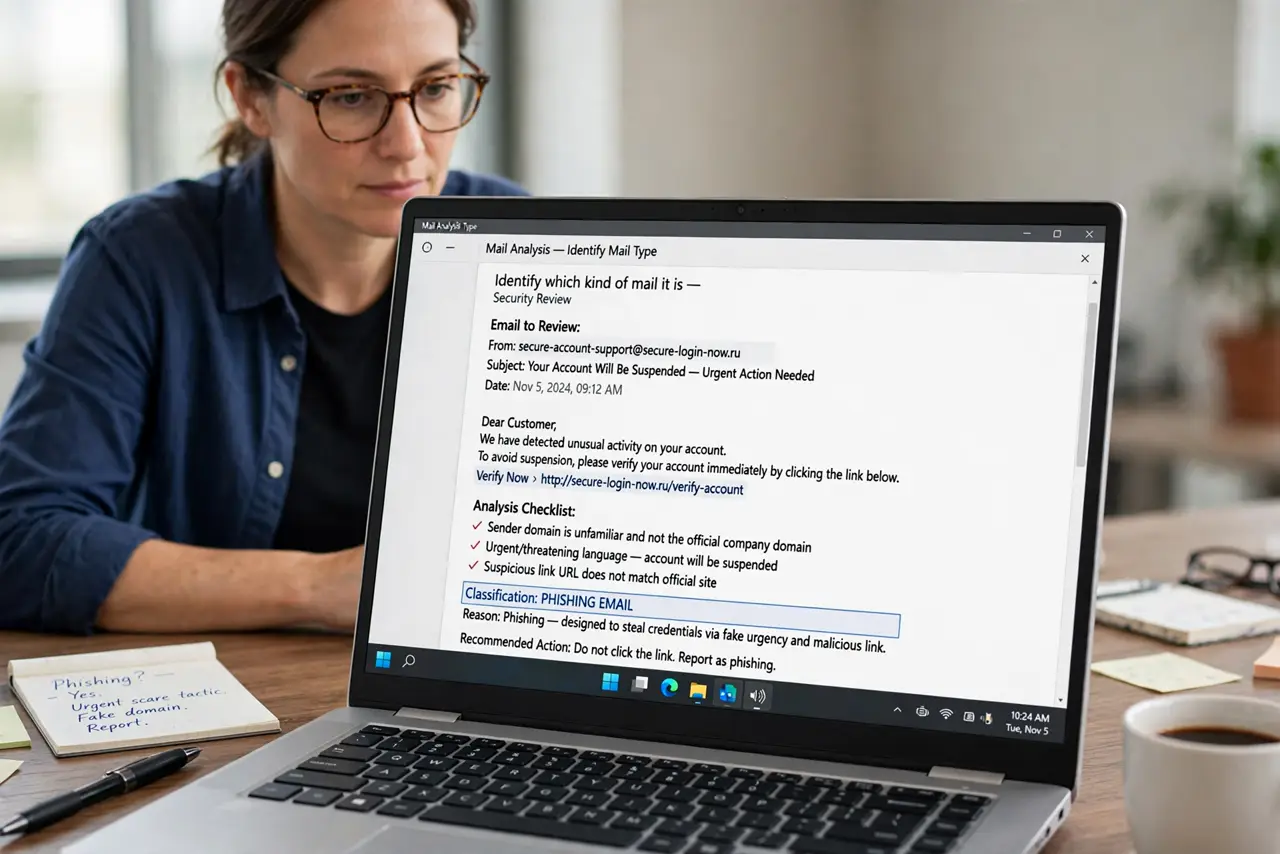
- Identify which kind of mail it is. A newsletter you once signed up for? Unsubscribe. A stranger, scammer, or ex who will not stop? Block. The category decides the tool.
- Use Unsubscribe for legit lists. Click the Unsubscribe link at the top of the email or the list's own link. Real senders must honor it — usually within days.
- Use Block for people and spam. Open the email, click the three dots, choose 'Block sender'. Their future mail goes straight to spam, out of sight.
- Check Spam after blocking. Blocked mail lands in Spam for 30 days before auto-deletion. Glance occasionally in case a false positive needs unblocking.
- Report phishing instead of just blocking. For scams, use 'Report phishing' — it protects everyone, not just you. Blocking alone leaves the scammer's other targets exposed.
- Unblock deliberately if needed. Blocked someone by mistake? Find them in Settings under 'Blocked addresses' and unblock — their mail returns to the inbox.
What NOT to do
- Do not unsubscribe from obvious spam. Clicking unsubscribe in a phishing email confirms your address is live — block and report it instead.
- Do not block newsletters you might want later. Unsubscribing is reversible and polite; blocking a store means missing order updates too.
- Do not expect instant results. Legit unsubscribes can take up to 10 days legally — give it a week before assuming it failed.
- Do not block your own bank or services. Over-blocking filters can swallow password resets and receipts — unsubscribe from marketing instead.
Frequently asked questions
What's the difference between unsubscribe and block?
Unsubscribe removes you from a mailing list you joined. Block sends one sender's mail to spam — for people and junk, not newsletters.
Is it safe to click unsubscribe?
On mail from real companies you recognize, yes. On obvious spam or phishing, no — block and report instead.
The unsubscribe link doesn't work. Now what?
Use Gmail's 'Report spam' on it. Enough reports train the filter, and you stop seeing it without trusting their link.