Go on a Notification Diet
Your phone buzzes forty times before lunch and maybe three of those mattered. Every ping — wanted or not — yanks attention and charges a refocusing tax, and the senders designed it that way: your attention is the product. A notification diet flips the default: silence everything, then deliberately re-allow only what earns interruption rights. It is the highest-leverage focus habit there is, and it pairs perfectly with single-tasking and hiding the phone.
TL;DR / Quick Fix
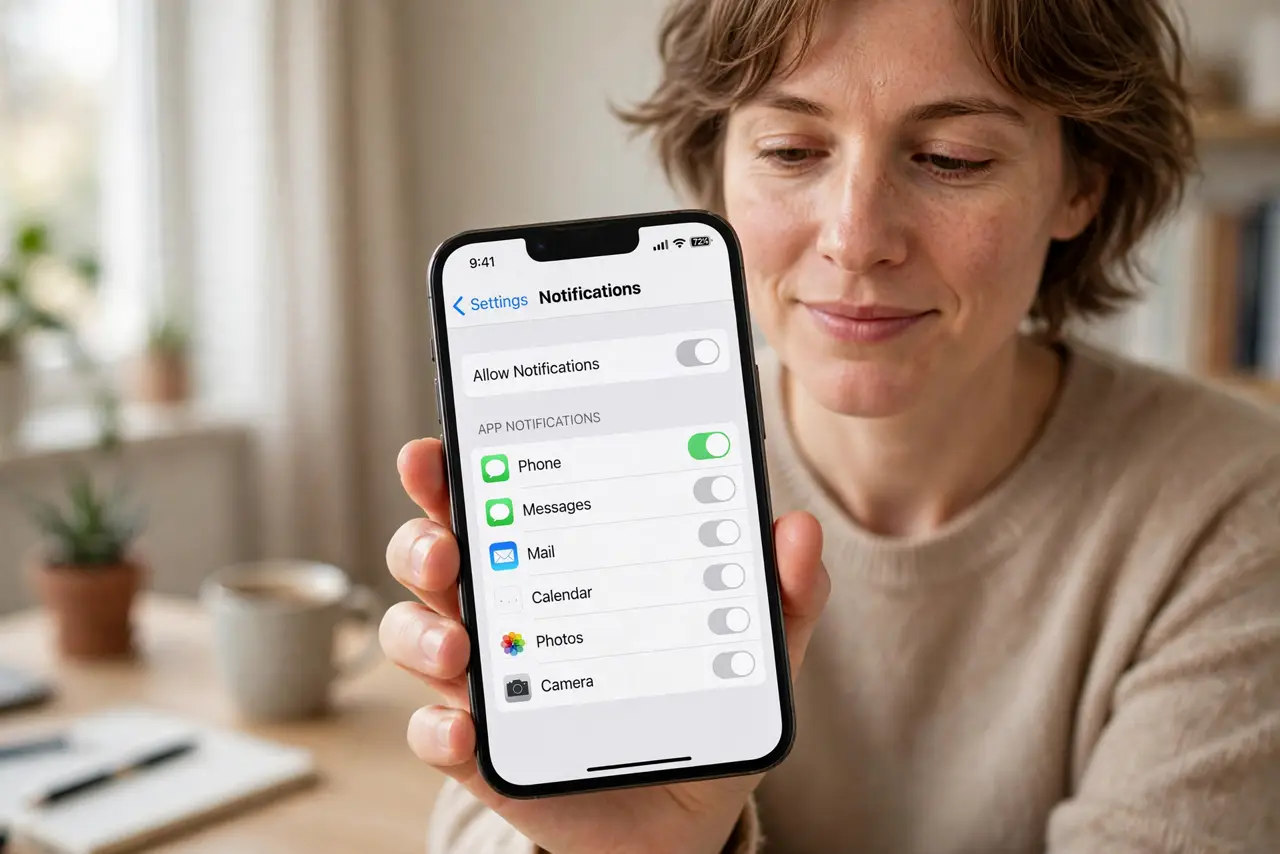
Quick fix: go on a notification diet by turning off every notification you can, then re-enable only the few that truly need instant attention — most apps survive fine silent. Batch the rest into two daily check-ins. Your attention is the product being sold; a diet takes it back.
Follow these steps
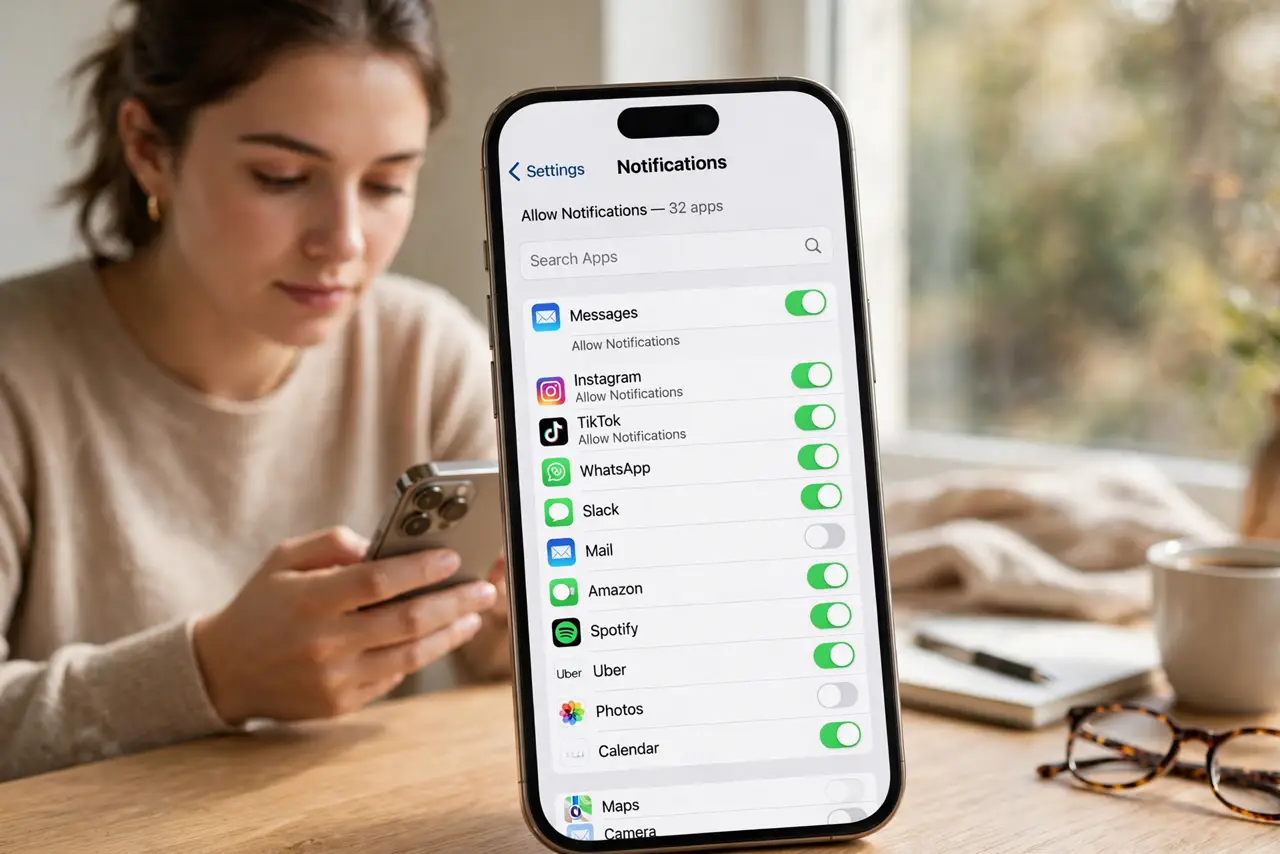
- Audit what is pinging you today. Open notification settings and scroll the full list — every app with permission. Most people are shocked by the count; the average phone hosts dozens of licensed interrupters.
- Turn off everything non-human. News, games, shopping, social promos, 'we miss you' nudges — all off, no exceptions. If no living person sent it, it does not get to interrupt you.
- Keep only true humans, true urgency. Calls and messages from real people you actually need to reach — partner, kids, boss. Everything else, including group chats, goes silent or batched.
- Batch the rest into check-ins. Twice a day, open the apps deliberately and catch up on your terms. Batched checking gets you 95% of the value at 5% of the interruption cost.
- Use scheduled summaries where offered. iPhone's Scheduled Summary and Android's notification organization bundle the trivia into timed digests. Let the phone do the batching automatically.
- Re-audit monthly. Apps re-request permissions after updates, and new installs default to noisy. A two-minute monthly review keeps the diet from quietly unraveling.
What NOT to do
- Do not leave 'just the important' news alerts on. Breaking news is never actionable for you in the moment — it is entertainment wearing urgency's clothes.
- Do not allow promotional notifications 'for the discounts.' A 10% coupon is not worth forty interruptions — check deals on your own schedule.
- Do not go halfway and keep badges and banners. A silent banner still pulls the eyes — the diet means genuinely quiet, not quieter.
- Do not announce the diet; just do it. Nobody needs to know your phone is silent — urgent people will call, and calls still come through.
Frequently asked questions
Will I miss something important?
Truly important things arrive by call or direct message from people — which stay on. Everything you fear missing is, by definition, the trivia the diet targets.
What about work apps like Slack?
Mute channels, keep only direct mentions and DMs. Better: set work-app quiet hours so evenings belong to you — see chat boundaries for the social side.
How strict should the first week be?
Maximum strictness. You can always re-enable something you genuinely missed — but most people re-enable almost nothing, which proves the point.