Google Advanced Protection
Most Google accounts are protected well enough by a password and an authenticator app. But journalists, activists, executives, and anyone targeted by determined attackers need more — that is what Google's Advanced Protection Program is for. It is the strictest security Google offers, and anyone can enroll. Here is what it changes.
TL;DR / Quick Fix
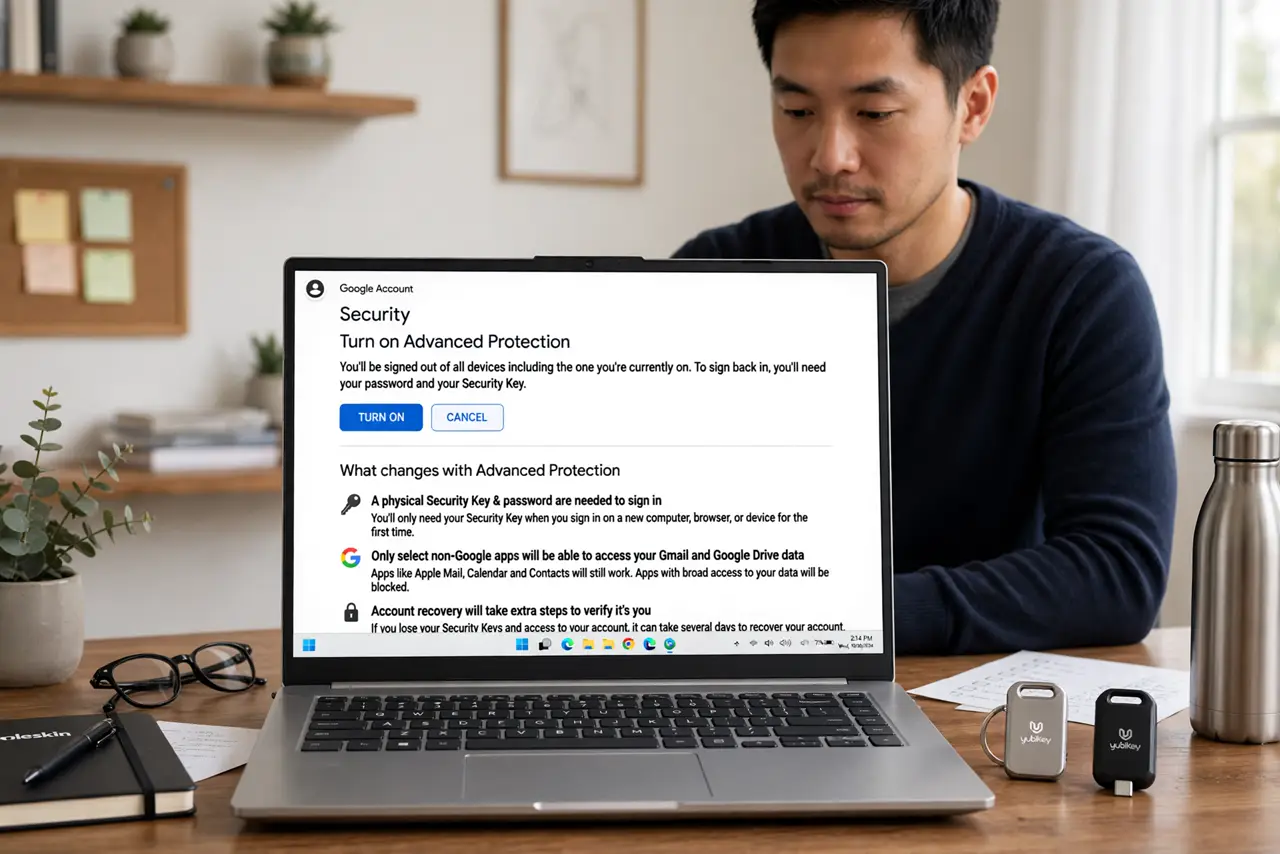
Quick fix: Google Advanced Protection is the strictest security tier — hardware keys required, tighter app access, extra verification on recovery. Enroll at Google's Advanced Protection page with two security keys. It is built for journalists, activists, and anyone targeted, but anyone can join.
Follow these steps
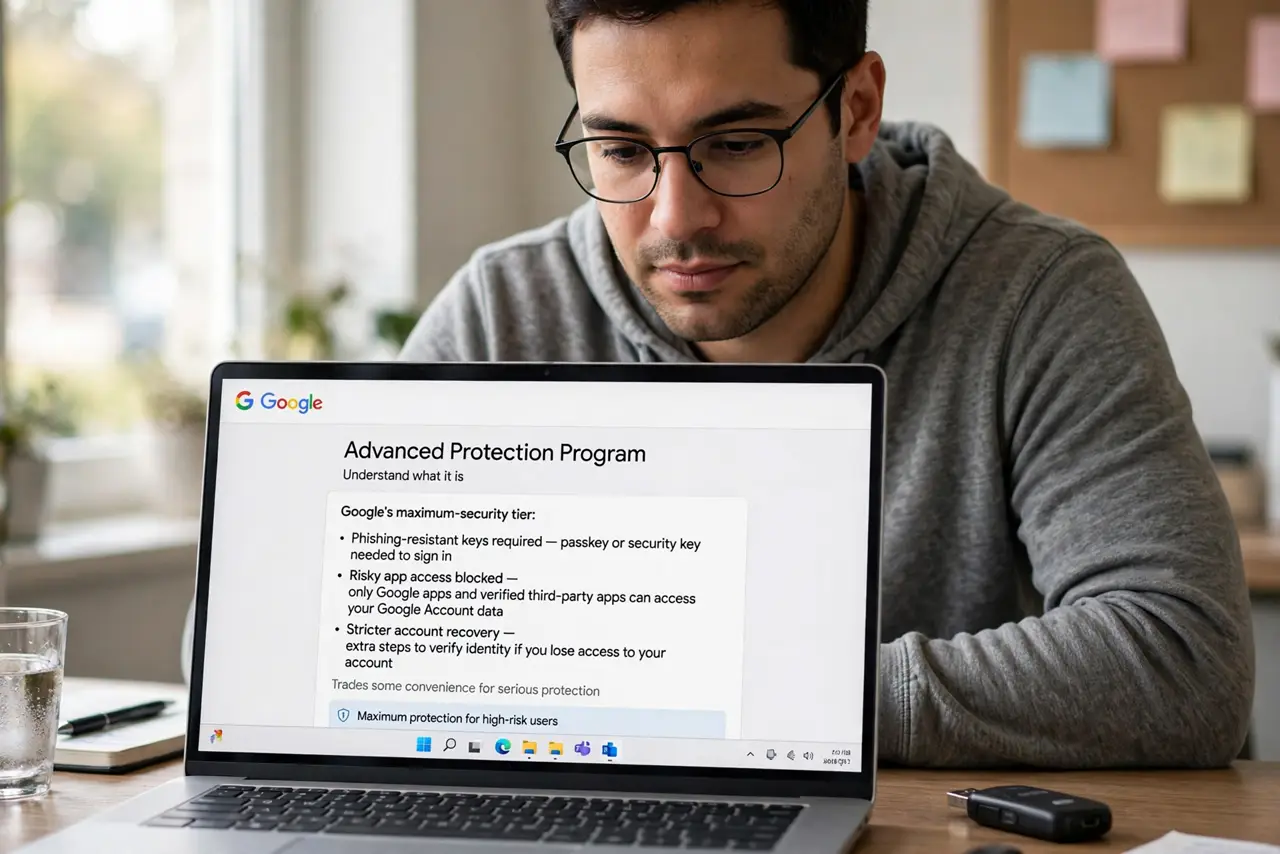
- Understand what it is. Advanced Protection is Google's maximum-security tier: phishing-resistant keys required, risky app access blocked, and stricter account recovery. It trades some convenience for serious protection.
- Get two security keys. Enrollment requires two hardware keys — see the hardware key setup for choosing and registering them. Two keys means losing one is not a lockout.
- Compare your current MFA. If you use authenticator codes today, understand the upgrade — the keys vs authenticator comparison shows what changes and why it matters.
- Enroll at the program page. Sign in to Google's Advanced Protection enrollment with both keys handy. The walkthrough registers the keys and tightens the settings in one flow — follow the setup steps if you get stuck.
- Expect tighter app access. Only approved Google apps and a short list of third-party apps keep full access. Niche email clients and old tools may lose features — check your must-have apps first.
- Plan recovery carefully. Recovery gets stricter too — keep both keys safe and know the recovery process. A locked-out protected account is deliberately hard to recover.
What NOT to do
- Do not enroll with one key. Two keys are required for a reason — a single lost key without backup is a lockout by design.
- Do not expect every app to keep working. Advanced Protection blocks risky third-party access — audit your must-have apps before enrolling.
- Do not skip the recovery planning. Stricter recovery protects you from attackers and from yourself — know the process in advance.
- Do not enroll and forget the keys exist. Test both keys yearly; a dead key discovered during an emergency helps nobody.
Frequently asked questions
Who should use Advanced Protection?
Journalists, activists, executives, political staff — anyone targeted. But enrollment is open to everyone who wants maximum security.
Is it overkill for normal users?
For most people, a security key on the Google account without full enrollment is plenty. Enroll if your threat model justifies the tradeoffs.
Can I leave the program?
Yes — you can unenroll, though the security keys stay useful as normal two-factor. Leaving restores the standard settings.