Appointment Schedule vs Event? Choose Right
Google Calendar's appointment schedule lets other people book time with you, while a plain event is just a block on your own calendar. Picking the wrong one means either nobody can book you or strangers see details they should not. This guide shows which to use and how to set each one up safely.
TL;DR / Quick Fix
Use an appointment schedule when other people need to book time with you, and a plain event when you only need a personal reminder. Turn on the booking page, set your availability window and buffers, and keep event details private. Check the booking page yourself before sharing the link.
Follow these steps
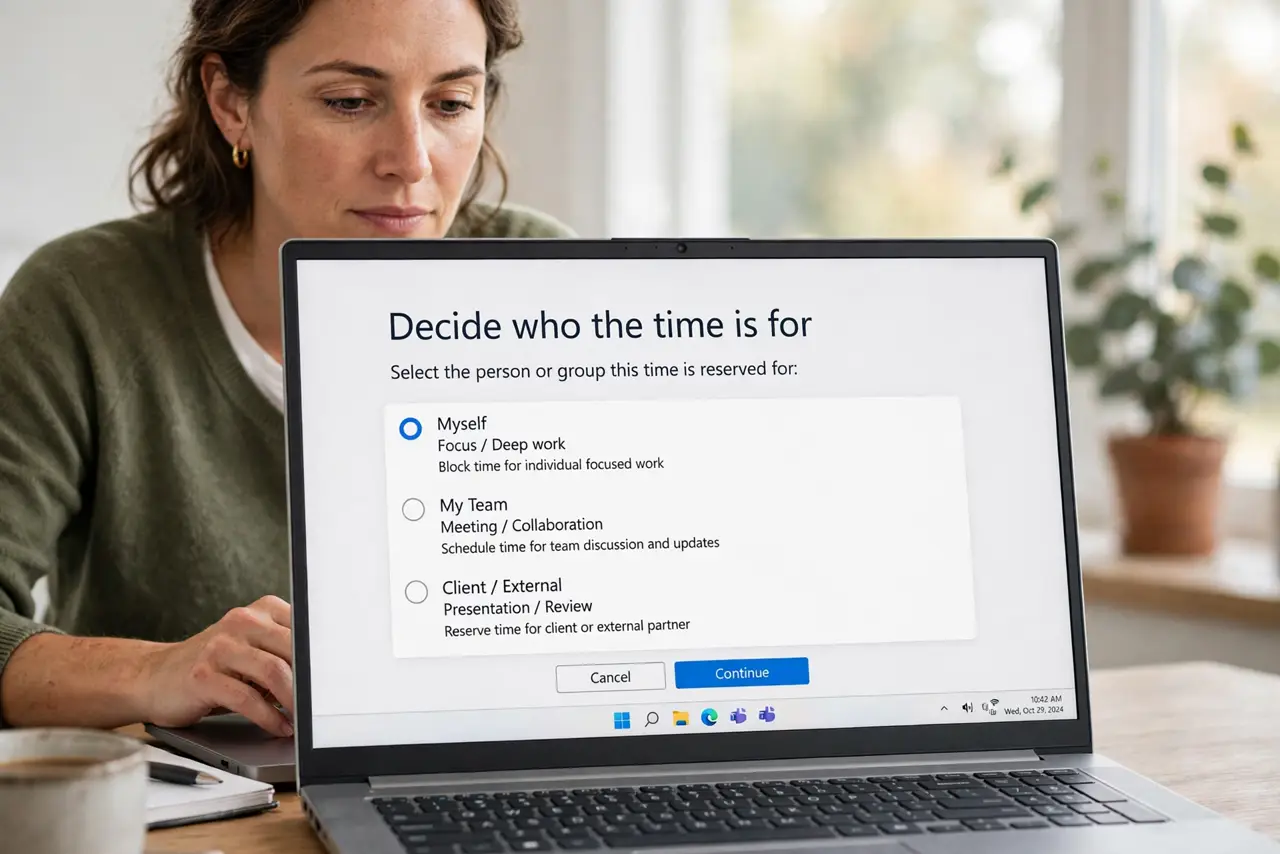
- Decide who the time is for. If someone else must pick the slot, you need an appointment schedule. If the time is only for you, a plain event or focus time is simpler and private.
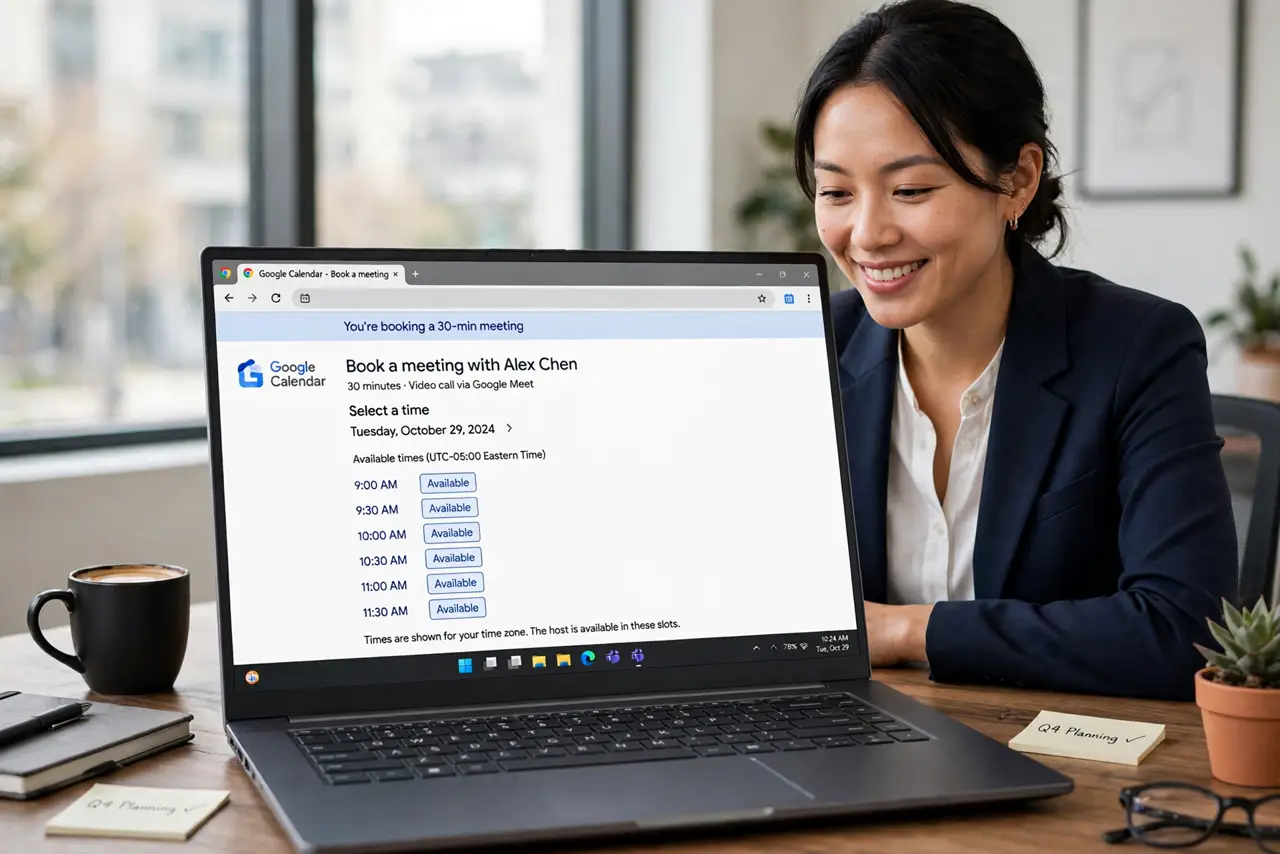
- Create the appointment schedule. In Google Calendar, create a new appointment schedule, give it a clear title like Office hours, and set its overall date range.
- Set your availability window. Choose the days and hours you are actually bookable, and add buffer time between slots so back-to-back bookings do not crush your day.
- Limit who can see details. Set the schedule's visibility so guests see only that you are free, not your other events' titles. This keeps your calendar private while staying bookable.
- Test the booking page yourself. Open the booking link in a private window and book a test slot. Confirm the confirmation email arrives and the event lands on your calendar correctly.
- Share the link, then monitor it. Send the booking link only where needed, and review upcoming bookings weekly. Pause the schedule during vacations so nobody books time you do not have.
What NOT to do
- Do not use a plain event to collect bookings. Guests cannot pick a time from an event, so you will drown in back-and-forth messages.
- Do not publish an appointment schedule with full calendar visibility. Strangers do not need to see your other meetings' titles.
- Do not skip the buffer between appointments. Back-to-back bookings leave no time for overruns or a breath.
- Do not share the booking link publicly and forget it. Check it weekly and turn it off when you are away, or strangers will book your time off.
Frequently asked questions
When should I use an appointment schedule?
When other people need to choose a time with you — office hours, consultations, interviews. For personal reminders, use a plain event.
Can I use appointment schedules for free?
Availability depends on your Google account type and current plan, so check Google Calendar's help pages for what your account includes.
How do I stop bookings during a vacation?
Open the appointment schedule and pause it or shrink its date range before you leave, then re-enable it when you return.